
- Updated on
How AI Render Credits and Pricing Work

AI rendering cost should start with the images your studio needs. Count the concept options, material studies, and client-review views. Then price the model settings each image requires. In CAD Scene, credits are a spend unit. One credit does not equal one render. Model, Quality, Resolution, and image count determine the charge. The Composer shows the exact total before every send. This guide uses CAD Scene's pricing reviewed on August 16, 2026. Paid cards also show an "up to" render count based on the lowest-cost enabled settings. That figure is a ceiling, not a default estimate or guaranteed count. This guide does not assume a "typical" project total.
What is an AI render credit?
An AI render credit is a unit used to price generation work. It separates a plan's allowance from the cost of one specific image. This matters because different settings use different amounts of provider work.
CAD Scene calculates each image from the selected model and its native settings. Gemini models use Resolution for pricing. GPT Image 2.5 Flare and Sunburst use Quality and Resolution. Requesting several images multiplies the per-image rate by the image count.
The credit preview is part of the Composer. It updates before submission. The resting Composer stays quiet, so the number appears when you review Render settings. For the complete operational detail, see models, Quality, credits, and limits.
How does CAD Scene calculate render cost?
CAD Scene resolves one per-image rate from the current pricing matrix. It then multiplies that rate by the requested image count. The same resolver supports the preview and the submitted charge.
Four choices matter:
- Model. Each enabled model has its own pricing rows.
- Quality. This appears only when the selected model supports it.
- Resolution. Higher output settings can cost more.
- Image count. Each output is charged as its own render.
Create, Enhance, and Edit use the same pricing method. An Enhance source image or Edit region does not create a separate pricing formula. The selected model and settings still determine the generation charge.
The estimate below reads the current CAD Scene model catalog, capabilities, and credit resolver. Choose the setup you expect to use. Enter the number of images, not the number of projects.
Estimate monthly render credits
Choose one current setup and the number of images you plan to generate. The estimate reads CAD Scene's live pricing matrix.
Generation only. Existing rollover credits can change plan fit. Current top-ups range from 50 to 450 credits. The Composer shows the final cost before every send.
The estimate covers generation only. It cannot predict how many attempts your project will need. Existing rollover credits can also change which purchase makes sense. Treat the Composer preview as the final check before a real send. Use the AI rendering tool buyer framework to test workflow fit before comparing monthly allowances.
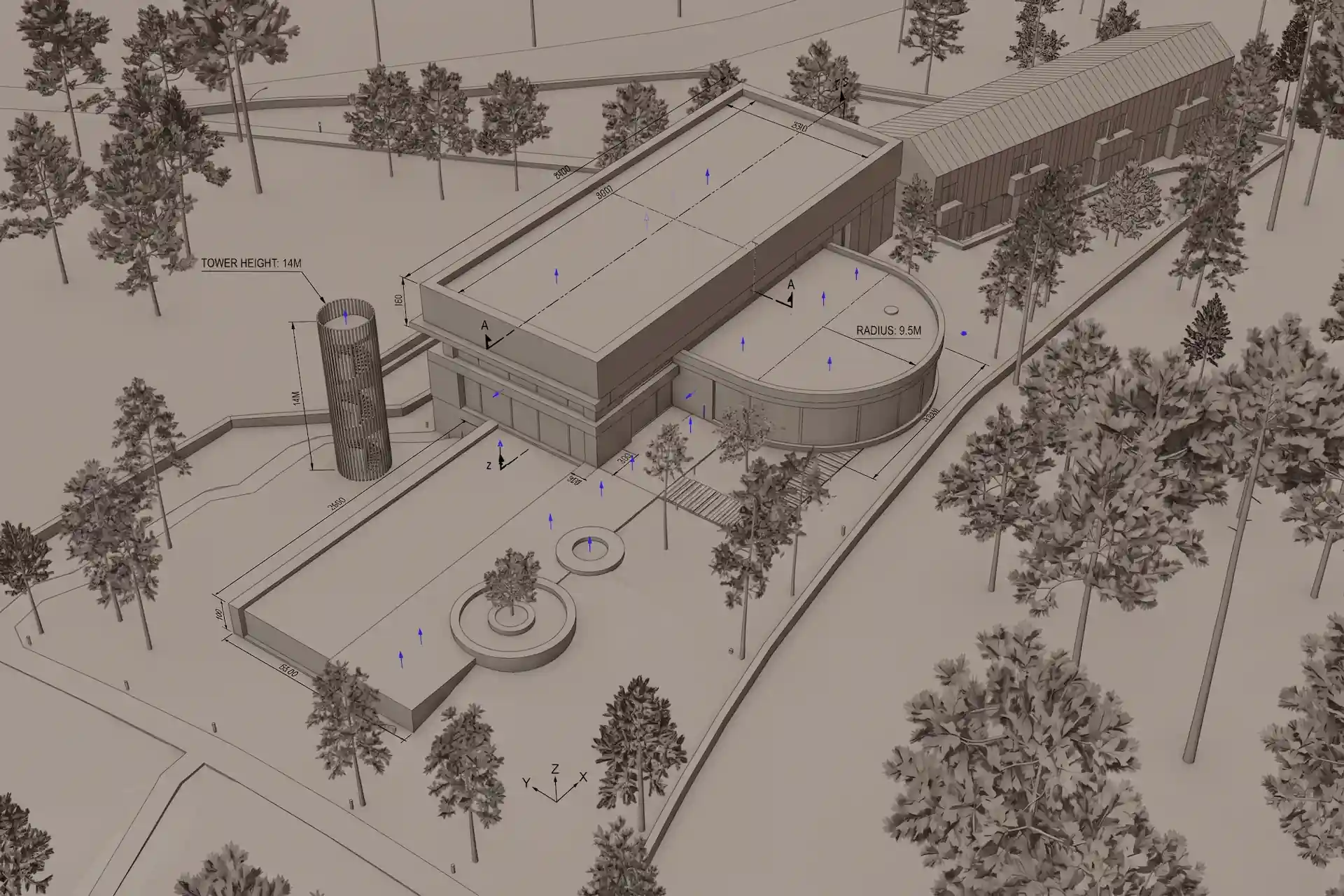
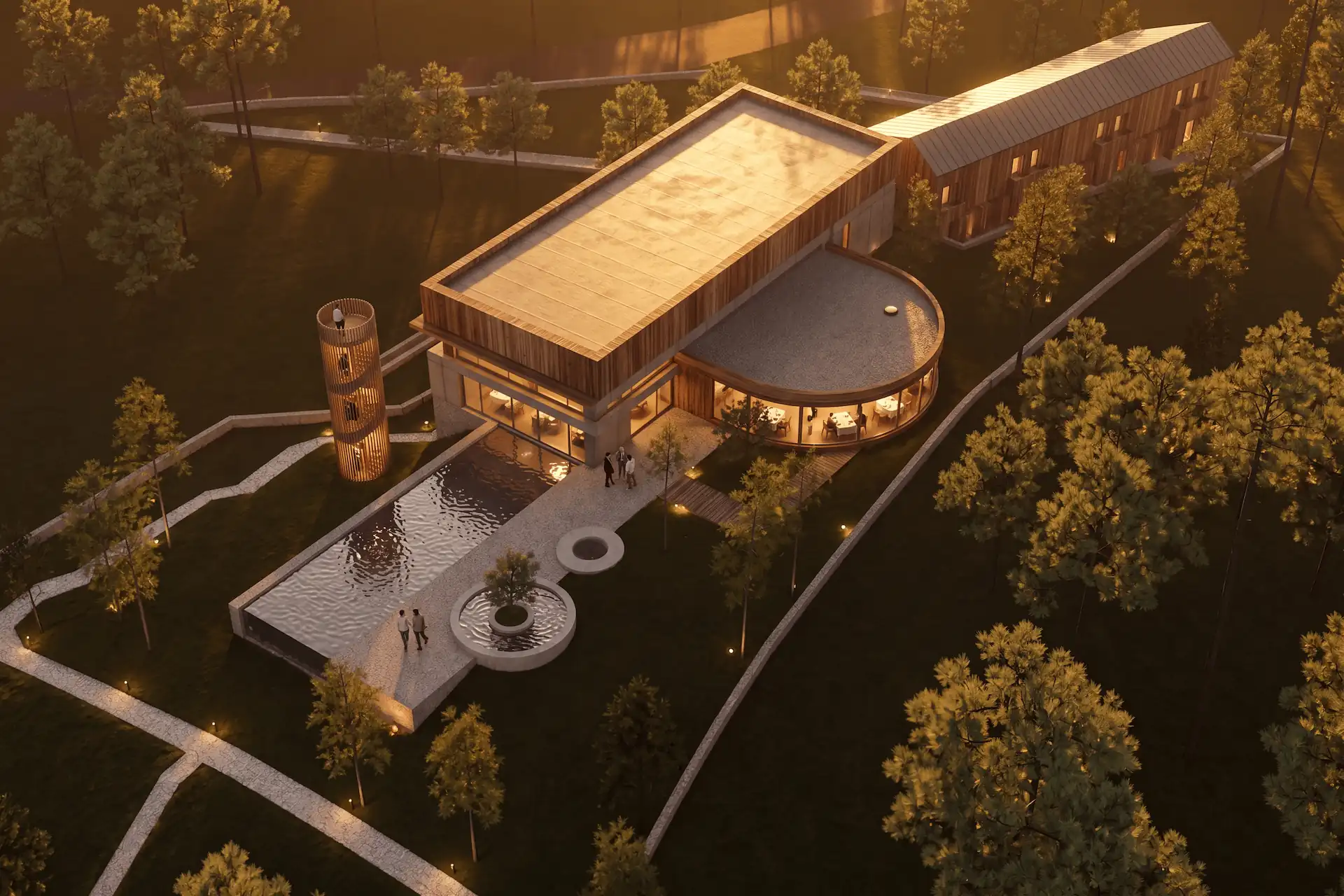
Before / after
Test the estimate on your own scene.
What do the current CAD Scene plans include?
CAD Scene has Free, Hobby, and Studio access. Credits remain the primary allowance. The current plan facts below were reviewed against CAD Scene pricing on August 16, 2026.
| Free | Hobby | Studio | |
|---|---|---|---|
| Price | $0 | $12 monthly | $35 monthly |
| Credits | 100 signup credits | 250 monthly | 1,000 monthly |
| Displayed maximum | No fixed render count | Up to 125 renders | Up to 500 renders |
| Credit expiry | Signup credits do not expire | Roll over while subscribed | Roll over while subscribed |
| Best planning use | Test your own work | Regular individual rendering | Heavier monthly workloads |
Your first renders are free. No credit card. The Free plan starts with 100 signup credits, but CAD Scene does not promise a fixed render count. The count changes with the model and settings.
Hobby costs $12 a month and includes 250 credits. Studio costs $35 a month and includes 1,000 credits. Unused paid credits roll over while you remain subscribed. That rollover matters for studios with uneven deadlines.
Paid plan and top-up cards show a maximum render count. CAD Scene divides the credit allowance by the lowest current per-image rate among enabled models. The result is not a default-setting estimate. Higher Quality or Resolution can cost more. Use the estimator for your intended settings.
One-time top-ups add 50 credits for $6, 150 for $15, or 450 for $40. They suit an occasional increase without changing the underlying render price. Current plans and top-ups remain listed on the Pricing page.
Prompt library · 626 promptsArchitecture render promptsBrowse prompts
How should an architect estimate monthly AI rendering cost?
Count images by purpose. Avoid guessing a project total before you know the review sequence. One commission may need a few broad options. Another may need several room, material, and lighting studies.
Start with a simple worksheet:
- List each client review planned for the month.
- Count the images needed for each review.
- Group images that can use the same model settings.
- Run each group through the estimator.
- Add the credit groups, then compare the result with plan allowances.
- Keep some balance for revisions after review.
This method works because it uses visible deliverables. It does not rely on a generic claim about how many renders an architecture project needs.
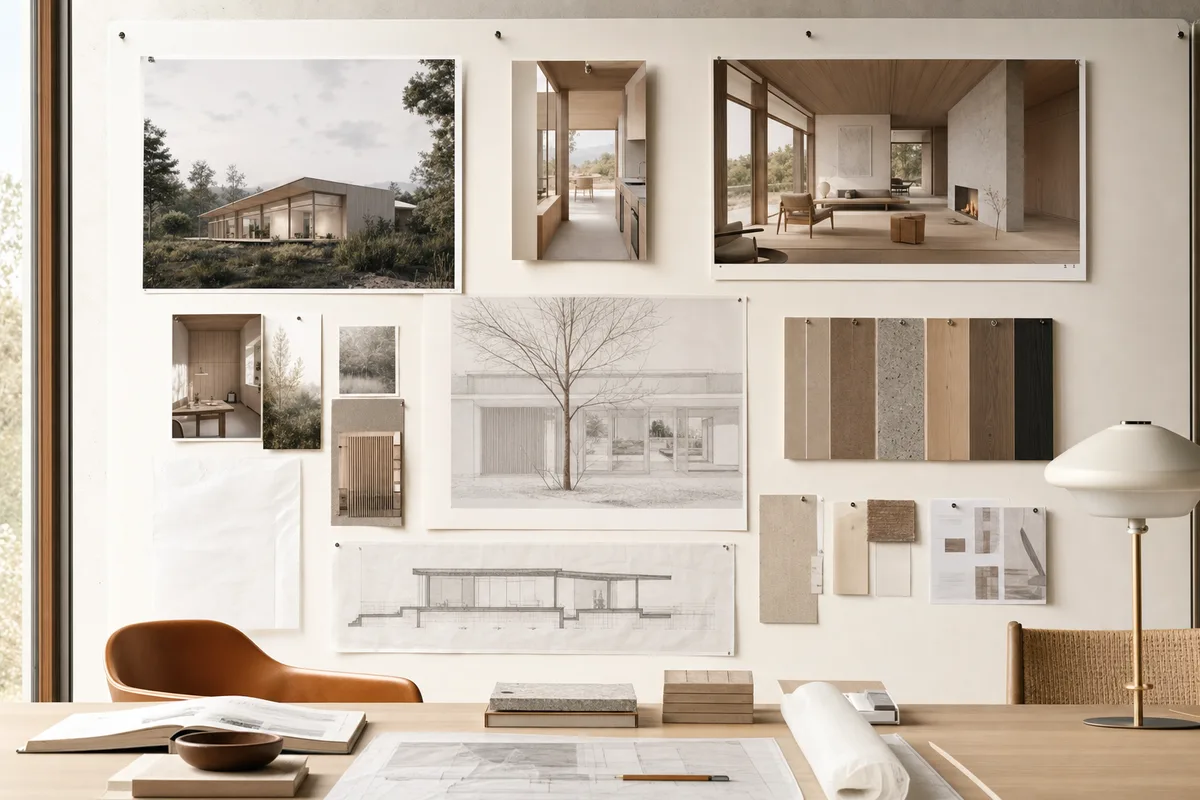
For a practical review sequence, map images to the decisions they support. A material meeting may need several surface options from one camera. A massing review may need fewer images from different views. The renders for client review guide explains how to match images to the decision in the room.
Why can the same scene cost different credits?
The scene can stay the same while the generation request changes. A different model, Quality, Resolution, or image count creates a different charge.
Resolution is an output setting, not a guarantee of design accuracy. Use the setting the review or final board needs. A high setting on every early option can spend credits without improving the decision.
GPT Image 2.5 Flare and Sunburst expose Low, Medium, and High provider Quality. Gemini models do not show that control. Their native settings focus on Resolution. CAD Scene hides a control when the model has only one available choice.
Lanczos 4K upscale is free. It resizes a finished render and does not call an AI provider again. It does not add detail that was absent from the original. Use it when a larger delivery file is useful after the image is approved.
What happens when a render fails?
Failed render jobs refund their charged credits. A successfully cancelled job also refunds its charge. Each requested output has its own job and refund record, so one failed image does not refund a successful sibling.
An insufficient-credit rejection does not create a render or job. The transaction rolls back. When credits are the only blocker, CAD Scene keeps the selected work and shows eligible plans or top-ups. Returning from a verified purchase does not submit the blocked action automatically.
These rules prevent a failed provider call from becoming a completed charge. They do not make a replacement request free. Retry, Render again, Create variations, Modify, Relight, and Effects are new generation submissions.
How should architects compare AI rendering prices?
Compare the same work on the same date. A monthly headline is not enough. Check the image settings, included allowance, edit tools, watermark rules, ownership terms, and what happens to unused credits.
Use one real exterior, one interior, and one detail. Give each tool the same review task. Record:
| Question | What to record |
|---|---|
| Output fit | Does the image serve the intended review? |
| Design control | Camera, geometry, materials, and focused edits |
| Price basis | Credits, images, seats, or another limit |
| Revision cost | What a corrected option requires |
| Workflow fit | Screenshot, plugin, local setup, or shared canvas |
| Terms | Commercial use, rollover, refunds, and export limits |
The best AI rendering software for architects guide gives the broader shortlist. The commercial use and ownership guide covers another part of the buying decision. Neither output quality nor legal fit can be reduced to a monthly price.
When is a lower monthly price not enough?
A lower price is useful only when the output fits the project. An architect may spend more time correcting an image that changes the camera or misses the material brief. That correction work belongs in the comparison.
CAD Scene is a strong fit for architects who start from screenshots across a mixed CAD and 3D stack. Create, Enhance, and Edit share one project context. The Features page shows how those modes divide the work.
A native plugin may fit better when one host application owns the entire process. A collaboration-first canvas may fit a large review team. Judge those benefits with the same real-scene test. Do not select criteria only because one tool wins them.
Which CAD Scene plan is the simplest starting point?
Start free when you need to test CAD Scene on your own work. Use a real scene, not a vendor example. Check camera, materials, and revision control before choosing a paid plan.
Hobby fits regular individual rendering when 250 monthly credits cover the planned settings. Studio fits heavier workloads within 1,000 monthly credits. Use a top-up for an occasional increase. Existing rollover balance may change that decision.
For the category background, read the AI architectural rendering guide. Then use the estimator with the images on your actual review calendar.
How many credits is one AI render?
There is no single credit cost for every render. CAD Scene prices the selected model, Quality when supported, Resolution, and image count. The Composer shows the exact total before submission.
Are CAD Scene first renders free?
Yes. The Free plan starts with 100 signup credits and requires no credit card. The number of renders varies by model and settings, so CAD Scene does not promise a fixed count.
What does "up to" mean on CAD Scene pricing?
It is the maximum render count at the lowest-cost settings among enabled models. It is not a default estimate or guaranteed count. Higher Quality and Resolution can cost more.
Do CAD Scene credits roll over?
Unused paid credits roll over while the subscription remains active. Free signup credits do not expire.
Does Lanczos 4K upscale cost credits?
No. Lanczos 4K upscale is free. It resizes a finished render without starting another provider generation.
Does CAD Scene refund a failed render?
Yes. Failed and successfully cancelled render jobs refund their charged credits. A new retry or regeneration is a separate submission.
Table of Contents
- What is an AI render credit?
- How does CAD Scene calculate render cost?
- What do the current CAD Scene plans include?
- How should an architect estimate monthly AI rendering cost?
- Why can the same scene cost different credits?
- What happens when a render fails?
- How should architects compare AI rendering prices?
- When is a lower monthly price not enough?
- Which CAD Scene plan is the simplest starting point?
Authors

- Name
- Vladimir Mindru
Previous Article
Table of Contents
- What is an AI render credit?
- How does CAD Scene calculate render cost?
- What do the current CAD Scene plans include?
- How should an architect estimate monthly AI rendering cost?
- Why can the same scene cost different credits?
- What happens when a render fails?
- How should architects compare AI rendering prices?
- When is a lower monthly price not enough?
- Which CAD Scene plan is the simplest starting point?
Authors
- Name
- Vladimir Mindru