
Renders for Client Review: What Is Ready to Show?

CAD Scene fits a small studio preparing concept and option-review stills from several source tools. Keep each set around one decision. Use Enhance when an approved 3D view should guide the camera and visible geometry. Use Edit for a focused change in an existing image.
Before presenting, compare every result with its source. Check the camera, openings, proportions, materials, light, entourage, and artifacts. AI renders can support a design conversation. They are not construction evidence. Choose a live model renderer or conventional visualization process when the review needs measured control, animation, navigation, or specified-product accuracy.
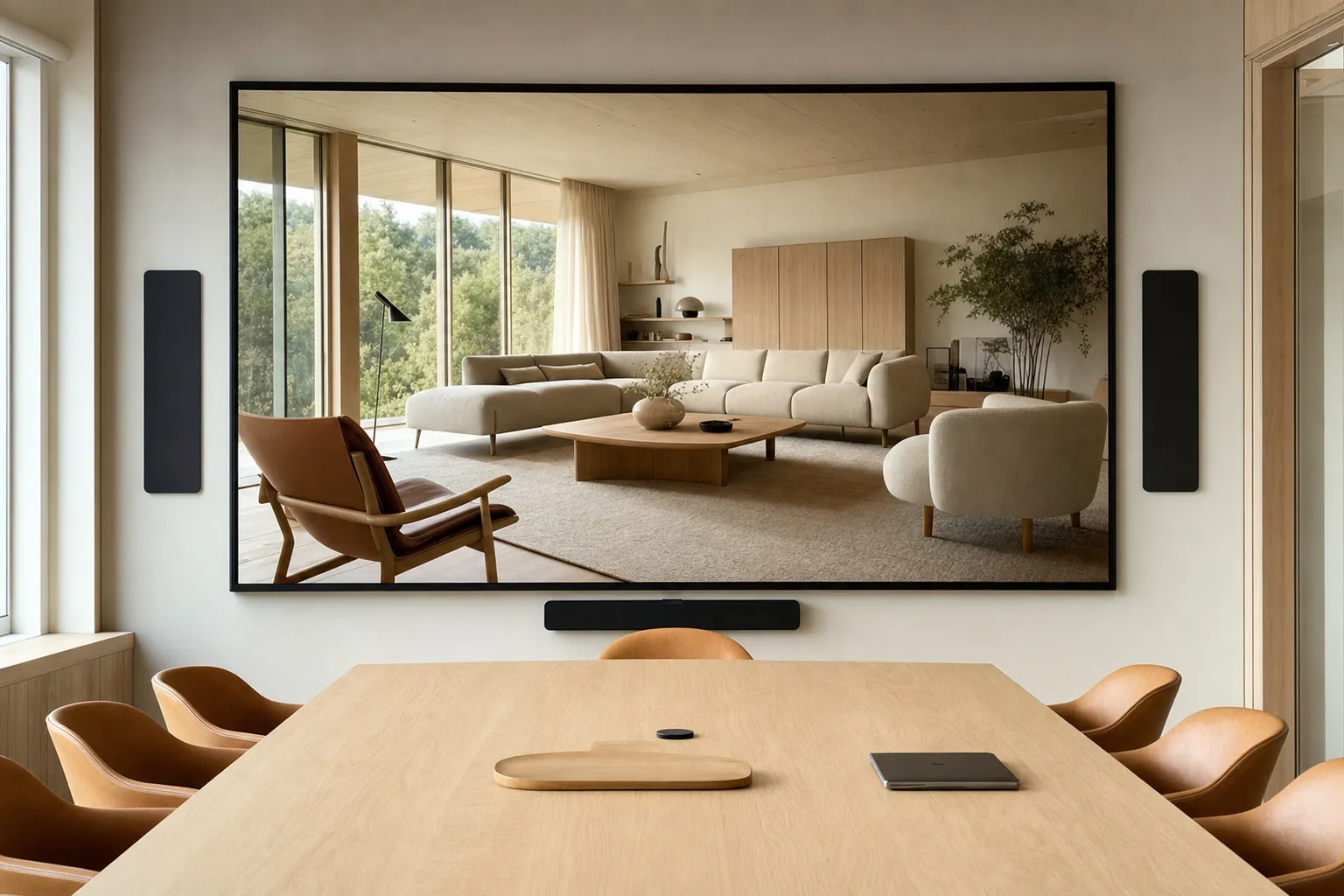
When does CAD Scene fit a client review?
CAD Scene fits when a studio needs related still studies from several source tools. One Project can hold the shared Composition, studies, and Renders. Enhance starts from an exported view. Edit handles named local changes.
The choice still depends on the review medium. A live model renderer suits walkthroughs and direct scene navigation. A conventional visualization process suits measured, deterministic control.
| Decision | CAD Scene still studies | Another process |
|---|---|---|
| Concept direction | Compare still-image atmosphere, materials, and entourage | Use the live model when navigation changes the decision |
| Source stack | Use one image-based path across several source tools | Use a native plugin when active model context must stay connected |
| Local revision | Mark named Edit regions and review surrounding edges | Revise the source model when the design itself changed |
| Final evidence | Use for visual discussion after an architect checks the result | Use measured project sources for dimensions and construction decisions |
For a broader tool decision, compare the best AI rendering software for architects.
What should each review set answer?
Each set should answer one visible question. Examples include facade material, interior palette, planting density, or time of day. Do not change the camera, materials, and lighting at once if the client must judge one of them.
Name the decision
Write the question each image must help the client answer.Fix the source
Keep the approved view, crop, and model revision beside the set.Prepare distinct options
Change one decision clearly enough that each direction can be judged.Record the boundary
Mark generated details, known drift, and items that still need project verification.
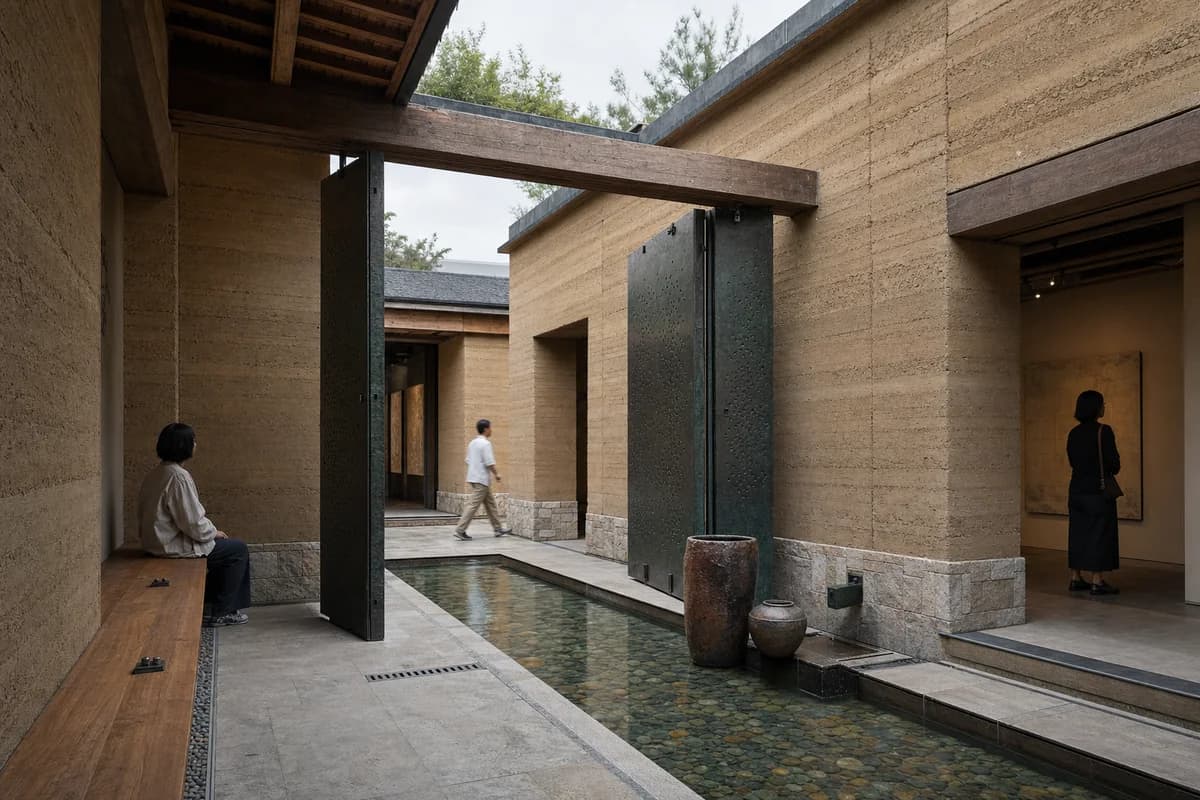
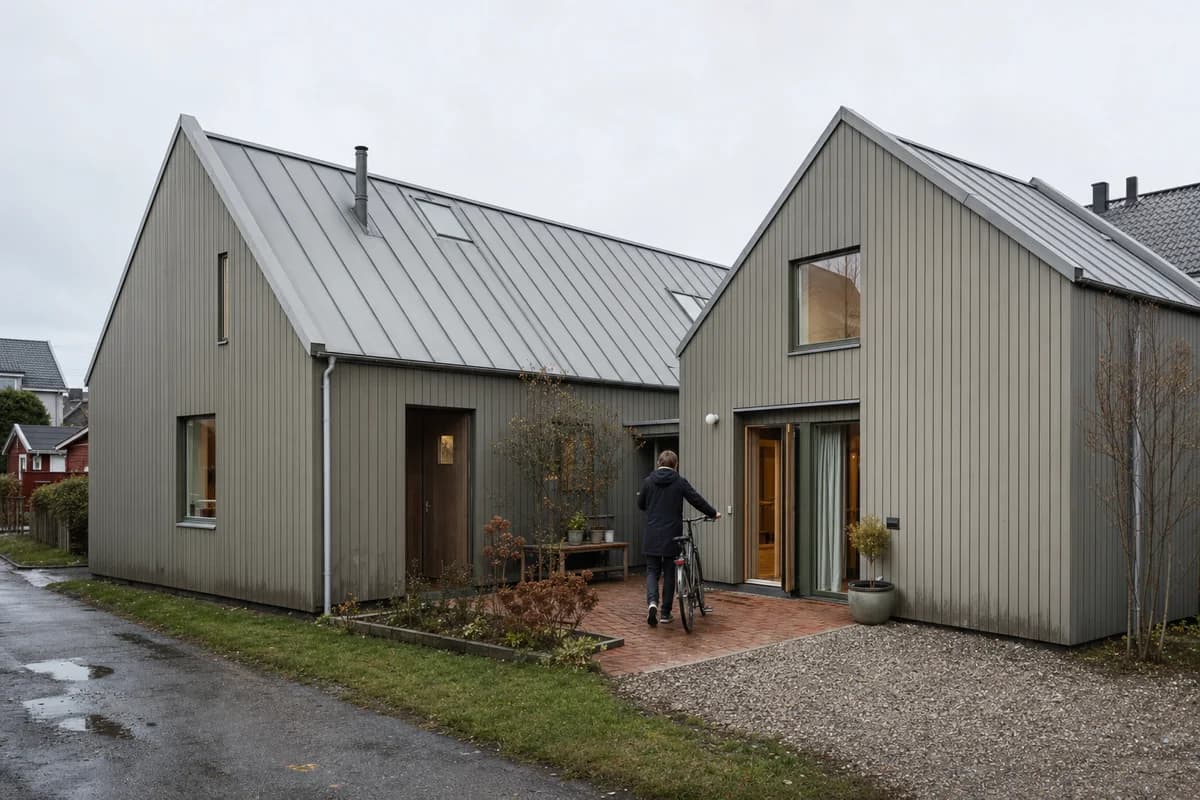
The three images below share one source lineage. They illustrate a palette decision with one room and camera. They are editorial examples, not measured CAD Scene results.
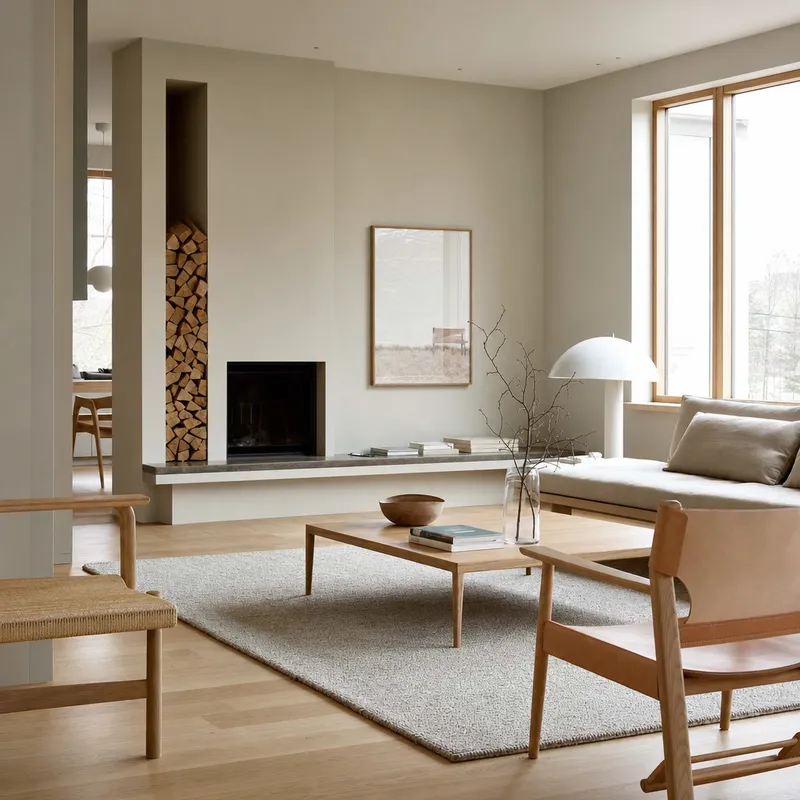
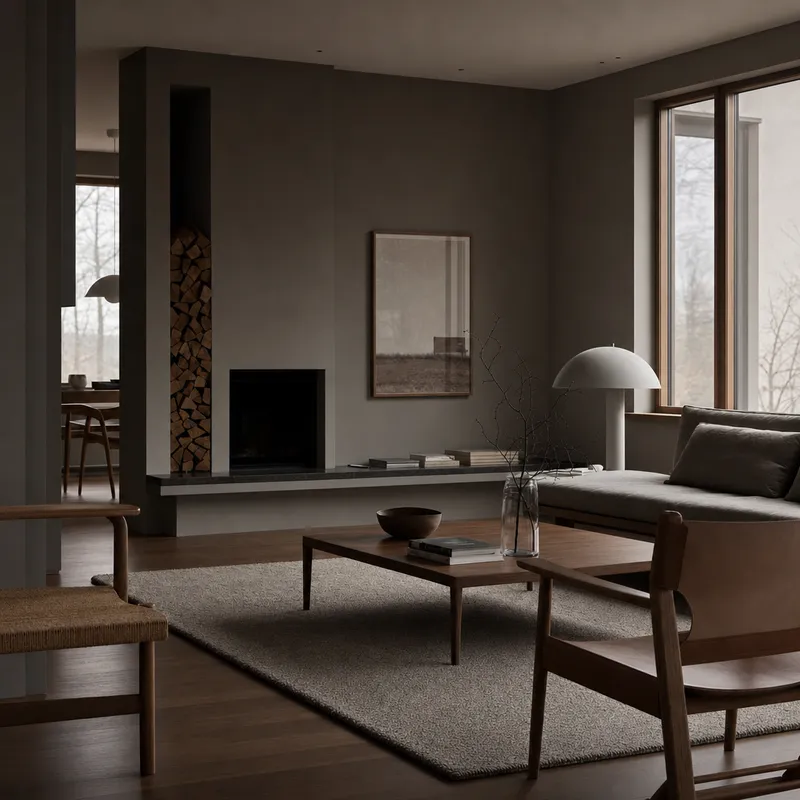

How do you decide whether an image is ready to show?
A client-review image is ready only when every applicable check below passes. Correct a failed image before presenting it. Defer the image when the decision needs evidence that a generated still cannot provide.
This acceptance rubric was reviewed on September 4, 2026 by Vladimir Mindru, Principal Architect at Yellow Office architecture. It records practitioner judgment. It is not a client-outcome study or a construction review.
| Check | Pass | Correct or defer |
|---|---|---|
| Decision scope | The image answers one named review question | Separate mixed questions before showing the set |
| Camera and geometry | Camera, crop, massing, openings, and levels match the approved source | Correct drift, or defer to the model and drawings |
| Materials and light | The image supports the proposed direction and labels uncertainty | Defer exact products and measured light to verified project sources |
| Entourage and artifacts | Scale, access, movement, text, reflections, and edges read clearly | Correct any contradiction, obstruction, or generated defect |
| Review status | Proposed, approved, illustrative, and unresolved items are explicit | Do not let photoreal finish imply unrecorded approval |
| Review medium | A checked still is sufficient for this decision | Use another process for navigation, animation, or measured evidence |
Keep a short record beside the selected image:
Source and revision:
Decision this image supports:
Known generated or illustrative detail:
Unresolved items:
Reviewer and review date:
Outcome: pass / correct / defer
Read the full AI architectural rendering review checklist. For a source-guided image, use the published render-retention review method.
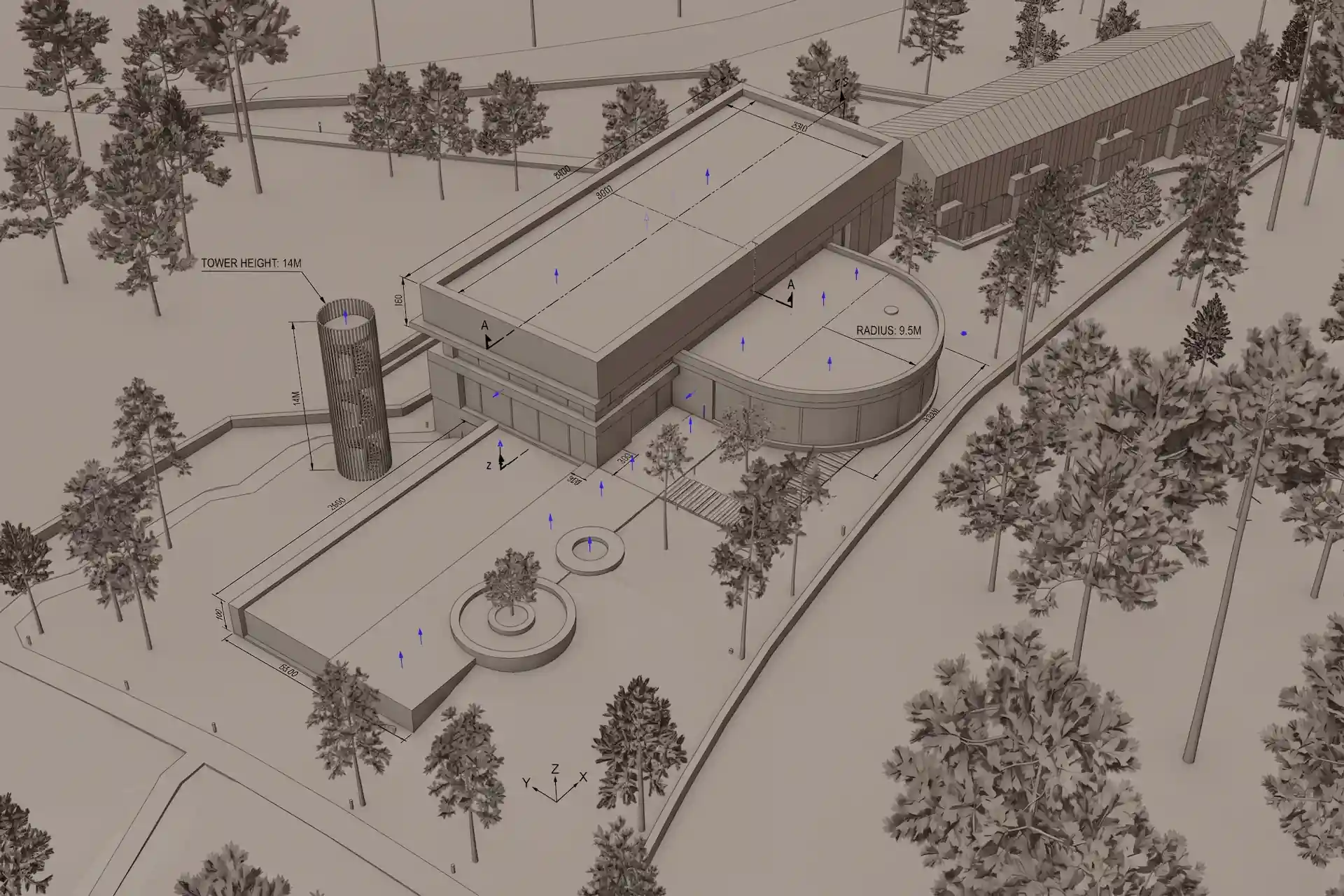
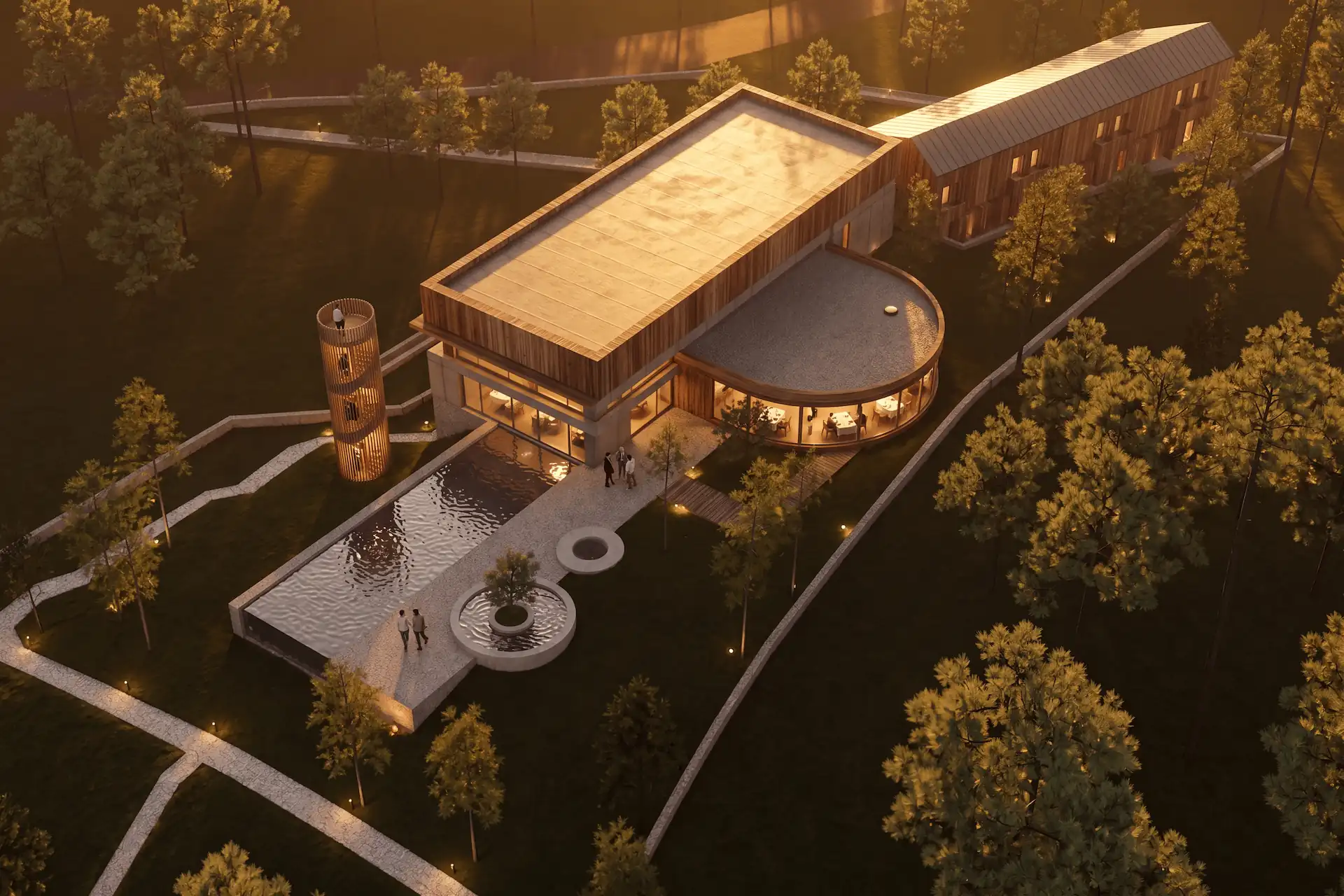
Before / after
Test one approved view, then compare the result with its source.
How should you handle a client change?
Route the change by scope. Use Enhance for a broad finish study from the same approved source. Use Edit for one or more named local areas. Edit aims to preserve the surrounding image, but shared boundaries and unmarked edges still need review.
One Composer send can create parallel Variants from the same brief and settings. Provider sampling can still change the results. Later Variations start from a finished Render and create another set. Read the operational distinction between parallel Variants and later Variations.
If the client changes the design, revise the source model first. Do not paint over a model decision and treat the image as coordinated evidence. The Enhance source-image guide and Edit review guide state the current preservation boundaries.
Prompt library · 626 promptsArchitecture render promptsBrowse prompts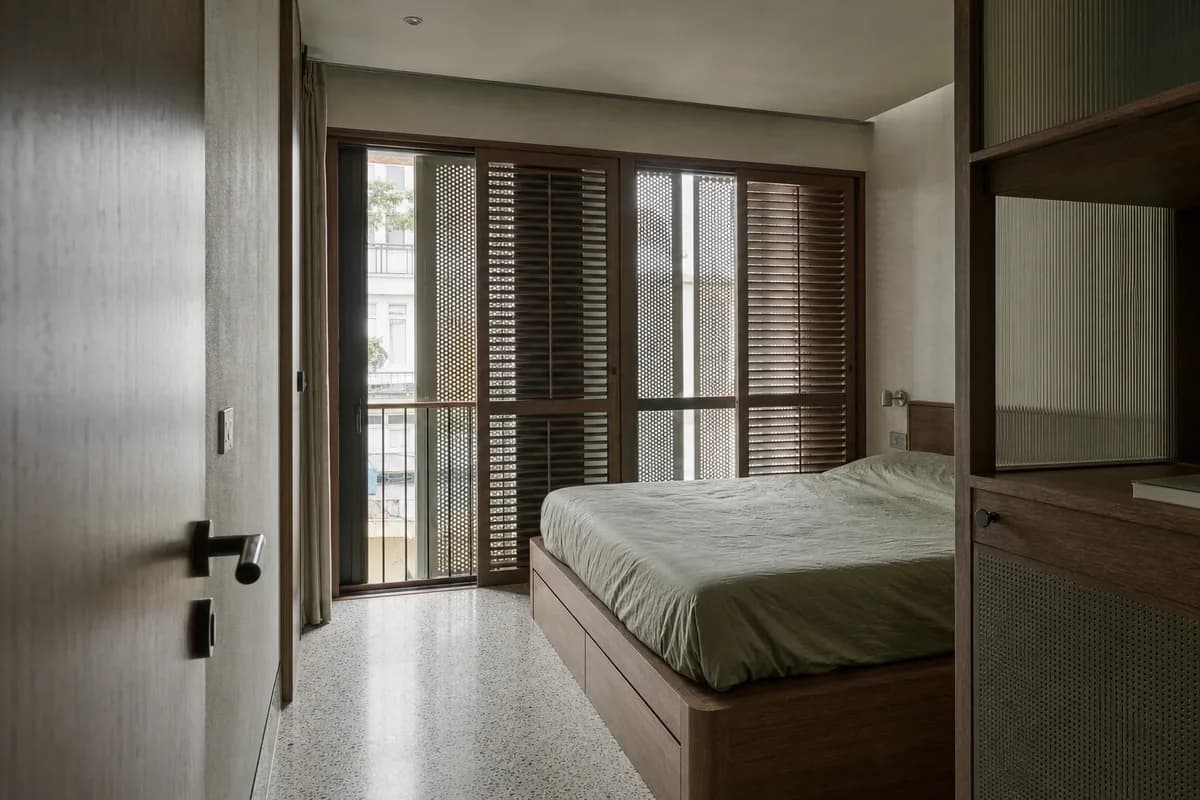
Should you generate during the meeting?
Generate during a meeting only when uncertainty will not derail the review. Provider demand, settings, image count, and the brief can affect completion. The first result may also need correction.
Prepare a checked fallback set before the meeting. If a new result arrives, show it as an unreviewed study. Compare it with the source before using it to close a decision.
When should you use another visualization process?
Use a live or conventional process when the client must navigate the scene, review animation, inspect measured light, confirm specified assets, or rely on exact geometry. These tasks need direct scene control or coordinated project evidence.
AI stills remain useful earlier. They can compare atmosphere, finish direction, and visual priorities. Keep that role explicit. The AI rendering workflow guide explains the wider project-stage boundary.
How do you assemble the final review board?
Build the board around the decision. Give the lead view the largest frame. Use supporting images for evidence the lead image cannot show.
For the final sheet, use the Client Presentation Board Planner. It assigns one lead view, supporting roles, and missing images. Then use the Board Size & Aspect Ratio Calculator when you only need print dimensions.
Before delivery, check the applicable terms. The ownership and client-use guide separates product terms from project and legal judgment.
Is AI architectural rendering good enough for a client presentation?
It can support concept and option review after an architect checks geometry, materials, light, entourage, and artifacts against the project source. It is not construction evidence.
Should I generate a new render during the meeting?
Only when the review can absorb an unreviewed result and uncertain completion time. Bring a checked fallback set, then compare any new result with its source.
How many options should I show?
Use enough options to make the decision clear without mixing several questions. Give each image a distinct purpose and keep one checked source beside the set.
Does using the same prompt keep the camera and geometry fixed?
No guarantee applies. Use the same approved source in Enhance, keep the brief focused, and compare every output with the source before presentation.