
- Published on
Best AI Rendering for 3ds Max: Browser, LiveSync, or Native?
The best AI rendering route for 3ds Max depends on where the scene must stay connected. Choose CAD Scene for browser studies from a fixed camera image. Choose V-Ray or Corona when AI ideation should sit beside a native production renderer. Choose D5 Render when LiveSync and real-time scene work matter. Choose Arnold when exact scene control, passes, and predictable production output matter more than generative exploration. mnml.ai suits a broader browser toolset.
Test the final two routes with one camera, one brief, and one correction. Review camera, openings, repeated parts, materials, and the path to an accepted image. A strong gallery cannot answer those questions for your scene.
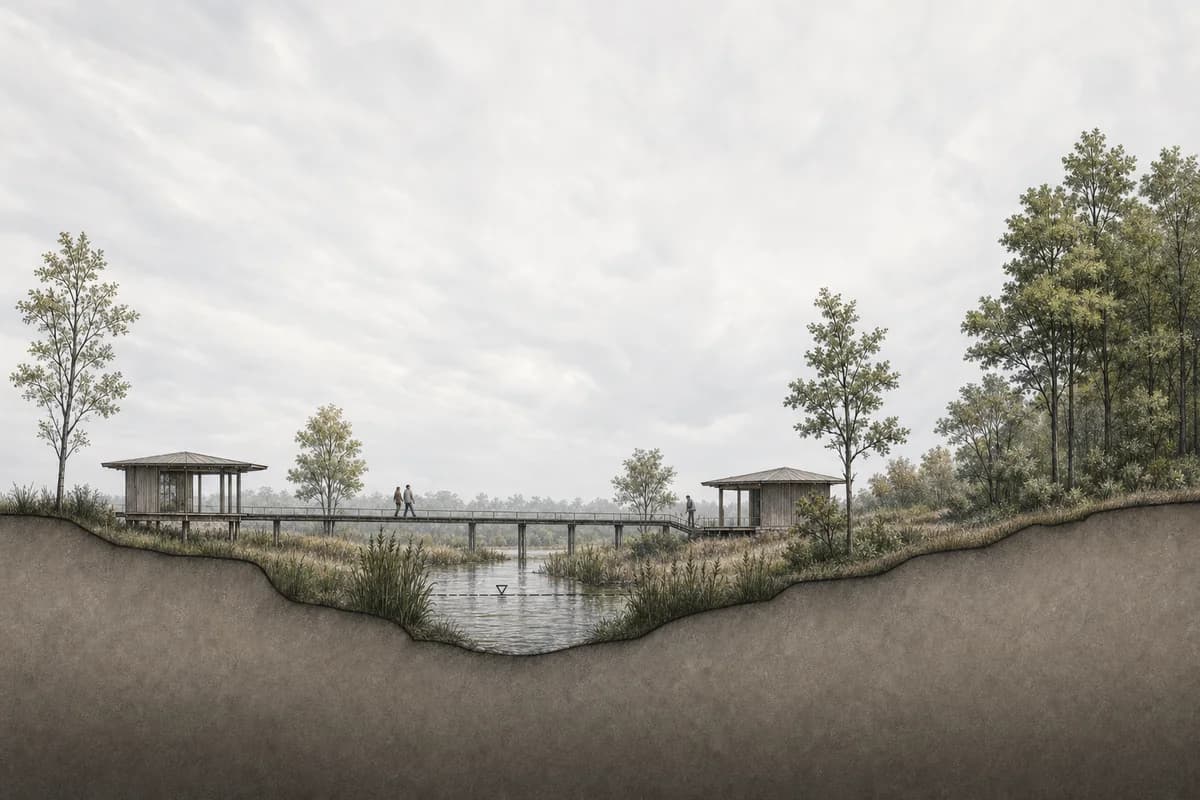
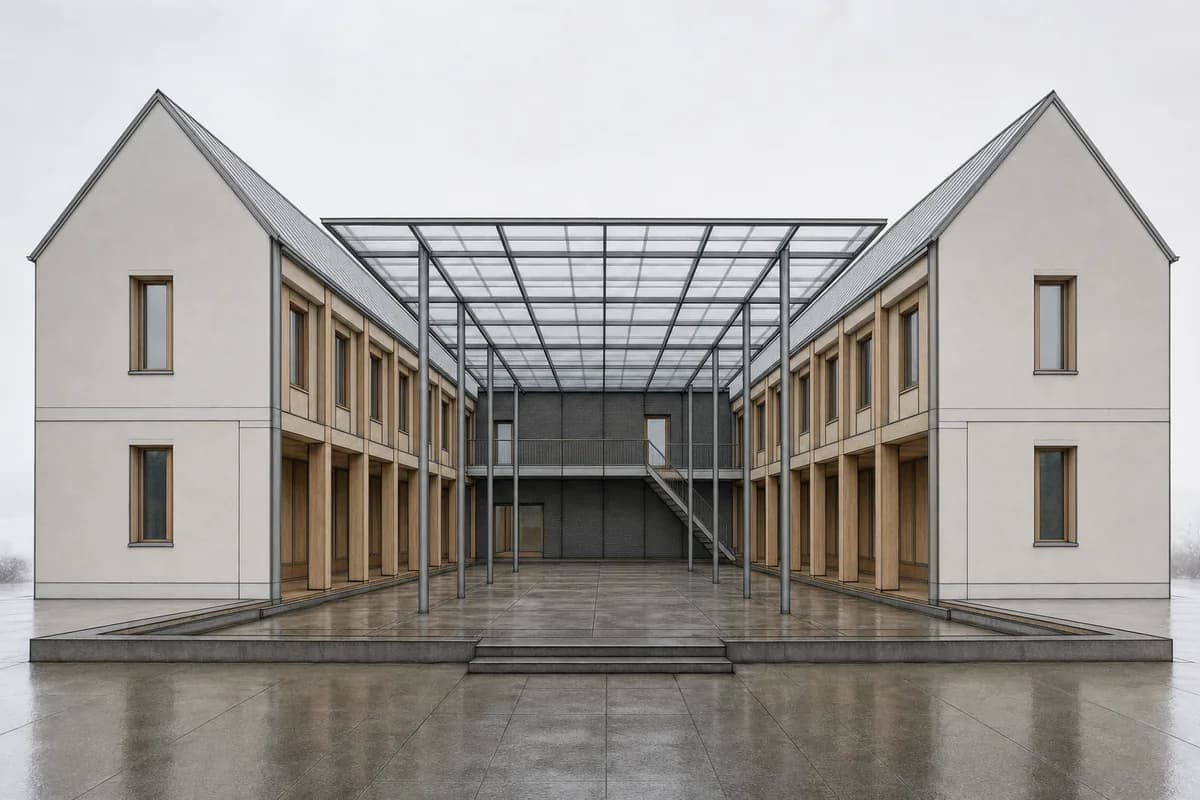
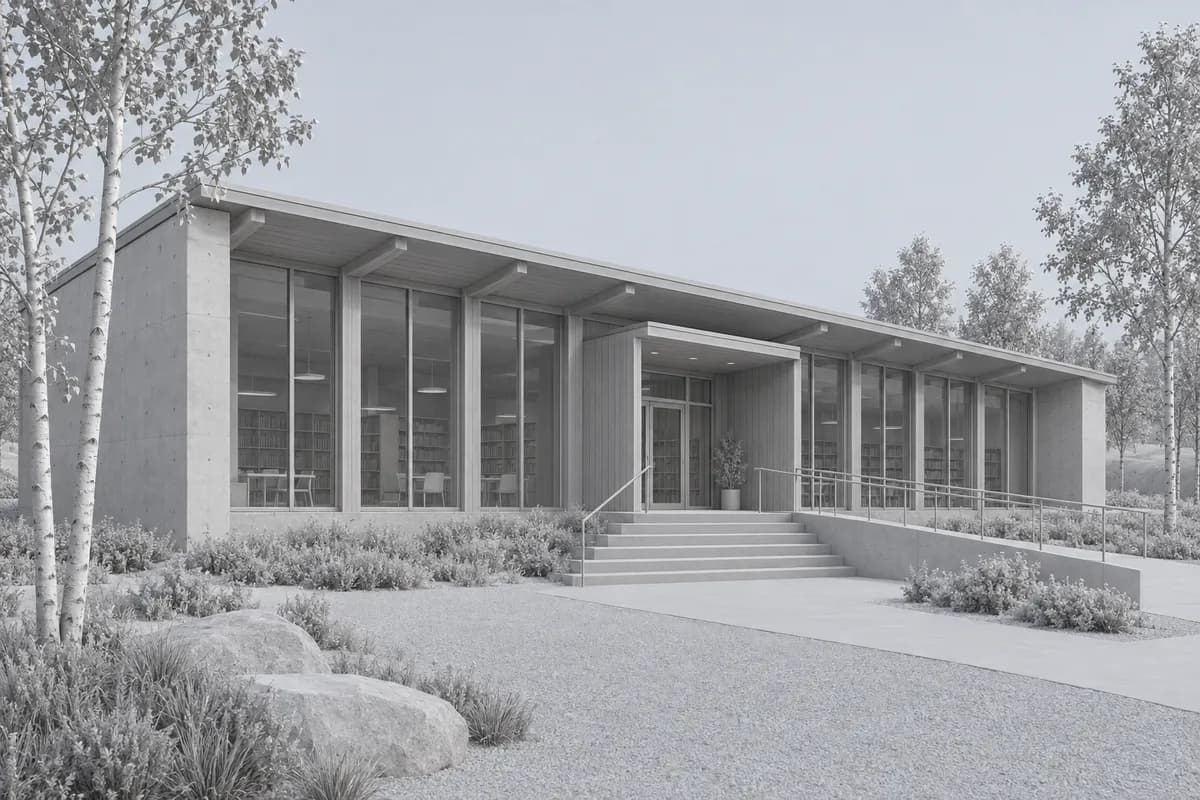 Synthetic source
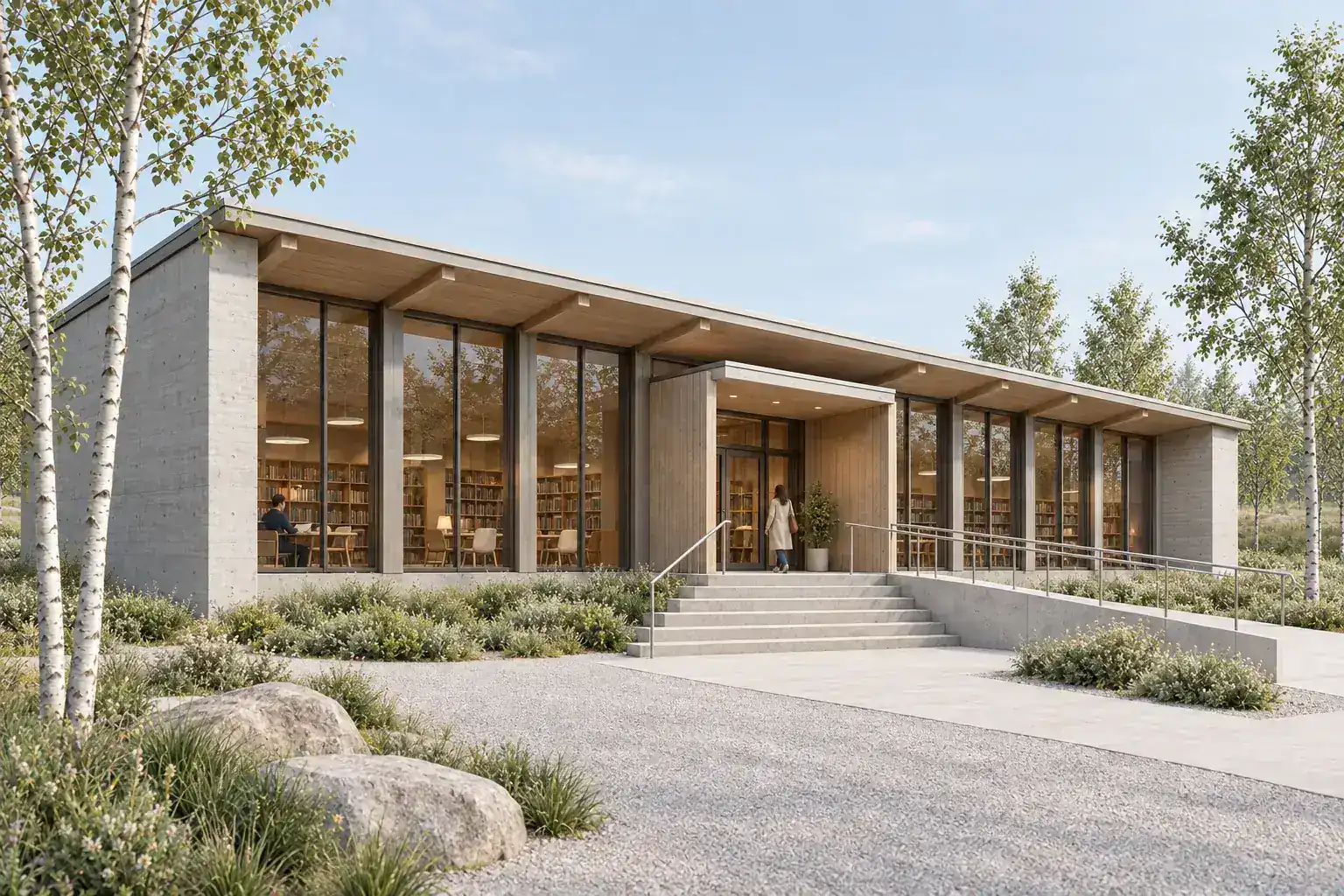 Render study
What is the honest verdict for 3ds Max users?
Start with the required handoff. A browser route reads visible pixels. LiveSync keeps model data connected. An integrated renderer can combine AI ideation with native scene control.
| Decision | Best starting route |
|---|---|
| Mixed modeling stack | CAD Scene browser workbench |
| V-Ray production plus AI concepts | V-Ray 7 with Veras |
| Corona production plus AI concepts | Corona 15 with Veras |
| Real-time linked scene | D5 Render with LiveSync |
| Native passes and exact scene control | Autodesk Arnold |
| Broad browser visualization suite | mnml.ai |
This is a focused shortlist. It is not a complete renderer directory. Each route has current official documentation and a distinct 3ds Max decision. The broader AI rendering software guide for architects covers collaboration, source tools, project controls, and commercial terms.
How was this shortlist researched?
The review uses official pages accessed on 30 September 2026. It checks 3ds Max connection, image input, AI ideation, correction tools, scene control, and delivery scope. It checks CAD Scene against current product documentation and code.
This is a desk review. We did not run private competitor accounts. Vendor claims about fidelity, speed, and preservation remain vendor claims. Unknown behavior stays unknown.
The practical 3ds Max screenshot-to-render workflow owns camera setup, safe frames, viewport cleanup, and Enhance instructions. This page helps you choose the rendering route around those steps.
What should a 3ds Max rendering workflow do well?
A useful workflow should respect the camera before adding atmosphere. It should also support the correction work that follows.
Check seven points:
- Scene connection. Does it read an image, a synced model, or the scene?
- Camera behavior. Does framing remain tied to the intended view?
- Visible geometry. Do openings, roof lines, and repeated parts hold?
- Material control. Can finishes remain attached to the right surfaces?
- Correction control. Can one issue change without restarting the image?
- Delivery control. Does the route provide the required size and passes?
- Project continuity. Can later views reuse the same visual direction?
A long feature list cannot repair a moved entrance. Judge the accepted image and every step required to reach it.
Which AI rendering routes fit 3ds Max?
The options below solve different handoffs. They are ordered from portable image work toward deeper scene connection.
CAD Scene for mixed-stack browser studies
CAD Scene starts from an exported 3ds Max view in Enhance. The source image sets camera, framing, visible geometry, and proportions as constraints. Generated output can still drift. Compare it with the saved camera view.
Create, Enhance, and Edit share one Project. The Composition stays at Project level. Its Style, Scene, Lighting, Materials, and Entourage fields apply across every study. Named Edit regions support focused corrections. Presets can carry visual direction into later views.
Choose CAD Scene when 3ds Max is one source among Revit, Rhino, SketchUp, Blender, or another tool. The same image handoff works across that stack. CAD Scene does not read the .max scene, shader networks, lights, modifiers, or render settings.
The screenshot-to-render method explains what visible pixels can constrain. The public retention review method explains how to check the result.
V-Ray 7 with Veras for integrated AI and production
V-Ray 7 Update 4 integrates Veras with the 3ds Max viewport and V-Ray Frame Buffer. A user can send a viewport or frame-buffer image into Veras for concept directions, material changes, lighting changes, and image work.
V-Ray remains the production renderer around that AI route. Its scene keeps the materials, cameras, lights, geometry, and production settings. Vantage can also bring real-time ray tracing into the viewport when the required license is active.
Choose V-Ray when the team already owns a mature V-Ray scene and wants AI ideation beside it. Choose another route when deployment, renderer setup, and native scene management are not part of the task.
Corona 15 with Veras for a Corona-centered workflow
Corona 15 exposes Veras from the Corona Virtual Frame Buffer. The current official route can send an interactive or finished frame into Veras for style, material, environment, people, and animation studies.
The source scene remains in 3ds Max and Corona. That keeps native material, light, camera, and render control available for the final. Veras processing requires an internet connection.
Choose Corona when the studio already works through its interactive renderer and frame buffer. The AI step supports direction finding. It does not remove the need to verify every generated change against the scene.
D5 Render for LiveSync and real-time scene work
D5 LiveSync connects 3ds Max geometry, materials, cameras, lights, viewports, and layers to D5 Render. The route can update changed model data without a manual image export.
D5 then adds real-time rendering and its own AI tools. Current documentation lists style transfer, inpainting, scene matching, material tools, and asset work within the D5 environment.
Choose D5 when a linked 3D scene and interactive presentation matter. It is a larger workflow decision than sending one image to a browser. Confirm plugin, 3ds Max, renderer, and hardware compatibility before standardizing it.
Autodesk Arnold for native production control
Arnold works through 3ds Max Render Setup. Its current documentation covers CPU and GPU rendering, lights, motion blur, output drivers, and AOVs. Autodesk also documents AI denoising.
That is not the same as a generative architecture study. Arnold remains the better route when the scene must own shader networks, exact lights, passes, animation, or repeatable production output.
Choose Arnold when image evidence must follow scene data. Add a separate AI study only when exploration is useful and clearly labeled.
mnml.ai for a broader browser suite
mnml.ai publishes a dedicated 3ds Max image route. It accepts viewport captures and extends into exterior, interior, landscape, masterplan, animation, editing, and enhancement tools.
Choose it when one browser subscription must cover several visualization tasks. Its main 3ds Max path reads an image rather than the .max scene. Treat public preservation claims as vendor claims and test the exact tool on your camera.
The source-backed CAD Scene vs mnml.ai comparison records its broader product decision, controls, and current source caveats.
Is a browser route better than LiveSync or native rendering?
No route wins every stage. The useful question is what must remain editable after the view is framed.
| Decision point | Browser image | LiveSync | Native renderer |
|---|---|---|---|
| Source | Exported image | Connected model | 3ds Max scene |
| Works across source tools | |||
| Scene-linked materials | |||
| Render passes | Product-dependent | ||
| Best fit | Portable concept studies | Interactive model review | Controlled final delivery |
Use a browser route for quick still studies across a mixed stack. Use LiveSync when model revisions should reach a real-time scene. Use a native renderer when the final depends on exact scene data, passes, animation, or deterministic revision control.
Prompt library · 28 promptsSource-preserving conversionsBrowse prompts
How should you run one fair 3ds Max test?
Save the source before opening any AI route. Set the output ratio and show the safe frame while composing. Exclude that guide from the exported image.
Fix one camera
Record focal length, output ratio, crop, visible layers, and the intended design state.Prepare one clean source
Hide grids, helpers, selections, gizmos, temporary proxies, and interface chrome.Write one short brief
Name materials, light, landscape, and atmosphere without redesigning the building.Request one correction
Change one finish, light condition, or object after the first acceptable result.Set one delivery target
Use the same aspect, useful pixel size, and review purpose for every route.
Use a scene that exposes weak behavior. Include repeated glazing, a clear entrance, material junctions, foreground edges, and a few scaled objects. Avoid a distant atmospheric image that hides every design decision.
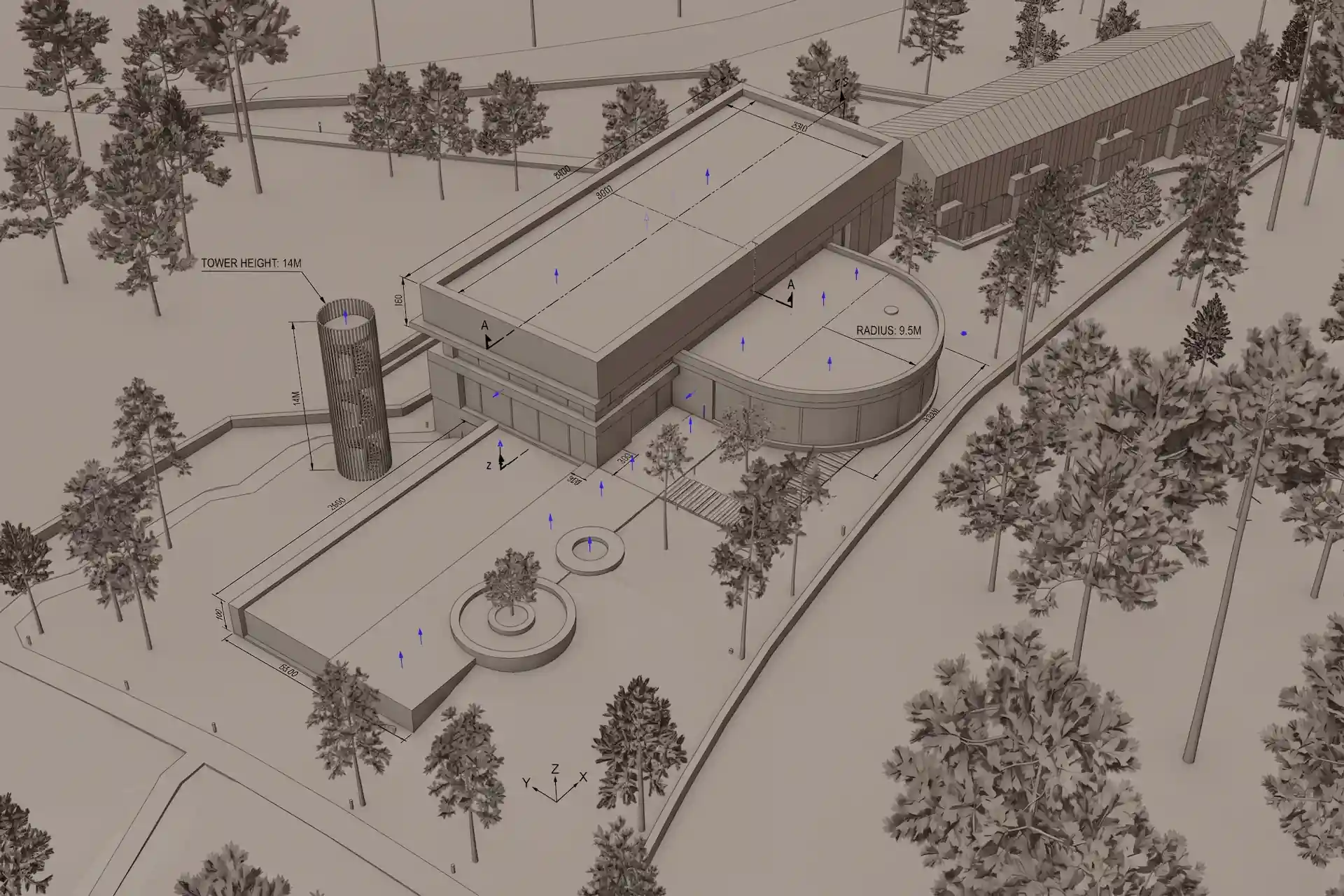
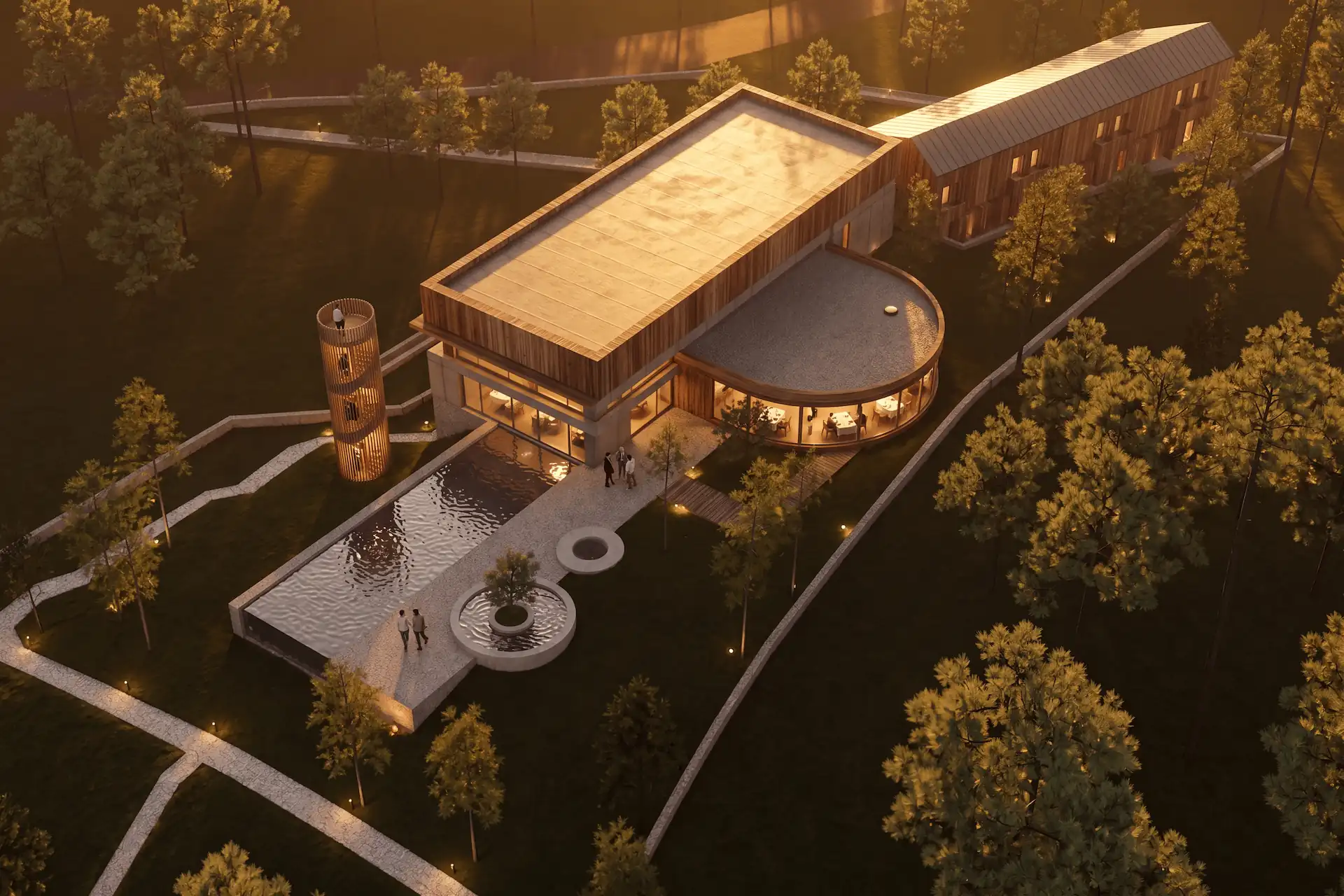
Before / after
Test one clean 3ds Max camera view in CAD Scene.
What should you check in every result?
Check source adherence before realism. Place the saved camera view beside the result. Review horizon, crop, subject scale, roof edges, openings, floor levels, and repeated parts.
Then inspect the requested finish:
- glazing should stay inside the intended openings;
- timber and concrete should stop at plausible boundaries;
- the entrance and ramp should remain usable and legible;
- planting should not cover design evidence;
- people should keep believable scale;
- one correction should leave unrelated areas acceptable.
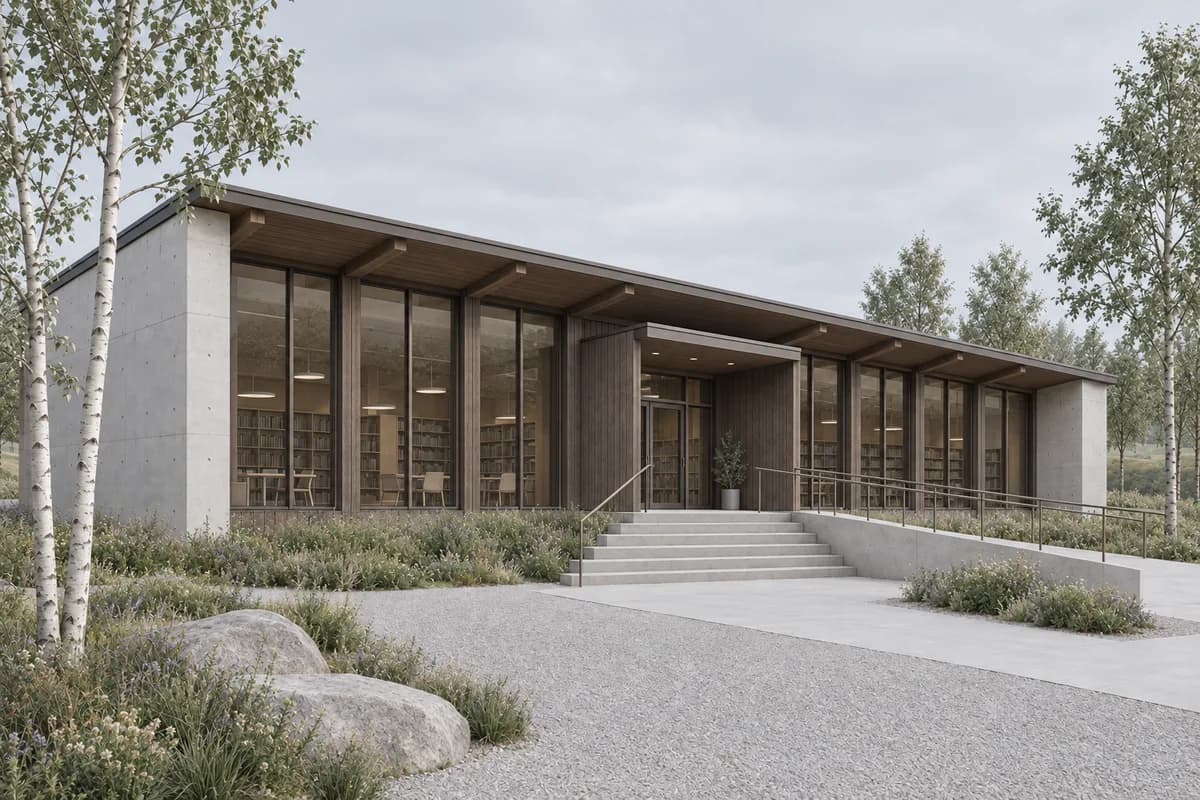
Record the full approval path. Count initial options, local corrections, reruns, upscale, export, and review. A striking first image can still be the wrong route when every correction restarts the scene.
How should you test lighting and atmosphere?
Use a second condition only after the daylight view passes. Hold the camera and architecture still. Change light, occupancy, and weather deliberately.
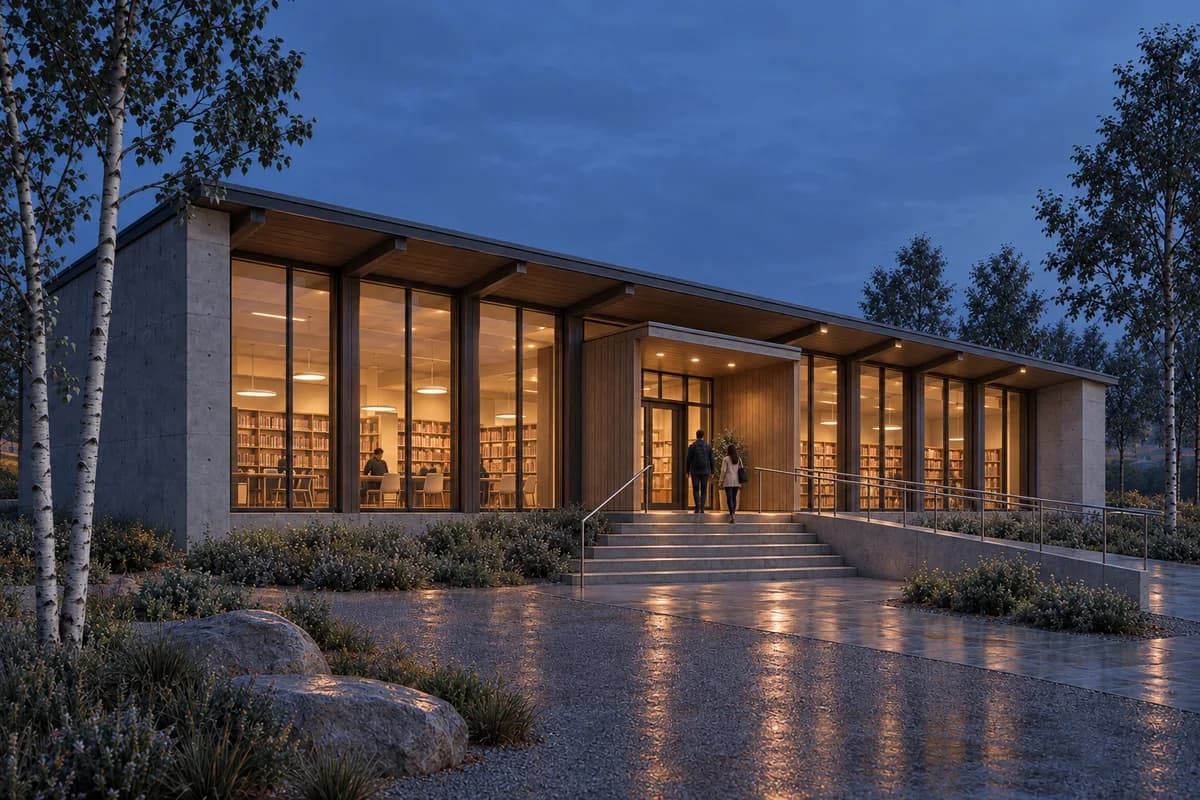
The blue-hour page hero uses the same synthetic source. It separates image direction from model truth. An evening option can help client review. It cannot prove fixture output, glare control, emergency lighting, or measured illumination.
The architectural render lighting guide covers a source-led day-to-night review. The realistic materials guide covers timber, concrete, glass, and surface boundaries.
How should you compare cost?
Price the accepted image, not the cheapest plan card. Include renderer licenses, plugin deployment, hardware, cloud or credit use, asset preparation, correction work, upscale, and delivery.
CAD Scene uses model-dependent credits. Quality and Resolution can change the cost. The Composer shows the exact total before submission. Current plans and top-ups live on the pricing page. The AI rendering pricing guide explains the credit model.
For every alternative, check the current vendor card and checkout. Confirm currency, billing period, seats, included AI access, output limits, and required host software. This article does not copy competitor prices.
Sources reviewed
- Autodesk Arnold product, reviewed 30 September 2026
- Arnold for 3ds Max Render Setup, reviewed 30 September 2026
- V-Ray 7 for 3ds Max updates, reviewed 30 September 2026
- V-Ray and Veras workflow, reviewed 30 September 2026
- Corona 15 updates, reviewed 30 September 2026
- Veras with Corona for 3ds Max, reviewed 30 September 2026
- D5 Render for 3ds Max, reviewed 30 September 2026
- mnml.ai for 3ds Max, reviewed 30 September 2026
- CAD Scene Product, Glossary, Help, and pricing code, reviewed 30 September 2026
What is the best AI rendering tool for 3ds Max?
Choose CAD Scene for browser studies across a mixed modeling stack. Choose V-Ray or Corona when AI ideation should stay beside a native production renderer. Choose D5 Render for a linked real-time scene. Test the final two on one saved camera.
Does CAD Scene read a .max scene?
No. Enhance reads an exported image. It does not read 3ds Max geometry, modifiers, shader networks, lights, cameras, passes, or renderer settings.
Do V-Ray and Corona include generative AI tools?
Current V-Ray 7 Update 4 and Corona 15 releases integrate Veras for AI ideation from their viewport or frame buffer. Keep the native scene as the source of truth.
Should I use a browser renderer or LiveSync?
Use a browser route when several source tools share one image workflow. Use LiveSync when geometry, materials, cameras, and lights should remain connected to a real-time scene.
How should I compare two 3ds Max rendering routes?
Use one camera, one clean source, one material and lighting brief, one correction, and one delivery target. Compare source adherence, correction behavior, total cost, and approval work.
Table of Contents
- What is the honest verdict for 3ds Max users?
- How was this shortlist researched?
- What should a 3ds Max rendering workflow do well?
- Which AI rendering routes fit 3ds Max?
- Is a browser route better than LiveSync or native rendering?
- How should you run one fair 3ds Max test?
- What should you check in every result?
- How should you test lighting and atmosphere?
- How should you compare cost?
- Sources reviewed
Authors

- Name
- Vladimir Mindru
Previous Article
Table of Contents
- What is the honest verdict for 3ds Max users?
- How was this shortlist researched?
- What should a 3ds Max rendering workflow do well?
- Which AI rendering routes fit 3ds Max?
- Is a browser route better than LiveSync or native rendering?
- How should you run one fair 3ds Max test?
- What should you check in every result?
- How should you test lighting and atmosphere?
- How should you compare cost?
- Sources reviewed
Authors
- Name
- Vladimir Mindru