
- Published on
Architectural Render Lighting: Day, Dusk, and Night
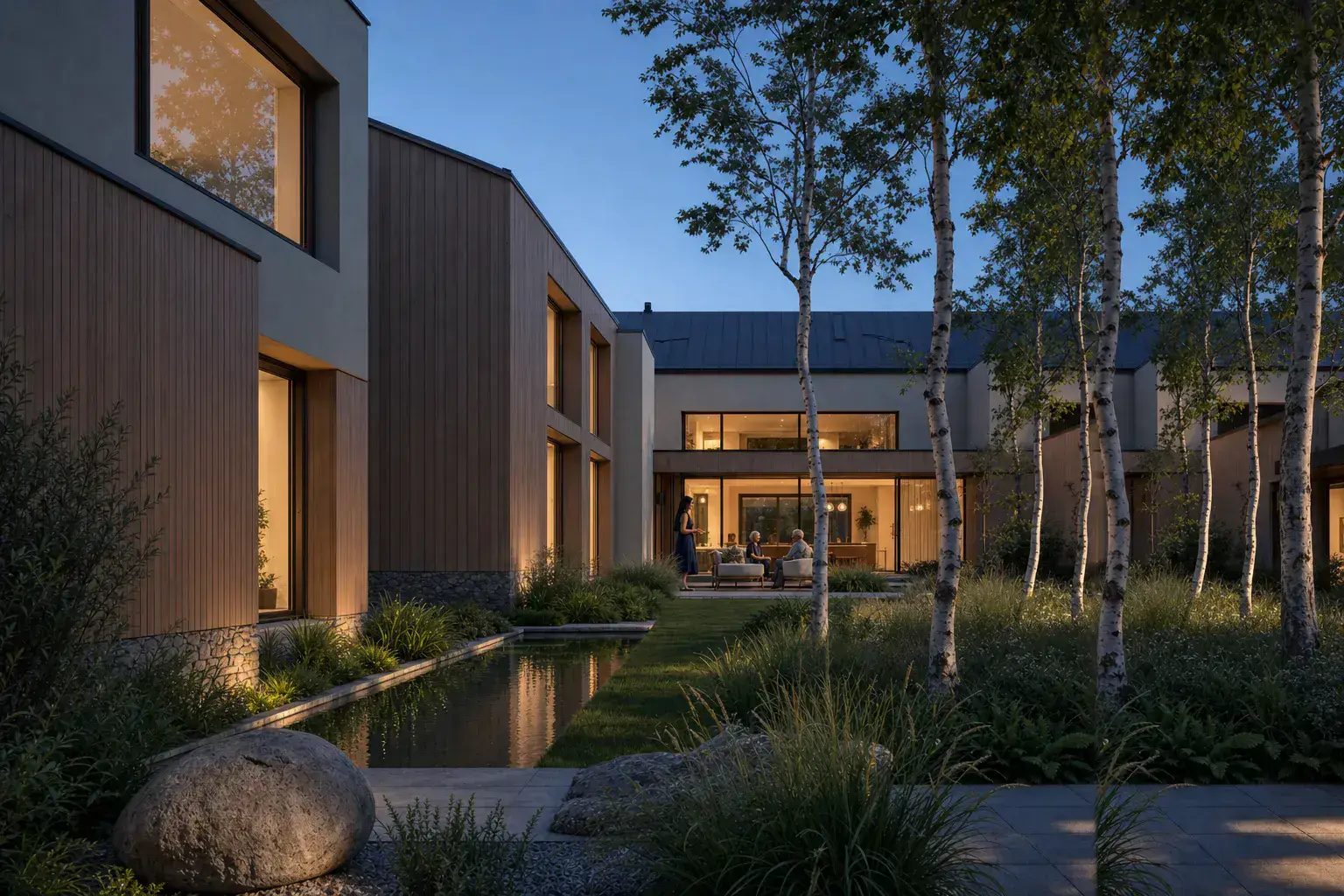
Architectural render lighting should reveal the decision under review. Use daylight for form, materials, and context. Golden hour adds depth and warmth. Dusk balances a readable exterior with occupied rooms. Night isolates entrances, landscape light, and internal use. Start with an honest daylight view. Then change one lighting condition while keeping the source, camera, and materials stable. Generated images can still drift. Compare each option with the source before judging its mood. This guide covers exterior and interior briefs, common failures, and a review method for day, dusk, and night studies.
How does lighting change an architectural render?
Light sets hierarchy, depth, material color, and the sense of occupation. It also decides what the image hides.
Daylight exposes facade joints and room proportions. Low sun describes depth through shadow. Dusk connects exterior form with interior use. Night can explain an entrance or lighting concept. It can also conceal weak geometry.
The broader AI architectural rendering guide explains where these images fit in design review. Use light as one review variable within that process.
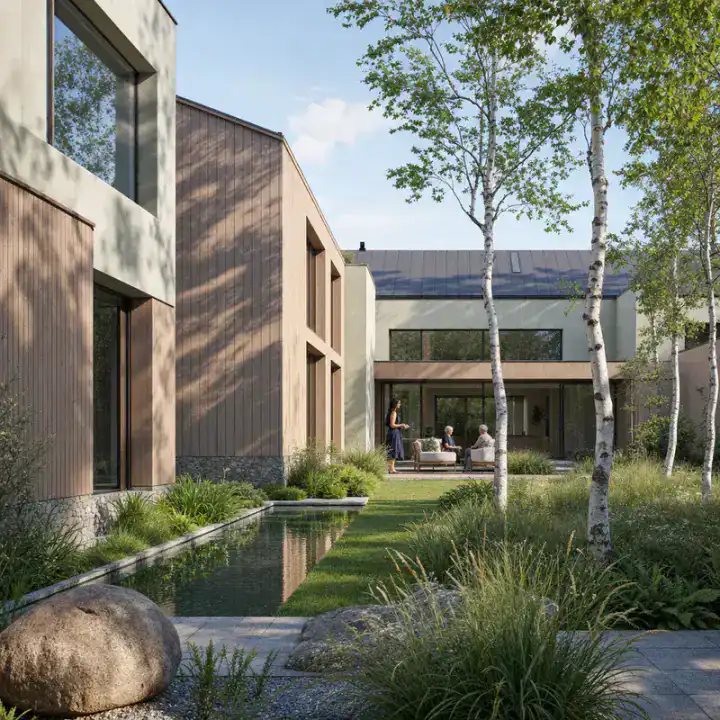 Day
Day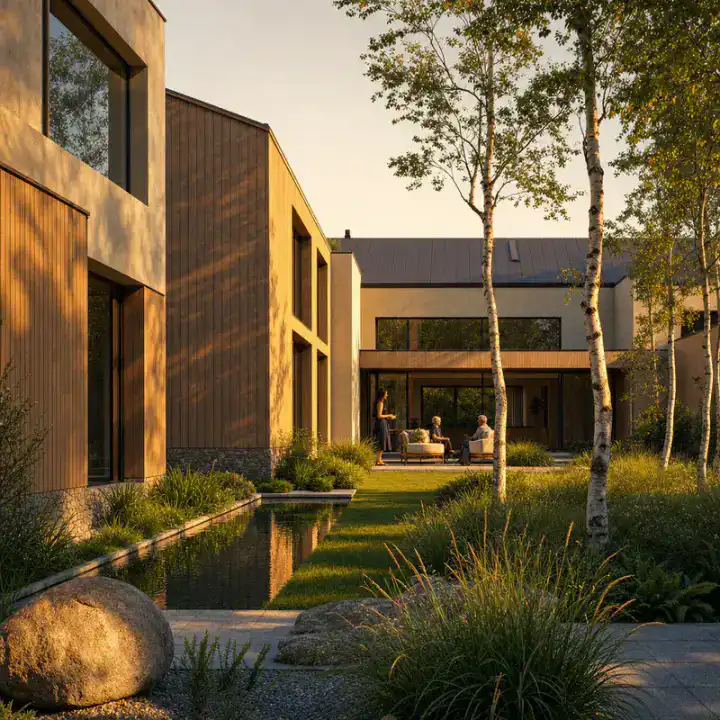
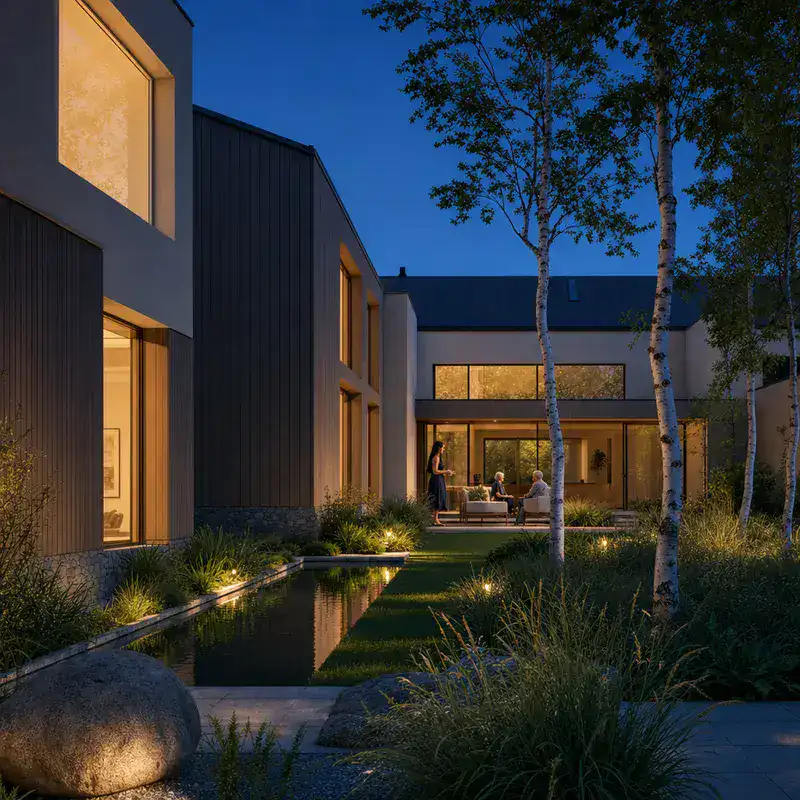
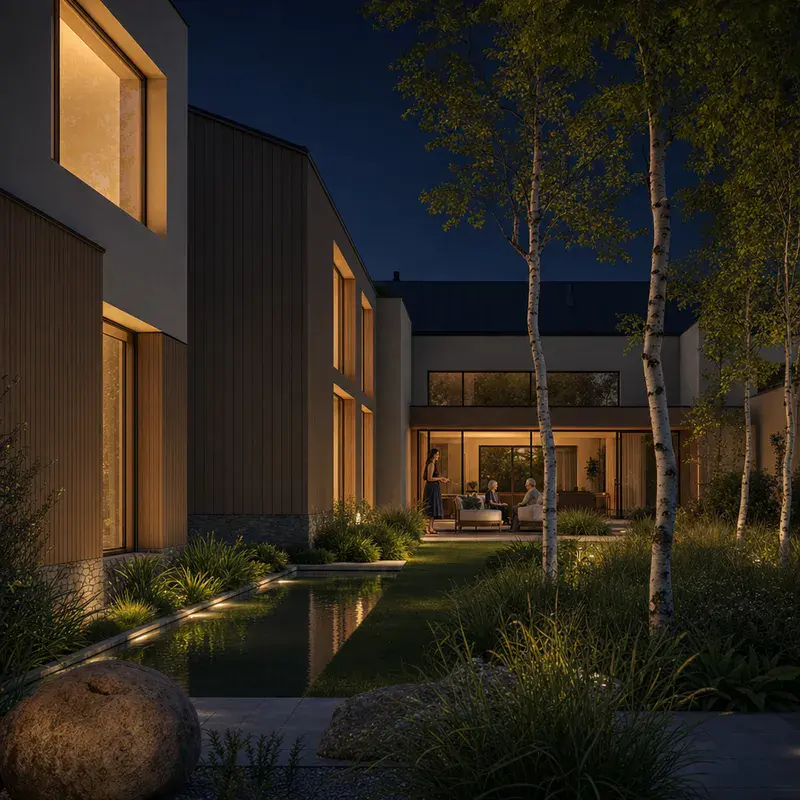
When should you use day, golden hour, dusk, or night?
Pick the condition that makes the current question easiest to inspect. A presentation image can carry mood, but it still needs a clear job.
| Condition | Best use | Main risk |
|---|---|---|
| Daylight | Form, material color, context, and routine option review | Flat facades under high or directionless light |
| Golden hour | Depth, texture, landscape, and one warm presentation view | Orange materials and shadows that hide entrances |
| Dusk | Occupation, thresholds, glazing, and interior-to-exterior links | Uniform glowing windows and lost facade detail |
| Night | Entrance, hospitality, public space, and lighting concepts | Black shadows, clipped lamps, and unreliable material color |
What makes a useful daylight render?
A useful daylight render keeps surface color and shadow detail readable. Choose a clear sun direction or soft overcast light. Avoid a white sky with black openings.
Use overcast light for material comparison. Use angled morning or afternoon light for massing and facade depth. The AI exterior rendering method covers glazing, ground contact, and facade review.
When does golden hour help?
Golden hour helps when texture and landscape need more depth. A low sun can describe cladding, reveals, and planting with long shadows.
Keep the color restrained. Pale render should not turn orange. Deep shadows still need enough detail to show entrances and ground levels.
How should a dusk render balance inside and outside?
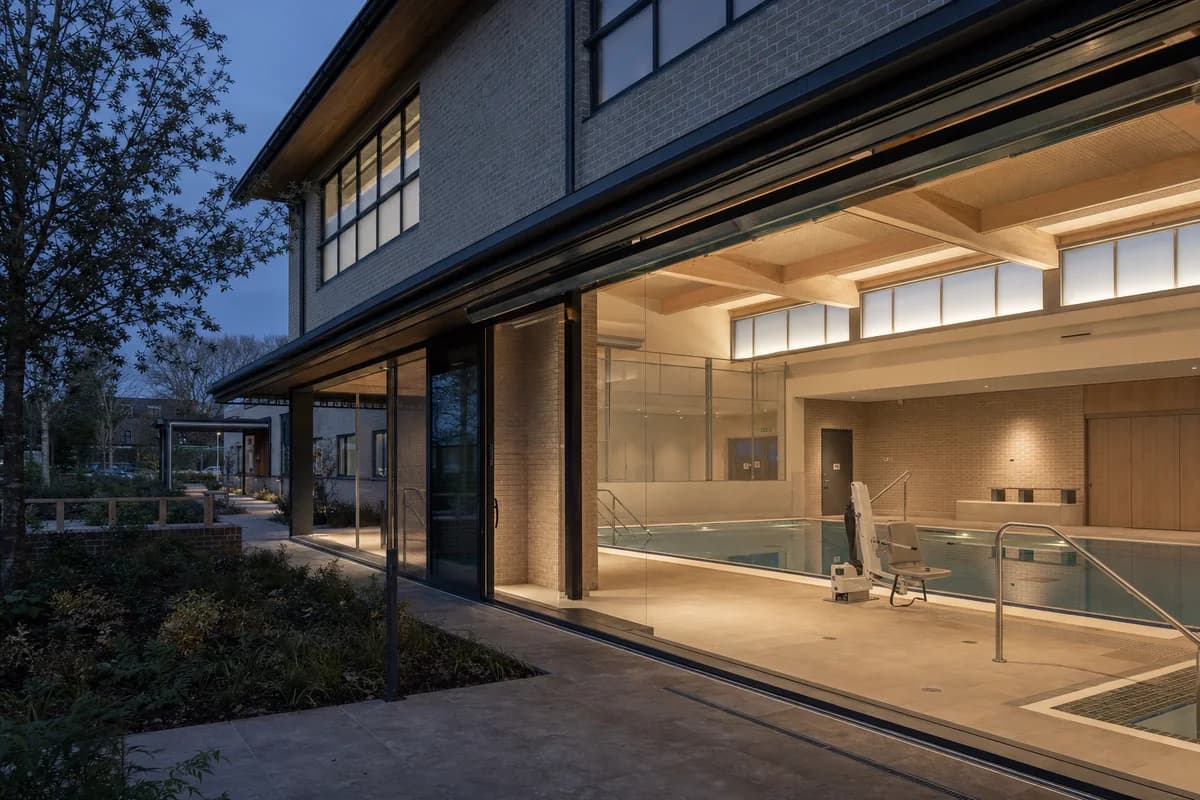
Dusk works when the exterior remains readable and interiors begin to lead. Keep the sky lighter than full night. Let occupied rooms carry varied, warm light.
Avoid one flat glow across every window. Different room depths and fixtures create different light levels. Glazing should keep some sky and landscape reflection.
What makes a night render believable?
A believable night render uses selective sources. Entrances, circulation, and occupied rooms should explain the lighting logic.
Leave some ambient fill in the sky and landscape. Pure black areas lose scale and material. Pair the night image with daylight before approving finishes.
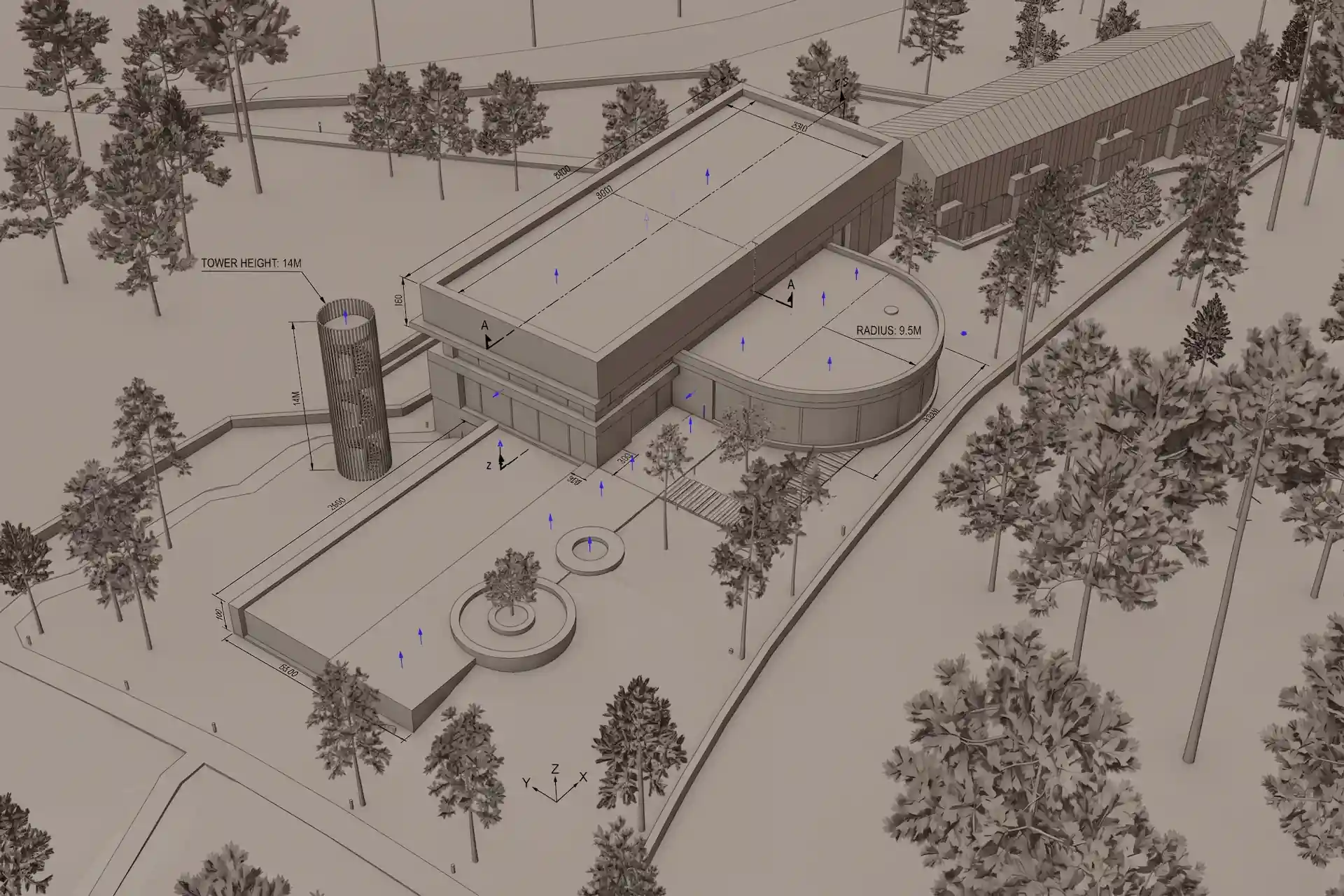
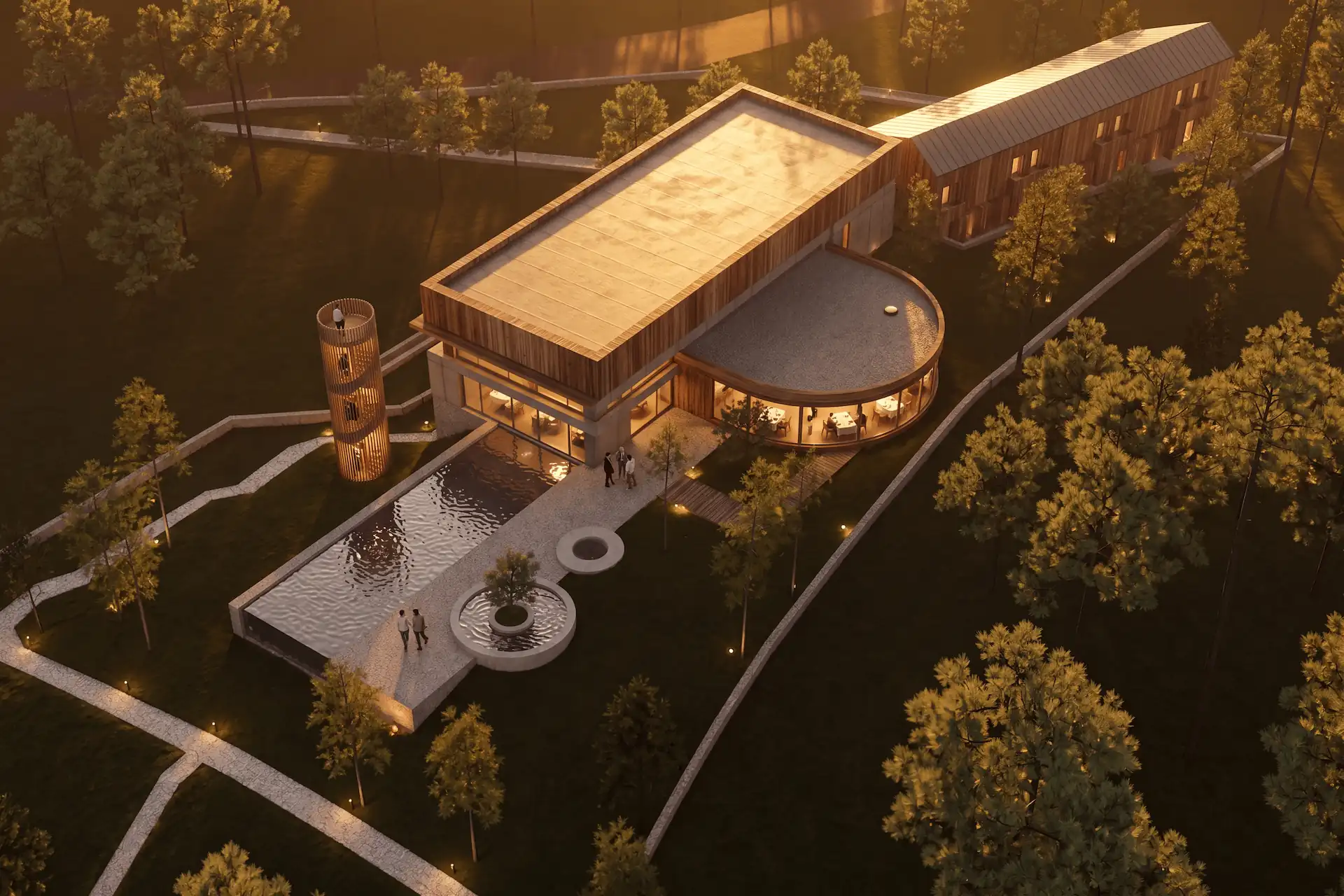
Before / after
Test one daylight view, then compare a second lighting condition.
How do you keep the scene stable while changing the light?
Start from one clean source image. Set the camera and crop before generating options. Keep materials, planting, and entourage fixed in the brief.
Use Enhance when a 3D screenshot should guide the visible scene. Its preservation instruction is not a guarantee. The screenshot-to-render workflow explains what the source can constrain.
For each variation, change only the Lighting field or one clear prompt clause. Keep the accepted source beside every result. Check camera height, horizon, openings, roof edges, and landscape footprint before comparing mood.
The public render-retention method separates geometry review from restyling review. That distinction matters here. A stronger dusk image does not excuse a moved opening.
How do you brief architectural lighting?
Name the source, direction, softness, color, and practical fixtures. Keep the brief visual and short.
State the review goal
Choose form, materials, occupation, entrance, landscape, or presentation as the main question.Set the natural light
Name the time, sky condition, sun direction, shadow softness, and target exposure.Place practical light
Describe occupied rooms, pendants, wall lights, path lights, or soffit light only where needed.Protect the scene
Keep the source, camera, geometry, materials, planting, and people unchanged in the instruction.Review from geometry outward
Check openings and edges first, then shadows, reflections, color, and mood.
For an exterior, describe the facade plane that receives the sun. Name the entrance and any landscape light. Keep fixtures tied to paths and thresholds.
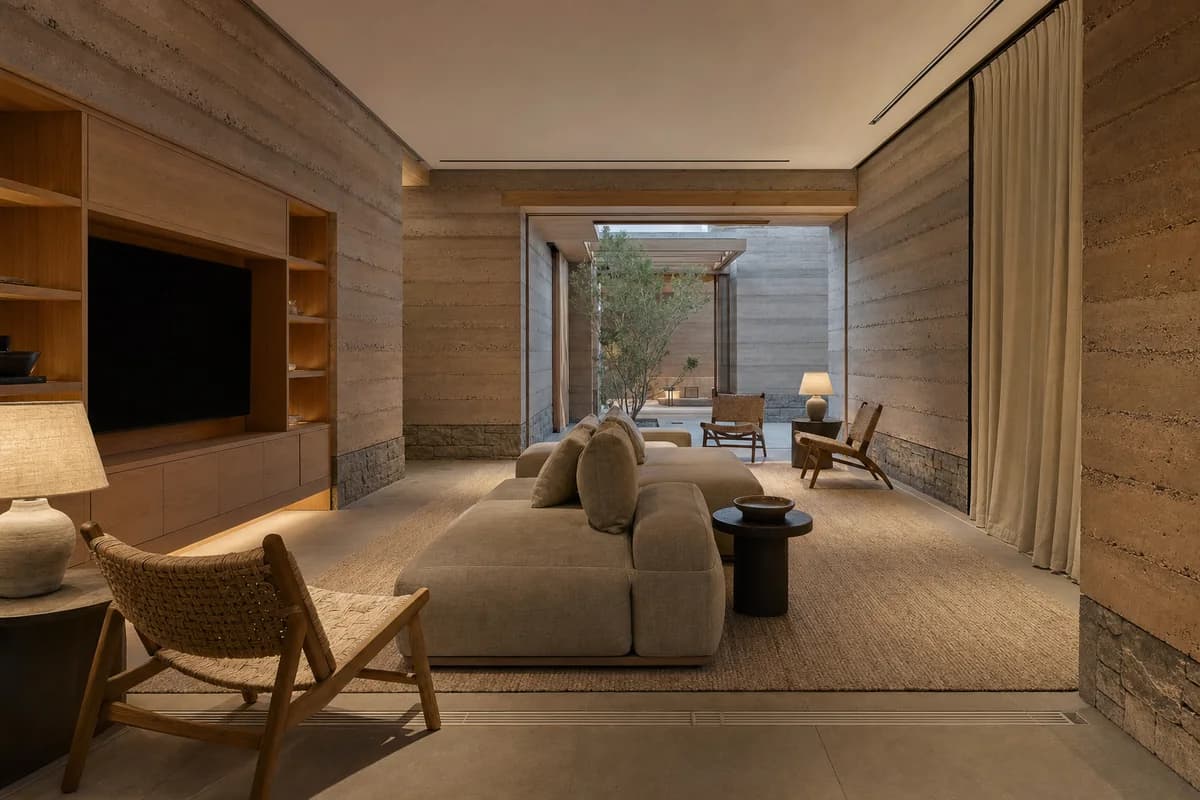
For an interior, name the window direction and the main practical source. Layer ambient, task, and accent light only when the room needs each layer. The interior rendering guide covers room-specific material, furniture, and client-review checks.
The architecture render prompt guide shows how to place constraints before stylistic detail. Keep Lighting distinct from Materials and Entourage.
Prompt library · 26 promptsDusk lightBrowse prompts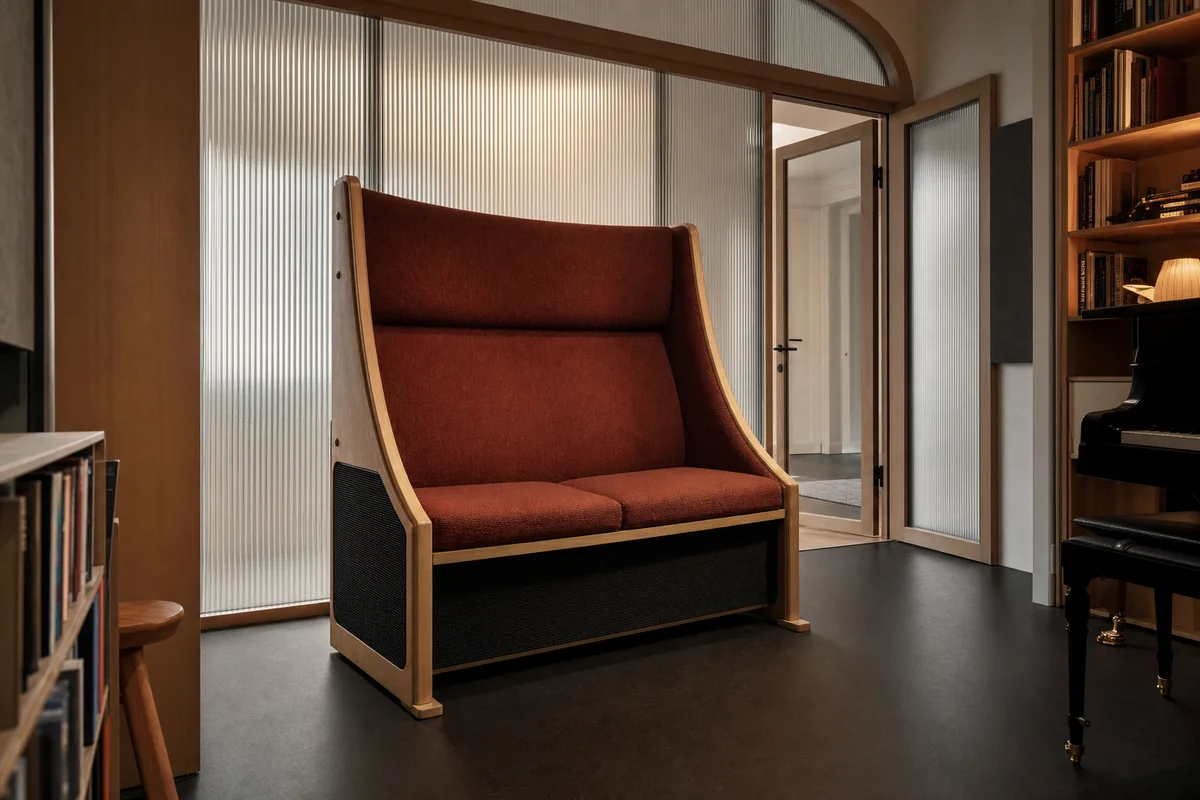
How do light and materials work together?
Light reveals finish, joint, sheen, and texture. It also shifts perceived color. A material decision should not rely on one dramatic condition.
Use diffuse daylight to compare broad color and roughness. Use angled light to inspect texture and relief. Check glass at both day and dusk. Reflections, interior brightness, and mullion depth should remain plausible.
The realistic materials briefing method covers finish, unit scale, joints, and reflection in more detail.
Browse architectural rendering styles with examples when lighting supports a wider image language. Keep technique, style, and time of day as separate choices.
What lighting mistakes make renders less credible?
Most failures come from conflicting sources or extreme exposure. Review the whole image before adjusting individual lamps.
- No clear direction: shadows point several ways without a visible cause.
- Uniform windows: every room carries the same flat brightness.
- Clipped fixtures: lamps become white discs without a surrounding falloff.
- Black materials: dark areas lose joints, texture, and depth.
- Orange surfaces: warm light changes pale stone, timber, and render too far.
- Pasted entourage: people and planting carry a different light direction.
- Day-like night: the sky stays bright while artificial light has no role.
Correct one failure at a time. Compare the revision with the previous image and the source. The client render review checklist provides a wider acceptance sequence.
When should you use a conventional renderer?
Use a conventional renderer when lighting values must be repeatable or measured. It is the right source for calibrated sun, fixture photometry, glare, verified product assets, animation, and matched camera sequences.
AI lighting studies fit concept direction and still-image review. They help compare mood, occupation, and presentation emphasis. The project model remains authoritative for geometry and technical lighting decisions.
Questions about architectural render lighting
What lighting is best for an architectural render?
Use daylight for form and materials, golden hour for depth, dusk for occupation, and night for a focused lighting concept. Choose the condition that reveals the current design question.
How do I make a dusk render look believable?
Keep the exterior readable, vary interior light by room, retain glazing reflections, and avoid uniform glowing windows. Compare the result with a daylight view.
Can I change the light without changing the building?
Use one source image and ask to keep the camera, geometry, materials, and landscape stable. Generated details can still drift, so review every result against the source.
Can an AI render replace a daylight or sun study?
No. A generated image can support mood and option review. Use a validated model and location-aware tools for measured solar, daylight, glare, or compliance work.
Table of Contents
- How does lighting change an architectural render?
- When should you use day, golden hour, dusk, or night?
- How do you keep the scene stable while changing the light?
- How do you brief architectural lighting?
- How do light and materials work together?
- What lighting mistakes make renders less credible?
- When should you use a conventional renderer?
Authors

- Name
- Vladimir Mindru
Previous Article
Table of Contents
- How does lighting change an architectural render?
- When should you use day, golden hour, dusk, or night?
- How do you keep the scene stable while changing the light?
- How do you brief architectural lighting?
- How do light and materials work together?
- What lighting mistakes make renders less credible?
- When should you use a conventional renderer?
Authors
- Name
- Vladimir Mindru