
Start
Bring what you have
A prompt, a CAD or 3D screenshot, or a render that needs one focused change.
Architect-built rendering
AI architectural rendering turns a prompt or a bare 3D scene into a finished image. CAD Scene keeps every study in one workspace, from first idea to client review.
Your first renders are free. No credit card.
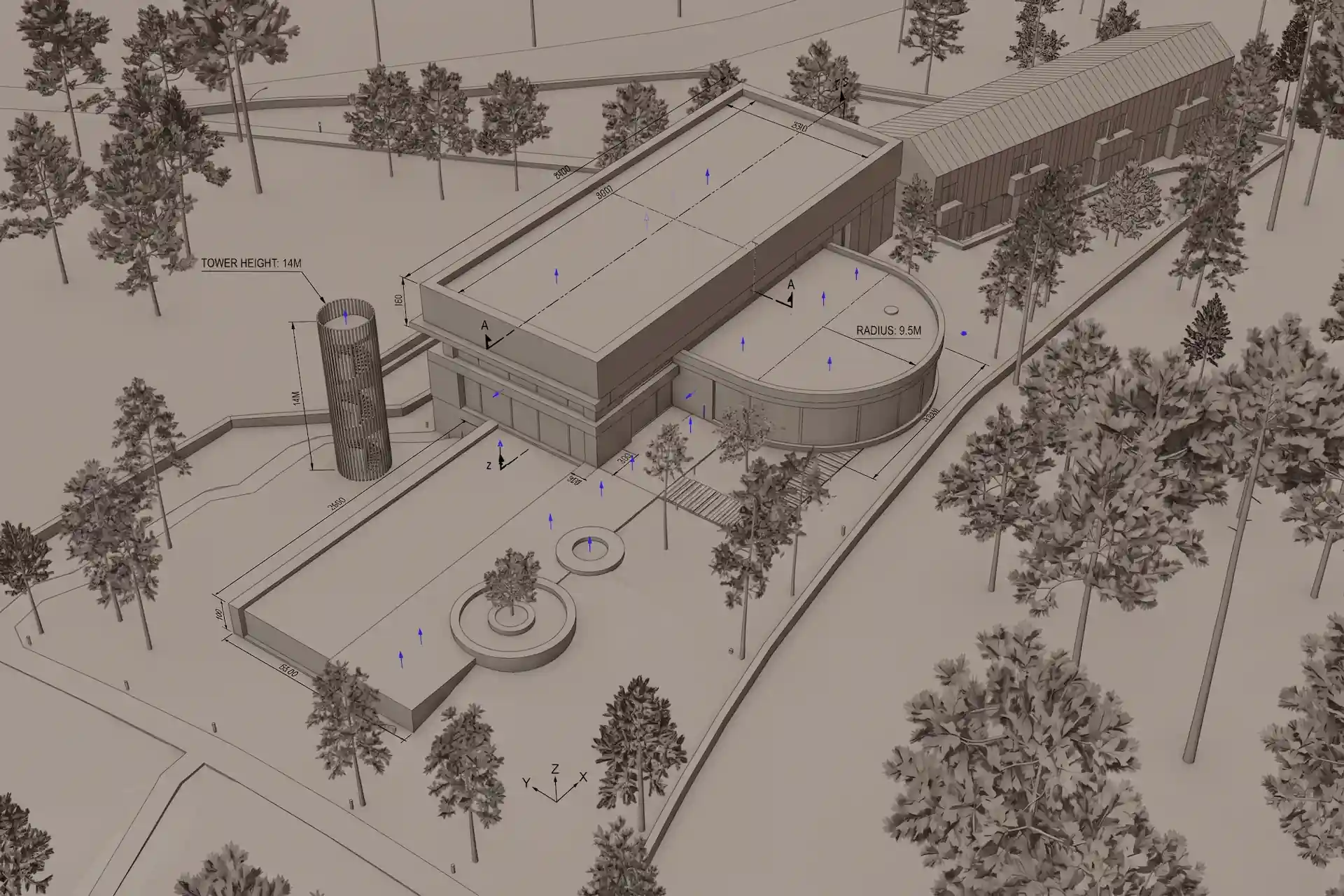 CAD or 3D scene
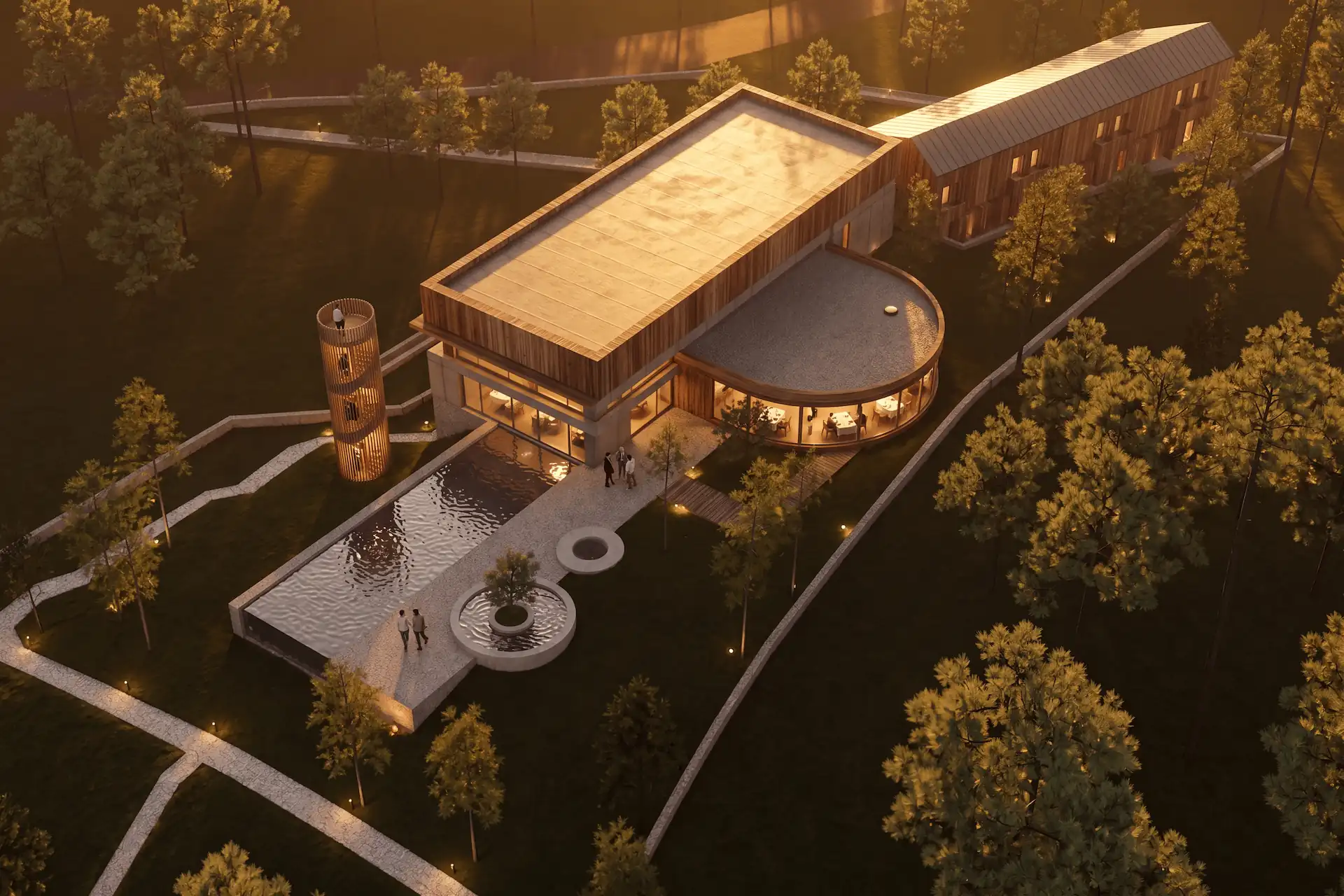 Rendered
Step through the same forest villa: the working view you would screenshot, then the finished render. The source view guides the camera, angle, and proportions.
Start freeWarm oak, board-formed concrete, low golden-hour light.
The same view, resolved through materials and light.
Carry one chosen view from the working model into a client-facing image.
Presentation view · materials and light
Move from an unresolved scene to a presentable option in seconds.
Start
A prompt, a CAD or 3D screenshot, or a render that needs one focused change.
Direct
Style, scene, light, materials, and entourage steer every render in the project.
Deliver
Produce options in seconds, compare studies, and download a free 4K upscale.
Create begins with words. Enhance begins with your 3D screenshot. Edit changes a marked region. Every study shares the same project context.
Read the architectural rendering guideAI renders are design images. Review geometry and details before client issue.
Your first renders are free. No credit card.
Free
100 credits
No card
Hobby
$12 / month
250 credits
Studio
$35 / month
1000 credits
Clear answers for ai architectural rendering, before you put a project in.
Start from words, a CAD or 3D screenshot, or an existing render that needs a focused edit.
No. CAD Scene runs in the browser and accepts a flat image from your modeling tool.
Most renders return in seconds, so you can compare several directions in one session.
Yes. Your first renders are free. You do not need a credit card to create an account.
Bring the view you are already working on. Your first renders are free.
Start freeYour first renders are free. No credit card.