
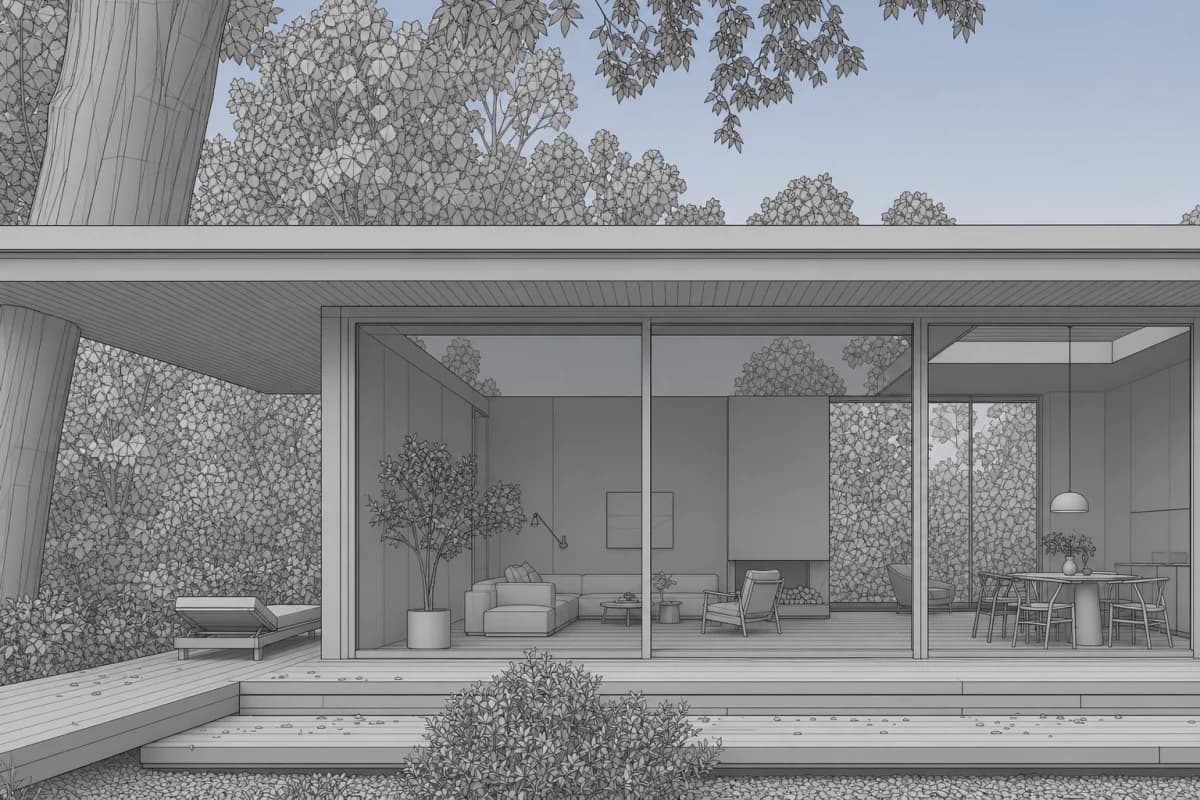
Capture
Use the view you approved
Save a NamedView and export it with ViewCaptureToFile. Remove selections and viewport clutter.
Viewport studies for Rhino modelers
Rhino AI rendering turns a NamedView or ViewCaptureToFile image into a client-readable study. Explicit finish, light, and context help complex geometry read as a building.
Your first renders are free. No credit card.
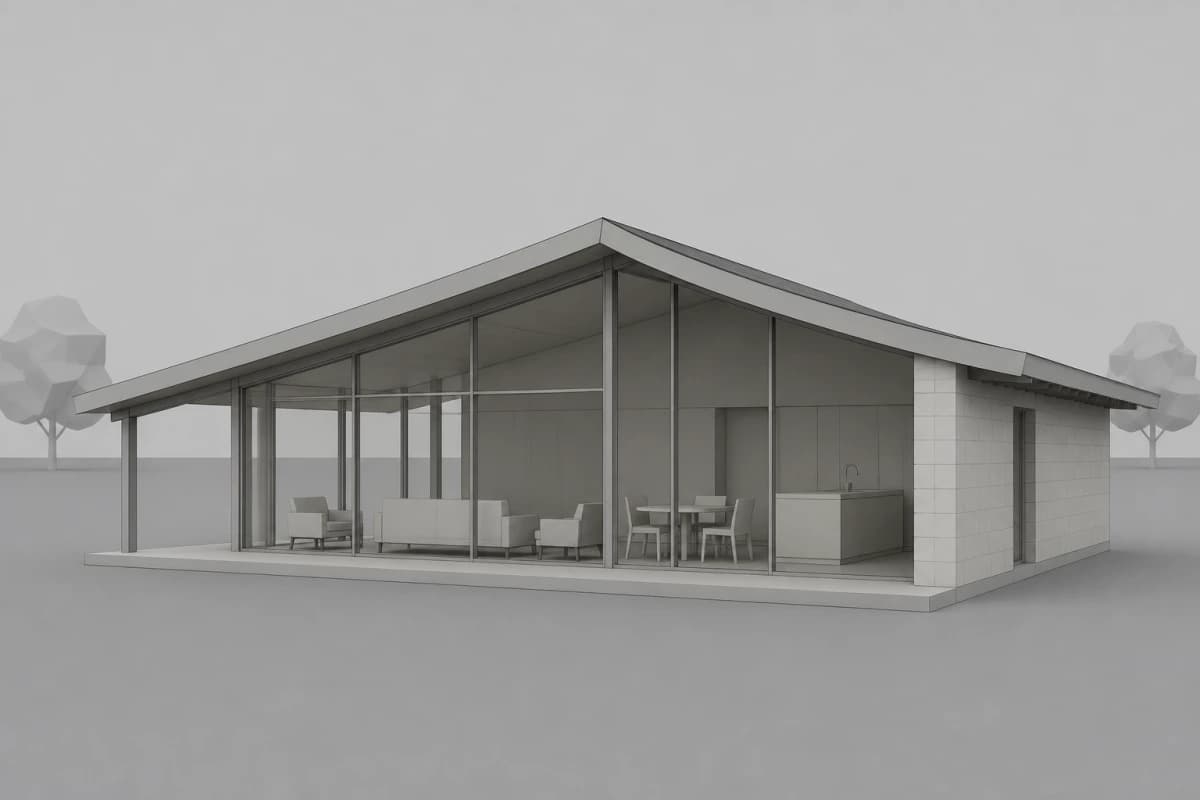 Rhino viewport
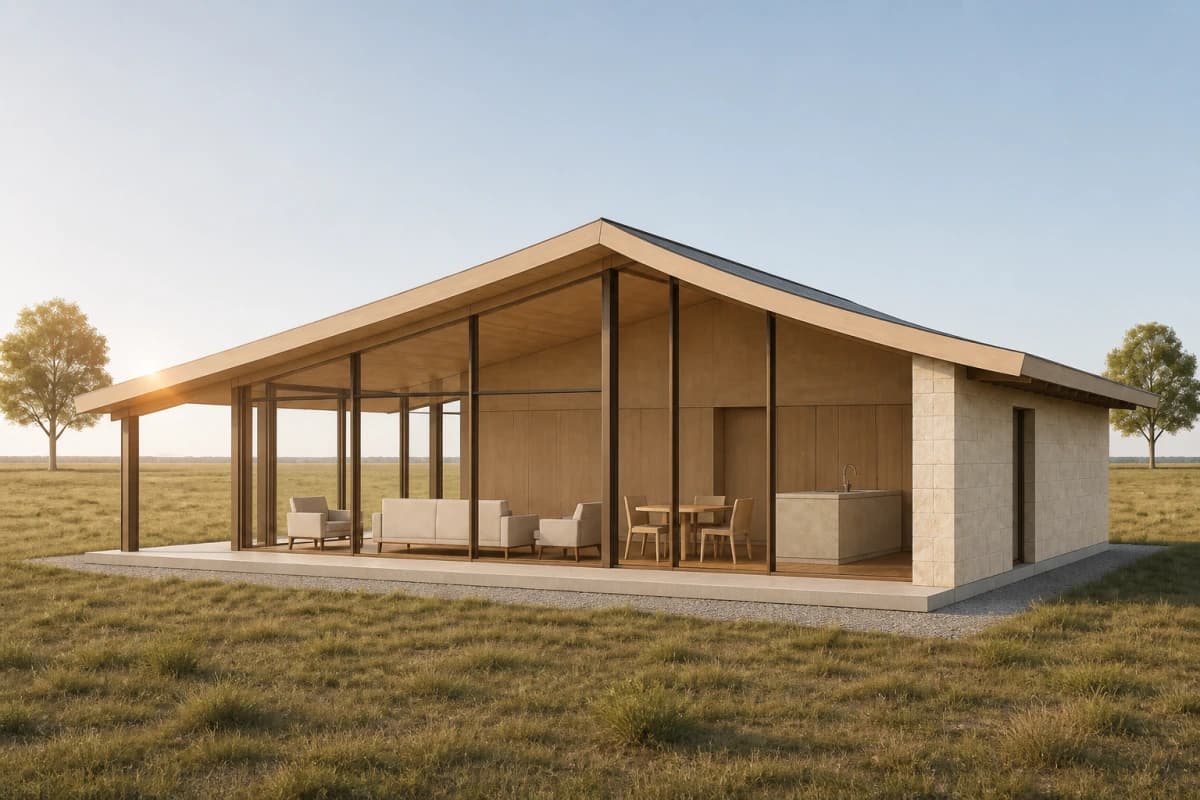 Rendered
Step through one Rhino scene from viewport linework to a grounded woodland render.
Start free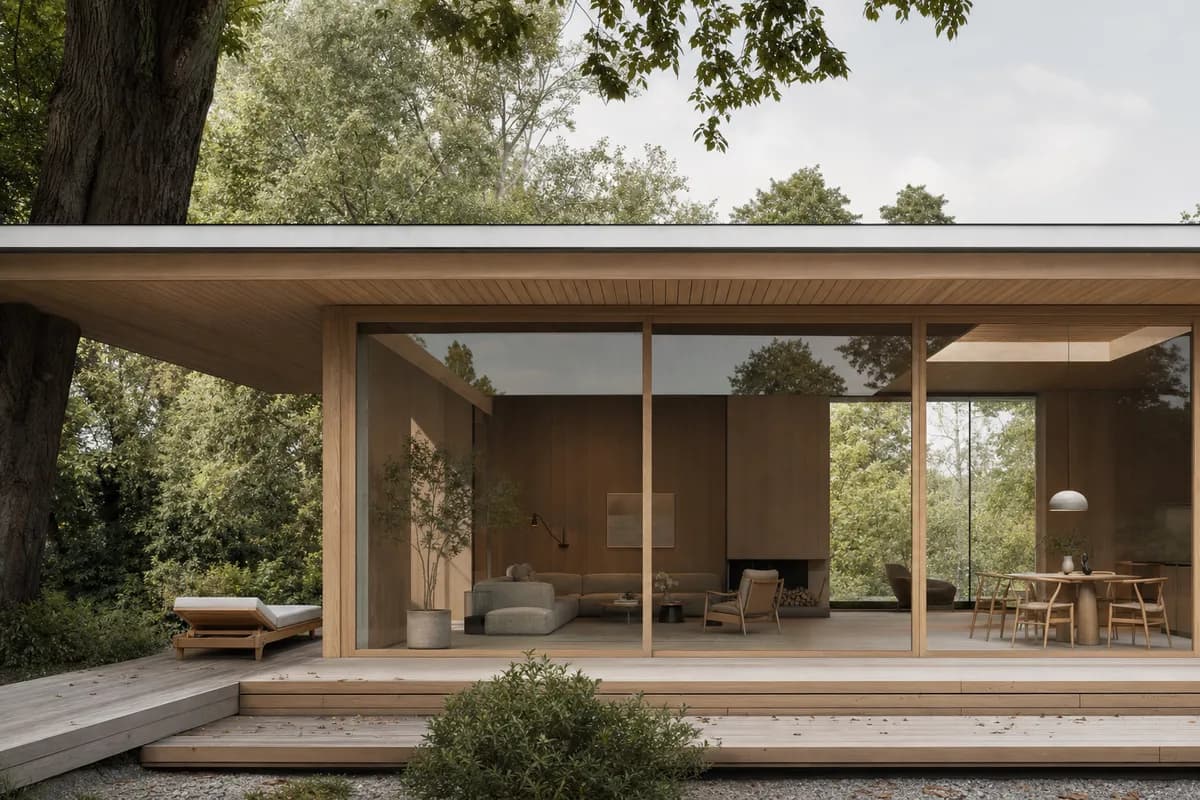
Warm timber, clear glazing, soft woodland daylight.
The same scene reads through timber, glazing, and woodland light.
Finish, light, and landscape help the modeled form read clearly in context.
Rendered study · architectural context
Finish, light, and context turn abstract form into a legible building study.
Capture
Save a NamedView and export it with ViewCaptureToFile. Remove selections and viewport clutter.
Ground
Specify timber, stone, glass, or metal. Set light and landscape with equal care.
Review
Use the image for options and client review. Return to the model for technical decisions.
Create starts from a prompt. Enhance develops the composed viewport. Edit changes one marked region and keeps the rest still.
Read the Rhino workflowAI renders are design images. Check curves, openings, joints, and scale against the Rhino model.
Your first renders are free. No credit card.
Free
100 credits
No card
Hobby
$12 / month
250 credits
Studio
$35 / month
1000 credits
Clear answers for rhino ai rendering, before you put a project in.
No. Save a NamedView with ViewCaptureToFile or capture a clean viewport image.
Use a clear silhouette and a deliberate camera. Hide selections, grids, and construction clutter.
Name explicit finishes, light, and context. These cues help complex forms read as buildings.
Yes. Mark that region in Edit, describe the change, and keep the rest still.
Bring a clean viewport capture. Direct the finish, light, and context.
Start freeYour first renders are free. No credit card.