
Frame
Start with the room camera
Upload one model view with furniture, joinery, and openings already framed.
Room finish studies from one model view
Interior AI rendering turns one room model view into a finished image. Compare material directions without reframing the room.
Your first renders are free. No credit card.
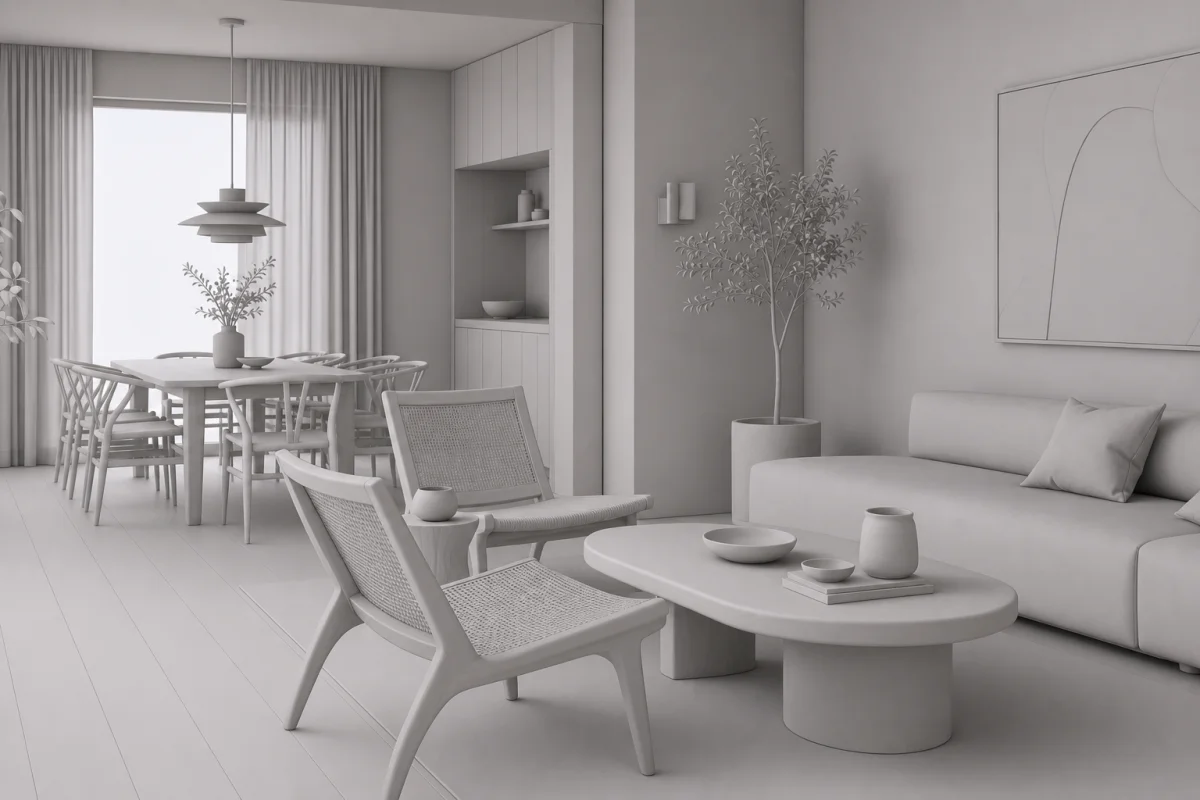 Interior model view
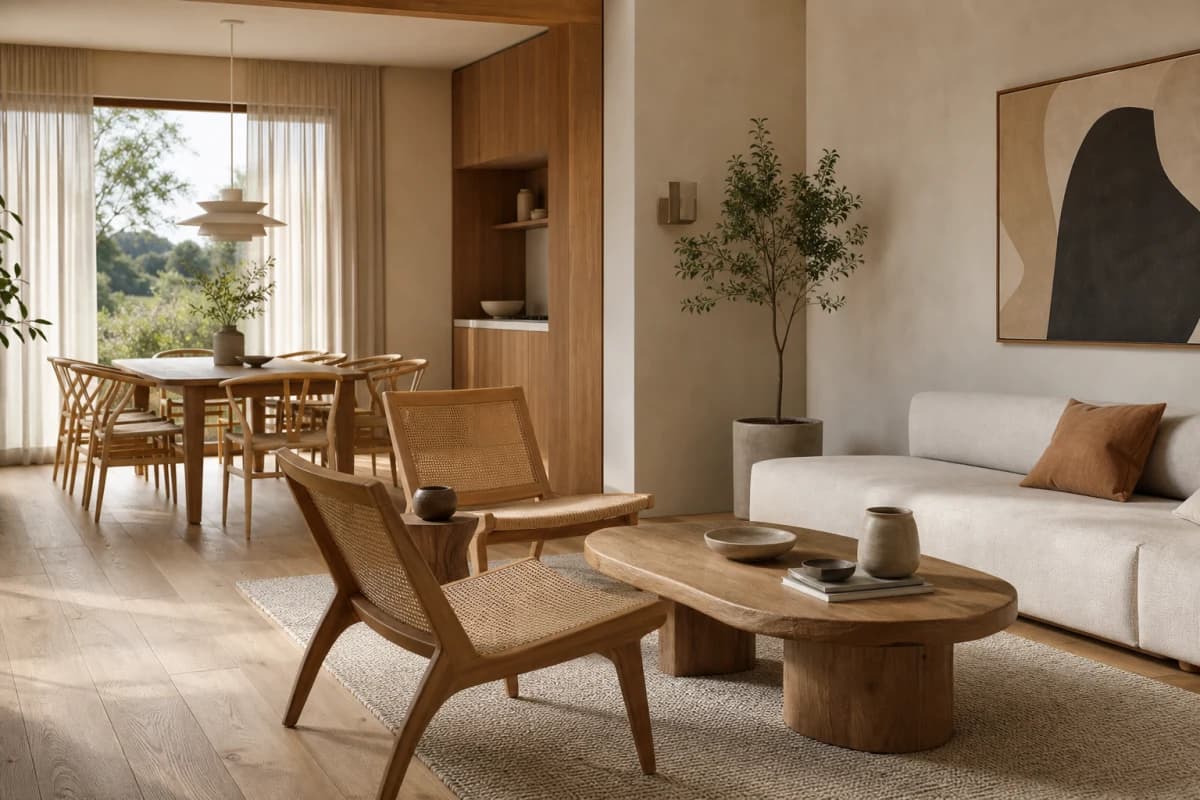 Rendered
Compare the model view with its rendered finish direction. Work from one framed room view across studies.
Start freeOak floor, limewashed walls, walnut joinery, linen textiles, warm daylight.
The same room view, resolved through materials and daylight.
Compare finish, textile, and lighting directions from the room view already framed.
Finish study · material direction
Work from one framed room view while material, textile, and lighting directions change.
Frame
Upload one model view with furniture, joinery, and openings already framed.
Specify
Set oak flooring, limewashed walls, walnut joinery, linen textiles, and warm daylight.
Compare
Work from the same room view while you compare material and lighting studies.
Create starts from a prompt. Enhance develops your room view. Edit revises one marked surface. Reuse one project Composition across rooms.
Read the interior rendering guideAI renders are design images. Review dimensions, fixtures, junctions, and specified products before approval.
Your first renders are free. No credit card.
Free
100 credits
No card
Hobby
$12 / month
250 credits
Studio
$35 / month
1000 credits
Clear answers for interior ai rendering, before you put a project in.
It supports interior designers and architects preparing room finish studies for client review.
Name the floor, walls, joinery, textiles, and light. Add the intended atmosphere.
Mark the surface in Edit and describe the replacement finish. Review the full result afterward.
Reuse one project Composition for materials, light, scene, and entourage across each room.
Bring the model view and compare finish directions in one project.
Start freeYour first renders are free. No credit card.