
AI Rendering for Rhino: From Viewport to Client Review

For a Rhino model headed to client review, save the intended camera as a NamedView. Export that view with ViewCaptureToFile. Then use the flat image in CAD Scene Enhance to study materials, light, landscape, and atmosphere.
Enhance aims to preserve the source view. It does not lock geometry. Compare every result with Rhino before it enters a review set.
This path fits architects who need still-image studies across Rhino and other source tools. Use a model-connected renderer when live geometry, material definitions, animation, or deterministic final control matters more.
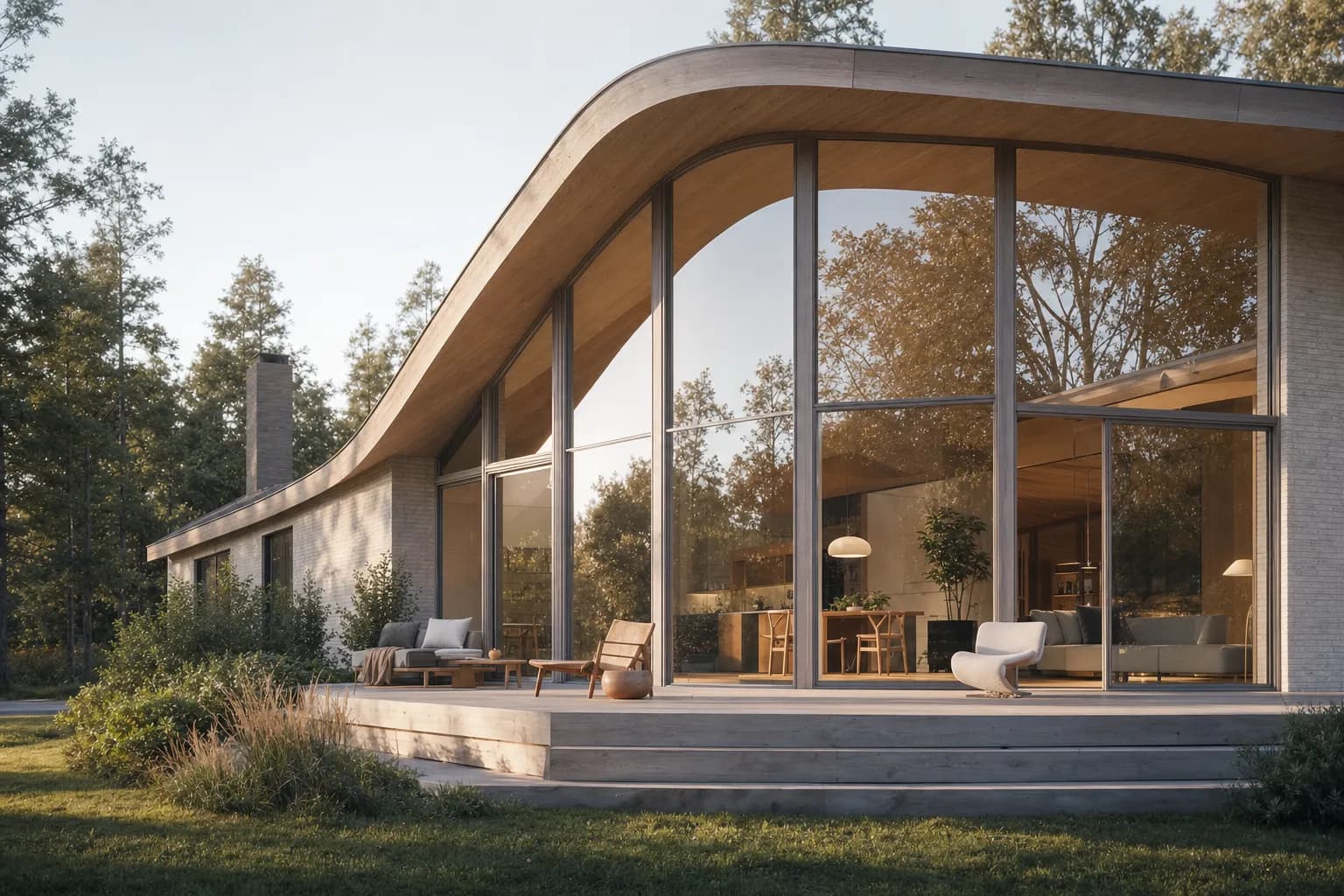
What is the best Rhino viewport to AI render workflow?
The useful workflow has four steps. Save the camera, export the view, guide the finish, and review the result against the model.
Rhino 8's official NamedView documentation states that a NamedView saves and restores the current viewport. Use it before capture so the same camera can be reopened after revisions.
Save the camera
Frame the intended client view. Save it as a NamedView before changing the model or viewport.Export a clean view
Restore the NamedView. Hide grids, axes, construction marks, selections, and temporary objects.Guide the finish
Use the exported image in Enhance. Name materials, light, landscape, atmosphere, and entourage.Check the model
Compare the output with Rhino. Review the camera, silhouette, openings, edges, levels, and crop.
The official ViewCaptureToFile reference confirms that Rhino can save the current view at a specified width and height. It omits viewport borders, cursor images, and other decorations. PNG is a useful default when edges need to stay clear.
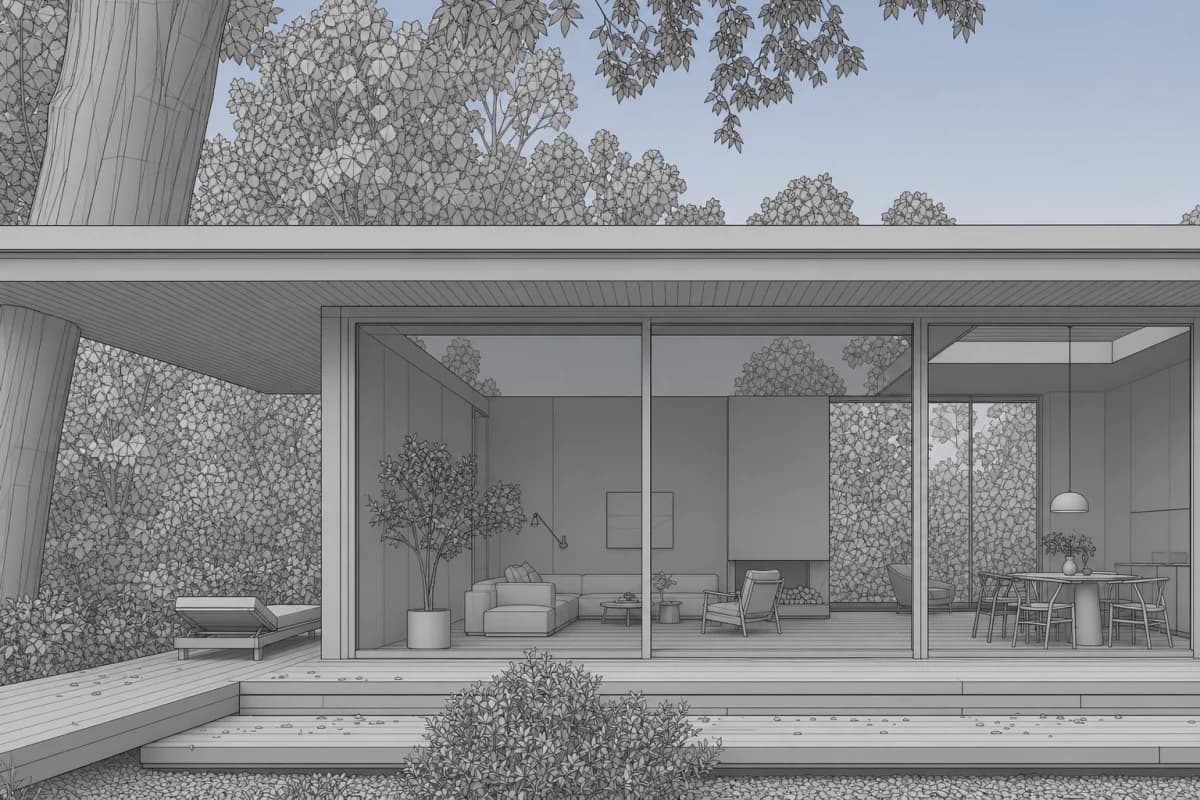 Rhino view
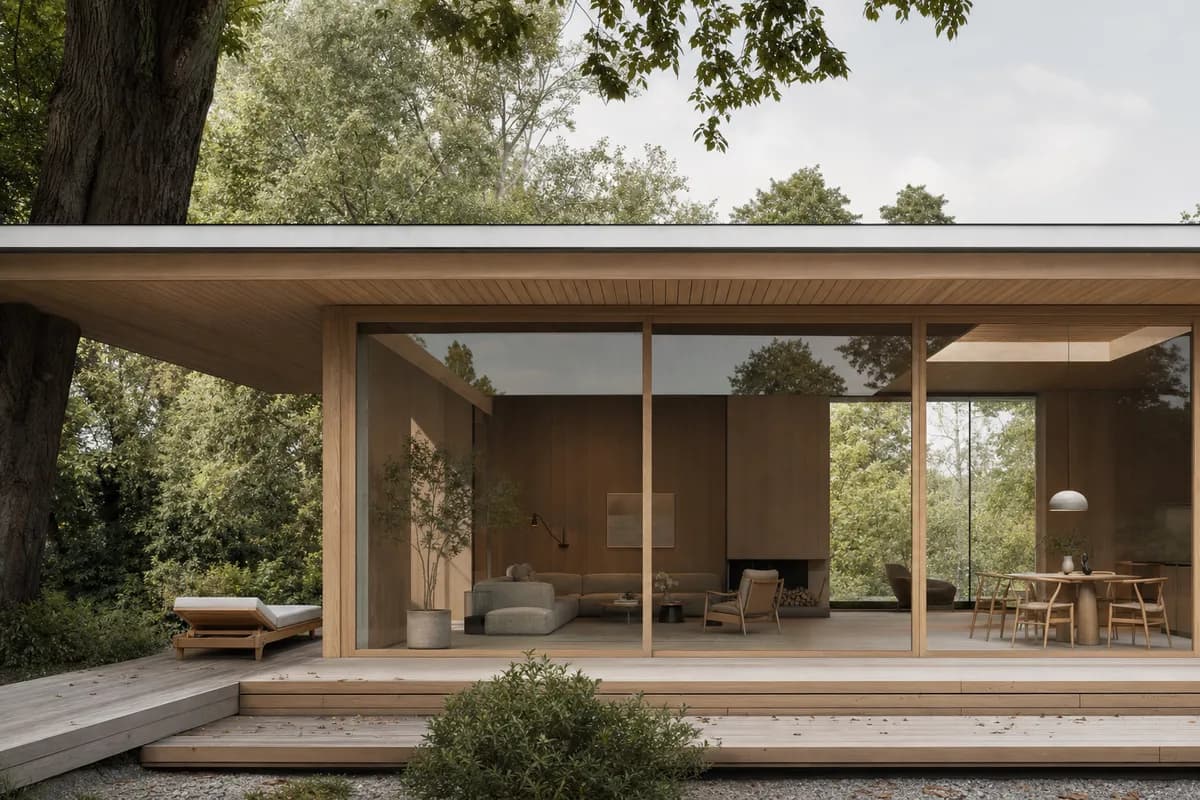 Image study
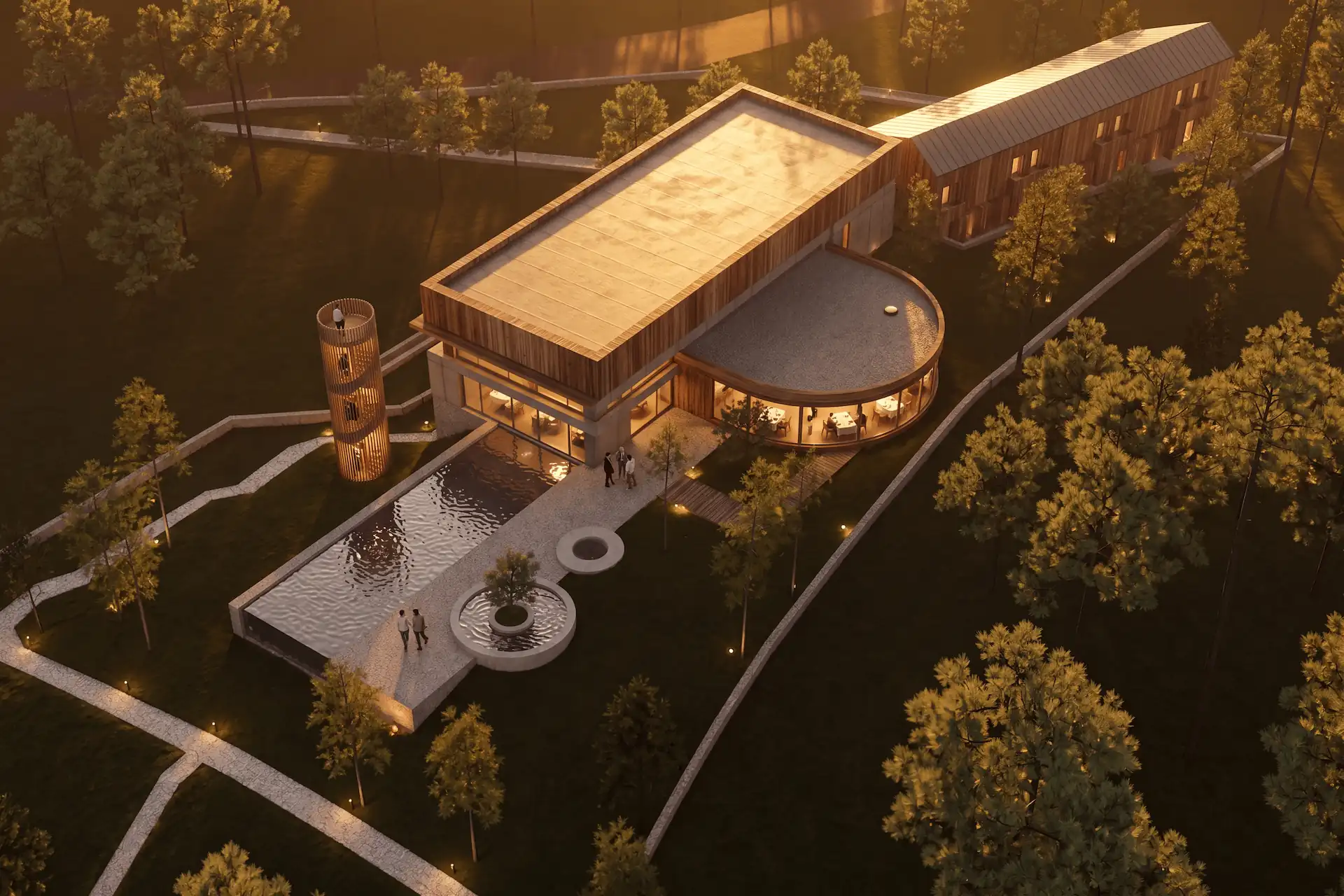
What should you export from Rhino?
Export the view you would defend in a review. Use Shaded, Arctic, Rendered, or another restrained display mode that makes the design legible. The right mode depends on what the image must explain.
Before capture:
- restore the approved NamedView;
- keep the intended aspect ratio and final crop;
- show the full roof, ground contact, and important openings;
- hide the grid, world axes, CPlane axes, control points, and Gumball;
- hide construction curves and alternate design options;
- remove temporary people, trees, or annotations;
- check that repeated panels and facade joints remain readable.
The cross-tool screenshot checklist covers capture hygiene in more detail. Use it when one project includes Rhino, SketchUp, Revit, or Blender views.
What should the Enhance brief say?
The source image carries the visible camera, composition, and geometry. Use the brief for the finish.
Review the Project Composition before sending:
- Style: the visual language and rendering character;
- Scene: climate, landscape, and broader atmosphere;
- Lighting: time of day, direction, contrast, and mood;
- Materials: named surfaces and finish relationships;
- Entourage: planting, people, furniture, and vehicles.
A useful prompt might read:
Preserve the source camera and visible building design. Study pale mineral render, dark bronze frames, warm timber soffits, soft overcast light, and restrained meadow planting.
Adapt the source-assisted architecture prompts after the camera and source view are fixed. Keep material and atmosphere language separate from model changes.
Do not ask Enhance to move a wall, change the roof, or add another floor. Those instructions conflict with the source. Return to Rhino for model changes.
Read the current Enhance source-image contract before sending. It describes a preservation instruction, not a guarantee.
Prompt library · 14 promptsDrawing and model to renderBrowse prompts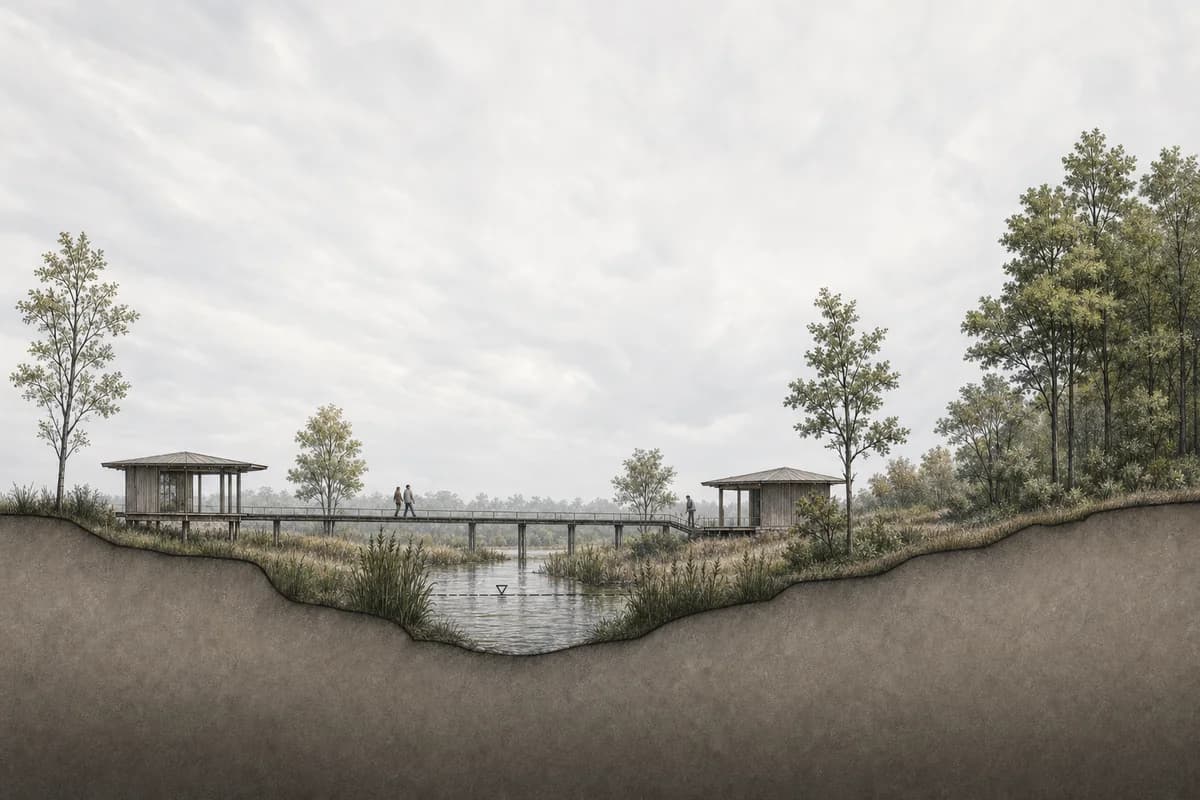
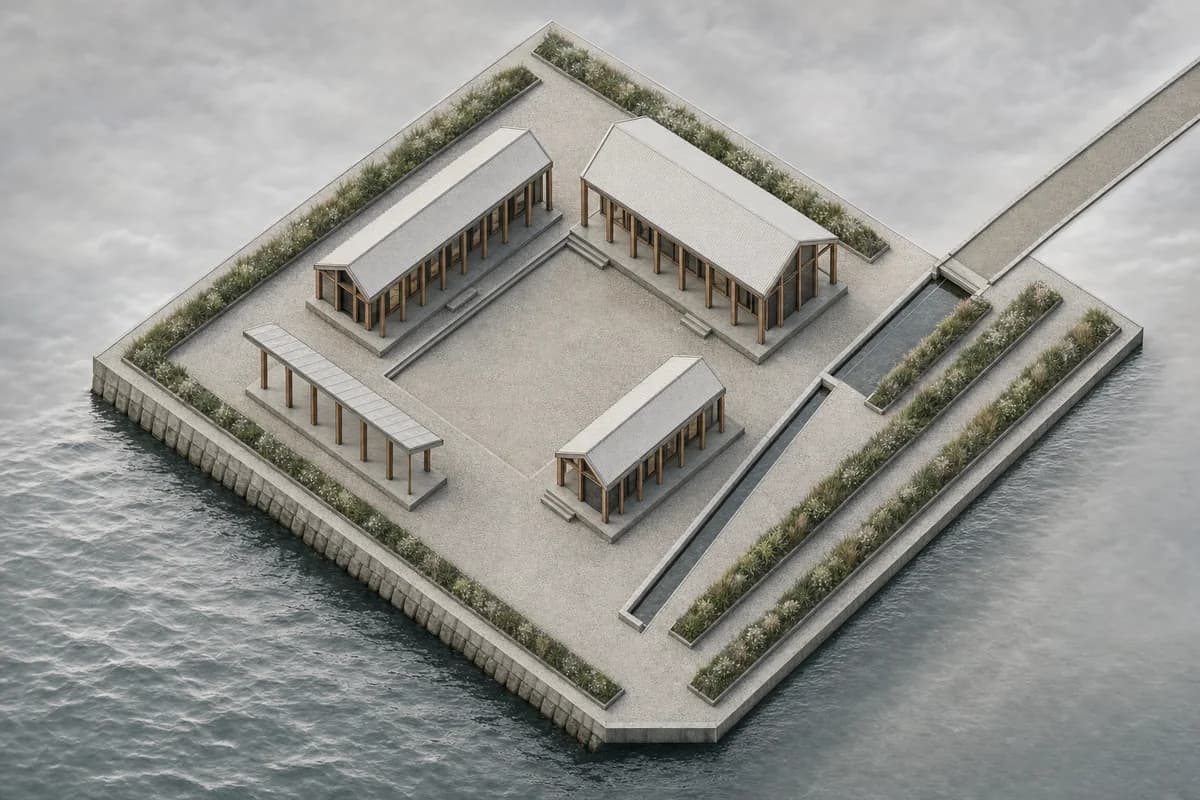
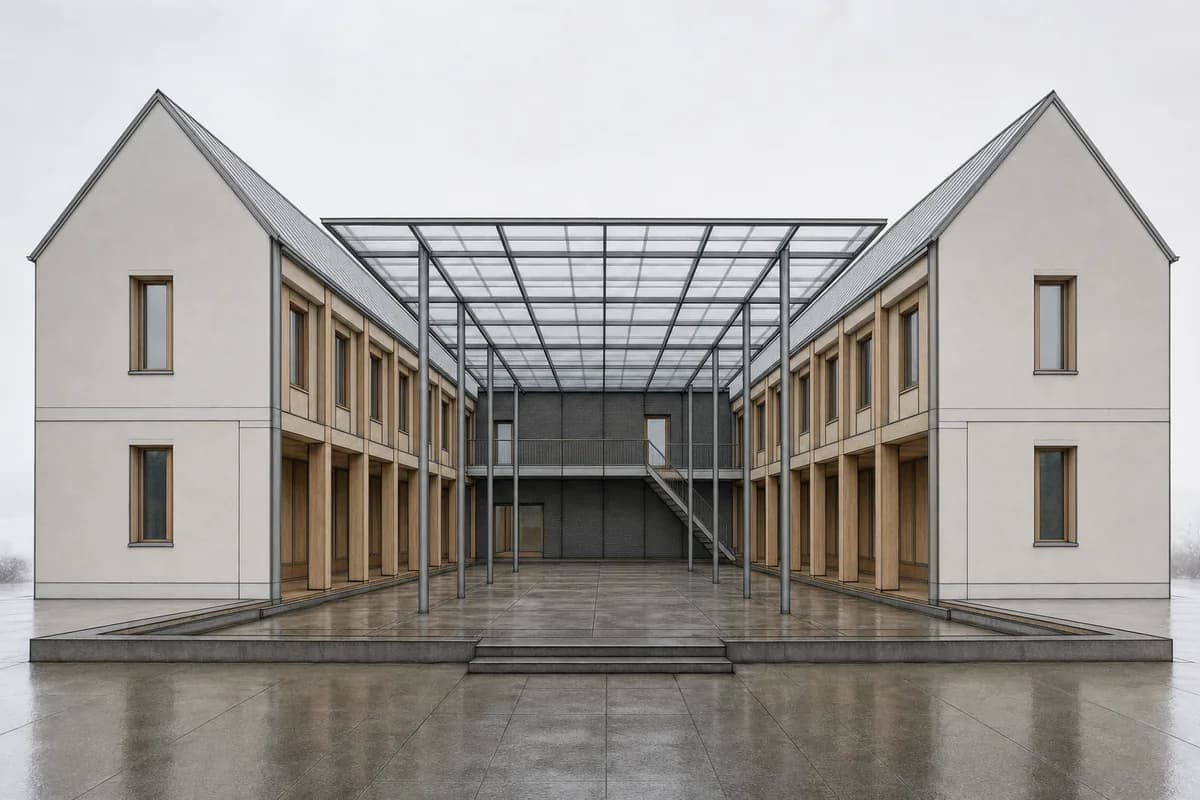
What does CAD Scene read from a Rhino file?
CAD Scene does not read the .3dm file. Enhance receives the exported image. It does not receive Rhino layers, object names, NURBS definitions, dimensions, Grasshopper logic, materials, lights, or renderer settings.
Visible source cues still matter. A clean shaded view can explain massing and openings. A restrained material view can explain broad finish zones. Hidden geometry remains unknown.
This boundary is useful for mixed-tool studios. The same flat-image workflow applies to a SketchUp screenshot, a Revit exported view, or a Blender camera view.
How should you check the finished image?
Review structure before atmosphere. Place the Rhino capture beside the output. Check these points in order:
- camera height, perspective, horizon, and lens character;
- crop, aspect ratio, and subject scale;
- roof lines, slab edges, and ground contact;
- window and door count, position, and proportion;
- repeated bays, panels, railings, and stairs;
- material boundaries, shadows, reflections, and entourage.
Enhance aims to preserve the source view. Generated output can still drift. The pair above is an editorial illustration, not a benchmark result.
Use the published render-retention method for a repeatable review. It separates camera and geometry checks from material and atmosphere judgment.
Is the result ready for client review?
It can suit concept and option review after the source comparison passes. Mark speculative planting, furniture, signage, and facade detail. Keep Rhino, drawings, schedules, and specifications authoritative for measured decisions.
Use the client-review acceptance checklist before placing the image on a board. A generated still does not become construction evidence because it looks resolved.
When should you use a model-connected Rhino renderer?
Choose a model-connected or conventional renderer when the deliverable depends on live scene data. This includes exact material definitions, placed lights, animation, model-linked revisions, or deterministic final output.
Current Chaos documentation for Veras 5.0, reviewed 2026-09-02, describes a rebuilt Rhino sync. Chaos states that it carries viewport materials, textures, block instances, and camera alignment into the Veras viewer. Treat that as a vendor-documented workflow, not an independent quality result.
| CAD Scene Enhance | Model-connected renderer | |
|---|---|---|
| Source | Exported image | Rhino scene or live link |
| Geometry context | Visible pixels only | Model data available to the renderer |
| Material direction | Composition, prompt, and source cues | Scene materials and renderer controls |
| Best fit | Mixed-tool still studies | Model-linked finals and animation |
For a wider product decision, compare AI rendering software for architects and the current CAD Scene versus Chaos Veras decision.
Sources checked
- Rhino 8 NamedView command, reviewed 2026-09-02.
- Rhino 8 ViewCaptureToFile command, reviewed 2026-09-02.
- Chaos Veras 5.0 Rhino sync, reviewed 2026-09-02.
- CAD Scene Enhance Help, reviewed 2026-09-02.
- CAD Scene render-retention method, reviewed 2026-09-02.
What should I export from Rhino for AI rendering?
Save the intended camera as a NamedView. Restore it, hide viewport clutter, and use ViewCaptureToFile to export a clean image at the required aspect ratio.
Does CAD Scene read my Rhino file?
No. Enhance reads the exported image. It does not receive the .3dm file, layers, object data, NURBS definitions, dimensions, Grasshopper logic, materials, lights, or renderer settings.
Will Enhance keep the Rhino camera and geometry exactly?
No exact-retention guarantee applies. Enhance aims to preserve the source camera, framing, proportions, and major geometry. Compare every result with Rhino.
Is a Rhino AI render ready for client review?
It can suit concept and option review after the source comparison passes. Keep the Rhino model, drawings, schedules, and specifications authoritative for measured decisions.