
- Published on
Free AI Rendering for Architects: What You Actually Get
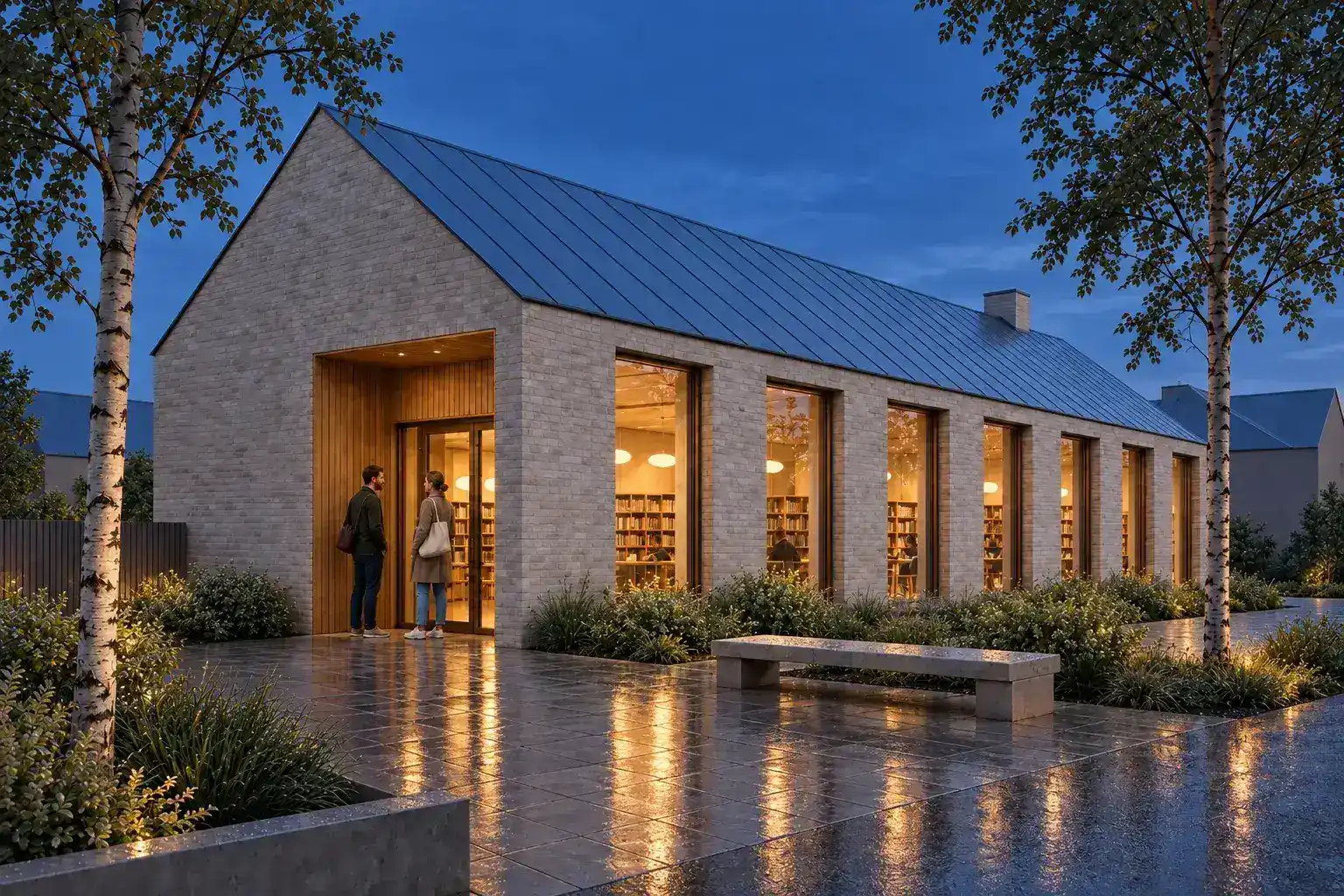
Free AI rendering is useful when it lets you test your own architecture scene. Start with one known camera, one material brief, and one correction. Check the result against the source before paying for a plan. A useful free route should state its credits, watermark, output size, rights, and privacy limits. It should also let you judge the real workflow, not only a sample gallery. CAD Scene gives new accounts signup credits without requiring a card. The number of free renders varies by model and settings. Its public browser tools can also prepare prompts, screenshots, and board files without spending render credits.
What does free AI rendering actually mean?
Free AI rendering can mean a trial allowance, a restricted ongoing plan, or a browser tool that prepares images without generating them. Those offers are not equivalent. Read the limit before uploading project work.
| Free route | What it can prove | What to check |
|---|---|---|
| Signup credits | Image quality and the real render workflow | Model cost, expiry, card requirement, and output rights |
| Restricted free plan | Repeated use within a fixed boundary | Watermarks, queues, resolution, daily limits, and commercial terms |
| Free browser utility | Capture, prompt, conversion, or board preparation | Whether files stay local and whether the tool generates an image |
| Prompt or style library | Vocabulary, visual direction, and brief structure | Whether examples are reviewed and relevant to architecture |
A signup allowance is the clearest product test. It should cover the same controls a paid user would judge. A restricted free plan can also work, but watermarks or low resolution may hide delivery quality.
A preparation tool does something different. It can reduce file size, calculate board pixels, or structure a prompt. It cannot prove the final generated image. Treat it as part of the workflow, not a substitute for a render test.
What can architects test free in CAD Scene?
CAD Scene starts a new account with 100 signup credits. Those credits do not expire. No credit card is required. Your first renders are free, but CAD Scene does not promise a fixed render count.
Each model and setting has its own cost. Quality, Resolution, and image count can change the total. The Composer shows that total before Send. This keeps the test measurable without pretending every render costs the same amount.
The Free plan includes Create, Enhance, and Edit. Use Create for an open brief. Use Enhance when a screenshot already sets the camera. Use Edit when one marked area needs a focused change. A free Lanczos 4K upscale is available after a render. It enlarges the file without starting another provider generation.
Failed render jobs refund their charged credits. A retry remains a new generation. The AI render pricing guide explains the current credit method and settings in detail.
How should you run a fair free rendering test?
Use a source scene with visible failure points. Repeated windows, a roof edge, two adjacent materials, planting, and one entry detail are enough. Keep the camera fixed.
Choose one known source
Use a current model view with a camera and proportions you can verify.Write one short brief
Name materials, light, landscape, occupation, and what must stay fixed.Generate one review image
Start at a sensible setting. Do not spend the allowance on maximum output first.Request one focused change
Change one material or lighting condition and inspect unrelated areas.Review the accepted image
Check geometry, artifacts, output size, time, cost, and the correction path.
The pair below uses one synthetic image lineage. The rendered side derives from the clay source. It demonstrates the review method, not measured CAD Scene retention.
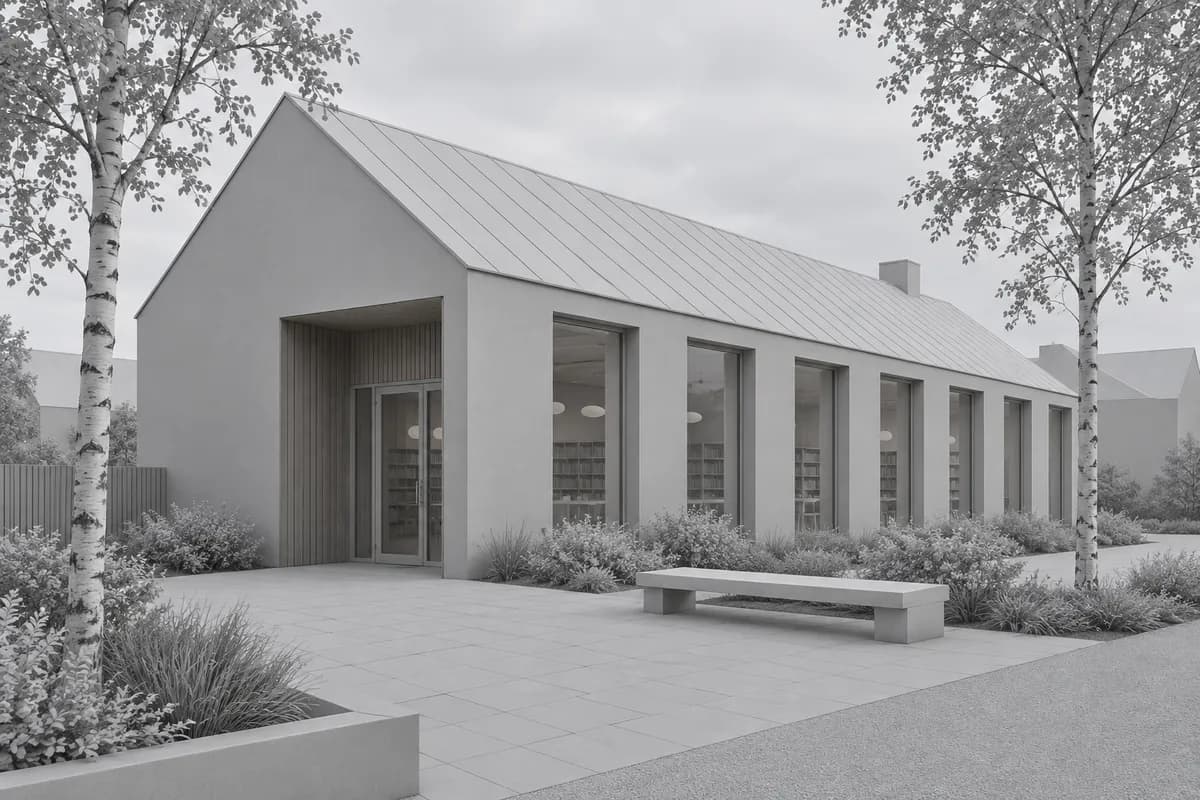 Synthetic source
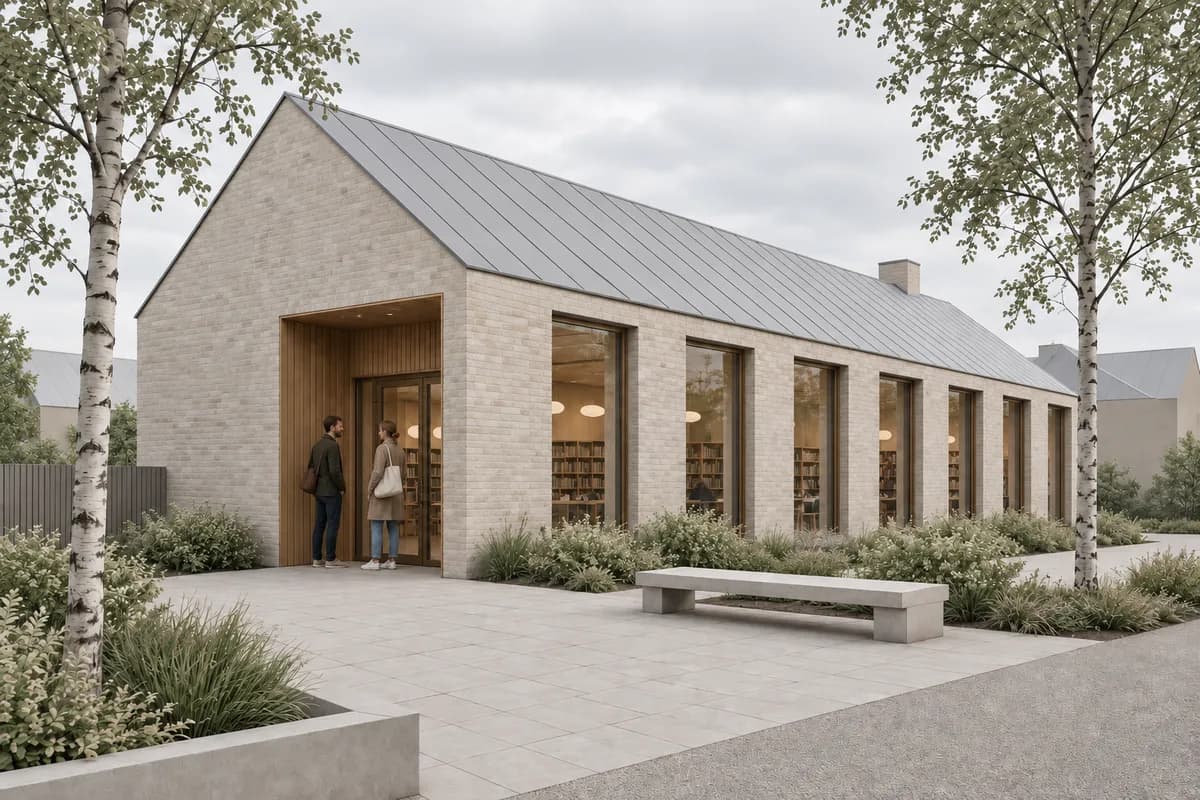 Review image
First check the silhouette and openings. Then inspect repeated elements, materials, people, text-like artifacts, and small junctions. A persuasive atmosphere does not excuse a changed floor level.
Before / after
Test one source scene before choosing a plan.
What should a free test reveal about revisions?
The first image is only half the test. Architecture work changes after review. A useful renderer should make the correction path clear.
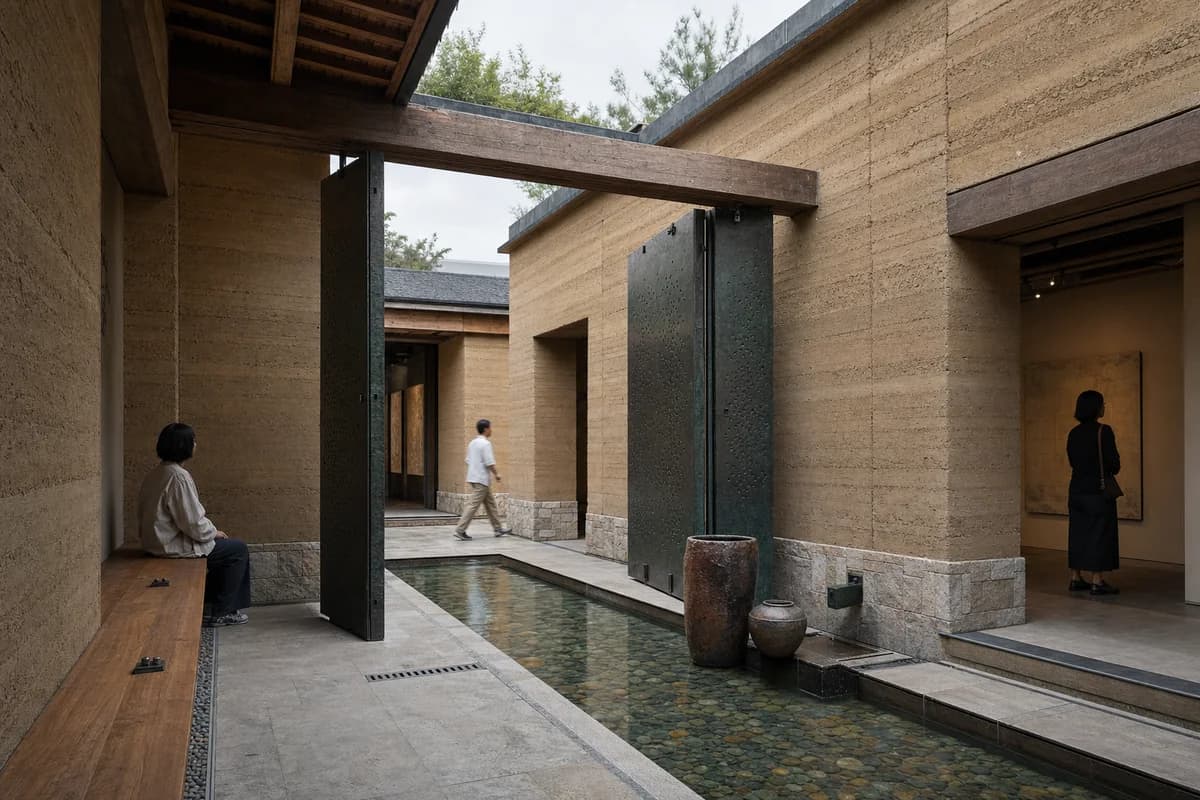
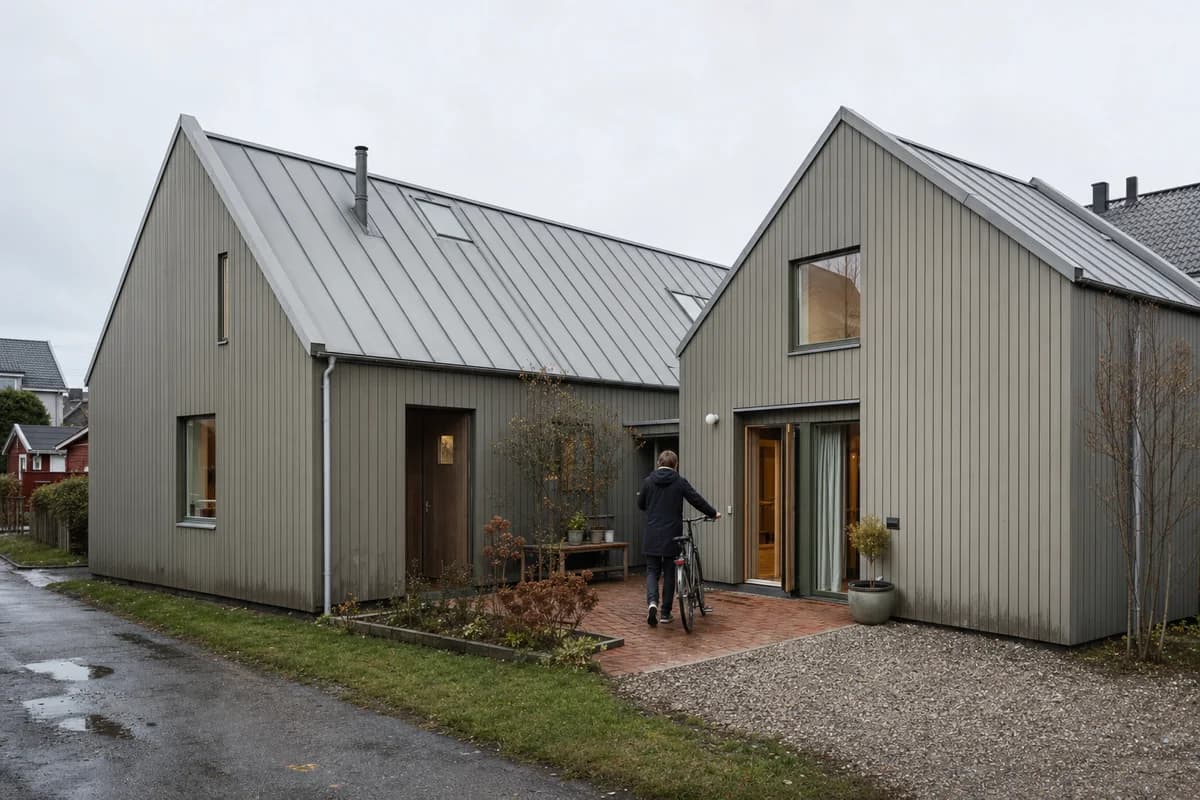
Ask for one bounded material edit. Then ask for one lighting option. Compare both with the accepted first image. Watch the camera, openings, crop, landscape, and neighboring materials.
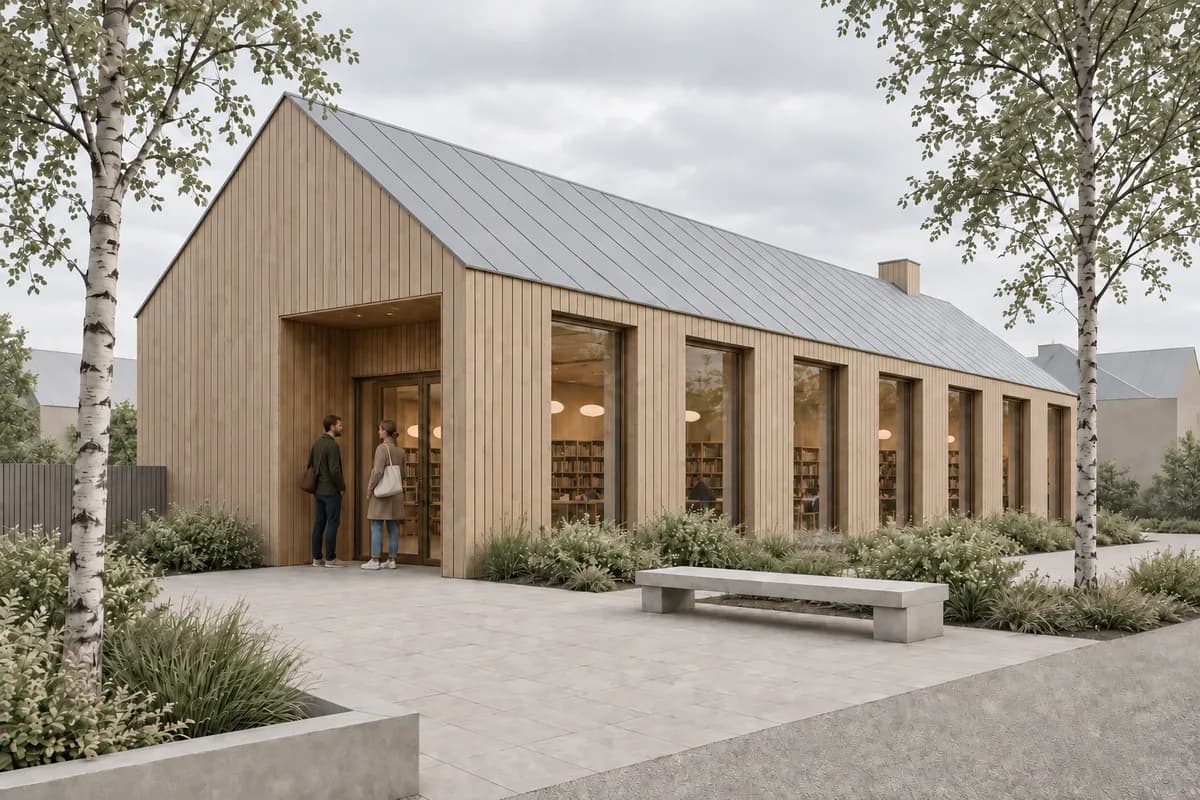
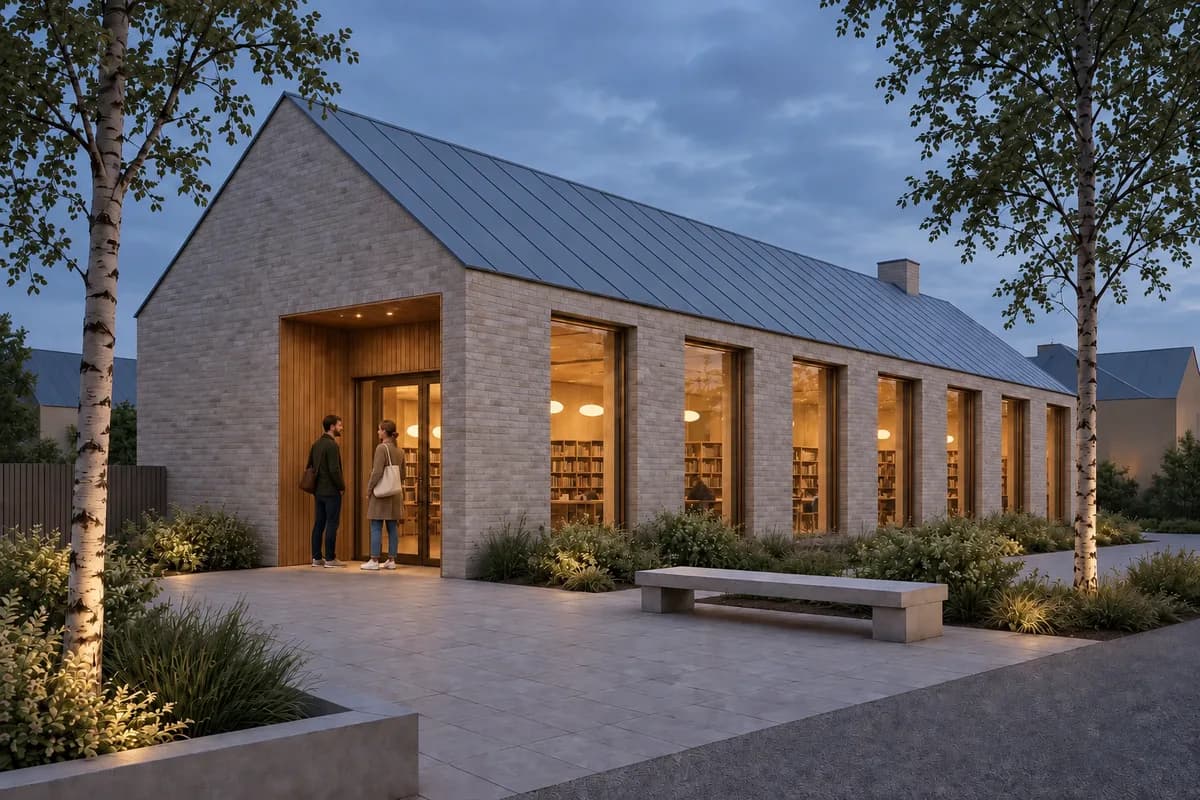
These images share one camera and subject. That makes drift easier to see. If a tool creates a different building for every option, it may still help early ideation. It is weaker for a resolved client-review view.
The screenshot-to-render guide gives a fuller source review method. Use the client-review checklist before showing an image outside the studio.
Which free architecture tools help before generation?
Preparation can improve a result before any provider call. CAD Scene publishes several tools that work without spending render credits.
- The SketchUp Screenshot Export Planner sets capture dimensions and a cleanup checklist.
- The Architecture Render Prompt Builder structures Style, Scene, Lighting, Materials, and Entourage.
- The Architecture Prompt Library provides reviewed starting points for common scenes and source workflows.
- The Style Atlas compares built-in Presets on controlled examples.
- The Image to WebP converter reduces a single image in the browser.
- The board image optimizer prepares a reviewed image set for presentation.
The converter and optimizer keep image work in the browser. The prompt builder can create a local structured draft before any optional shared AI step. Check each tool's visible limits before use.
These utilities do not make a final render free. They make the test cleaner. That distinction matters when comparing a no-cost preparation path with a generation allowance.
Prompt library · 626 promptsArchitecture render promptsBrowse prompts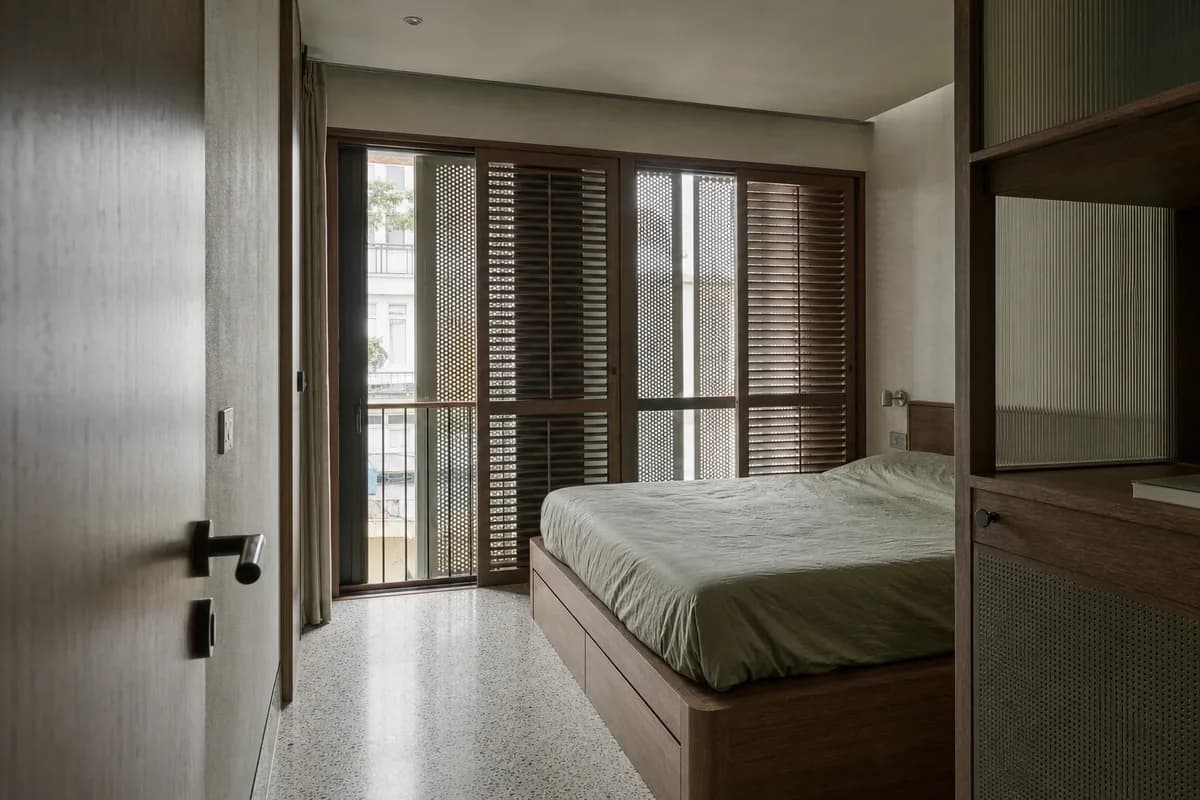
What limits should you inspect before uploading project work?
Read the visible plan and governing terms. Do not assume a free label answers the project questions.
Check these points:
- Watermark. Can the output go onto a working review board?
- Resolution. Does the file support the intended screen or print use?
- Model access. Can you test the model and controls you may later use?
- Edit access. Can you correct one issue without restarting?
- Queue and daily limits. Can you complete a small test in one session?
- Rights. Do the current terms fit professional and client work?
- Privacy. Where does the source image go, and how long is it retained?
- Export. Can you download the original result without hidden restrictions?
The commercial use and ownership guide explains the questions to ask. It is not legal advice. Confirm the current terms for your project and jurisdiction.
Avoid sensitive client material during an early test unless the service terms and your agreement permit it. A self-authored or public practice scene is often enough to judge the workflow.
When should you move from free testing to a paid plan?
Pay only after the workflow passes a real scene. The image should serve the intended review. The correction path should also be acceptable.
Estimate the monthly need from deliverables. Count exterior views, interiors, material studies, and review rounds. Then select the intended model and settings. Do not multiply a vendor's best-case image count by a guessed project volume.
The best AI rendering software for architects guide compares workflow categories and specialist tools. Use the CAD Scene Pricing page for current plans after the free test.
A paid plan cannot make a weak workflow fit your studio. It adds allowance. Choose it when the source route, review controls, and accepted output already work.
Where should free AI renders stop?
Use a free test to judge visual communication. It cannot verify dimensions, construction, product specifications, daylight performance, accessibility, or code compliance.
Keep the model, drawings, schedules, and specifications as the project record. Review generated images for invented joints, changed openings, false reflections, and impossible furniture or planting.
A model-connected renderer may fit better when measured light, exact materials, animation, or live coordination matters. A screenshot workflow fits rapid still studies across several source tools. The right boundary depends on the decision the image must support.
Free AI rendering FAQ
Is free AI rendering really free?
It can be. Check whether the offer is signup credits, a restricted ongoing plan, or a preparation tool. Review card requirements, watermarks, resolution, rights, and model limits before testing.
How many free renders does CAD Scene include?
CAD Scene does not promise a fixed number. New accounts receive signup credits without a card. The render count varies with model, Quality, Resolution, and image count.
Can I test a SketchUp, Revit, Rhino, or Blender scene for free?
Yes. Export a clean screenshot and use a source-guided workflow. Keep the camera fixed, describe the intended finish, and compare the result with the source.
Can I use a free AI render for client work?
Check the service terms, watermark, output rights, confidentiality, and your client agreement first. Keep verified drawings and models as the project record.
What is the best scene for a free rendering test?
Use a current scene you know well. Include repeated openings, adjacent materials, landscape, and one detail that would expose drift.
Table of Contents
- What does free AI rendering actually mean?
- What can architects test free in CAD Scene?
- How should you run a fair free rendering test?
- What should a free test reveal about revisions?
- Which free architecture tools help before generation?
- What limits should you inspect before uploading project work?
- When should you move from free testing to a paid plan?
- Where should free AI renders stop?
- Free AI rendering FAQ
Authors

- Name
- Vladimir Mindru
Previous Article
Table of Contents
- What does free AI rendering actually mean?
- What can architects test free in CAD Scene?
- How should you run a fair free rendering test?
- What should a free test reveal about revisions?
- Which free architecture tools help before generation?
- What limits should you inspect before uploading project work?
- When should you move from free testing to a paid plan?
- Where should free AI renders stop?
- Free AI rendering FAQ
Authors
- Name
- Vladimir Mindru