
Free SketchUp tool
SketchUp Screenshot Export Planner
Choose the final use and frame. Get PNG dimensions, the right SketchUp export path, camera checks, and a cleanup list you can copy into the project.
The calculator runs in your browser. It does not upload a model or image.
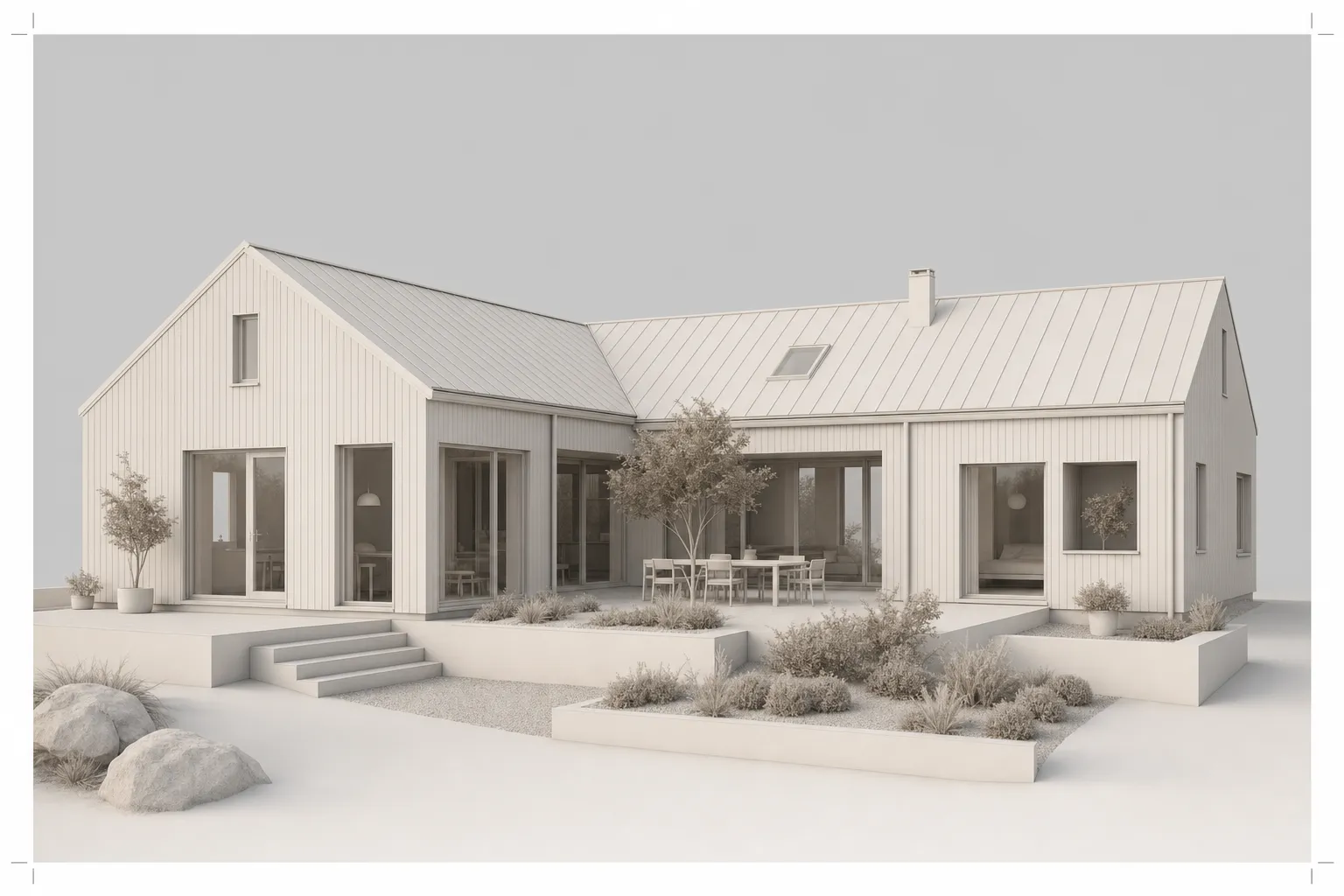
Build your export plan
Pick the SketchUp version, destination, frame, and long edge. The planner returns exact target dimensions and a clean-view checklist.
What the planner calculates
The long edge and selected ratio produce even PNG dimensions. The result is a target, not a quality score. Resize the viewport to the same frame before export so the crop stays intentional.
Read the complete SketchUp screenshot rendering workflow after the export is clean. For preparation that applies across CAD and 3D software, use the clean screenshot capture guide.
Export limits to keep in mind
SketchUp Desktop exports the current view through File, Export, 2D Graphic. SketchUp for Web downloads the current view as PNG but does not offer high-resolution printing. Always inspect the downloaded file before rendering.
Source review: SketchUp Help, image export and Web features, reviewed 1 August 2026.
SketchUp export questions
What size should a SketchUp screenshot be?
Match the final frame and keep model edges clear. A 2400-pixel long edge is a practical client-review starting point. The planner also provides 1600, 3200, and 4096-pixel starting points for other uses.
Should I export PNG or take a screen capture?
Use PNG export when possible. SketchUp Desktop offers File, Export, 2D Graphic. SketchUp for Web can download the current view as PNG. A screen capture is the fallback when export is unavailable.
Does a larger export make the AI render more accurate?
Not by itself. Clear geometry, a stable camera, the right crop, and hidden overlays matter first. More pixels help only when the source edges remain readable.
Take the clean view into CAD Scene
Upload the PNG in Enhance. Describe the materials, light, and entourage while the view stays as the reference.
Start freeYour first renders are free. No credit card.
Related tools
Continue the same architecture task without re-entering the brief.
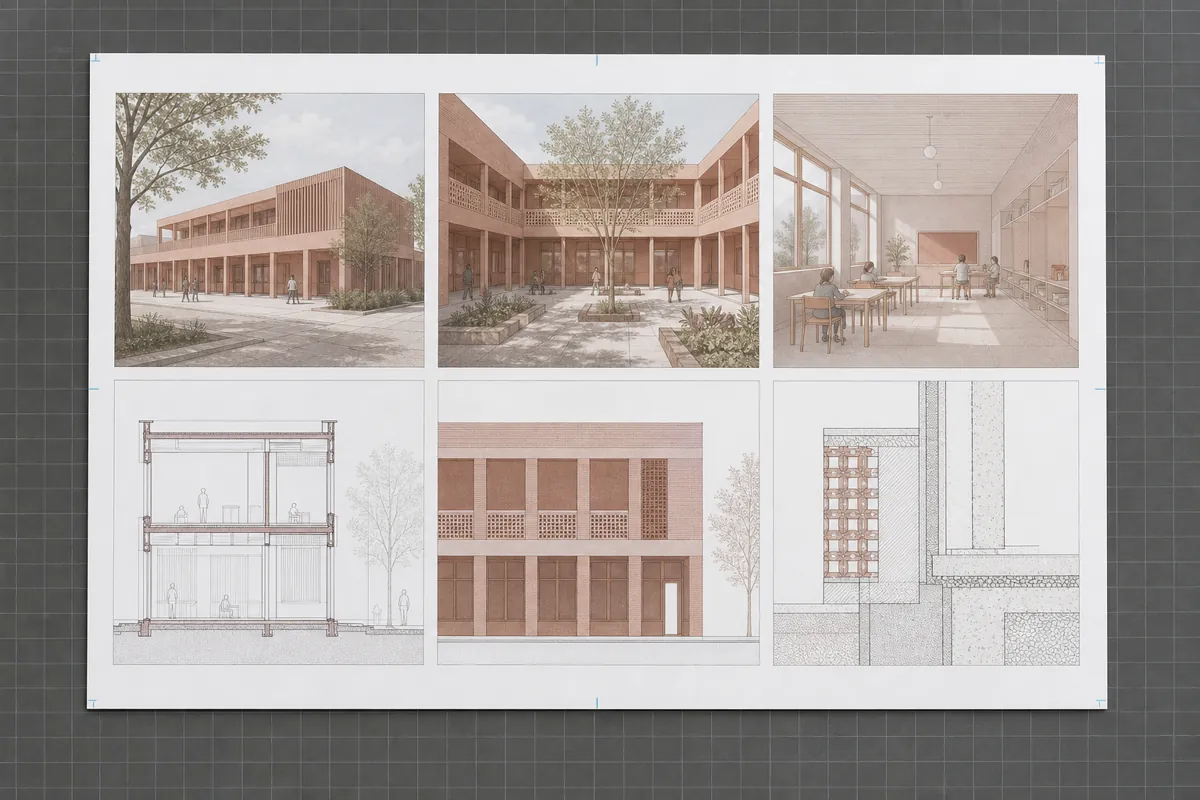
Board Size & Aspect Ratio Calculator
Calculate sheet pixels, printable area, equal cells, and useful render ratios.
Open tool →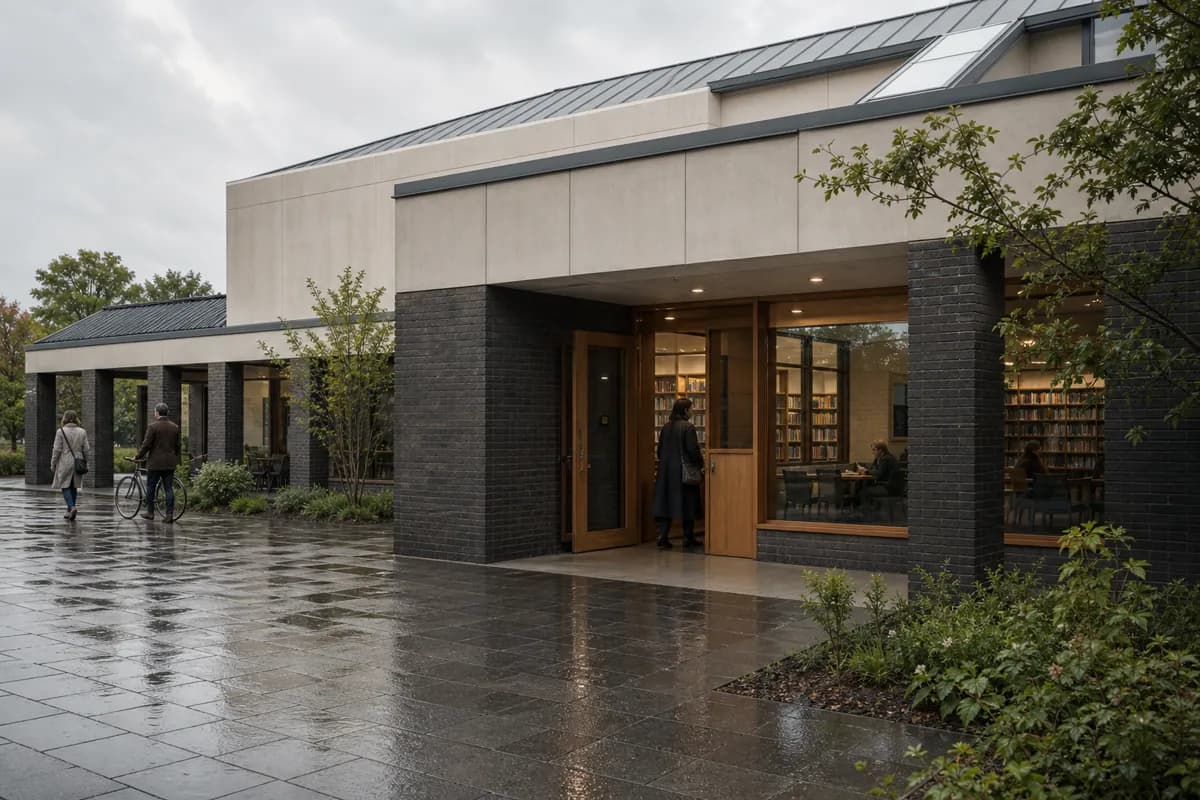
Architecture Render Prompt Builder
Build a render brief through guided checkpoints, then optionally refine it with AI.
Open tool →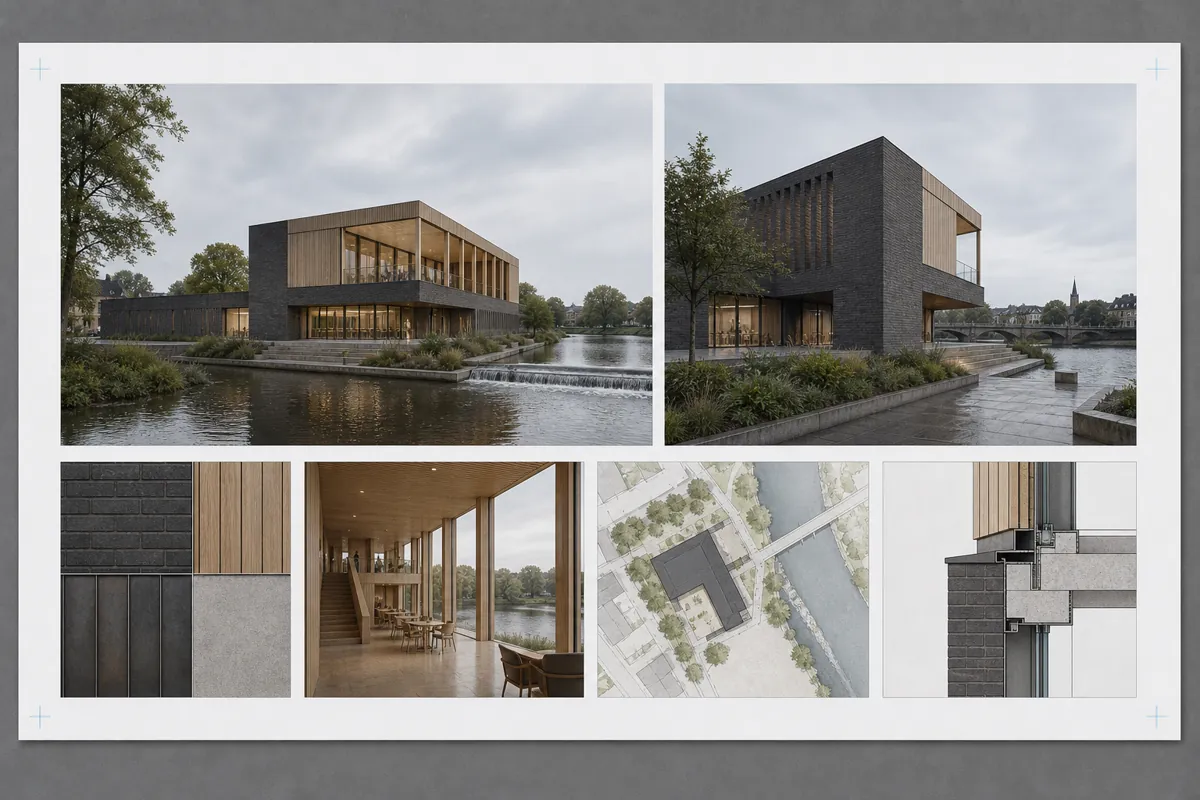
Client Presentation Board Planner
Plan the hierarchy, views, image slots, text, and exports for an architecture presentation board.
Open tool →