
- Published on
Portfolio Renders for Architects: Build a Coherent Set
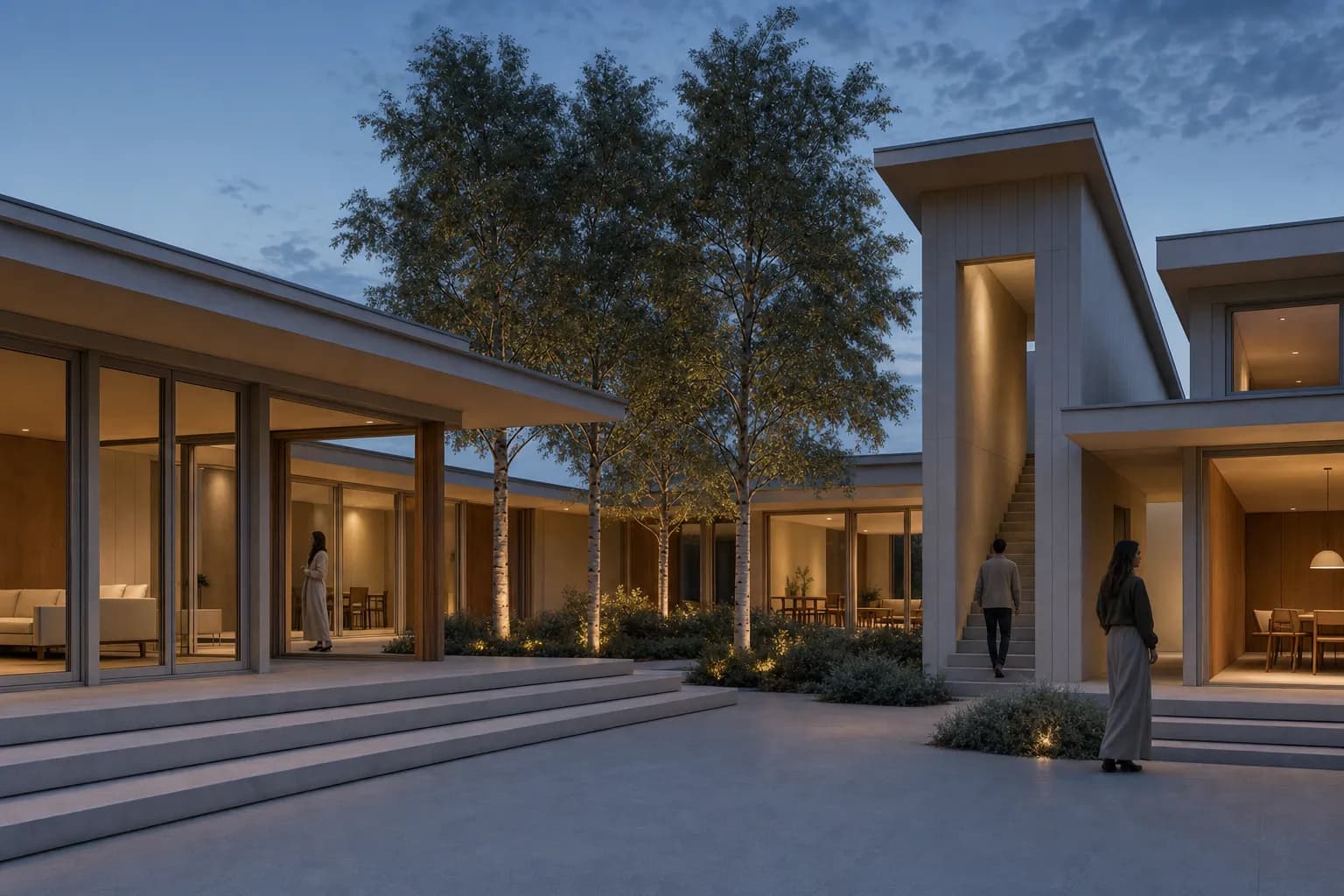
A strong architecture portfolio render explains the project before it displays technique. It needs a clear view, readable materials, controlled light, and a defined role in the project sequence. The full portfolio also needs coherence. Images can vary by project, but their contrast, color, atmosphere, and graphic weight should feel intentional together. Start with a dependable daylight view. Add one atmosphere-led hero when the project benefits from it. Keep the model, drawings, and project archive beside any generated image. A portfolio can refine presentation, but it should not rewrite the design record. This guide covers view selection, visual consistency, source-led rendering, and final page review.
Students can follow the full studio-to-final-review rendering method before choosing portfolio images.
What makes a good architecture portfolio render?
A good portfolio render makes the project easy to read. It shows the design idea, spatial character, and material direction without visual noise.
The wider guide to AI architectural rendering covers source types, modes, review, and production boundaries.
Check these qualities first:
- A clear subject. The main space or building reads without explanation.
- A useful camera. The view reveals the project rather than hiding it.
- Legible proportions. Openings, levels, spans, and furniture feel coherent.
- Controlled light. Shadows describe depth without covering the design.
- Credible materials. Scale, joints, reflection, and edges follow the building.
- Quiet entourage. People and planting support scale instead of taking over.
- A defined role. The image contributes something the next image does not.
Photorealism is not the only valid treatment. A restrained concept image can show an early project honestly. A section or axonometric may explain more than a camera view. The architectural rendering styles guide helps match treatment to the decision.
| Portfolio role | Useful image | Review question |
|---|---|---|
| Hero | One composed view with a clear atmosphere | Does it state the project idea at a glance? |
| Context | Street, landscape, or wider interior relationship | Does it explain where the project belongs? |
| Spatial explanation | Workhorse interior, section, axonometric, or sequence | Can a reviewer understand the main spatial move? |
| Detail | Material, threshold, facade, or furniture-scale view | Does it show resolution without pretending to be a specification? |
How many renders should one portfolio project use?
Use the smallest set that explains the project. Page count, format, and project complexity change the answer. A compact project may need one lead image and one explanatory view. A larger scheme may need context, interiors, and a detail.
Start by listing the questions a reviewer must answer:
- What is the project idea?
- How does it meet its site or existing fabric?
- How does a person enter and move through it?
- What makes the main space distinct?
- Which material or environmental decision matters?
Add an image only when it answers one of those questions. Two polished views that repeat the same information weaken each other. More images do not repair a missing narrative.
Use the presentation board planner to test hierarchy and sequence before export. It keeps the layout work local in the browser.
How do you keep portfolio renders consistent?
Consistency does not mean making every project look identical. It means the changes between images feel deliberate.
Hold these variables across the set:
- overall exposure and black point;
- warmth or coolness of neutral surfaces;
- sky and landscape saturation;
- edge sharpness and depth of field;
- figure density and graphic treatment;
- caption, margin, and crop discipline.
Let the architecture vary. A timber house and a concrete gallery should not share one material mood. They can still share calm daylight, restrained color, and similar contrast.
Audit the current set
Place every candidate image on one contact sheet. Mark repeated views, weak sources, and abrupt visual changes.Choose the visual baseline
Set the daylight, contrast, saturation, entourage density, and crop language that most projects can support.Fix source-led images first
Return to the model view when camera, massing, openings, or furniture must remain recognizable.Use one atmosphere-led exception
Add a dusk or expressive hero only when it strengthens the project story.Review the final sequence
Check the complete page or spread at reading size, then remove images that repeat a role.
CAD Scene Project settings hold one Composition across studies. Its five fields cover Style, Scene, Lighting, Materials, and Entourage. A saved Preset can carry that complete Composition into another project. Use those controls as a starting discipline, then review every Render on its own terms.
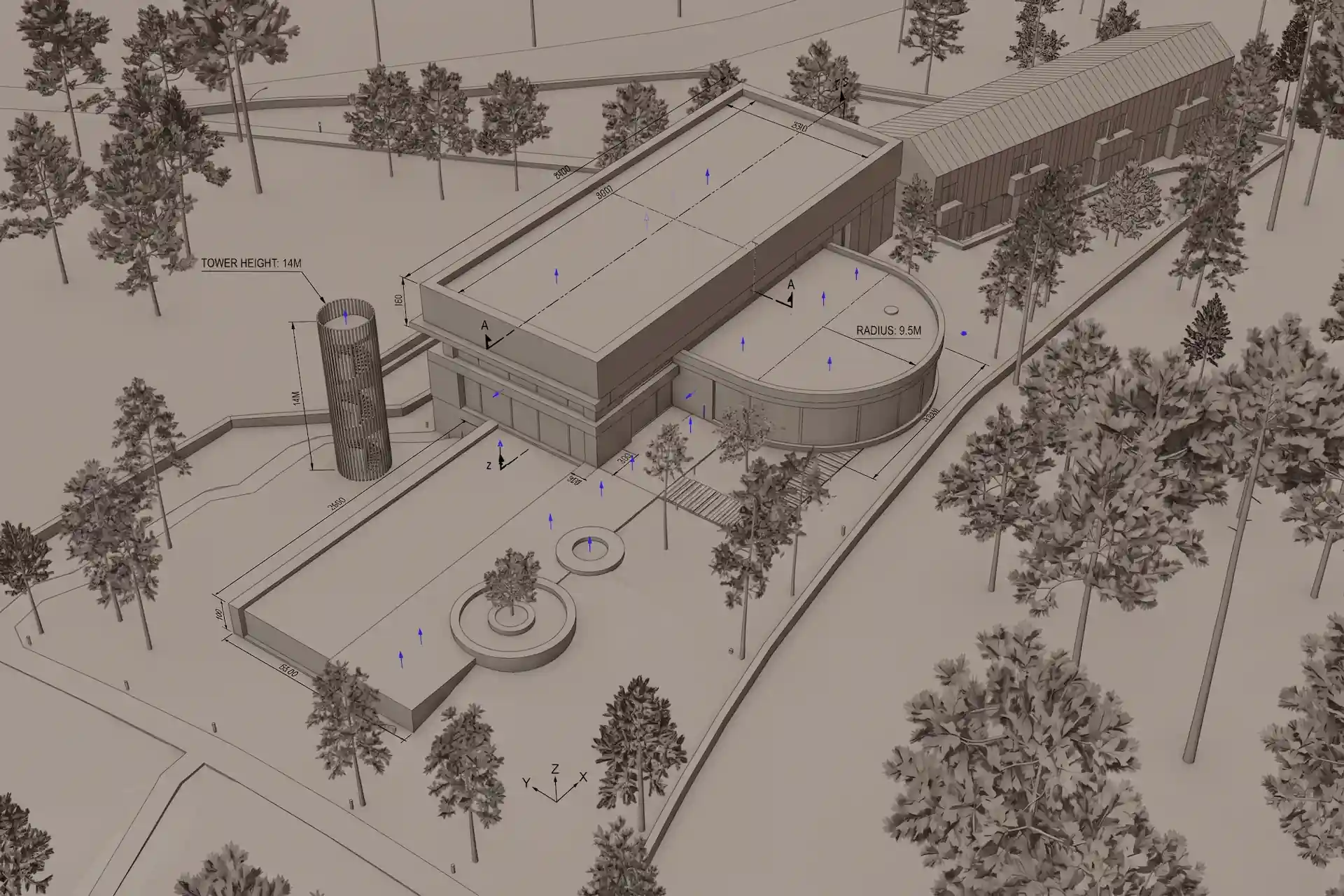
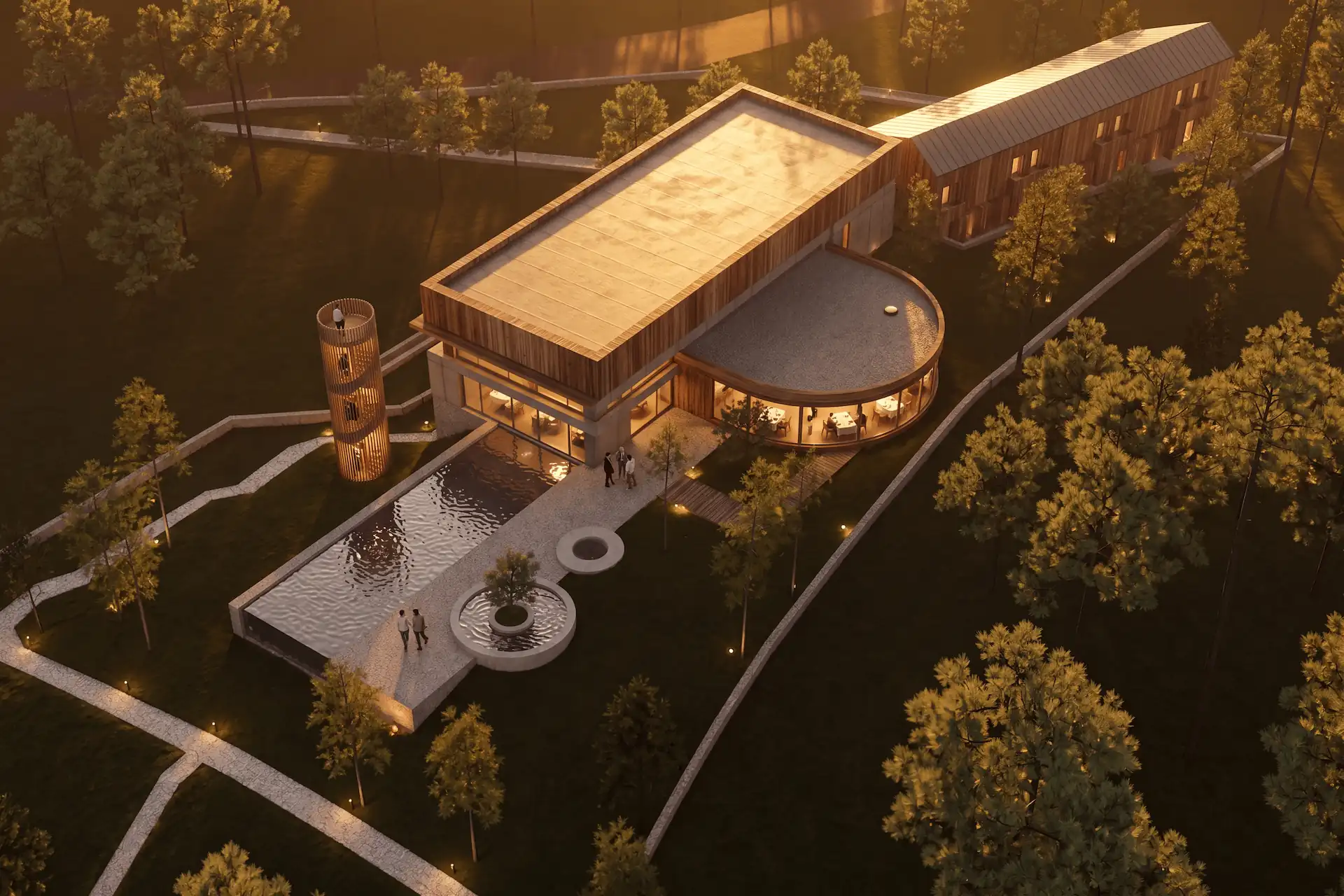
Before / after
Test one portfolio direction on a fixed project view.
Can you improve an old project render with AI?
Yes, when the source contains enough reliable design information. A clean model view can support a new material, light, and atmosphere study. An old render can also support a focused correction.
Keep the original image beside the revision. Compare the camera, crop, roof edges, openings, floor levels, stairs, and fixed furniture. Generated detail can look plausible while changing the recorded design.
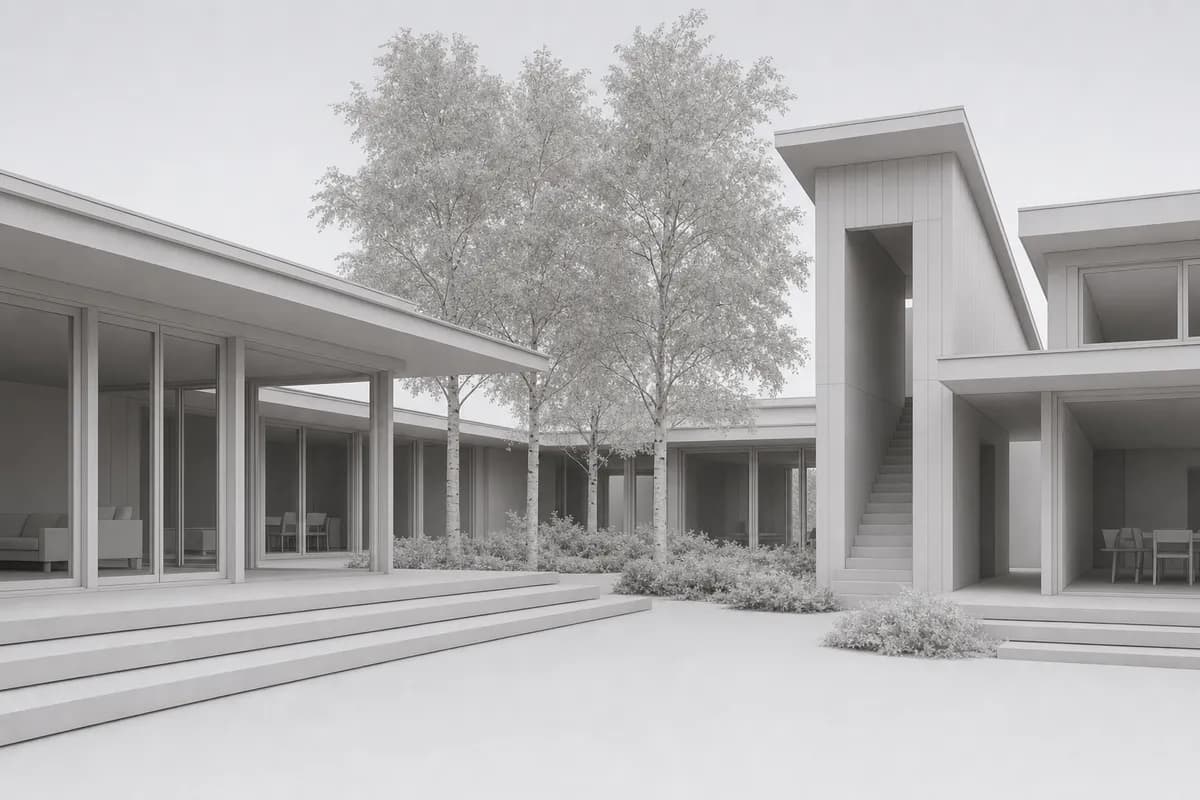 Synthetic source
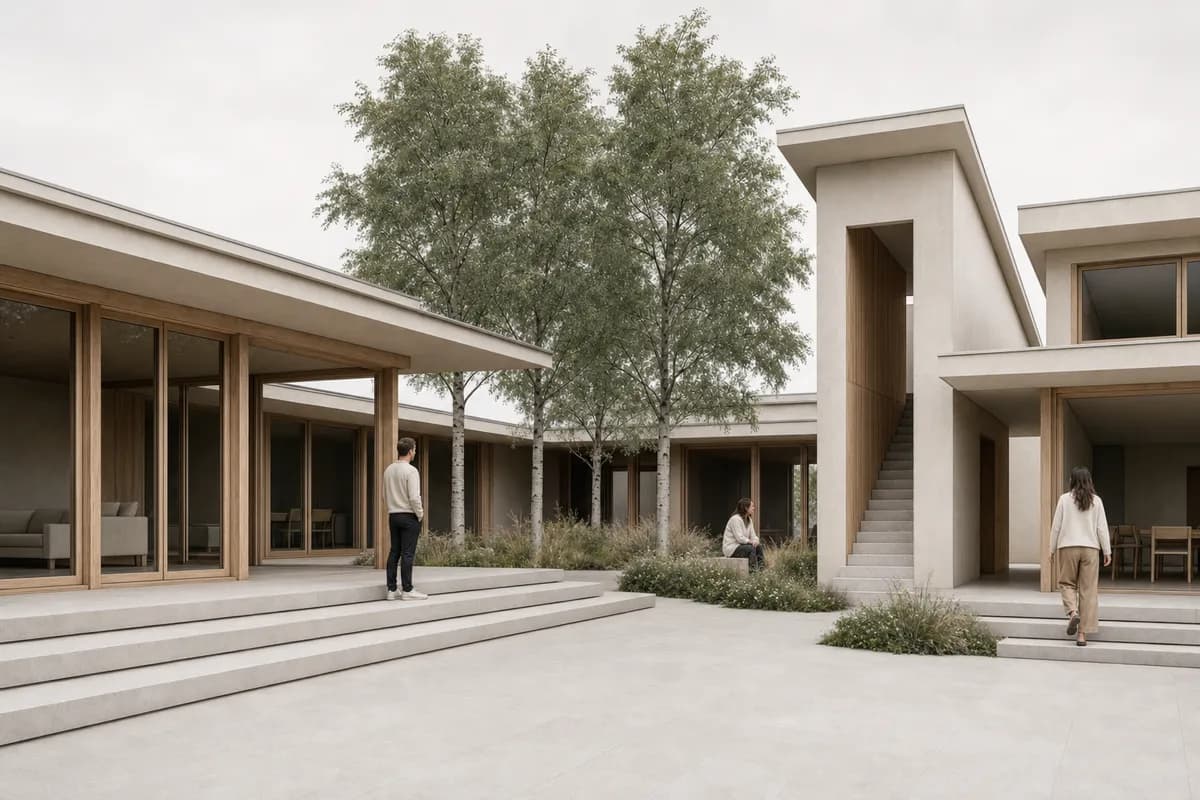 Portfolio study
The pair keeps one camera, crop, massing, opening pattern, and landscape footprint. It demonstrates a review method. It does not prove repeatability or guaranteed geometry retention.
Use the screenshot-to-render workflow when a modeled view should remain the anchor. The public render-retention method explains a stricter camera and geometry review.
Which rendering style suits an architecture portfolio?
Choose the treatment that fits the work and its stage. Photoreal daylight is a dependable baseline because form and material stay visible. Dusk can give one lead image more atmosphere. A restrained concept treatment can represent early work without making it look falsely resolved.
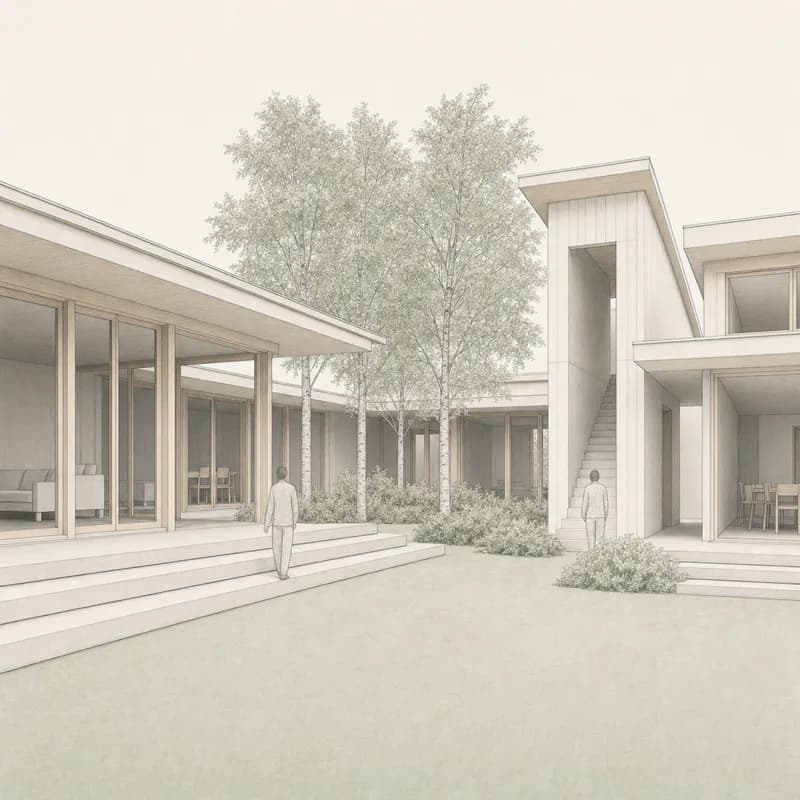
The daylight, opening blue-hour hero, and concept treatments share one synthetic source, camera, and building. They show three presentation choices, not three independent project claims. Pick one as the lead. Do not use every treatment simply because each looks polished.
For an existing visual reference, follow the style from a photo workflow. Use the reference to guide palette and atmosphere. Keep the project source available to catch design drift.
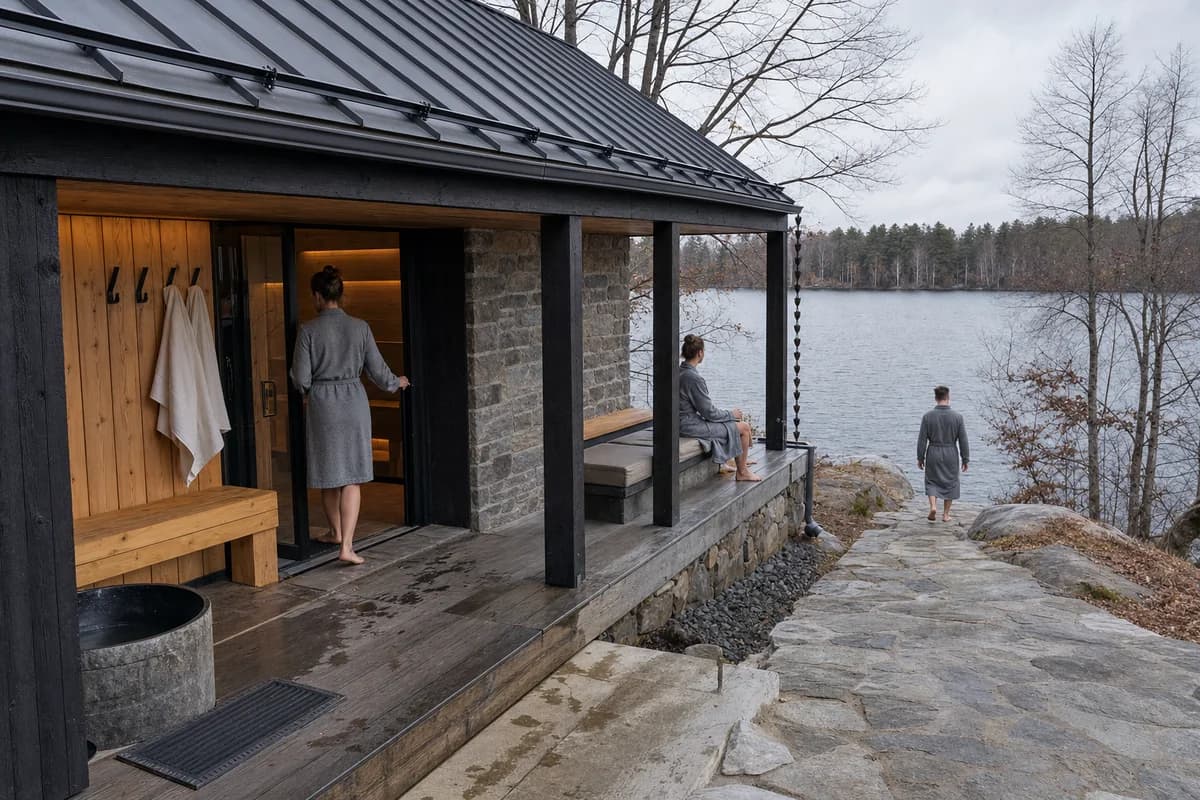
Prompt library · 14 promptsUltra-real photographyBrowse prompts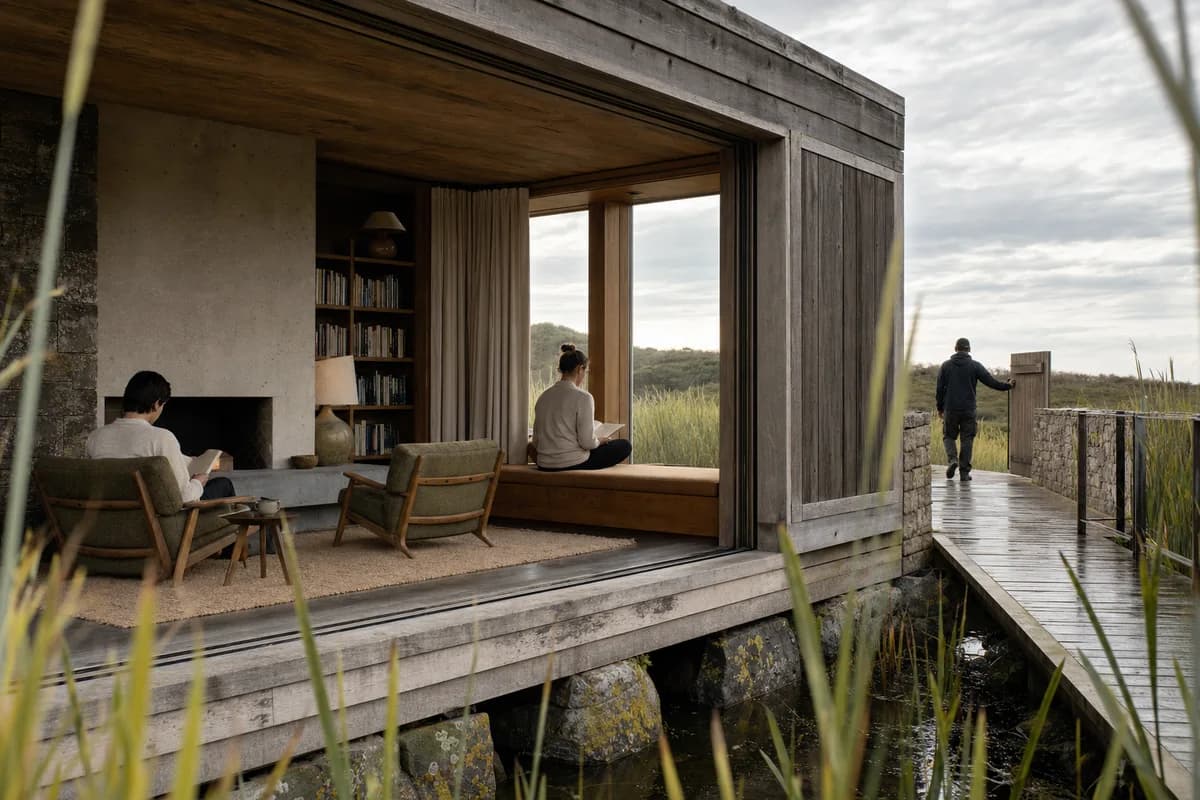
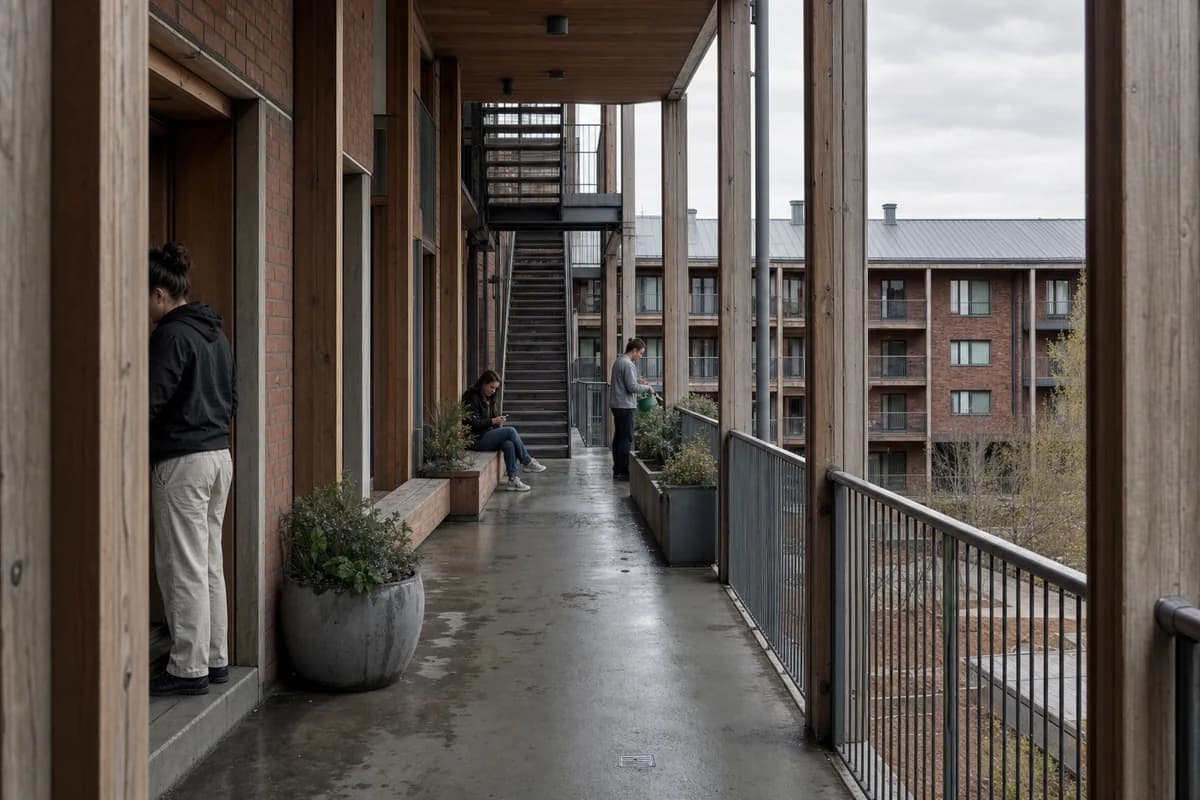
How should portfolio renders be arranged?
Lead with the image that best explains the project. Place context and spatial evidence nearby. Details should confirm the larger view rather than introduce a different story.
A useful reading order is:
- project premise and lead image;
- site or existing-condition relationship;
- plan, section, axonometric, or movement sequence;
- interior or exterior workhorse view;
- material, environmental, or construction detail.
Not every project needs every step. Preserve the sequence, then remove what the project cannot support.
Check crops at final size. A wide hero may become unreadable in a small grid. The board size and aspect-ratio calculator gives source-backed pixel dimensions for A-series sheets. The batch image optimizer can prepare reviewed WebP files and a named manifest without uploading them.
What portfolio render mistakes should architects avoid?
Avoid using atmosphere to hide unresolved architecture. Dark glazing, dense planting, fog, and deep shadow can conceal openings and ground conditions.
Also watch for:
- several hero images competing on one spread;
- mixed camera heights without a clear reason;
- different neutral balances across adjacent pages;
- people or cars that distort scale;
- generated furniture that changes a resolved plan;
- invented signage, art, products, or context;
- a concept project presented as built work;
- silent edits to a historical project record.
Review generated images with the same care used for client-review renders. Name unresolved items. Correct or defer the image when the issue affects the decision.
How do you review a portfolio render before export?
Review the source first, then the image, then the full sequence.
At image level, check camera, crop, openings, structure, materials, light, entourage, artifacts, and status. At sequence level, check hierarchy, repeated roles, visual jumps, captions, and final reading size.
Ask another architect to describe the project from the spread. If the answer follows the image effects rather than the design, revise the set.
What makes a good architecture portfolio render?
It explains one useful part of the project with a clear camera, legible proportions, credible materials, controlled light, and a defined role in the sequence.
How many renders should one portfolio project include?
Use the smallest set that explains the idea, context, spatial move, and relevant detail. Remove images that repeat the same role.
Can architects update old project renders with AI?
Yes, when the original source remains available for comparison. Keep the camera, visible design, and project record recognizable, then label generated or edited images honestly.
Which rendering style works best in an architecture portfolio?
Photoreal daylight is a dependable baseline. Use one atmosphere-led hero when it supports the project, and use a restrained concept treatment for unresolved work.
Review basis
- CAD Scene Product, Glossary, and current Help, reviewed 5 September 2026
- Render-retention methodology, reviewed 5 September 2026
- One matched synthetic editorial image lineage created for this guide
Table of Contents
- What makes a good architecture portfolio render?
- How many renders should one portfolio project use?
- How do you keep portfolio renders consistent?
- Can you improve an old project render with AI?
- Which rendering style suits an architecture portfolio?
- How should portfolio renders be arranged?
- What portfolio render mistakes should architects avoid?
- How do you review a portfolio render before export?
- Review basis
Authors

- Name
- Vladimir Mindru
Previous Article
Table of Contents
- What makes a good architecture portfolio render?
- How many renders should one portfolio project use?
- How do you keep portfolio renders consistent?
- Can you improve an old project render with AI?
- Which rendering style suits an architecture portfolio?
- How should portfolio renders be arranged?
- What portfolio render mistakes should architects avoid?
- How do you review a portfolio render before export?
- Review basis
Authors
- Name
- Vladimir Mindru