
Free architecture tool
Board Size & Aspect Ratio Calculator
Size an A1, A2, or A3 presentation board before rendering. Get document pixels, printable area, a panel grid, image dimensions, and useful frame ratios.
The calculator runs in your browser. It does not upload a board, image, or project file.
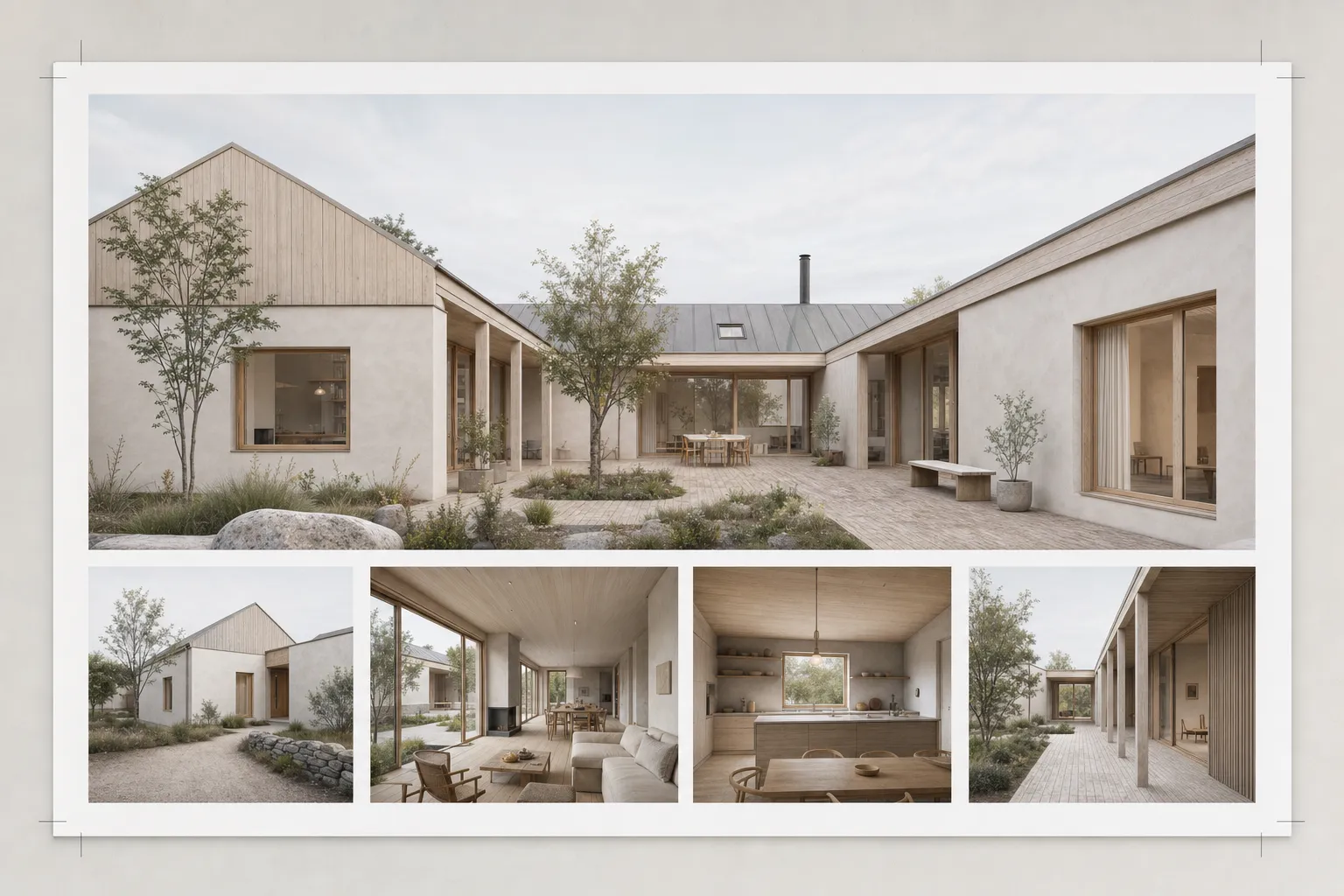
Plan the sheet before the renders
Choose the board, print density, outer margin, and image count. The calculator returns document pixels, an equal-cell grid, and useful render ratios.
What does the board calculator size?
ISO sheet dimensions and DPI produce the full document pixels. Your margin defines the printable rectangle. Panel count sets a balanced equal-cell grid with 8 mm gutters.
The closest common frame ratios help you plan each render. Read the client-review rendering guide for the presentation workflow.
How should you use the grid?
Start with the equal cells. Merge two or more cells for the lead image. Keep supporting views on the base rhythm. Reserve space for drawings, labels, and project text.
Need a clean source image first? Use the SketchUp Screenshot Export Planner. Then review architectural rendering styles before the board images split into different visual languages.
Presentation board sizing questions
How does the calculator convert millimetres to pixels?
It divides each millimetre dimension by 25.4, then multiplies by the selected DPI. The result is rounded to a whole pixel.
Which DPI should I use for an architecture board?
Choose the printer requirement and viewing distance first. Use 150 DPI for drafts or distant viewing. Use 200 or 300 DPI when the board will be read more closely.
Does the result include print bleed?
No. The calculator removes your outer margin and uses an 8 mm grid gutter. Add bleed separately using the printer specification.
Should every image use the same aspect ratio?
No. The equal grid is a starting structure. Merge cells for the lead image, then render each view near its final slot ratio.
Render for the slots you planned
Set the frame in Create or Enhance. Keep one Composition across the board, then upscale the lead render for print.
Start freeYour first renders are free. No credit card.
Related tools
Continue the same architecture task without re-entering the brief.
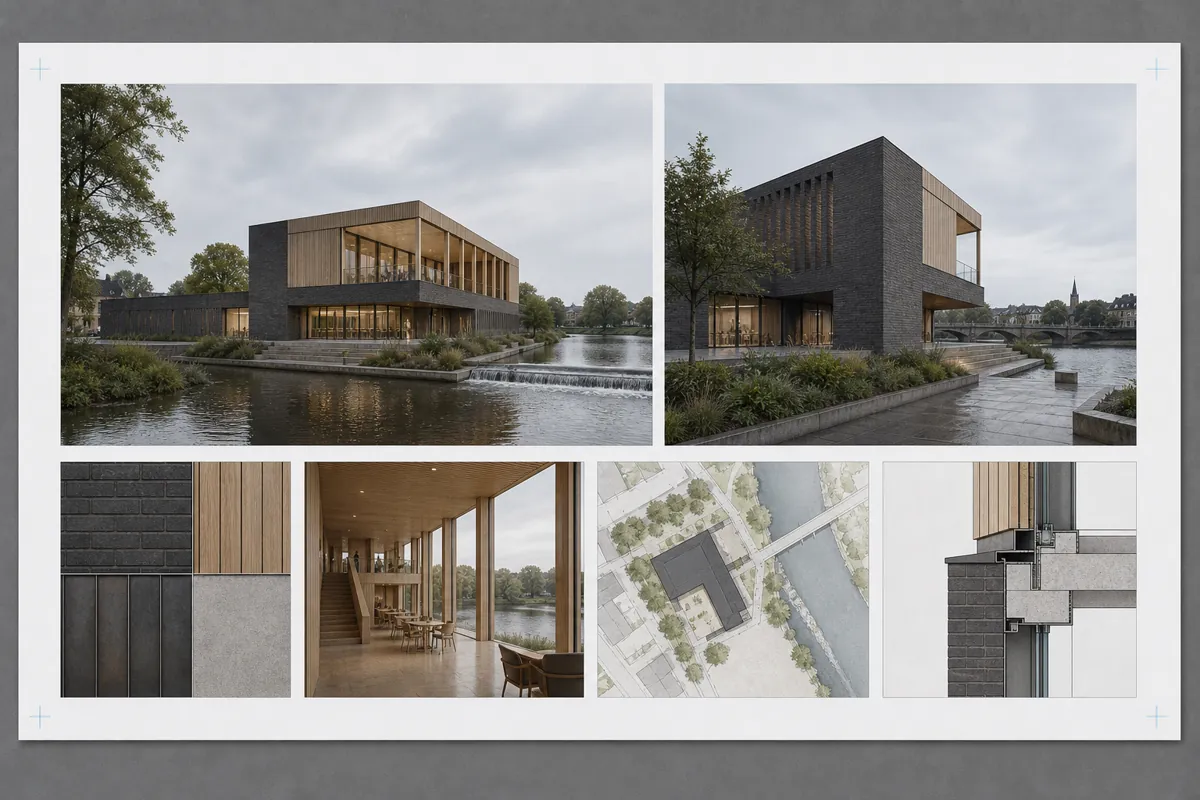
Client Presentation Board Planner
Plan the hierarchy, views, image slots, text, and exports for an architecture presentation board.
Open tool →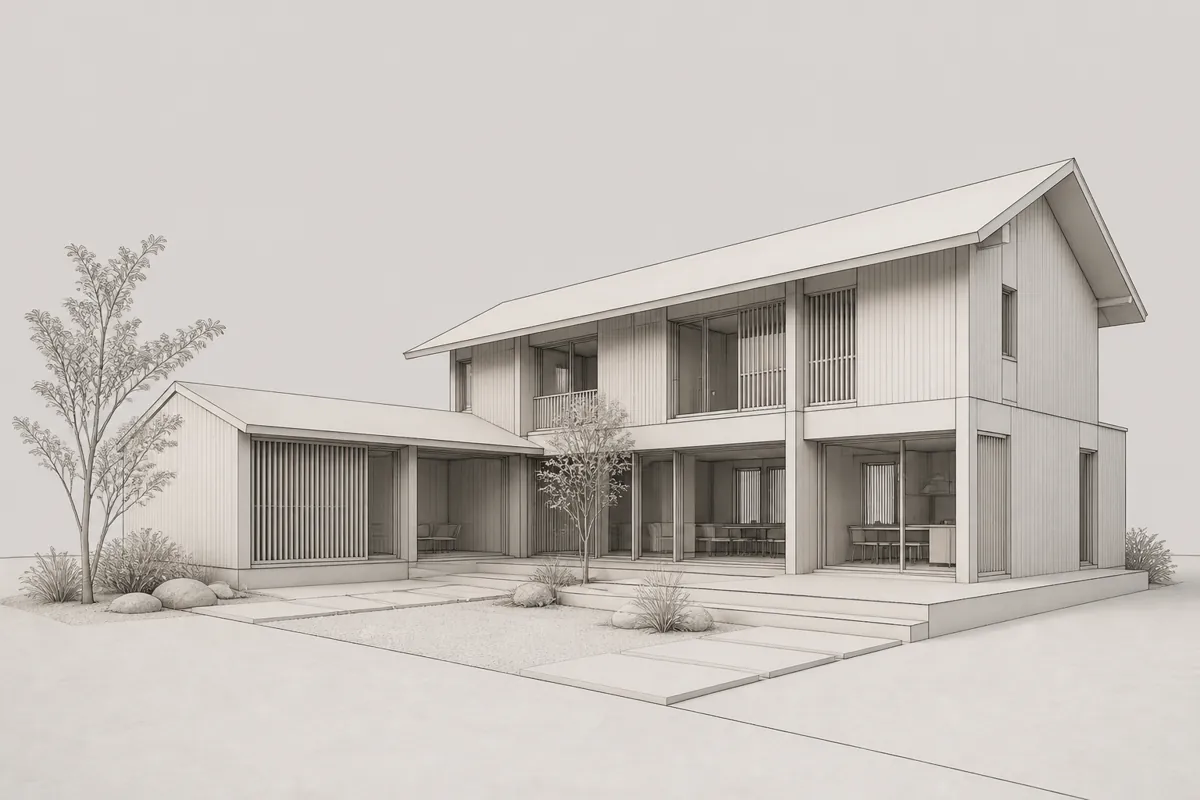
SketchUp Screenshot Export Planner
Choose a frame and final use, then get PNG dimensions and a clean-view checklist.
Open tool →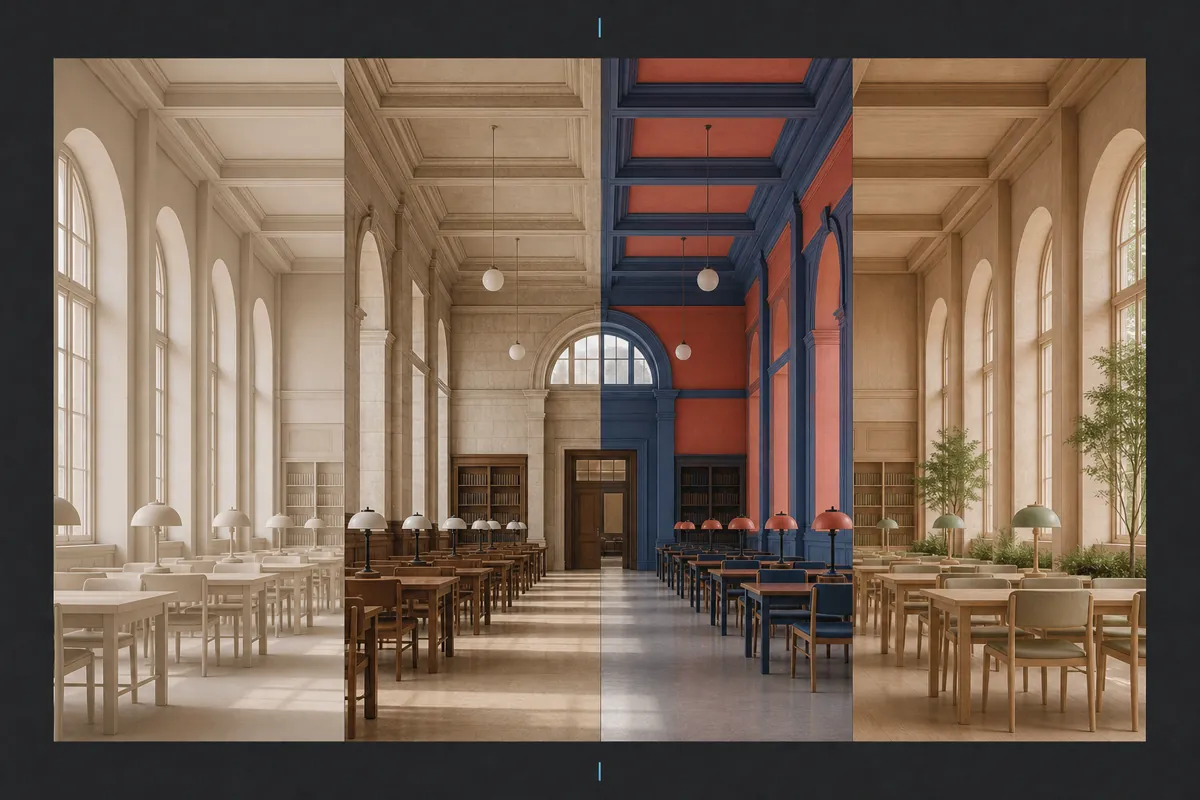
Architectural Rendering Style Atlas
Compare architectural rendering styles on one scene and find the right visual direction.
Open tool →