
Client Presentation Board Planner
Compose the board around the decision. Set the lead view, supporting evidence, missing images, frame sizes, and print checks before layout begins.
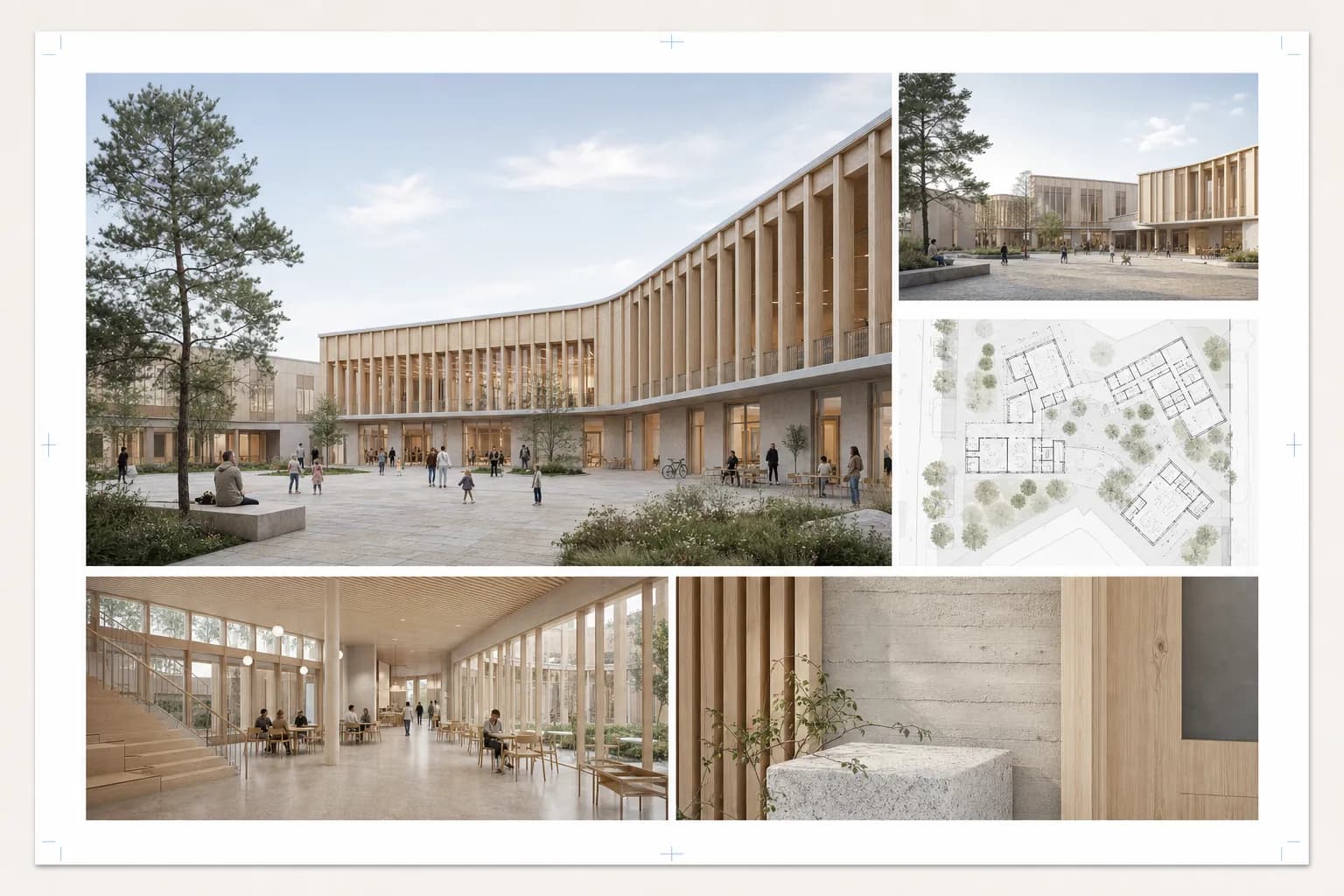
Leave with a board you can act on.
Set the hierarchy, define every image, place the text, and inspect the full composition before export. The complete source stays editable in this browser.
- A resolved hierarchy
- One lead view and supporting evidence arranged in a clear reading order.
- Image briefs
- Every image or drawing gets a purpose, notes, and a recommended frame.
- Delivery files
- Readiness checks stay with local PNG and JSON, plus signed-in PDF and HTML output.
BOARD PLAN
Client review
A1 landscape
200 DPI
- 01Lead decision
- 02Key plan
- 03Comparison
- 04Detail
- 05Section
5
views
4 × 3
grid
3
exports
Autosaved locally. Keep up to ten named plans in this browser.
Four passes. One local plan.
The landing page explains the path. The workspace does the work and keeps every decision.
Planning aid, not compliance review.
The planner organizes evidence and flags gaps. Verify the submission brief, bleed, colour settings, and printer requirements before delivery.
Presentation board planning questions
Does anything upload while I plan?
No. Plan data and optimized local images remain in this browser. Choosing a Project image copies it into the local plan.
What requires sign-in?
Project images, CAD Scene handoff, high-resolution PNG, PDF, standalone HTML, and the expanded AI allowance require an account.
What does optional AI review send?
Only the confirmed purpose, objective, selected layout, and ordered text briefs. It sends no images, filenames, Project IDs, dimensions, or account metadata.
Start with the decision.
Create the brief first. Add images when the hierarchy is clear.
Create local planNo sign-up. Your plan stays in this browser.