
Soft Architectural Rendering: Sketch, Clay and Watercolor

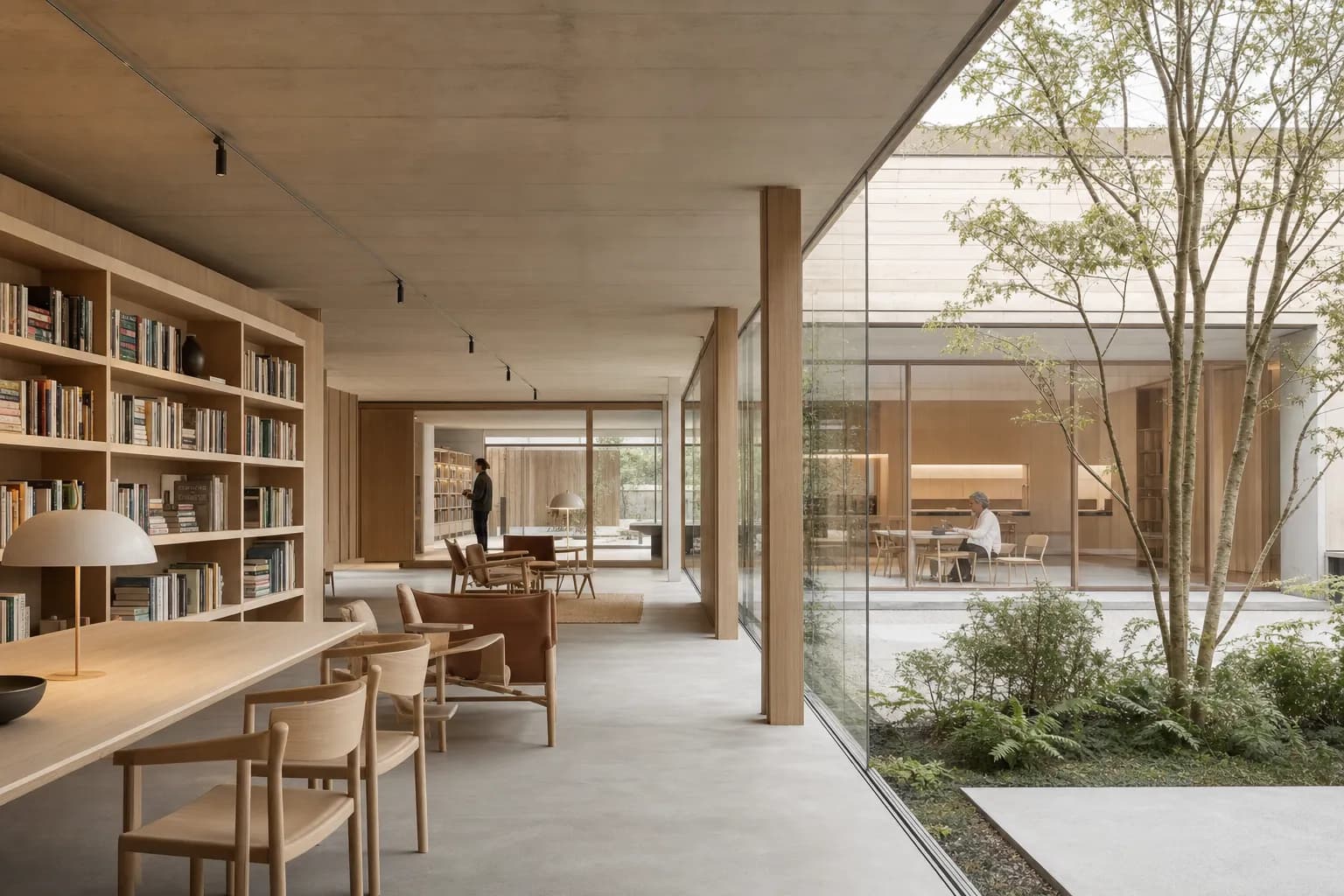
Soft architectural rendering uses muted color, gentle light, and deliberate incompleteness. It shows enough to explain space, mass, and atmosphere. It does not suggest that every material or junction is settled. Architects often use this finish during concept review, competitions, and planning conversations. The quieter image can keep attention on the main design decision. The family includes sketch-style, clay or white-model, watercolor, and muted-photoreal renders. These are different techniques with a shared restraint. Soft rendering can invite discussion because the image still leaves room for change. It is less useful when a client must approve exact materials or construction detail. This guide shows when soft beats photoreal, when it does not, and how to create each look from a screenshot or sketch.
What is soft architectural rendering?
Soft architectural rendering is a mood and finish with muted color and gentle light. It uses restrained contrast and selective detail without becoming vague.
Soft is not one fixed technique. Sketch, clay, watercolor, and photoreal are techniques. Each can carry a softer finish. View type remains separate too. A soft image can show an interior, exterior, elevation, or section.
Architectural language is another choice. Nordic, Brutalist, and other languages can all use a restrained finish. The wider architectural rendering styles guide maps those separate axes. Architectural rendering techniques explains how each image is made.
What makes an architectural render look soft?
A soft render balances muted surfaces with clear spatial hierarchy. Palette, light, contrast, and detail work together without following one fixed formula.
How does a muted palette change the image?
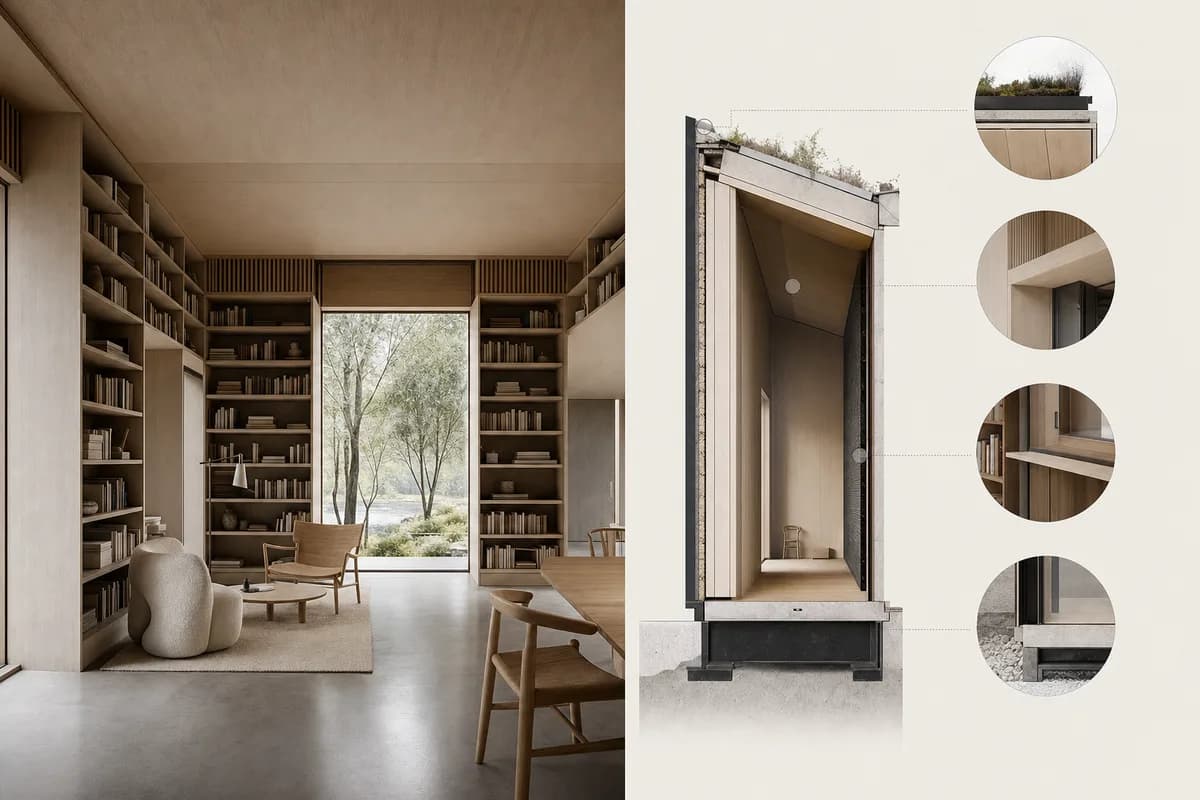
A muted palette reduces competition between surfaces. It lets massing, openings, and circulation carry the image.
Keep enough value separation to read depth. Muted does not require beige. Cool greys, pale greens, dusty blues, and earth tones can all remain restrained. Use color where it helps explain material or focus.
What kind of light creates a soft rendering style?
Diffuse daylight creates gentle shadow edges and controlled highlights. Broad sources work well, provided the light still has direction.
Avoid completely flat light. Volumes need light and shade to stay legible. A soft overcast scene can still show reveals, soffits, and courtyard depth.
How much detail should a conceptual render show?
A conceptual render should show the elements carrying design intent. Keep openings, circulation, primary structure, and scale cues clear.
Reduce minor fittings, sharp reflections, busy texture, and crowded entourage. Deliberate omission differs from an unfinished generation. The image should look edited, not incomplete by accident.
Does soft rendering mean low contrast?
Soft rendering often uses lower overall contrast. Keep local contrast around the focal design decision.
An entrance, stair, or roof opening may need a crisp edge. Secondary surfaces and background context can sit closer in value. This creates hierarchy without a glossy finish.
Why do architects use a conceptual rendering style?
Architects use conceptual rendering to keep early work reading as early. It frames discussion around massing, sequence, light, or atmosphere.
A less resolved image can leave room for questions. It does not imply that every material or junction is fixed. That does not guarantee useful feedback. The architect still needs to name the decision being tested.
For developed presentations, renders for client review need clearer notes on certainty, revision, and approval.
What types of soft and conceptual rendering are there?
Soft render types share restraint, but their techniques differ. Sketch, clay, white model, watercolor, and muted photoreal each reveal different information.
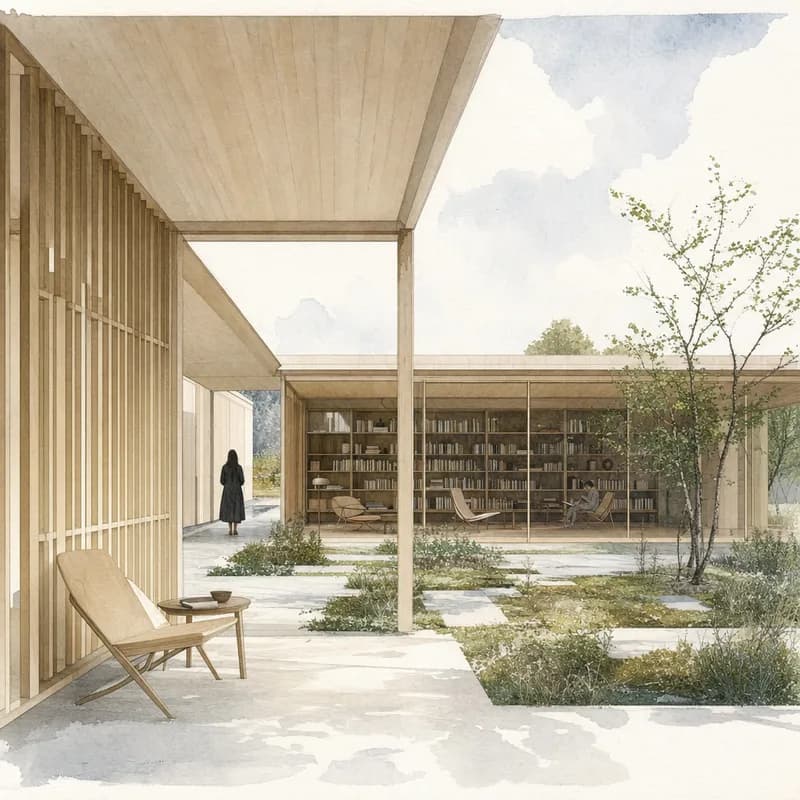
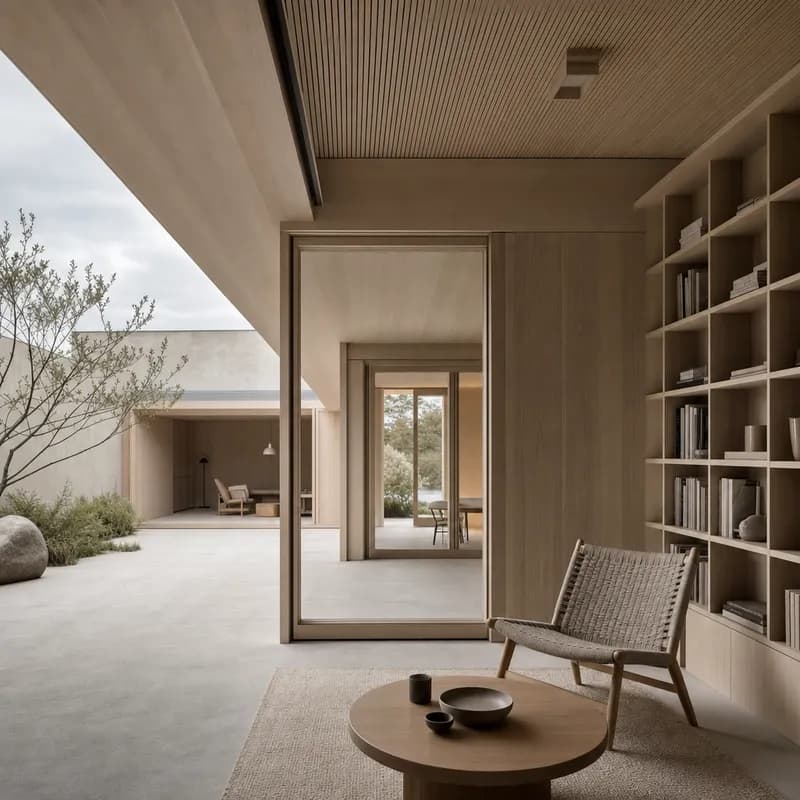
What is a sketch-style render?
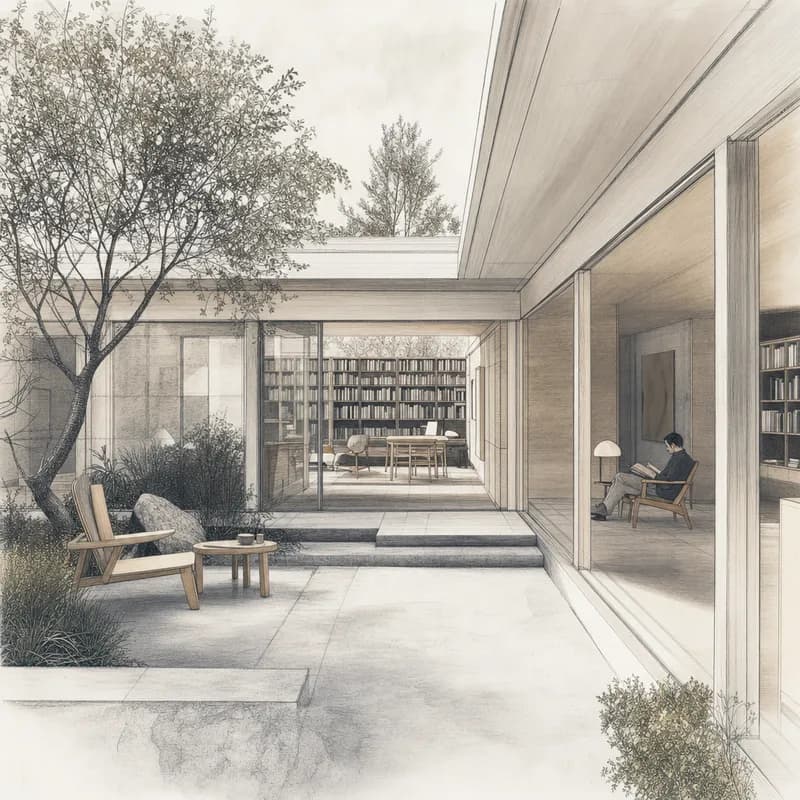
A sketch-style render combines clear perspective with selective linework and loose tonal fill. It suits option studies and early spatial narratives.
Keep structural edges intentional. A uniform sketch filter makes every edge equally loud. Give silhouettes, openings, and key junctions more weight than surface texture or background planting.
What is a clay render?
A clay render uses one matte material across most surfaces. It reveals mass, depth, and light without material noise.
Warm grey or off-white clay often reads better than pure white. Slight value variation keeps edges and recesses visible. Clay is useful for camera studies, facade depth, and internal volume.
What is a white model render?
A white model render is a specific clay treatment. It recalls a physical card or plaster model.
The style is strongest for massing, openings, and shadow. Small paper texture can support the model quality. It is not a measured daylight study. It also cannot replace a material review.
What is watercolor architectural rendering?
Watercolor architectural rendering uses transparent washes and paper texture. Selective edges hold perspective while color carries atmosphere.
Preserve boundaries around doors, windows, rooflines, and section cuts. Avoid decorative color blooms across important geometry. Restrained figures and planting can add scale without filling the page.
What is a muted-photoreal render?
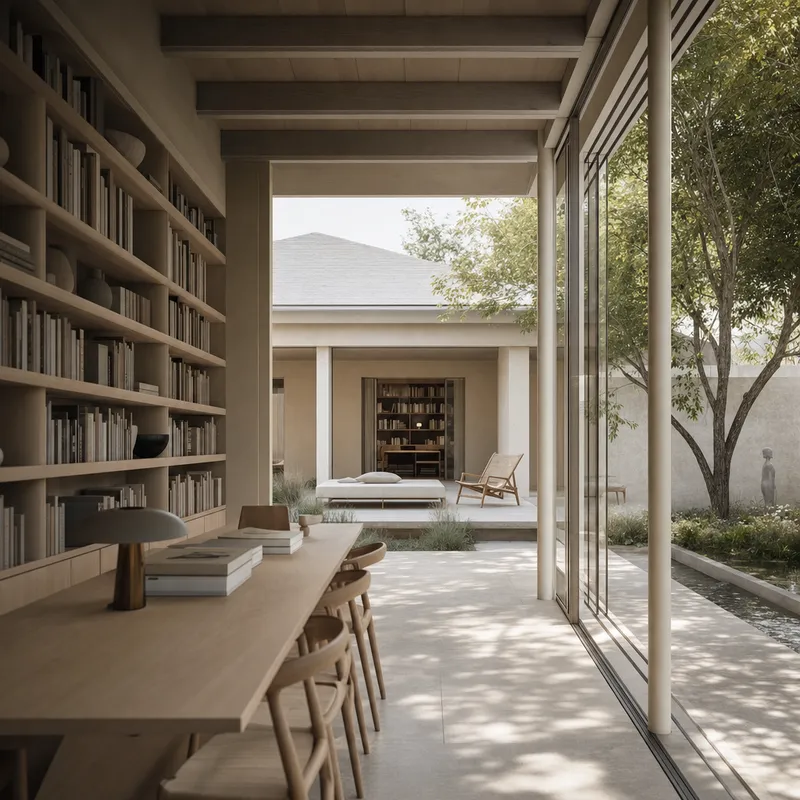
A muted-photoreal render keeps realistic depth and materials. It lowers saturation, specular contrast, and background detail.
This approach suits teams that need spatial credibility without a polished final finish. Matte surfaces and diffuse daylight reduce visual noise. Keep enough texture to distinguish material zones.
When does soft rendering beat photoreal rendering?
Soft rendering is better suited to reviews about massing, sequence, or atmosphere. Photoreal rendering is better suited to exact materials, finishes, and completed-scene credibility.
The review decision should guide the choice. Chronology alone is not enough. A soft image can belong on a final board when it supports the argument. A photoreal study can appear early when materials are genuinely under review.
| Decision | Soft rendering | Photoreal rendering |
|---|---|---|
| Concept review | Keeps massing and sequence central | May imply materials are settled |
| Competition study | Keeps attention on the idea | Useful when the brief expects resolution |
| Planning conversation | Gives context and scale a calm reading | Can add unnecessary surface detail |
| Option comparison | Gives alternatives equal visual weight | Works when all options share equal finish |
| Material approval | Too open for exact decisions | Shows texture, reflection, and finish |
| Developed client review | Useful for unresolved zones | Supports approval of defined choices |
| Marketing image | Works for an editorial argument | Shows a credible completed scene |
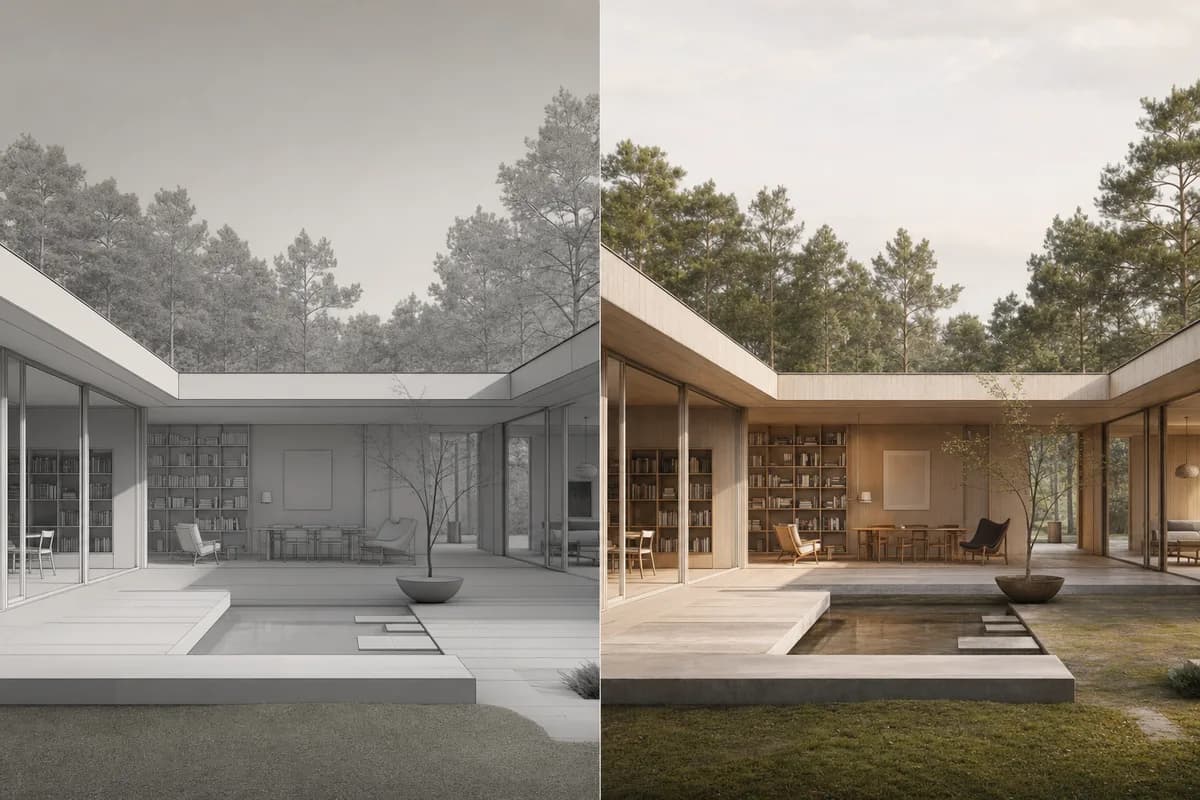
How does the same scene read as soft versus photoreal?
The soft scene foregrounds massing, light, and atmosphere. The photoreal scene foregrounds material texture, reflections, and detailed context.
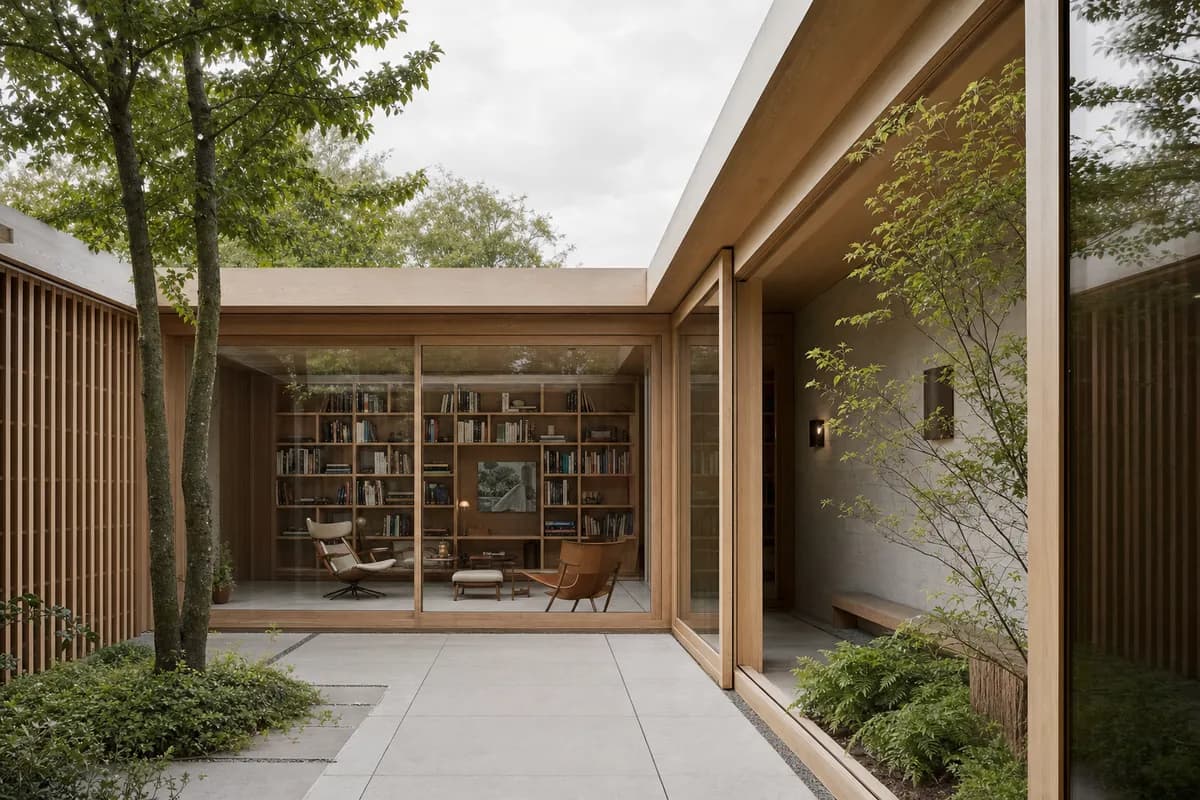 Photoreal
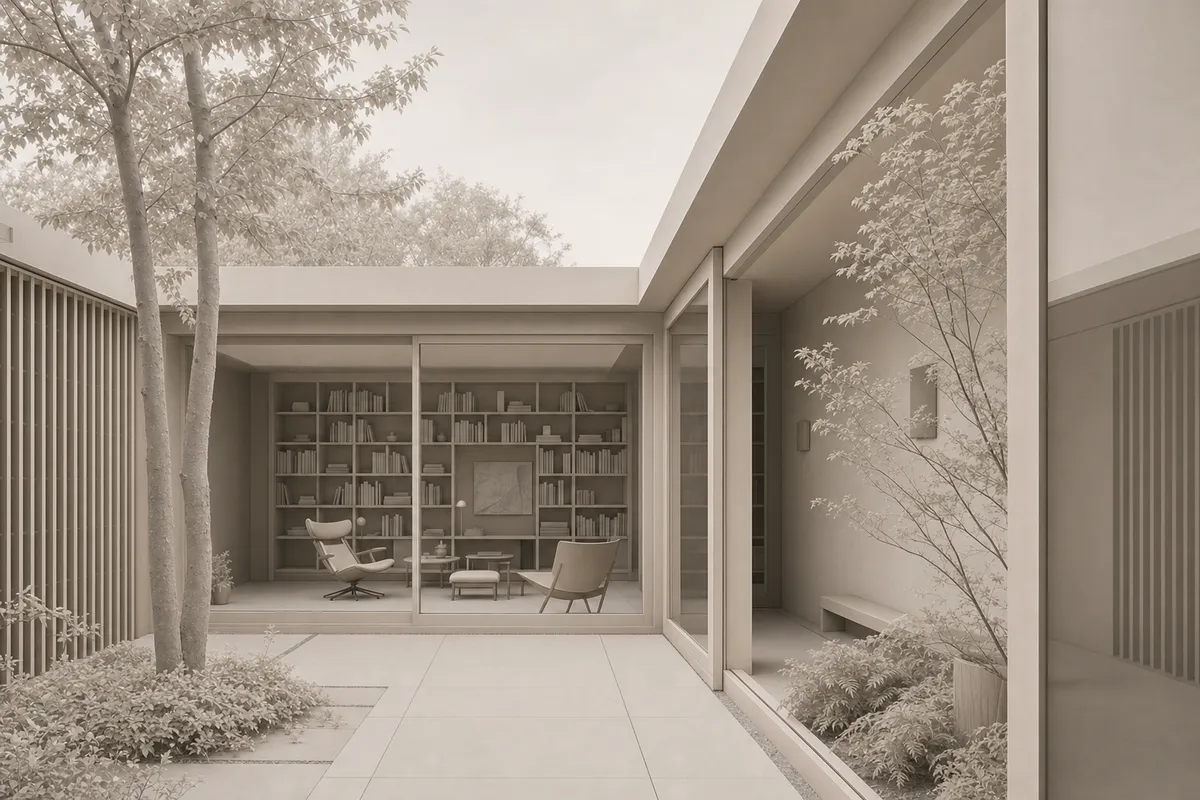 Soft conceptual
Neither treatment changes the design. The fixed camera makes the comparison useful. A team can discuss whether timber grain matters now, or whether the courtyard sequence matters more.

Before / after
How do I make a soft architectural render with AI?
Start with a clean source and a narrow visual brief. Fix the camera and primary geometry before describing technique, palette, light, contrast, and detail.
The guide to AI architectural rendering explains the wider workflow. For this finish, keep the instruction specific and review one test view before creating a set.
Start with a clean source
Use a readable sketch or screenshot with little interface clutter.State what stays fixed
Name the camera, openings, levels, silhouette, and primary geometry.Choose one technique
Select sketch, clay, watercolor, or muted photoreal.Describe visible controls
Name the palette, light, contrast, detail level, and entourage.Render one test view
Check geometry before producing the rest of the project set.Save the Composition
Store the working treatment as a preset once the result holds.
Use this prompt skeleton:
Keep [camera and geometry]. Render as [technique]. Use [palette], [light], [contrast], and [detail level]. Preserve [critical elements]. Keep entourage [quiet or sparse].
How do I turn a screenshot into a soft render?
Start with a clean viewport and readable edges. Ask the model to keep the camera and geometry fixed.
The guide to rendering from a 3D screenshot covers capture and source preparation. A muted-photoreal or clay treatment works well when the model already contains useful depth and proportion. Hide interface clutter before capture.
How do I turn a sketch into a conceptual render?
State which sketch lines are authoritative. Ask the model to preserve the silhouette, openings, perspective, and key junctions.
Watercolor and sketch-style treatments can retain the drawing's character. The guide to rendering from an architectural sketch explains how to prepare that source. Check every changed junction after generation.
Prompt library · 50 promptsConceptualBrowse prompts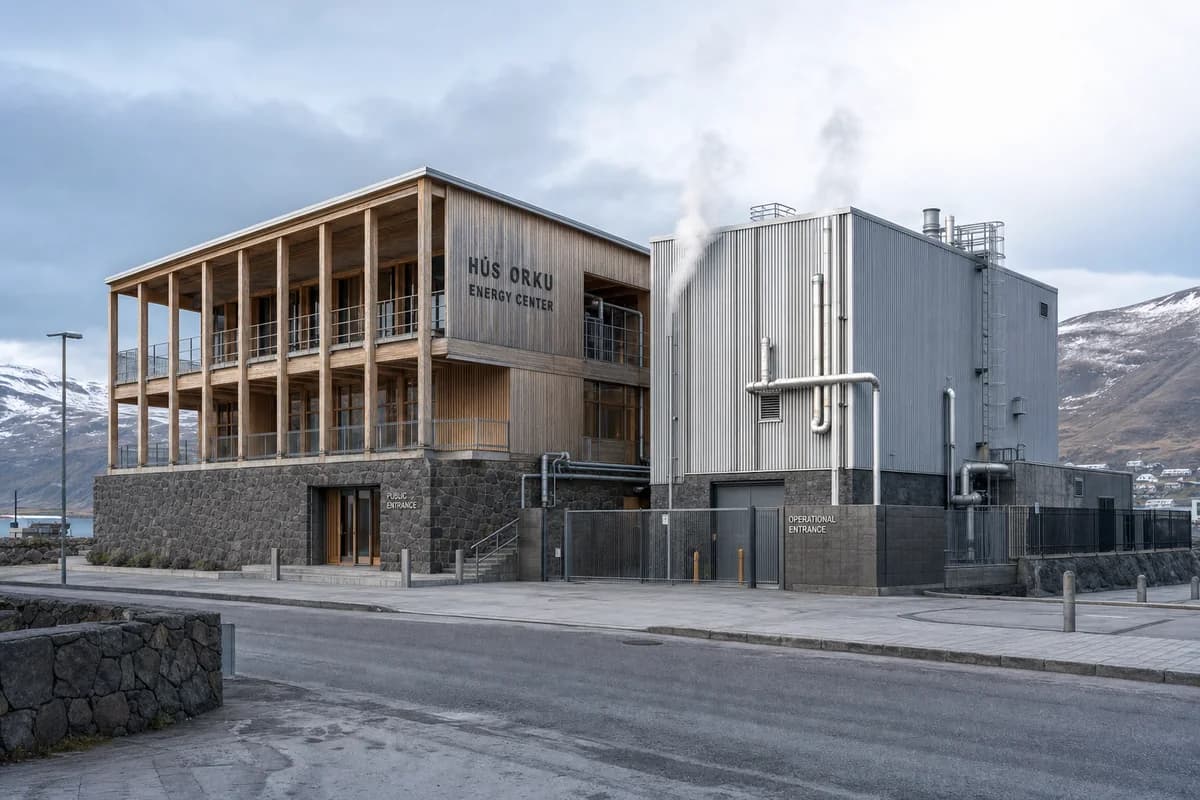
What can go wrong with soft AI rendering?
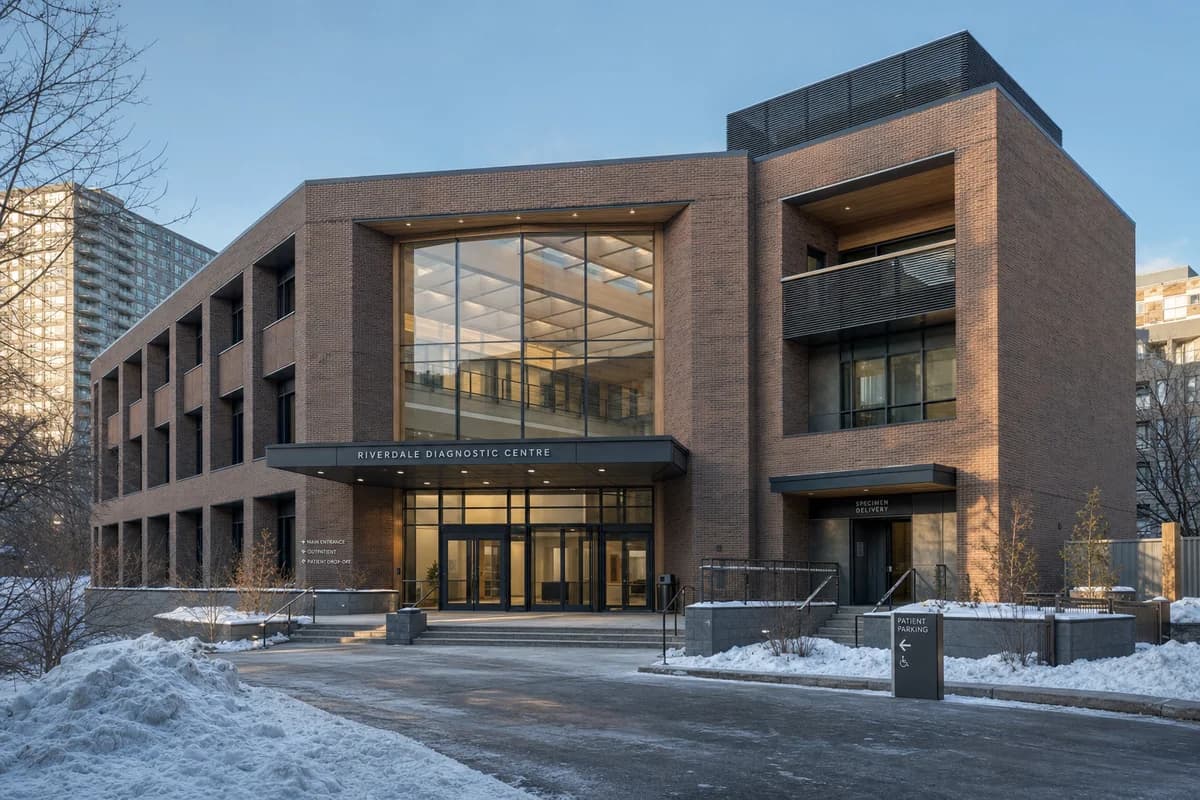
Soft AI rendering can hide weak geometry and unresolved junctions. It can also move openings, alter rooflines, or add details absent from the source.
Sketch and watercolor treatments may lose fine line hierarchy. Text, labels, dimensions, and annotations are not reliable. Clay images describe form, but they do not verify daylight performance. Muted images can become flat when all surfaces share one value.
Keep the source visible during review. Compare the images side by side. Check silhouettes, openings, levels, and primary structure first. Regenerate or edit local errors before sharing the study.
Is soft interior rendering different from soft architectural rendering?
Soft interior rendering applies the same finish to an interior view. The room's design language remains a separate choice.
Palette, diffuse light, selective detail, and restrained contrast still shape the finish. Furniture, fittings, and material approvals need more care inside. See interior rendering styles for Nordic, Japandi, Mid-Century, Brutalist, Industrial, and Mediterranean examples.
Can I match a soft style from a reference image?
Yes. A clear reference can guide palette, light, contrast, texture, and finish.
Use one coherent image rather than several conflicting references. Then verify that the result keeps your source geometry. Read how to match a soft style from a photo for the reference workflow. You can also browse the Style Atlas before choosing a direction.
FAQ
What is soft architectural rendering?
It is a muted, gently lit finish with selective detail. It explains space and atmosphere without implying that every decision is final.
Is a clay render the same as a white model render?
A white model is one type of clay render. Both reduce material information, but a white model usually imitates card or plaster.
When should I use soft rendering instead of photoreal?
Use it when the review concerns massing, sequence, light, or atmosphere. Use photoreal when exact materials and finishes need approval.
Can AI make a soft render from a sketch or screenshot?
Yes. State which camera, lines, openings, and geometry must remain fixed. Then check the result against the source before sharing it.