
For architects with a client review tomorrow
The design is ready. The render is not.
Start from the set view. Compare a few directions. Check each generated result before the meeting.
Your first renders are free. No credit card.
The first render is ready to judge.
2 / 4The same composed view
Keep the source as the reference.
Enhance starts from your 3D screenshot and aims to preserve its camera, framing, and proportions. Compare the generated result with the source.
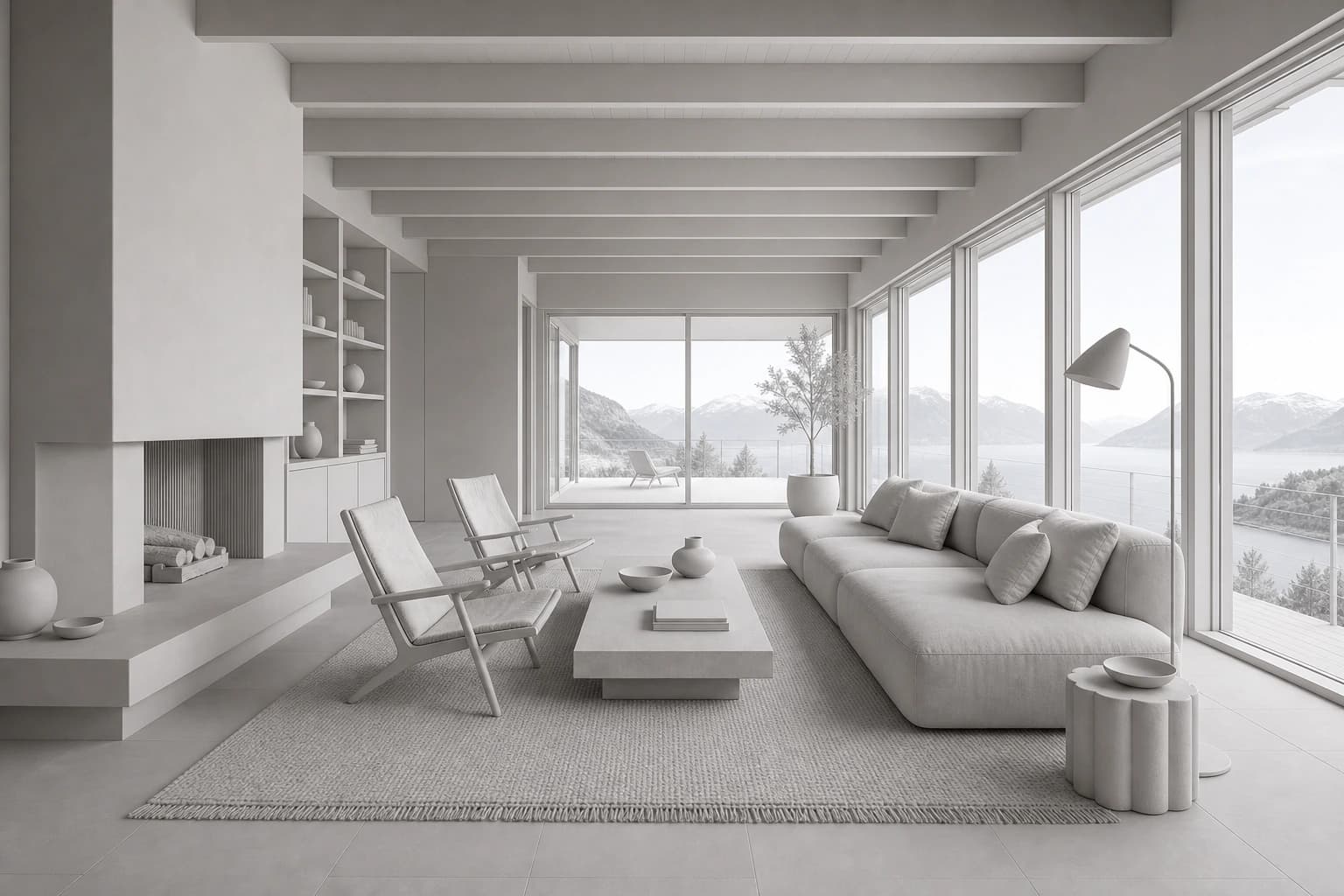 3D scene
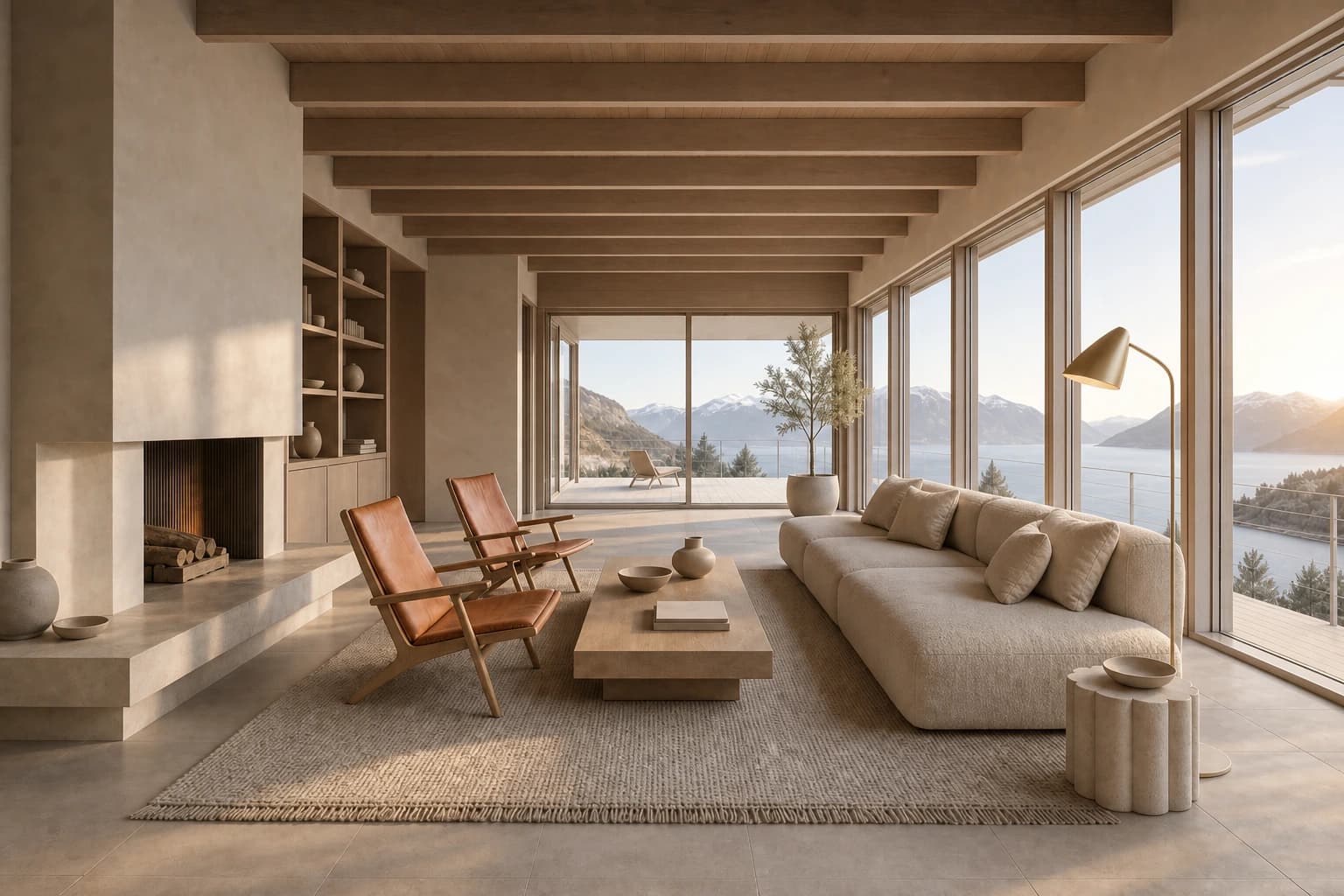 Render
Bring several directions to the same conversation.
Use one source view. Compare the visual direction. Check each result for drift before choosing another pass.
Late afternoon
Pale oak, warm limestone, low Nordic sun.
Have a review frame ready?
Start with the view you already composed.
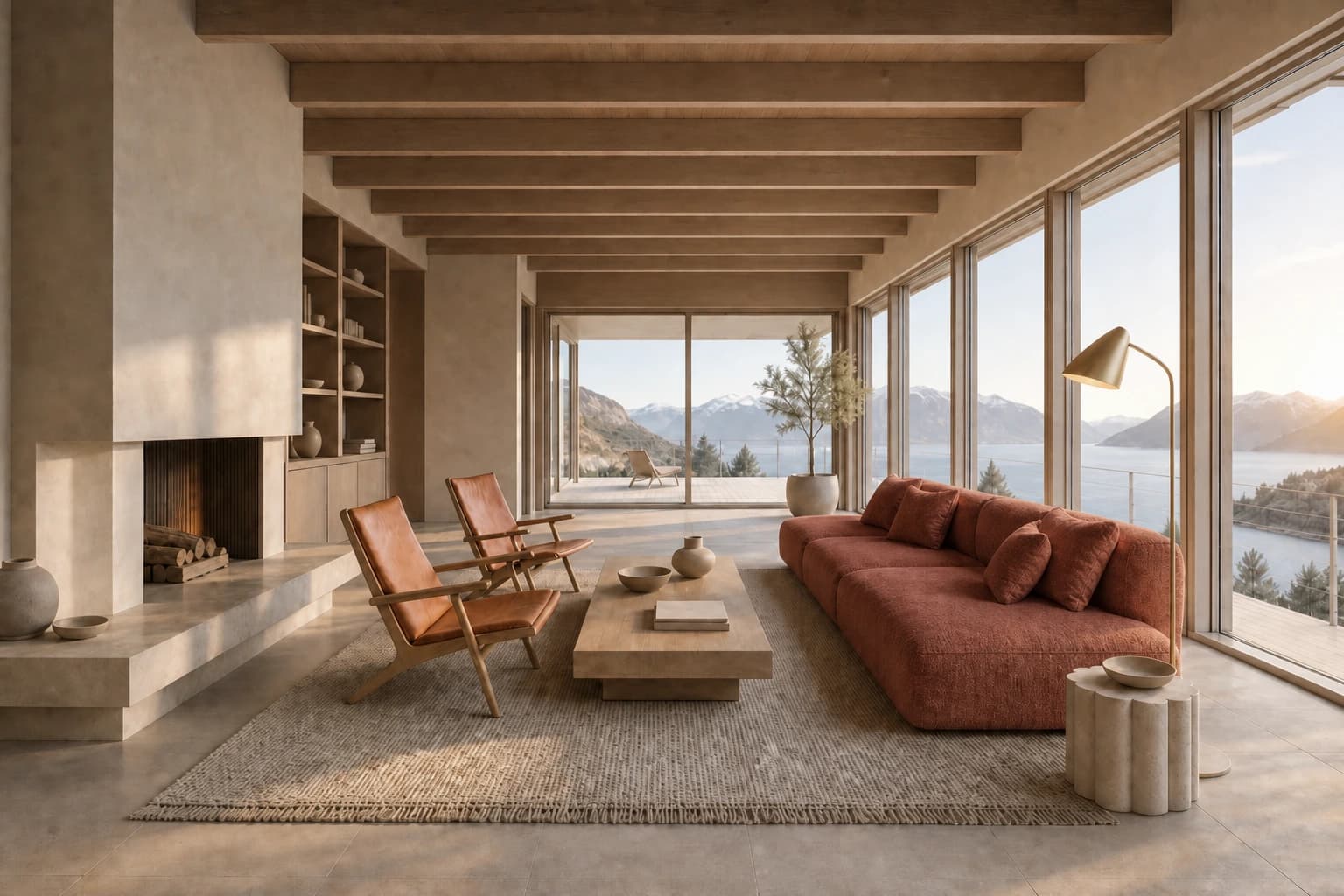
Edit the marked region
One client note should not restart the frame.
Mark the sofa and describe the new upholstery. Edit aims to keep unmarked areas stable. Review the surrounding edges.
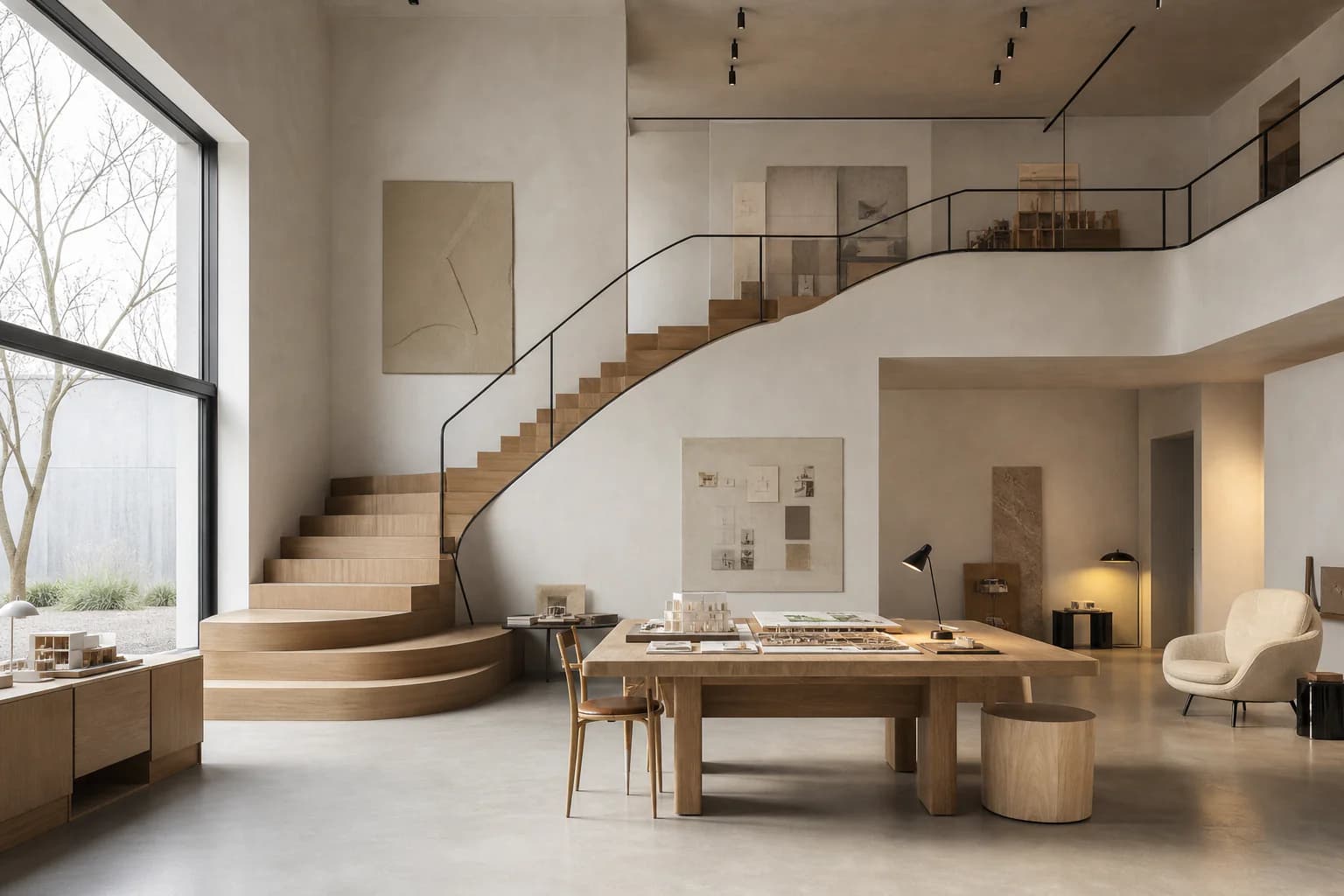
Why we built it
Built by architects, for architects.
We are architects. Render production kept eating our deadlines. We built CAD Scene to get our images back the same afternoon.
Made by the architects at
Explore another outcome.
Start from the moment that best matches the project in front of you.
Pricing
Start free. Add credits when you need them.
Paid plans add monthly credits. Credits roll over while subscribed.
Free
Try it on your own work.
- 100 free credits to start
- No credit card, and free credits never expire
- Render from a brief, a screenshot, or a selection
- Choose any model per render
- Free 4K download on every render
Hobby
For regular rendering.
- 250 credits / month
- Up to 125 renders with Nano Banana 2, GPT Image 2.5 Flare and more
- Unused credits roll over while subscribed
- Render from a brief, a screenshot, or a selection
- Save a direction and reuse it across projects
- Free 4K download on every render
Studio
For heavier workloads.
- 1000 credits / month
- Up to 500 renders with Nano Banana 2, GPT Image 2.5 Flare and more
- Unused credits roll over while subscribed
- Render from a brief, a screenshot, or a selection
- Save a direction and reuse it across projects
- Free 4K download on every render
- Priority support
Questions before you start
What to expect from scenes, renders, credits, and setup.
Bring the frame you want to review tomorrow.
Start from the view you already composed.
Start freeYour first renders are free. No credit card.