
01Create
Start from a clear render brief.
Describe the scene, materials, light, and atmosphere.
For architects and studios starting the next image
AI rendering for architecture practices and design studios. Start from a written brief or the 3D view already open.
Send opens account setup. No render is created here, and this brief is not saved. Your first renders are free. No credit card.
Keep studies, settings, renders, and revisions together.
Describe the scene, materials, light, and atmosphere.
Attach a 3D screenshot. Enhance aims to preserve its composed view.
Mark a region. Edit aims to keep the surrounding image stable.
Proof at the seam
Bring a screenshot from Rhino, SketchUp, Blender, Revit, or another 3D tool. Enhance uses it as the source. Compare camera, framing, and major geometry with the original.
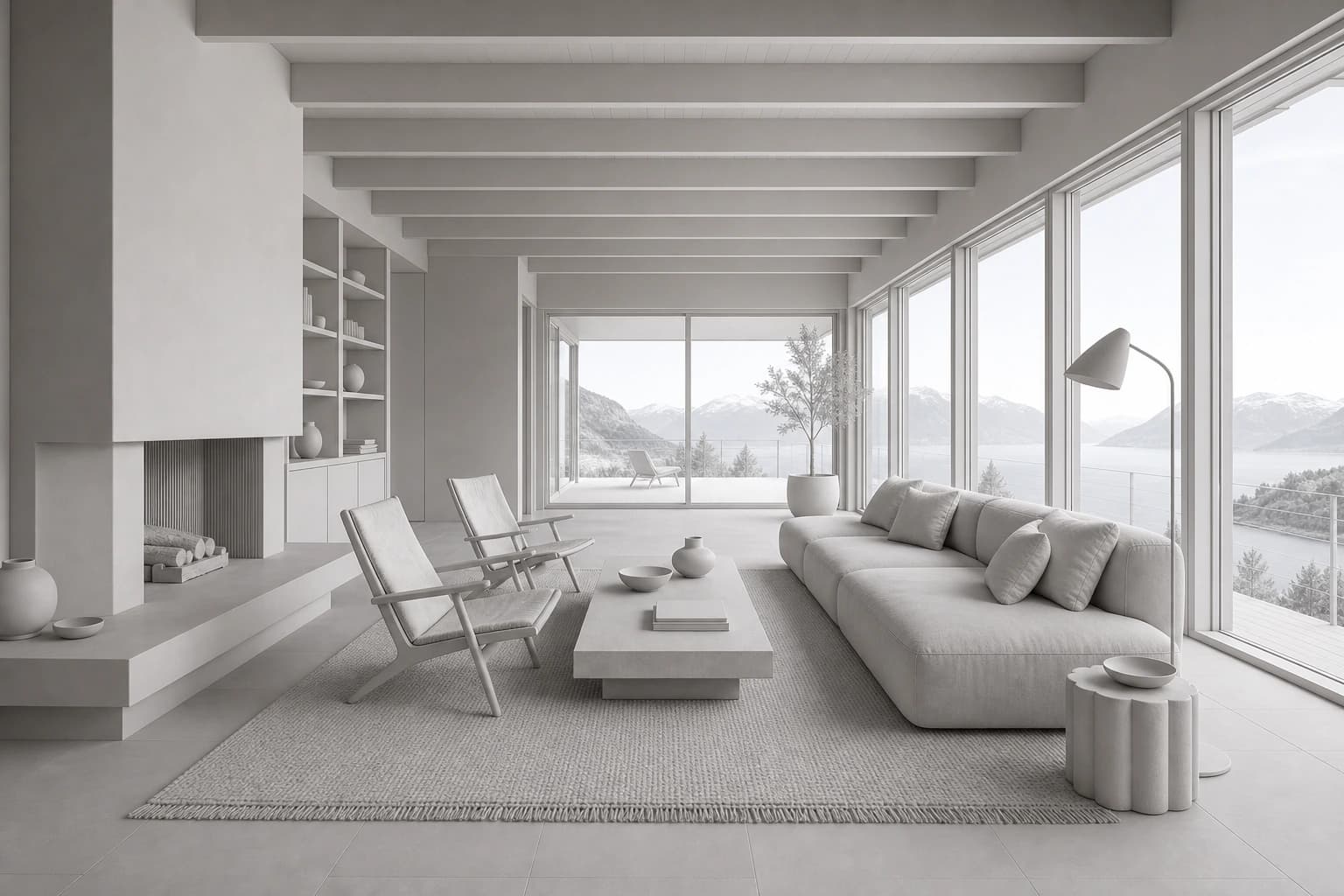 3D scene
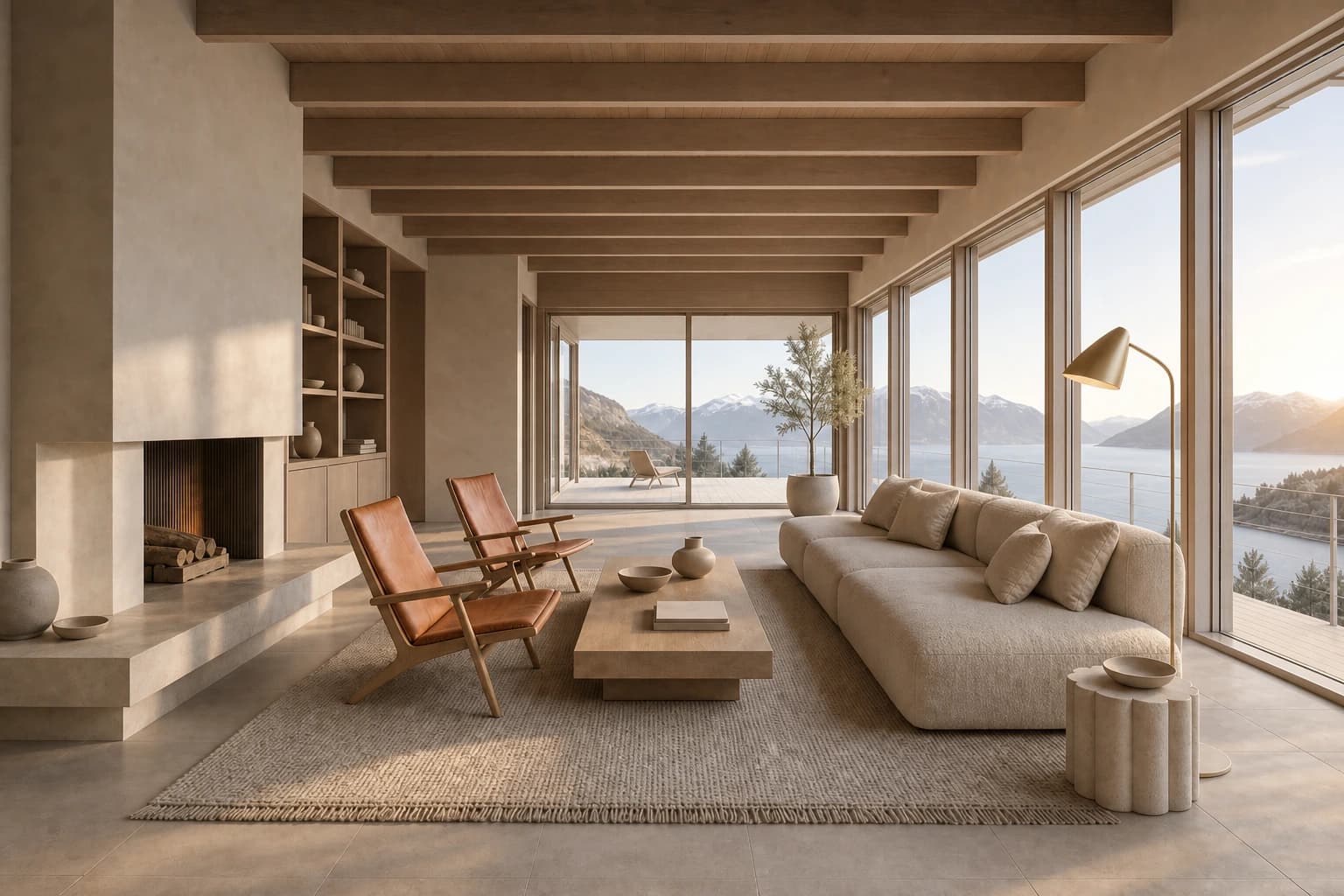 Render
Start with the scene you already composed.
62 presets built in
Render the same room as Nordic, wabi-sabi, Bauhaus, and more. Then save your own.
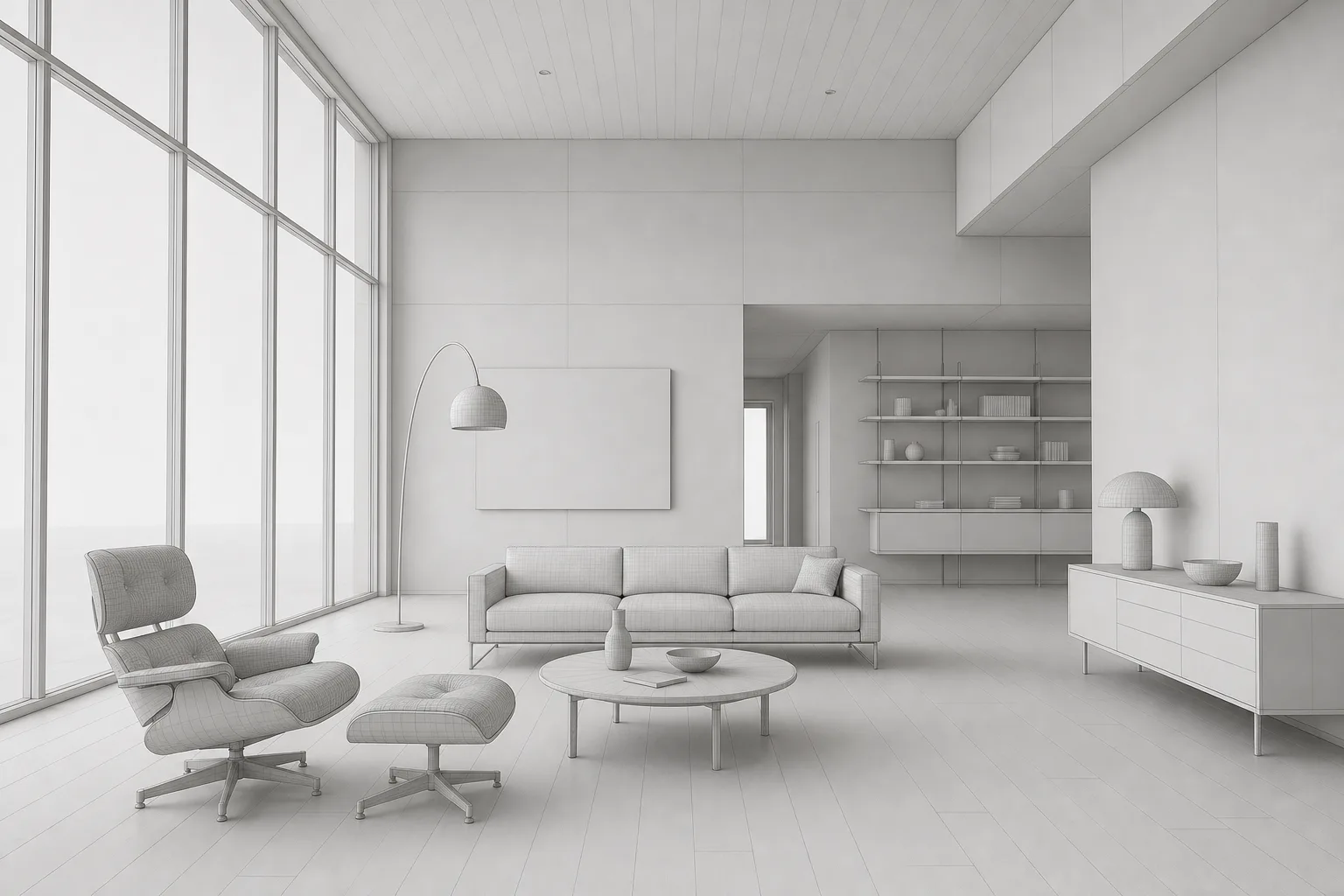
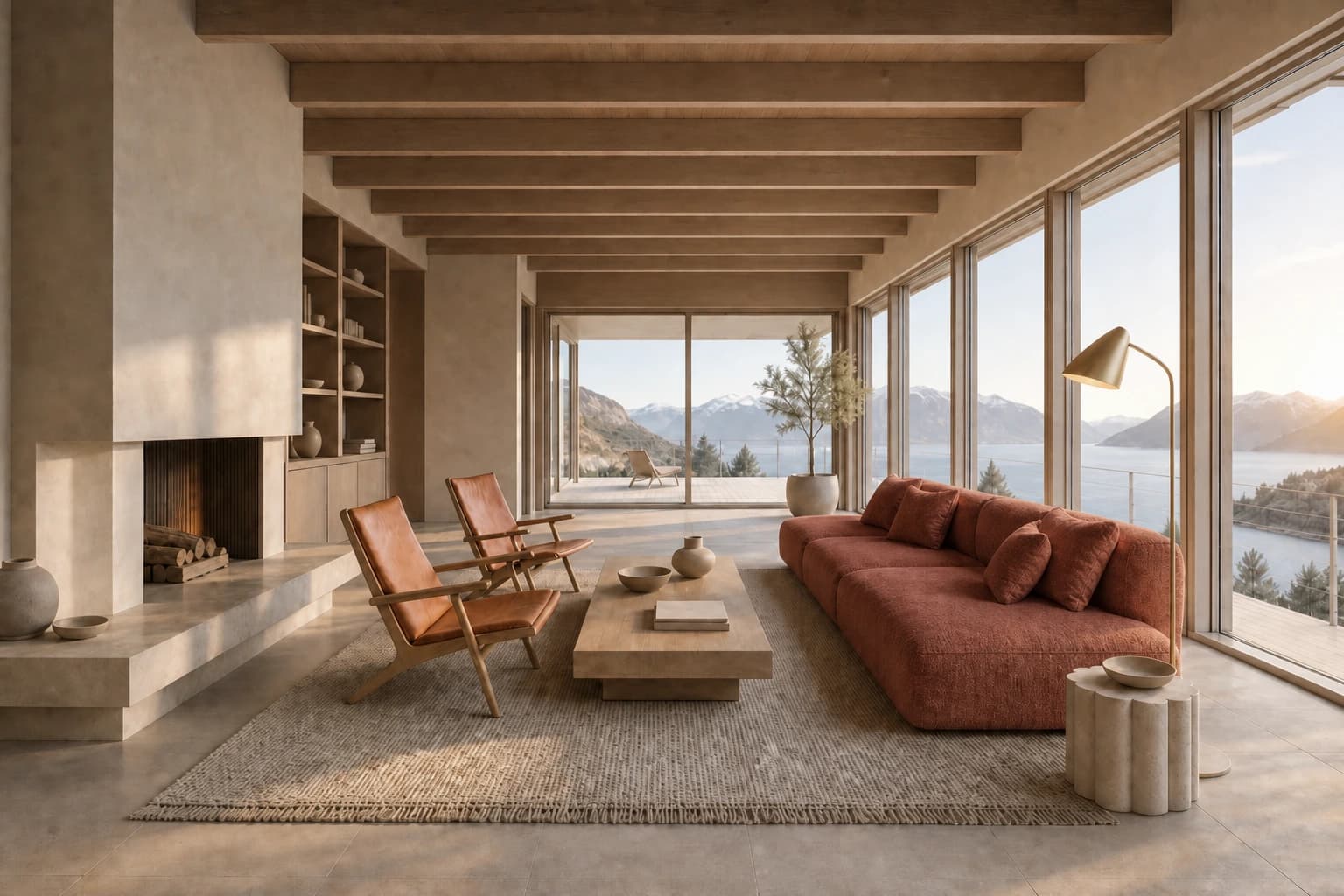
Edit the marked region
Mark the sofa and describe the new upholstery. Edit aims to keep unmarked areas stable. Review the surrounding edges before approval.
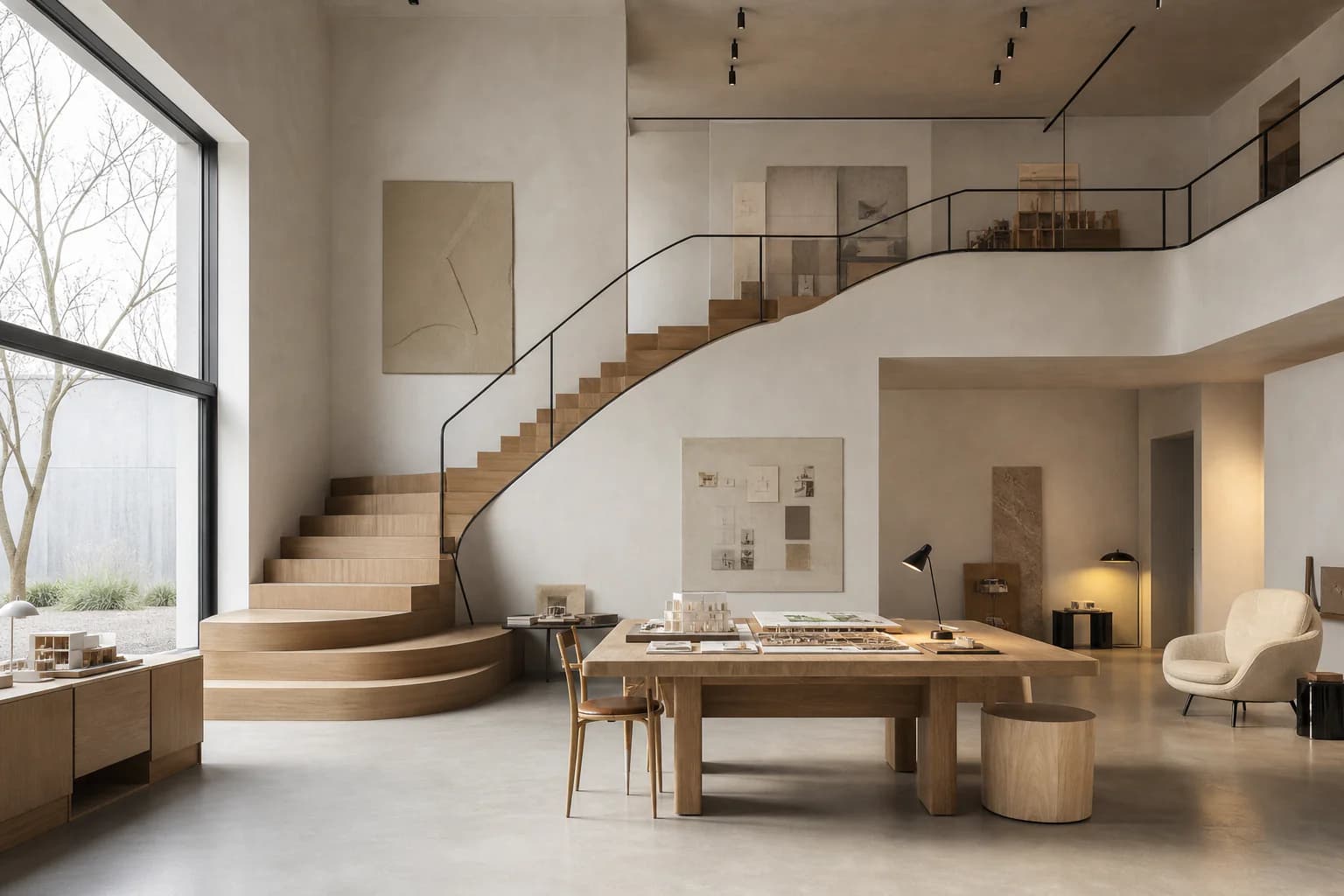
Why we built it
We are architects. Render production kept eating our deadlines. We built CAD Scene to get our images back the same afternoon.
Made by the architects at
Start from the moment that best matches the project in front of you.
Pricing
Paid plans add monthly credits. Credits roll over while subscribed.
Try it on your own work.
For regular rendering.
For heavier workloads.
What to expect from scenes, renders, credits, and setup.
Start with a brief or the 3D view you already composed.
Start freeYour first renders are free. No credit card.