
Before & After Image Embed Generator
Turn two HTTPS image URLs into a responsive comparison slider. Set the labels, image descriptions, caption, and opening split. Then copy the snippet, download a standalone page, or download that page and its assets as a ZIP.
The images stay on their current hosts. CAD Scene does not upload or store them.
Build the comparison
Add two HTTPS image URLs. They must be publicly readable for visitors. Nothing you export needs a package or a CDN.
Preview
Some image hosts block third-party previews. Your exports still use the URLs you entered.
Export
Embed snippet
One HTML block. Paste it into a page or CMS.
View code
Standalone page
A finished page you can publish as it is.
Page package
The page in separate files, with a readme.
What should the two images prove?
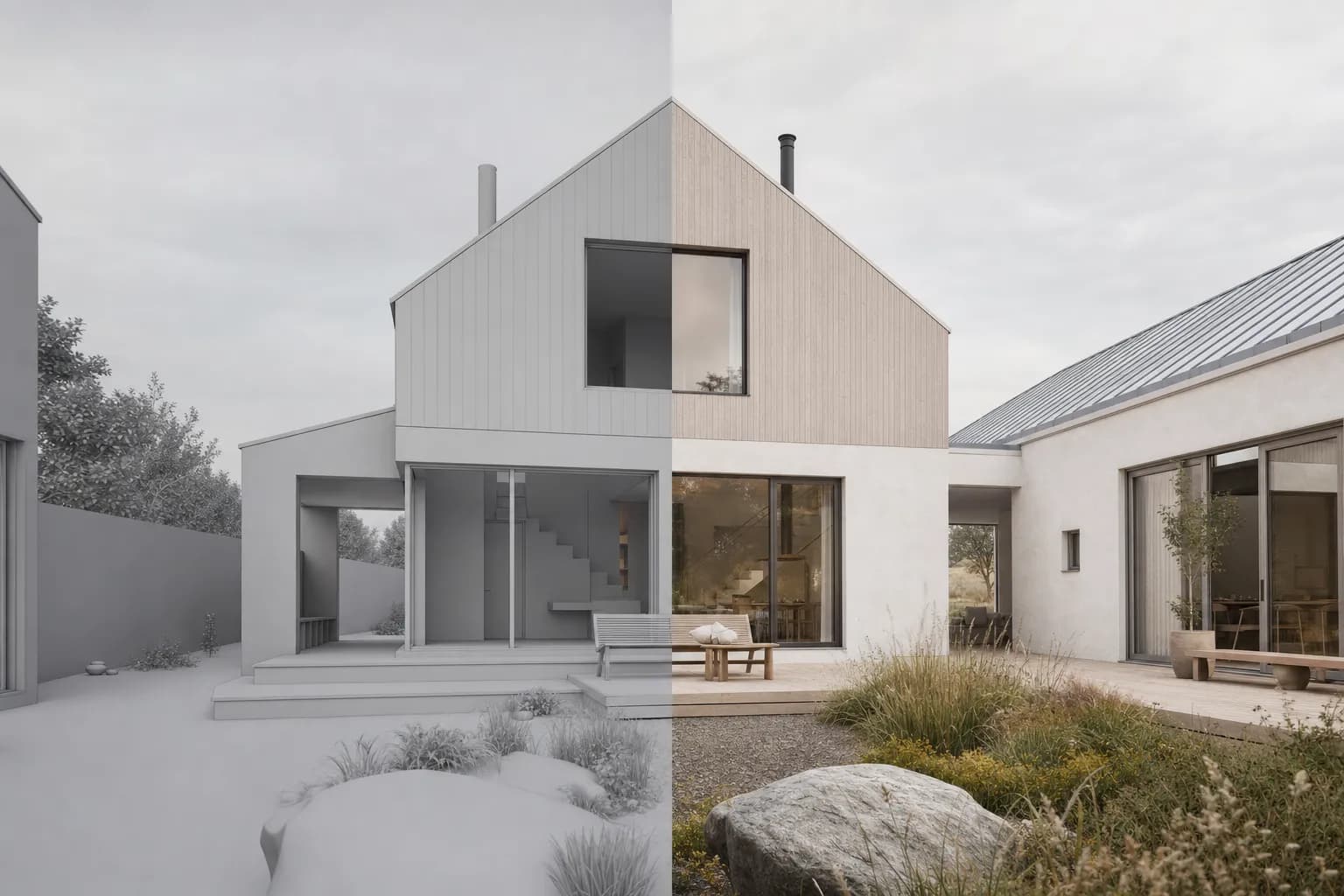
Keep the camera, crop, massing, openings, and proportions aligned. A slider makes drift easy to see. Review the render-retention method before presenting a pair as evidence.
Need a clean starting view? Use the screenshot capture guide.
Where can you publish it?
Paste the snippet into a portfolio, case study, studio site, or CMS block that accepts HTML and scripts. Confirm the host allows inline scripts before publishing. Where it does not, upload the downloaded page instead and link to it from the case study.
Keep both files light for mobile readers. The Image to WebP converter compresses them in your browser. Browse the architectural before and after examples for matched-pair references.
Before and after embed questions
What does the generator create?
Three exports from the same comparison. One responsive HTML snippet for a page or CMS block. One standalone .html page you can publish as it is. One ZIP with that page split into index.html, assets/styles.css, and assets/compare.js, plus embed.html and a README.
Where does the downloaded page work?
On any host that serves static files, and locally by opening the file. The page carries its own styles, script, and share preview tags. It respects light and dark system settings and reads from 320px up. The two images still load from their own host.
Does CAD Scene upload the images?
No. The generator reads the HTTPS image URLs you enter. Those URLs must be publicly readable for visitors. CAD Scene does not upload, copy, or store either image.
Will the slider work without a JavaScript package?
Yes. No export has a package or CDN dependency. A short script updates the split as the range control moves, and the control stays keyboard operable.
Why must the images use the same crop?
A comparison is easiest to read when camera, crop, massing, and openings align. Different views can imply a change that the images do not prove.
Make the pair before you share it
Start from a clean scene. Render the finished direction, then review both images on the same frame.
Start freeYour first renders are free. No credit card.