
An AI Alternative to Lumion for Concept Renders

For an architect producing still concept options from screenshots, CAD Scene is a strong AI alternative to Lumion. It works as a browser workbench across a mixed CAD and 3D stack. No Lumion scene or host-specific plugin is required.
It is not a full Lumion replacement. Choose Lumion View for live feedback inside SketchUp, Revit, or Archicad. Choose Lumion Pro for a synced 3D scene, animation, panoramas, or detailed environment control. Lumion Cloud now adds AI enhancement after an image reaches the project. This creates a connected Lumion route from model to render, AI study, and review.
When is CAD Scene a good Lumion alternative?
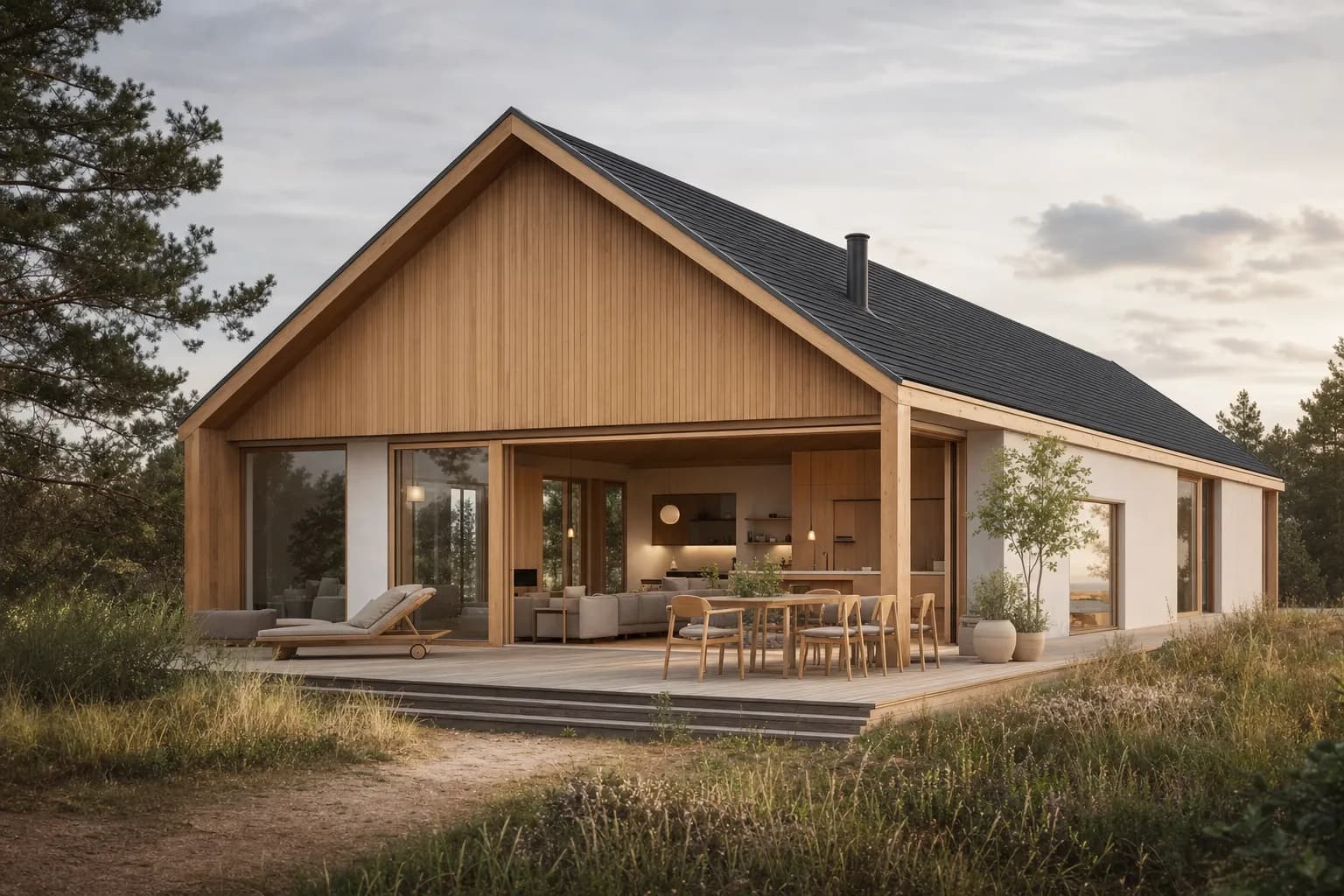
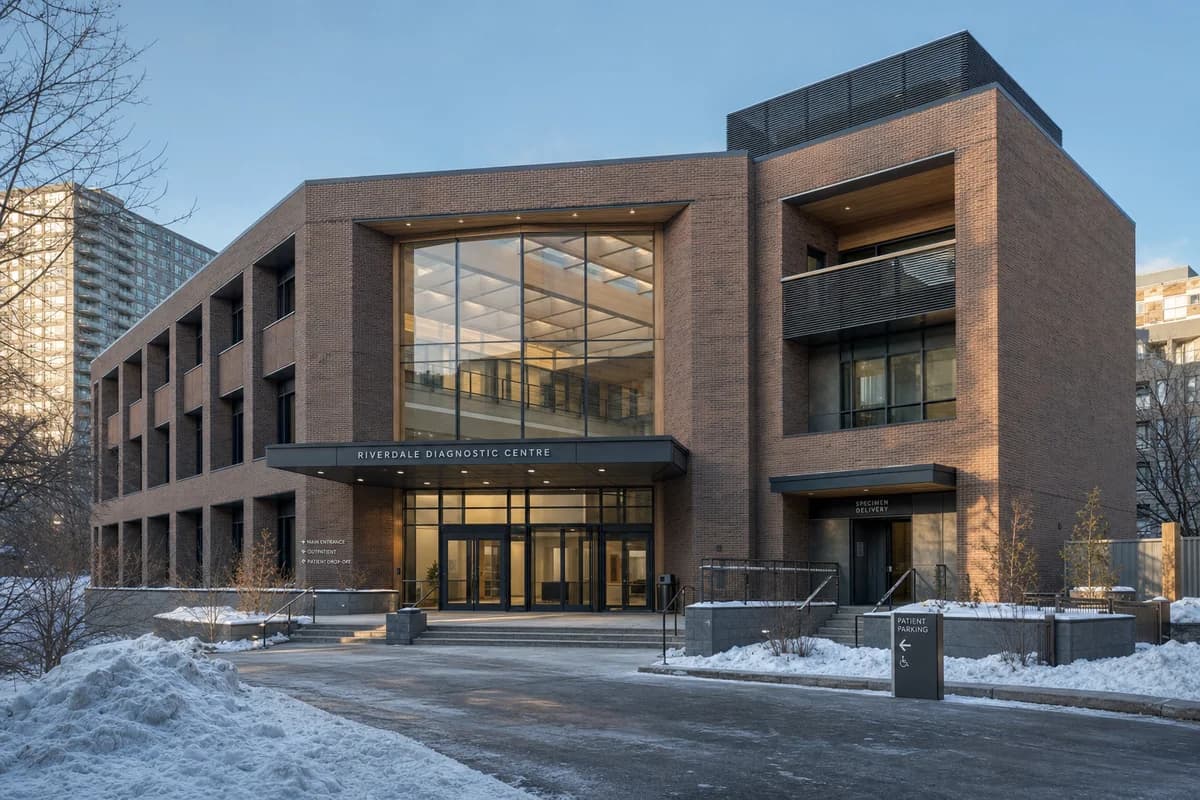
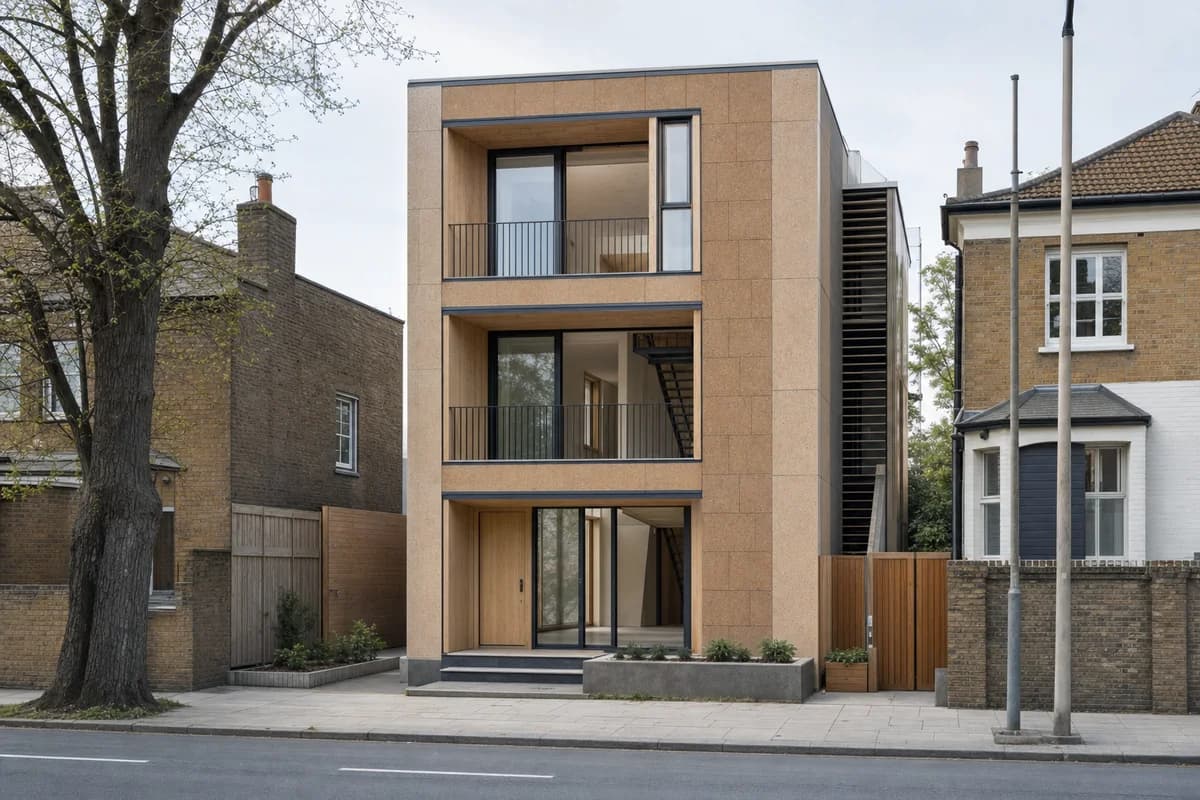
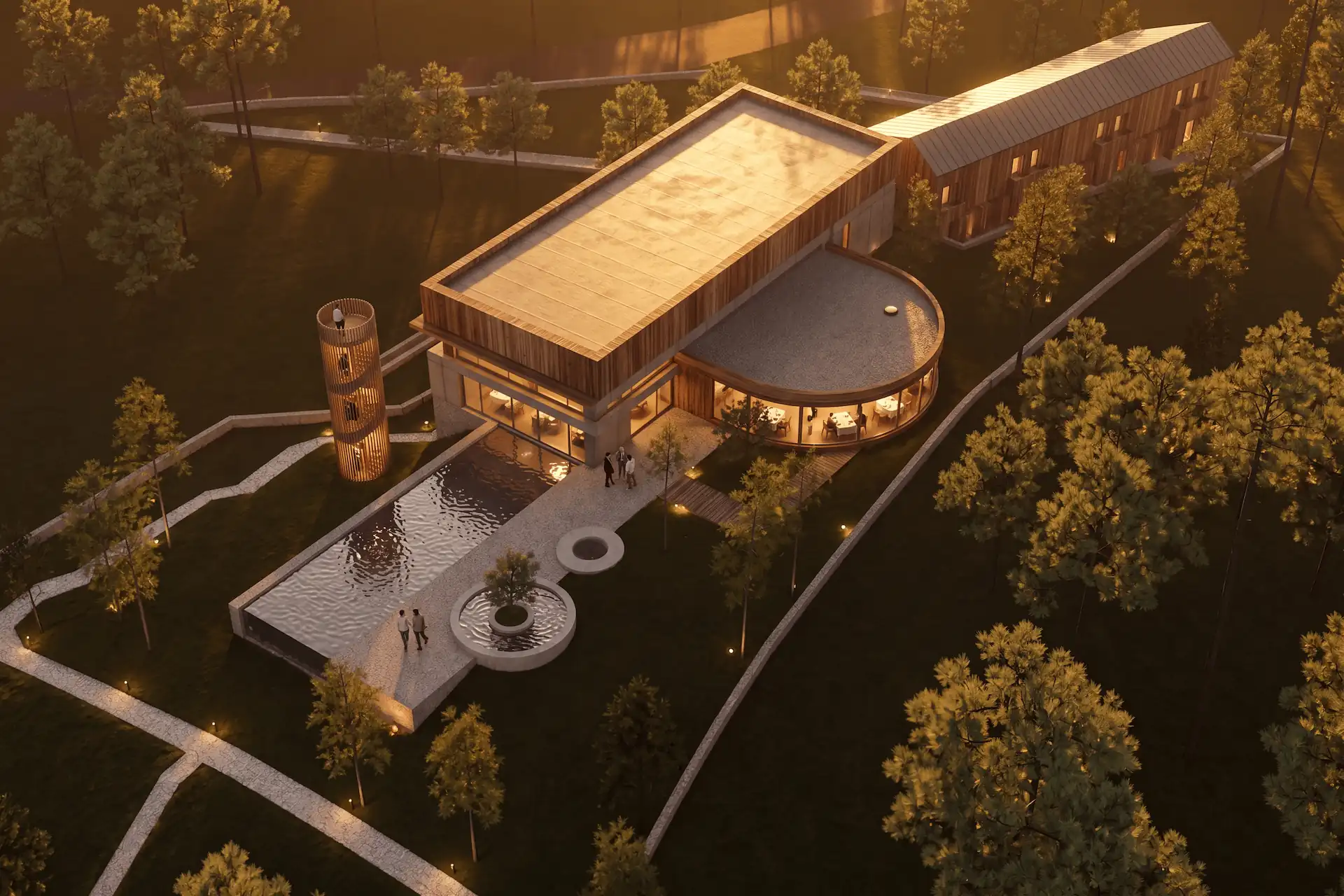
CAD Scene fits concept and design-development stills. Capture the camera in Rhino, SketchUp, Revit, Blender, Lumion, or another source tool. Then use Enhance to apply materials, light, landscape, and atmosphere.
CAD Scene Enhance uses the screenshot as its source image. It aims to retain camera, framing, geometry, and proportions. The result is an image, not an editable 3D scene. Check openings, roof lines, and floor levels before client review.
The matched example in the screenshot-to-render guide shows this workflow on one fixed view. It is CAD Scene proof, not a cross-vendor quality test.
| Decision | CAD Scene | Lumion View | Lumion Pro |
|---|---|---|---|
| Starting point | Screenshot or prompt | Live host model | Synced or imported 3D model |
| Primary output | Still images | Live view and stills | Images, animation, and panoramas |
| Source-tool fit | Mixed screenshot stack | SketchUp, Revit, or Archicad | CAD/BIM through LiveSync or import |
| 3D scene control | Inside the host model | ||
| Generative AI path | Create, Enhance, and Edit | Cloud AI after a View render | Cloud AI after a Pro render |
| Best fit | Fast still option studies | Real-time design validation | Built scenes and connected delivery |
Does Lumion now include AI rendering tools?
Yes. Lumion's current AI tools include AI Enhancer, AI Material Generator, and AI Upscaler. AI Enhancer works from an existing visualization in Lumion Cloud. Guided controls or a custom prompt can change light, materials, atmosphere, scene details, and visual style.
Element Preservation lets the user select categories such as buildings, people, vegetation, water, cars, and furniture. This guides the model around those elements. It does not guarantee an unchanged result. Lumion tells users to compare the enhanced image with the original.
The Cloud AI release also adds browser post-processing, versions, and variations. Lumion announced it on 25 August 2026. It is available to active account holders.
Lumion View is a lightweight real-time plugin. Lumion lists current versions for SketchUp, Revit, and Archicad. It keeps visualization inside the modeling tool and can produce 4K stills. A render can then move to Cloud for AI enhancement and review.
Lumion Pro is the full scene product. It uses LiveSync or model import. It adds context, assets, materials, effects, images, animation, and 360 panoramas. Pro output can continue into Cloud for AI enhancement, post-processing, versions, comments, and review.
This changes the decision. Lumion is no longer only the scene-building alternative to an AI image tool. It now has its own connected image-enhancement route. CAD Scene remains distinct when one screenshot-first workbench must span a mixed source stack without a Lumion scene.
Can Lumion View hand off to Lumion Pro?
Yes. Lumion says View and Pro can form one connected path. Import the model into Pro, and View's lights, materials, and texture maps transfer with it. Pro then adds the scene, environment, motion, and panorama controls.
View can also send a 4K render to Lumion Cloud for comments and review. This is a vendor-documented workflow, not an independent handoff benchmark.
Choose this path when live host feedback must continue into a built scene. Choose CAD Scene when the work stays in still images from a mixed source stack.
Prompt library · 50 promptsConceptualBrowse prompts
Which option should an architecture studio choose?
Choose by deliverable and source-tool fit.
Name the deliverable
Decide whether you need still options, live validation, animation, or a navigable panorama.Check the source stack
A mixed stack favors screenshots. One supported host may favor a live plugin.Test one fixed view
Use the same camera, materials brief, review size, and deadline for each route.Inspect the result
Check geometry, edit control, scene continuity, output options, and time spent preparing the view.
Choose CAD Scene when
- the studio works across several CAD and 3D tools;
- a screenshot is the natural handoff;
- the deliverable is a set of still concept images;
- the team wants Create, Enhance, and Edit in one Project context.
CAD Scene generates images. It does not provide a live 3D viewport, model editing, animation, or panorama authoring.
Choose Lumion View when
- the team models in SketchUp, Revit, or Archicad;
- live visual feedback should stay inside that host;
- model changes must appear in the visualization while you work;
- a 4K render should move into Lumion Cloud for AI enhancement and review;
- early validation matters more than a mixed-tool image workflow.
Lumion says View needs ray-tracing-capable hardware. Check its current system requirements on the device you plan to use.
Choose Lumion Pro when
- the project needs a built 3D environment and placed assets;
- the team needs animation, 360 panoramas, or browser-based VR review;
- View materials and lights must continue into the full scene;
- AI enhancement and versions should stay in the same Cloud project;
- LiveSync and detailed scene control are part of delivery;
- final presentation work stays in one real-time scene.
What if I want AI inside my modeling tool?
Lumion AI Enhancer works on an existing image in Cloud. It does not add generative image controls to the host model.
Chaos Veras is a current host-integrated AI route. Its official feature set covers images or sketches, 3D model views, prompts, presets, and edits inside design-authoring workflows.
Choose that route when direct host integration matters more than one browser workspace across projects. The CAD Scene and Chaos Veras comparison records the current integration trade-offs and source dates.
For a broader shortlist, use the best AI rendering software for architects. It separates screenshot workbenches, integrated AI, and wider visualization platforms. The Twinmotion and AI workflow covers the same live-scene versus still-image decision for Twinmotion users.
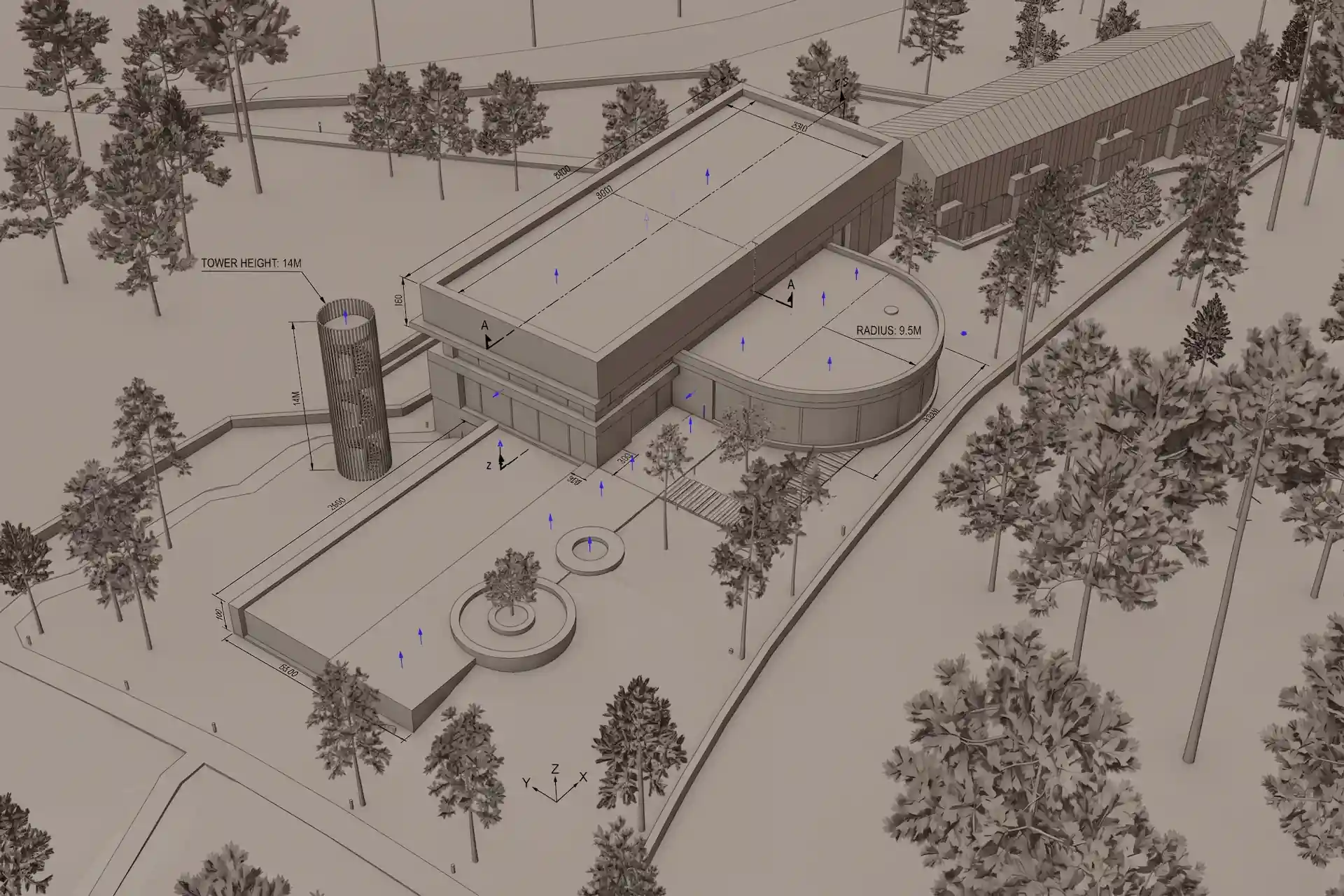
Before / after
Test one concept view in CAD Scene.
How should you test a Lumion alternative?
Use one scene you know well. Keep the camera and intended output fixed. Write a short brief for materials, light, and landscape. Then judge each route against the same criteria:
- Did the result retain the camera and important design geometry?
- How much setup happened before the first useful image?
- Could you make the next change without rebuilding the scene?
- Did the tool produce the required still, animation, or panorama?
- Does the workflow fit every source tool the studio uses?
Do not choose from a vendor gallery alone. A real project exposes the geometry, hardware, integration, and revision constraints that matter.
Can CAD Scene fully replace Lumion?
No. CAD Scene fits still concept options from screenshots. Lumion View provides live host-model feedback. Lumion Pro provides scene building, animation, and panoramas.
Should I choose CAD Scene or Lumion View?
Choose CAD Scene for one screenshot workflow across a mixed tool stack. Choose Lumion View for real-time validation inside SketchUp, Revit, or Archicad. View renders can continue into Lumion Cloud for AI enhancement and review.
Does Lumion have its own AI rendering tools?
Yes. Lumion Cloud AI Enhancer refines an existing visualization with guided controls or custom prompts. Lumion also provides an AI Material Generator and AI Upscaler. Generated enhancements still need comparison with the original.
Can CAD Scene create Lumion-style animations or walkthroughs?
No. CAD Scene outputs images. Use Lumion Pro or another motion-capable visualization tool when animation, panoramas, or a live 3D scene are required.
Sources reviewed
- Lumion AI tools, reviewed 16 September 2026
- Lumion Cloud AI Enhancer announcement, published 25 August 2026 and reviewed 16 September 2026
- Lumion View product page, reviewed 16 September 2026
- Lumion Pro product page, reviewed 16 September 2026
- Lumion Pro 2026.1 release, reviewed 16 September 2026
- Lumion system requirements, reviewed 16 September 2026
- Chaos Veras features, reviewed 19 August 2026 and rechecked 16 September 2026
- CAD Scene Enhance Help, Product, Glossary, and matched screenshot-to-render example, reviewed 16 September 2026