
Twinmotion or AI Rendering: Which Workflow Fits?

Stay in Twinmotion when the live scene is the deliverable. It is the stronger route for motion, phasing, weather, VR, and interactive presentations.
Choose CAD Scene for separate still-image studies. It fits studios that want one browser Project for views from Twinmotion and other source tools. CAD Scene outputs images. It does not update the Twinmotion scene.
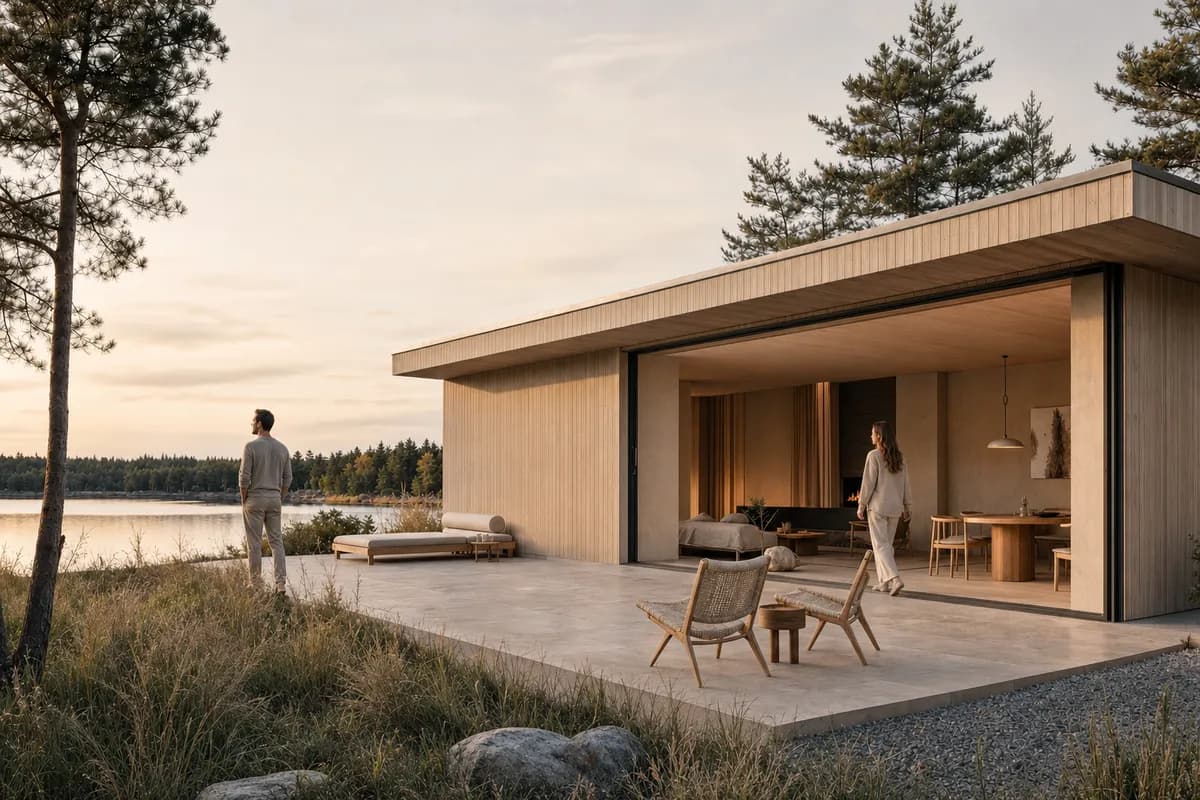
Should an architect use Twinmotion or an AI screenshot renderer?
Choose by project stage and deliverable. Twinmotion keeps design data inside a real-time visualization scene. CAD Scene starts from an exported image.
Twinmotion can already produce polished stills. It also supports multiple scene versions through View sets. A separate image tool earns its place when the same browser Project must hold still studies from several source applications.
| Decision | CAD Scene | Twinmotion |
|---|---|---|
| Source context | Exported image | Live visualization scene |
| Source-tool fit | One image path across tools | Imported or synchronized design data |
| Primary output | Images | Images, panoramas, video, VR, and presentations |
| Focused revision | Named masked Edit regions | Scene objects, materials, and media settings |
| Motion and phasing | ||
| Interactive delivery | ||
| Project continuity | Composition shared across studies | Twinmotion scene and media |
| Best fit | Mixed-stack still studies | Live scene review and presentation |
Does Twinmotion have AI?
Twinmotion uses AI-assisted neural rendering through NVIDIA DLSS 4. Its official 2025.1.1 release announcement describes support on compatible NVIDIA hardware.
That is not prompt-based image generation. It improves rendering inside Twinmotion. The reviewed Twinmotion 2026.1 release notes add photo matching, Match Perspective, Autosoft Edges, lighting channels, and lens controls. They do not document text-to-image or image-to-image generation.
Use that distinction to choose the workflow. Stay in Twinmotion when the scene must remain editable. Add CAD Scene for a separate generative still from an exported view.
What does Twinmotion already do well?
Twinmotion is a real-time visualization tool. It produces images, panoramas, video, VR media, and interactive presentations from design data.
Its image and panorama system supports custom output sizes and View sets. View sets can show alternatives or project phases from one scene. Images export as PNG, JPG, or EXR files.
Twinmotion can use real-time or Path tracer rendering for media. Current documentation also covers render layers for external compositing. These features make Twinmotion more than a source-image generator.
When does CAD Scene fit beside Twinmotion?
CAD Scene fits when the deliverable is a set of still options. It is useful when Twinmotion is one source among Revit, SketchUp, Rhino, Blender, or other tools.
Enhance starts from one explicit source image. It instructs the image model to preserve camera, framing, geometry, and proportions. That is a constraint, not a guarantee. Compare each result with the source.
Create, Enhance, and Edit share one Project context. The same Composition can guide several studies. Edit can target named masked regions on a finished image.
The screenshot-to-render workflow shows the broader process. The public retention method explains how to review camera, perspective, framing, and visible geometry.
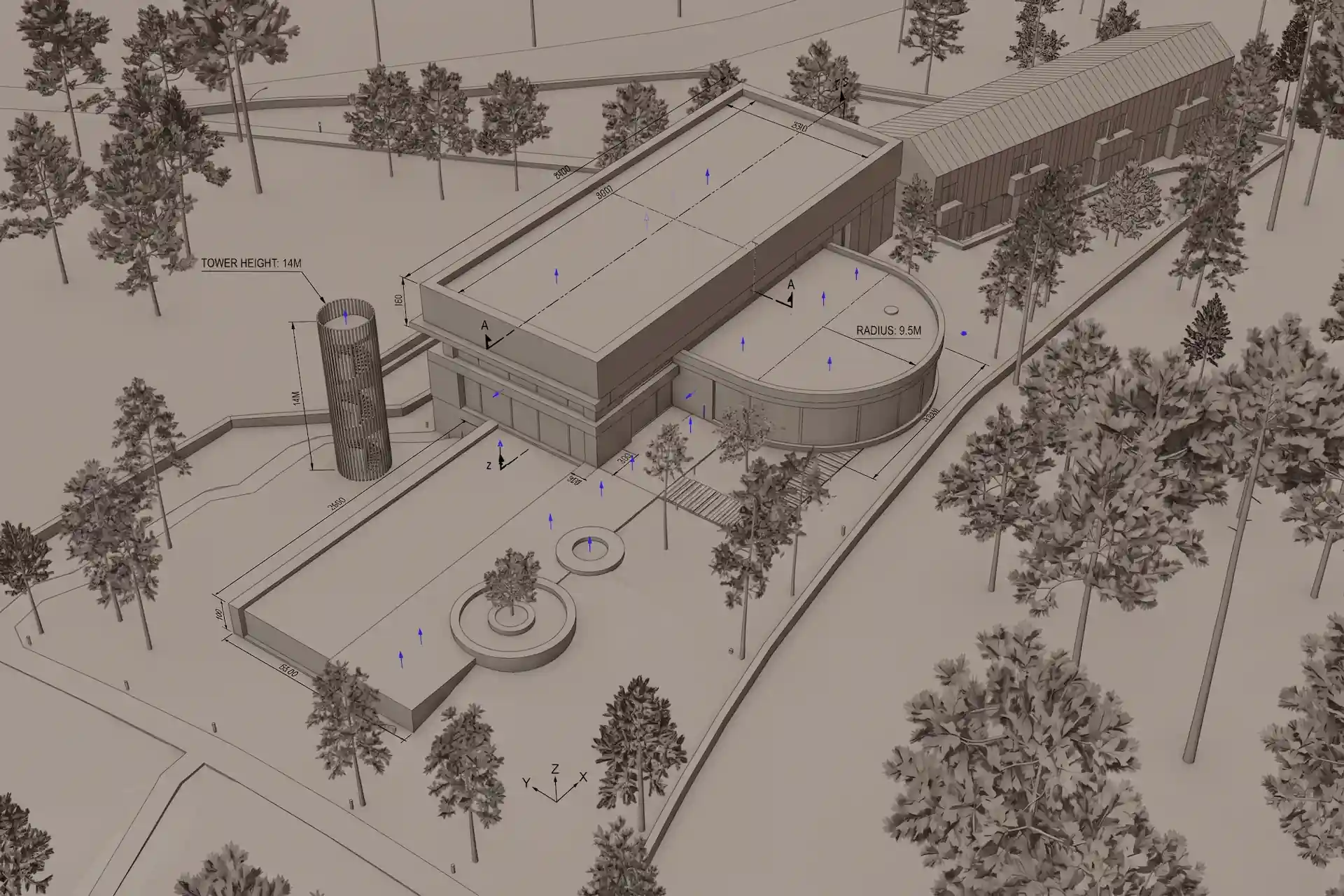
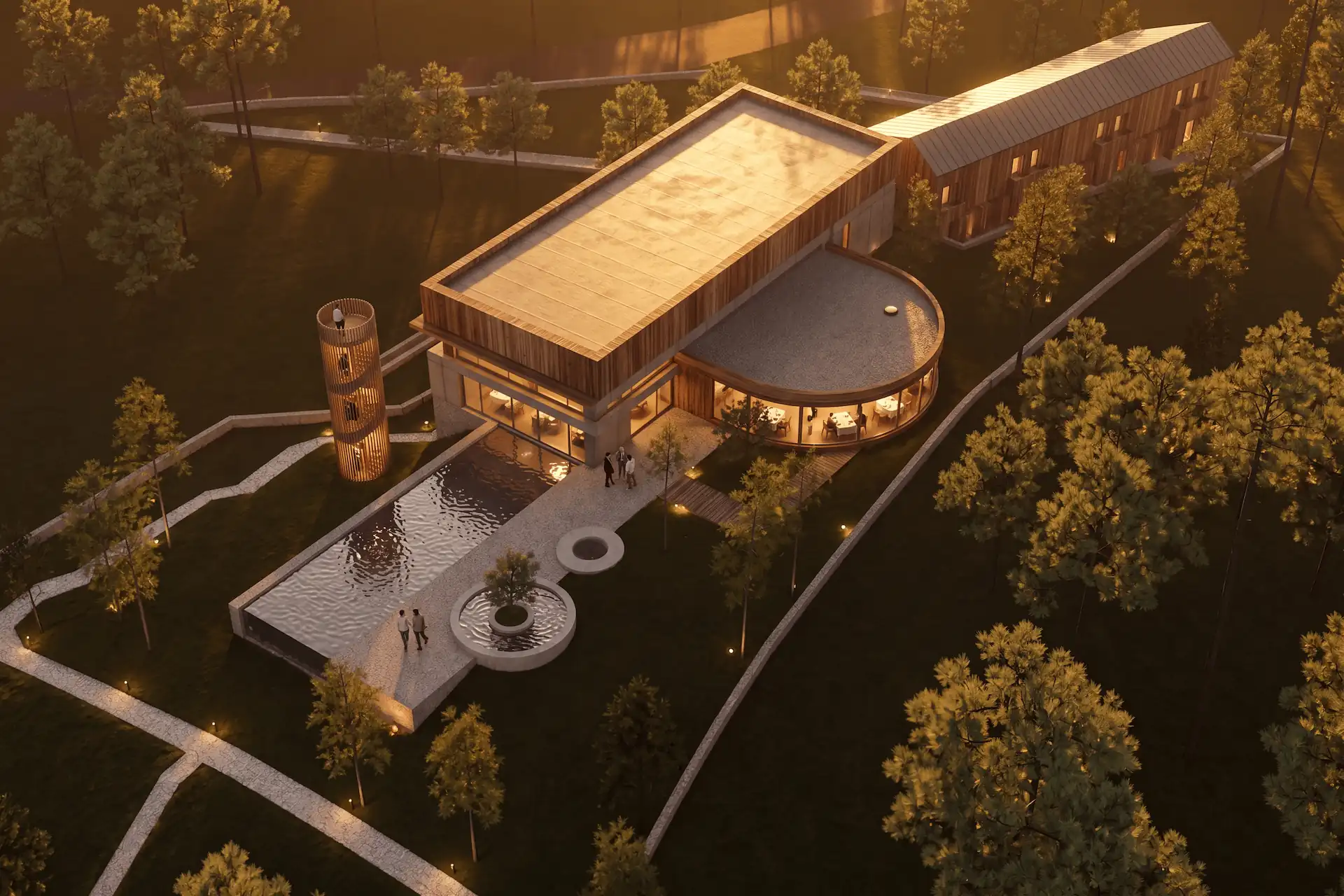
Before / after
Test one fixed view in CAD Scene.
How should you export a Twinmotion image for an AI study?
Use a saved image from the Media dock. Set the camera, crop, and output ratio before export. The exported frame becomes the source constraint.
Save the final view
Create an image in Twinmotion Media with the required camera and crop.Clean the source
Remove unwanted people, vehicles, weather, depth of field, and color effects.Export the image
Choose a useful output size and export the saved media without interface chrome.Set one direction
Use Enhance for one materials, light, landscape, or atmosphere brief.Review against the scene
Check camera, openings, edges, levels, material boundaries, and crop.
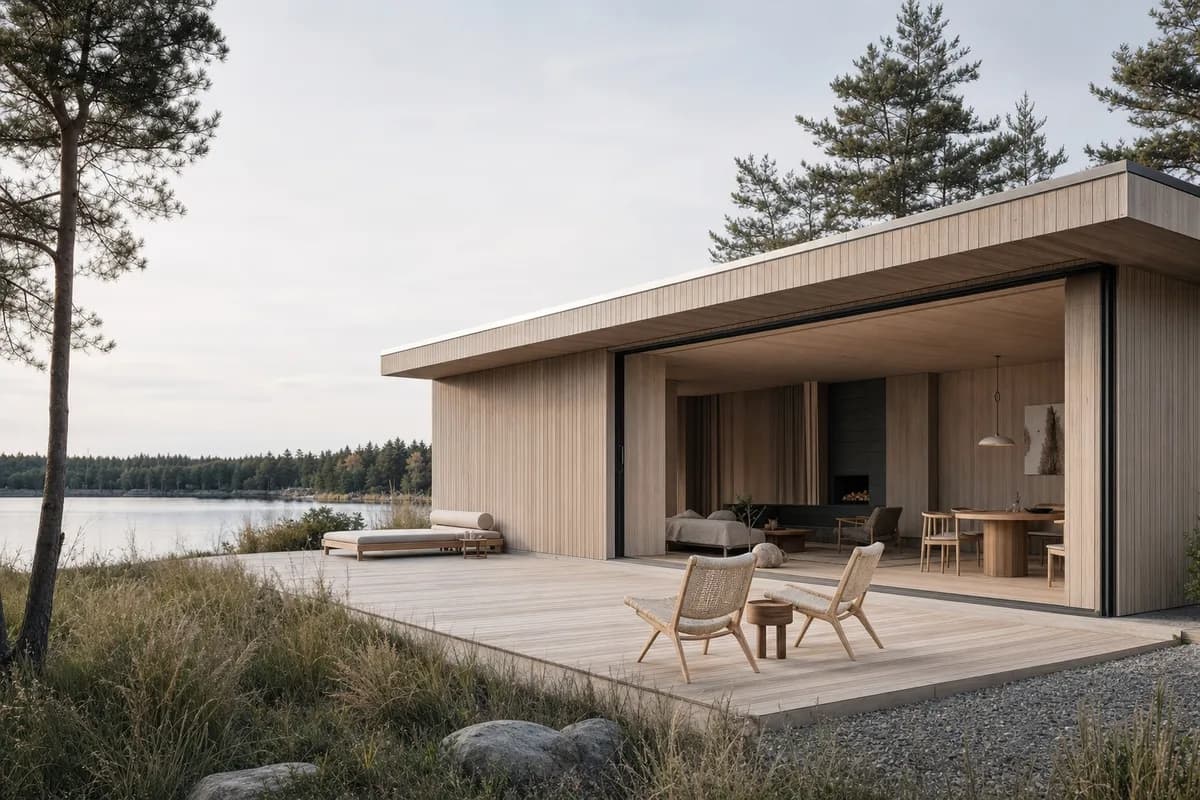 Synthetic sourceConcept render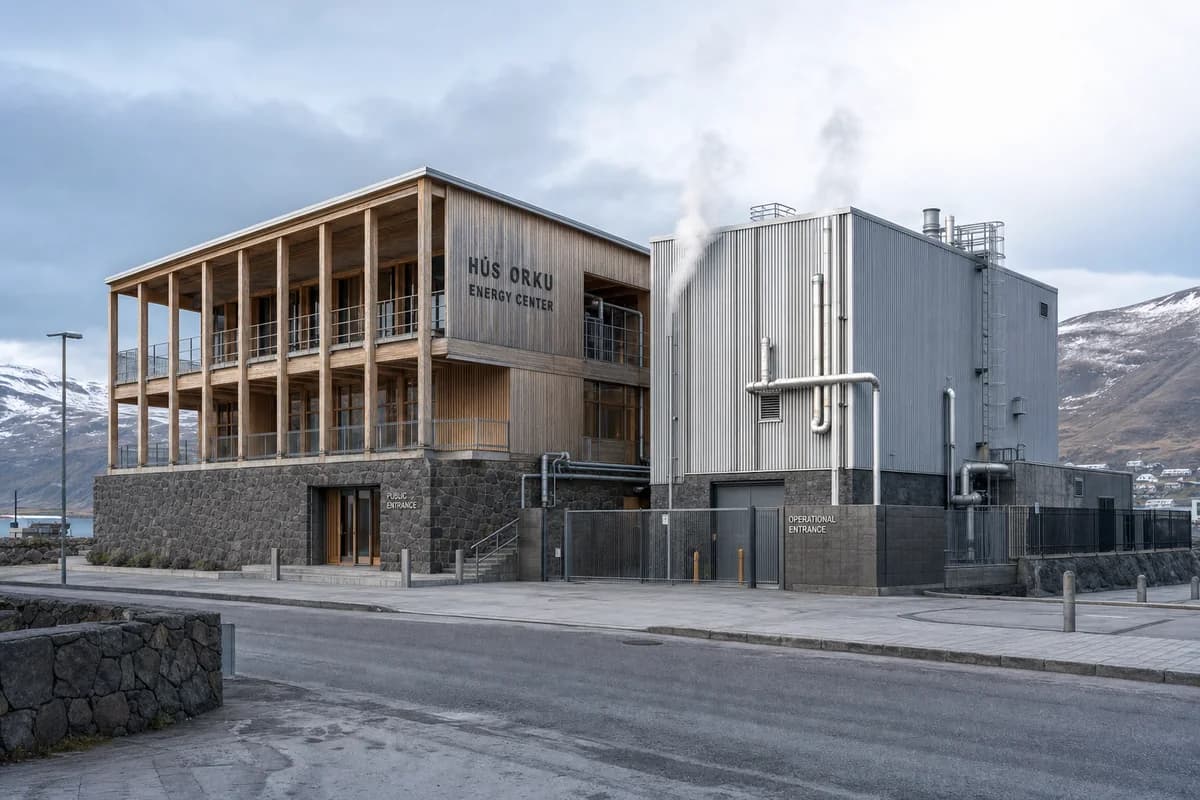
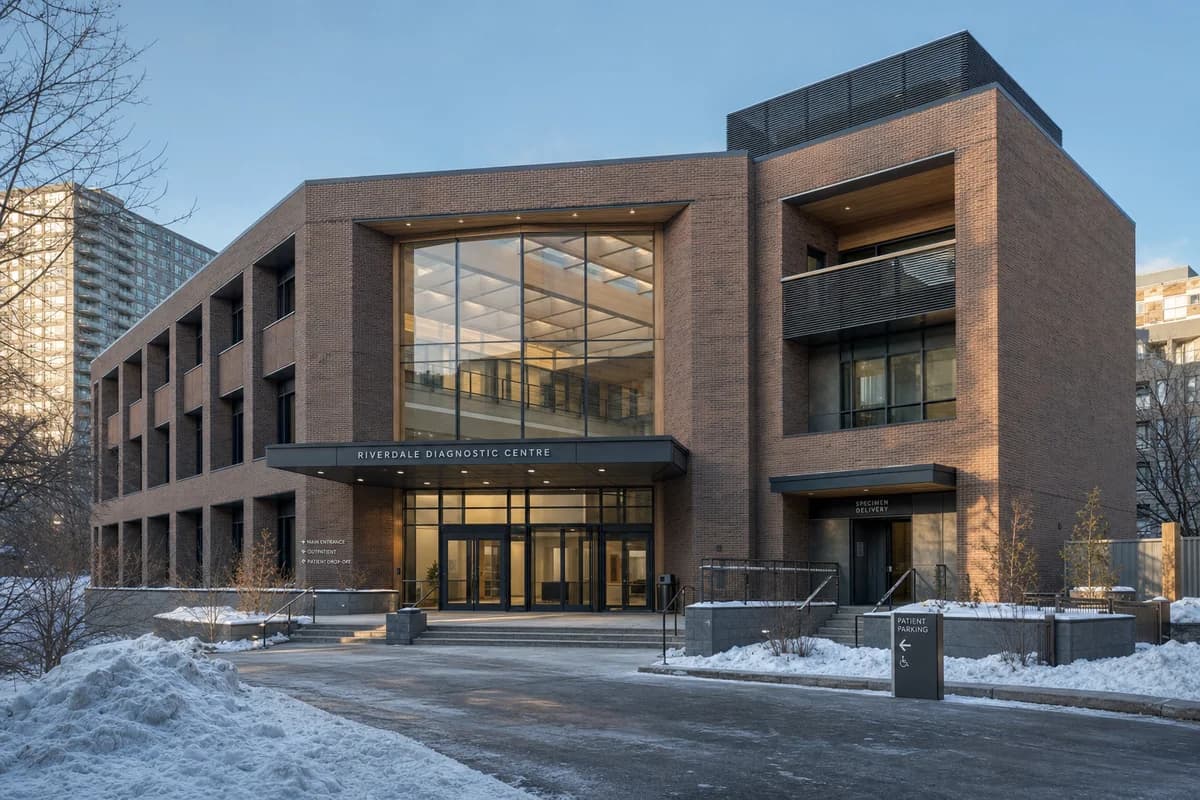
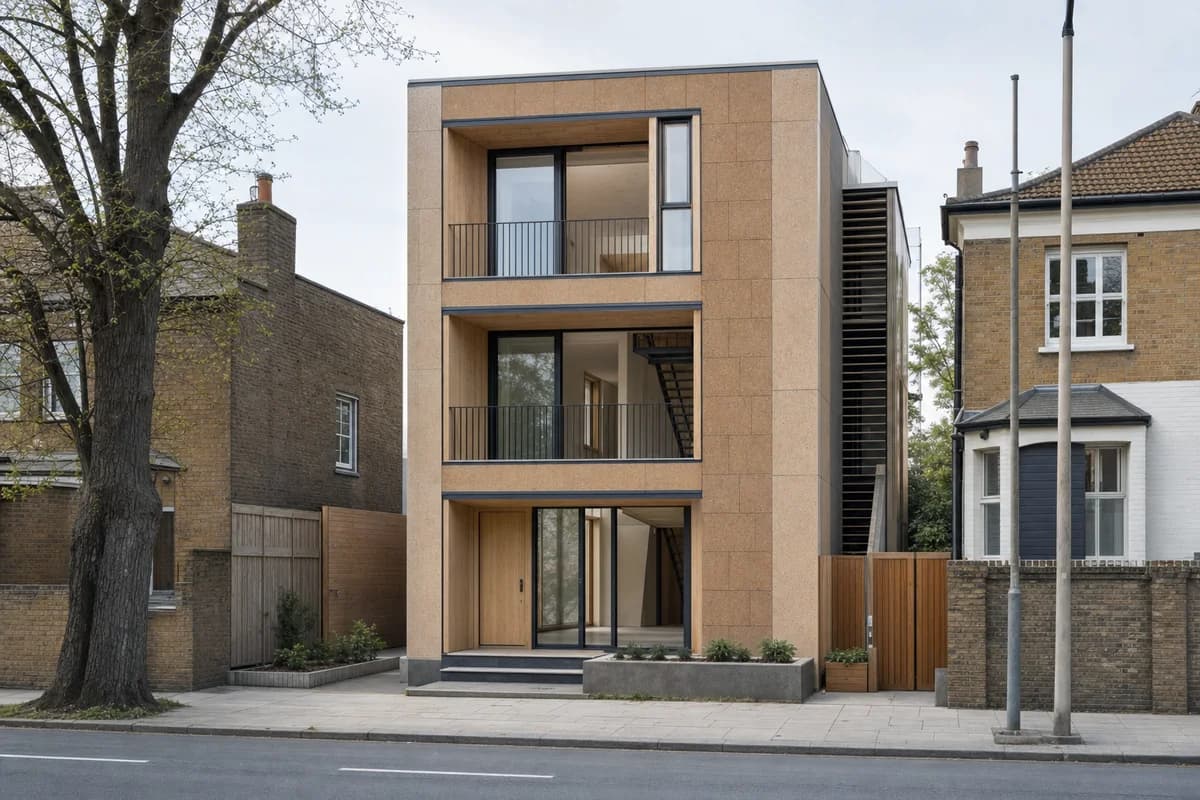
When should the work stay in Twinmotion?
Stay in Twinmotion when the scene remains the working center. Its current architecture workflow covers path-traced stills, walkthrough video, immersive VR, presentations, and configurators.
Stay there for weather, season, phasing, or scene-object changes. Twinmotion Cloud can deliver navigable presentations and Panorama Sets. CAD Scene cannot replace those outputs.
The same boundary applies to related tools. The Enscape and AI decision covers a model-connected renderer. The Lumion alternative guide separates still concept studies from live and scene-based delivery.
How do current license models differ?
Twinmotion's current license page says it is free for individuals, students, educational institutions, and businesses below $1 million in annual gross revenue. Businesses above that threshold, or users who need Twinmotion Cloud, need a seat. The listed price was $445 per seat per year on 11 September 2026.
CAD Scene uses monthly credits. Hobby is $12 a month with 250 credits. Studio is $35 a month with 1,000 credits. Render cost varies by model and native settings. See the current CAD Scene pricing and credit model.
These figures are not a value ranking. Twinmotion pricing includes a real-time visualization product. CAD Scene pricing covers an image workbench.
How should a studio test the decision?
Use one approved Twinmotion image. Keep the camera, brief, and review size fixed. Judge the process, not the most attractive first output.
- Produce one still through each route.
- Request one material change on a defined area.
- Compare geometry and camera with the Twinmotion scene.
- Record preparation, export, generation, and review steps.
- Check every required output, including motion, VR, or phasing.
- Repeat from another source tool if the studio uses a mixed stack.
CAD Scene should lead only when a portable image workflow reduces real friction. Twinmotion should lead when scene control and interactive delivery remain central.
Can CAD Scene replace Twinmotion?
Not as a live visualization scene. CAD Scene fits still-image studies. Twinmotion provides scene control, motion, phasing, weather, VR, and interactive presentations.
Can I use a Twinmotion image in CAD Scene?
Yes. Export a clean saved image, then use it as the explicit Enhance source. Check each generated result against the Twinmotion scene.
Will CAD Scene update my Twinmotion project?
No. CAD Scene reads an exported image. It does not change the Twinmotion scene, media, materials, objects, or phasing.
Sources reviewed
- Twinmotion 2026.1 release notes, reviewed 11 September 2026
- Twinmotion 2025.1.1 release announcement and NVIDIA DLSS 4 support, reviewed 11 September 2026
- Twinmotion product and current releases, reviewed 11 September 2026
- Twinmotion architecture workflow, reviewed 11 September 2026
- Twinmotion images and panoramas, reviewed 11 September 2026
- Twinmotion viewport and rendering modes, reviewed 11 September 2026
- Twinmotion Cloud, reviewed 11 September 2026
- Twinmotion licensing, reviewed 11 September 2026
- CAD Scene Product, Glossary, pricing code, Enhance Help, and retention method, reviewed 11 September 2026