
Enscape and AI Rendering: Which Workflow Fits?

Choose CAD Scene when an architecture studio needs one browser workflow for still-image studies from Enscape and other source tools. Keep Enscape with Veras when live model context, walkthroughs, VR, panoramas, or direct object selection matter more.
This is no longer a choice between Enscape and AI. Chaos added Veras AI to every Enscape plan in May 2026. The real choice is model-connected visualization or a portable screenshot workbench.
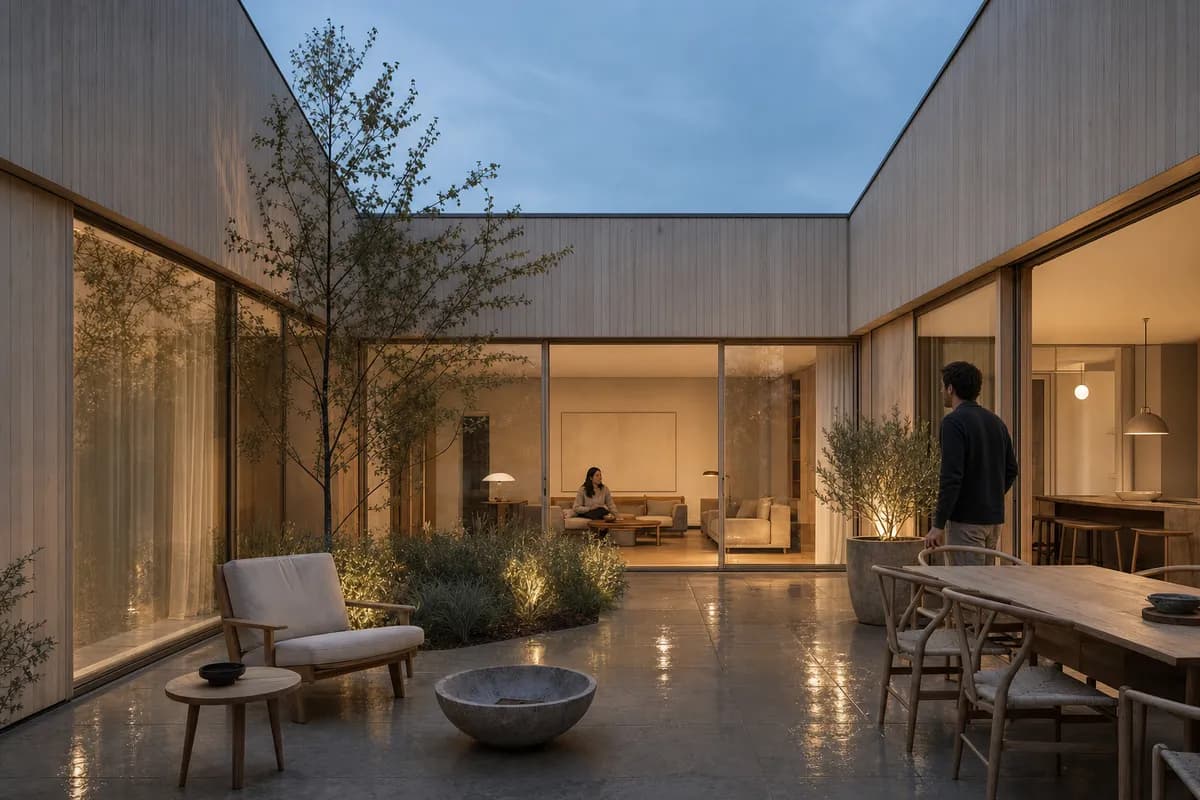
Is CAD Scene a good Enscape alternative for AI concept options?
CAD Scene is a good alternative for fixed-view concept studies. It starts from an exported image and keeps the work in one browser Project. Create, Enhance, and Edit share the same Composition, studies, and render history.
Enscape is the stronger choice for live design review. Its current product links directly with Revit, SketchUp, Rhino, Archicad, and Vectorworks. Veras can then generate options from model context inside that workflow.
| Decision | CAD Scene | Enscape with Veras |
|---|---|---|
| Source context | Exported image | Connected CAD or BIM model |
| Source-tool fit | One image path across tools | Five named host integrations |
| Live walkthrough | ||
| Still-image options | ||
| Focused edits | Named masked regions | Smart Selection by object or material |
| Presentation outputs | Images | Images, video, panoramas, VR, and standalones |
| Project continuity | Composition shared across studies | Host model and Chaos workflow |
| Best fit | Mixed-stack still studies | Model-connected review and presentation |
What AI tools are now part of Enscape?
Chaos now includes Veras AI in every Enscape plan. Veras generates design alternatives, material studies, and style directions from CAD or BIM context. Its current tools include Smart Selection for objects and materials.
Enscape also has an AI Enhancer. Chaos describes it as a way to refine people and vegetation in Enscape captures. It is not the same tool as Veras.
This changes the comparison. An architect does not need CAD Scene merely to add AI to Enscape. CAD Scene earns its place when the image workflow must stay portable across software or when one browser Project is the preferred record.
When should you choose CAD Scene?
Choose CAD Scene when the deliverable is a set of still options. It is especially useful when Enscape is only one source among Rhino, Revit, SketchUp, Blender, or other tools.
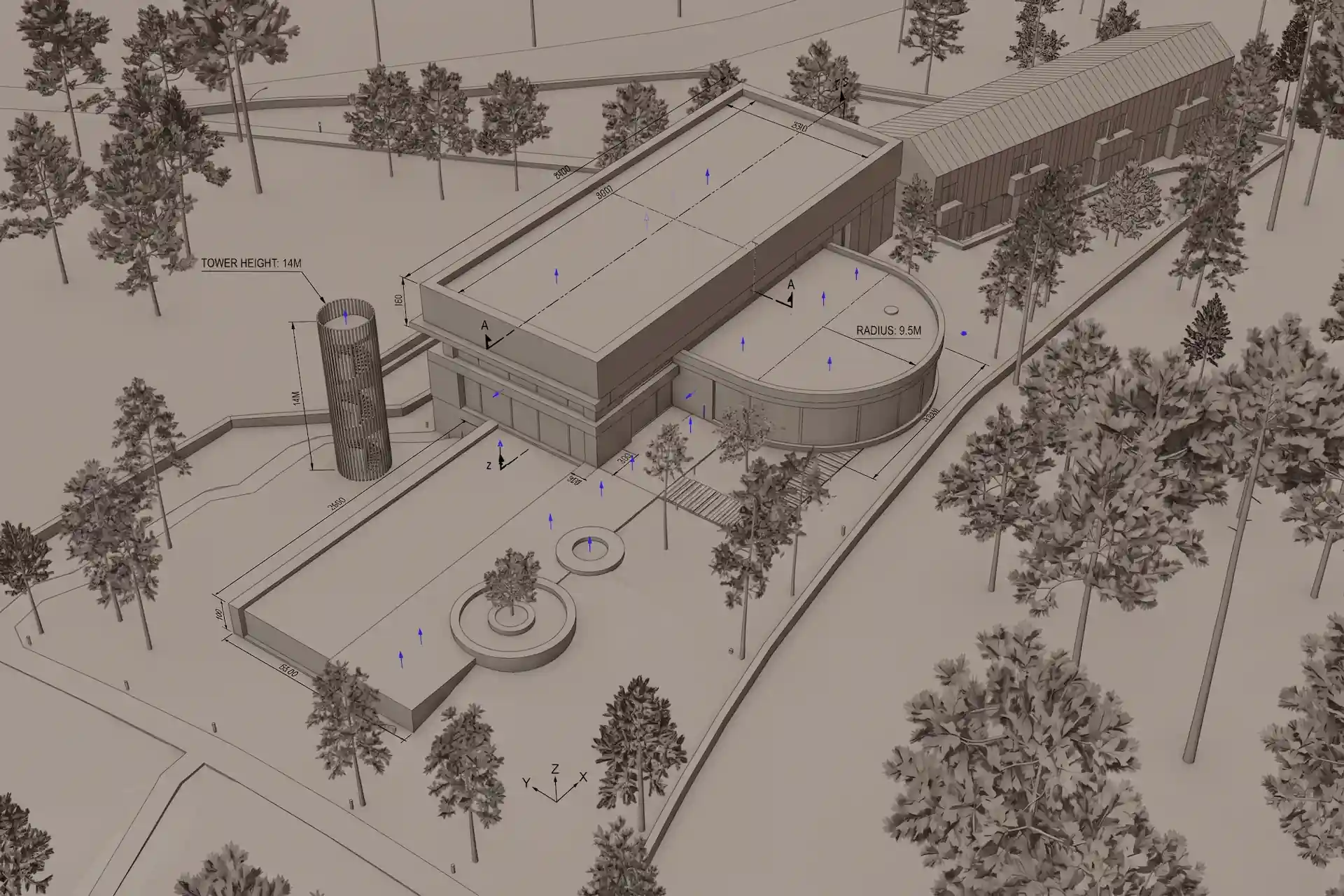
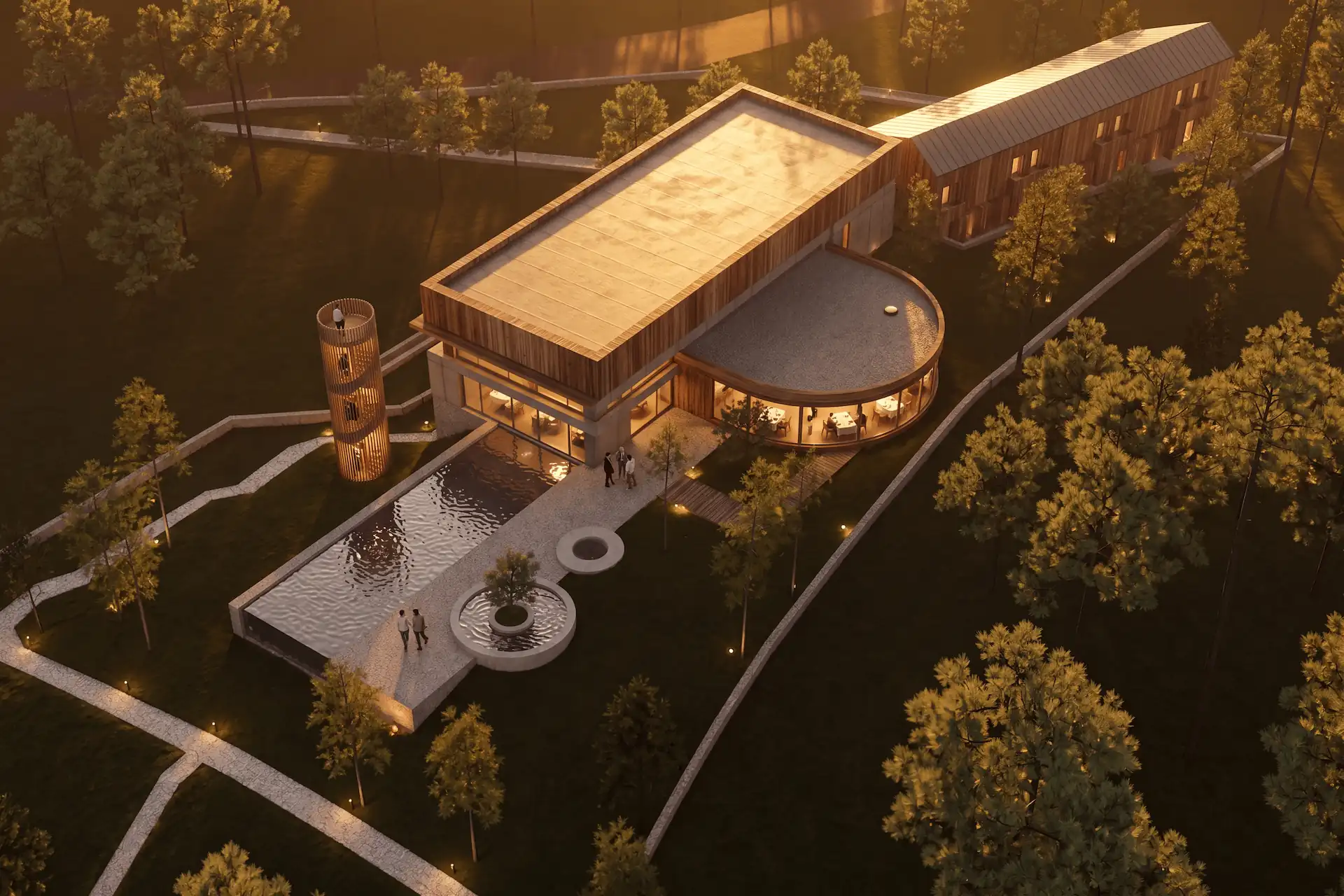
Enhance starts from one explicit source image. It instructs the image model to preserve camera, framing, geometry, and proportions. That is a constraint, not a guarantee. Check every result against the source.
The screenshot-to-render workflow shows the broader process. The public retention method explains how to review camera, perspective, framing, and visible geometry without treating one good output as a benchmark.
Before / after
Test one fixed view in CAD Scene.
When should you stay with Enscape and Veras?
Stay with Enscape when the active model is the working center. Its real-time viewport follows design changes and supports walkthroughs, VR, video, panoramas, standalone presentations, and cloud review.
Stay with Veras when direct source context should guide ideation. Chaos says Veras can target objects or materials without a painted mask. That model-aware route can remove an export step and preserve host context that a flat image does not carry.
The CAD Scene and Chaos Veras comparison covers the wider product decision. It includes current editing, model, output, pricing, and integration sources. For another real-time route, compare Twinmotion with a separate image study.
Can you use Enscape and CAD Scene together?
Yes. Use Enscape to frame and review the model. Export one clean still when you want a separate browser-based image study.
Fix the camera
Choose the exact Enscape view and crop required for the final still.Remove conflicting effects
Reduce unwanted people, fog, depth of field, and color grading before export.Choose the route
Use Veras for model-connected ideation. Use CAD Scene for a portable screenshot study.Review the source first
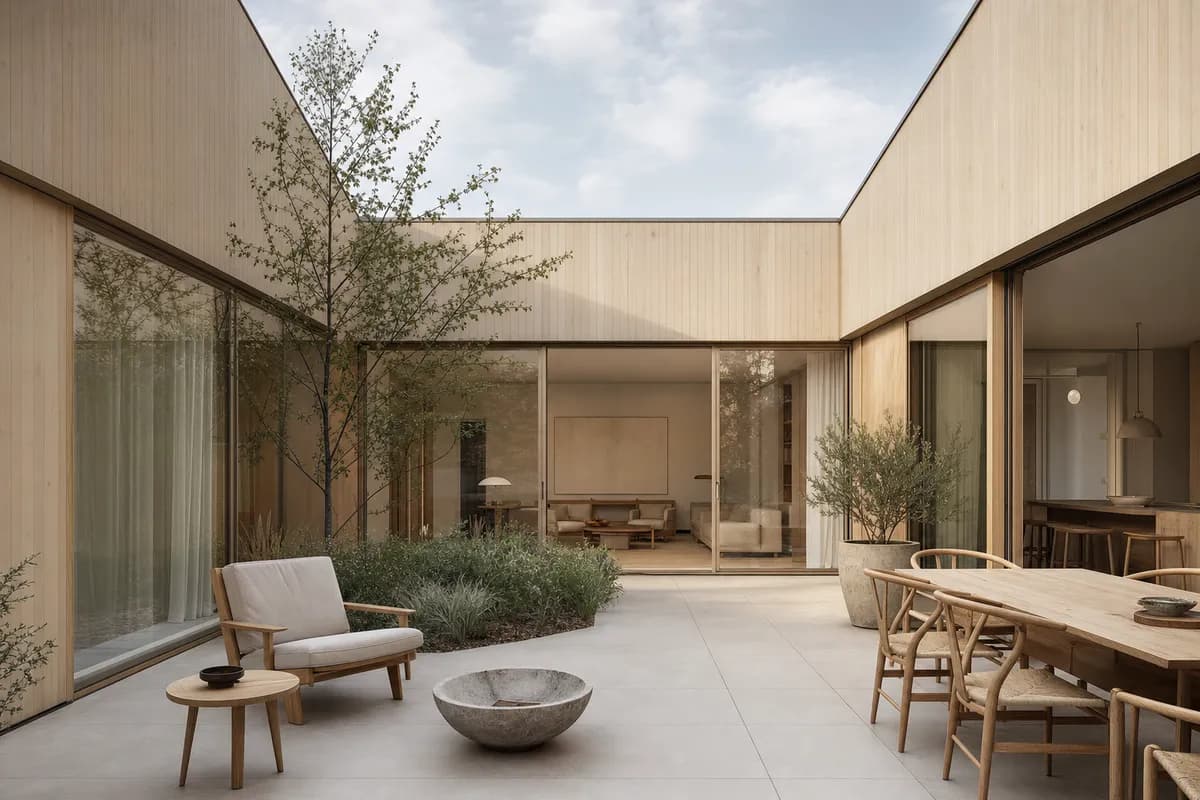
Compare openings, roof lines, material edges, camera height, perspective, and crop.
 Synthetic sourceConcept render
How do current prices compare?
The cost models are different. CAD Scene sells monthly credits. The current Hobby plan is $12 a month with 250 credits. Studio is $35 a month with 1,000 credits. Render cost depends on model and native settings.
The current U.S. Enscape pricing page lists Solo at $574.80 billed annually. It shows $47.90 as the monthly effective figure before tax. Solo includes 100 monthly Chaos AI credits and Veras AI.
These figures are not a value ranking. One price buys a browser image workbench. The other includes a model-connected real-time renderer. Compare the required host coverage, outputs, hardware, credits, and annual commitment.
How should a studio test the decision?
Use one approved project view. Keep the camera, brief, and review size fixed. Then test the workflow rather than the most attractive first image.
- Produce one still option through each route.
- Request one material change on a defined area.
- Check geometry and camera against the host model.
- Record export, plugin, setup, and review steps.
- Check every required output, including motion or VR.
- Repeat from a second source tool if the studio uses a mixed stack.
CAD Scene should lead only when the screenshot path and browser Project reduce real workflow friction. Enscape should lead when direct model context and live presentation remain central.
Does Enscape include AI rendering?
Yes. Chaos includes Veras AI in every current Enscape plan. Enscape also has an AI Enhancer for people and vegetation in captures.
Can CAD Scene replace an Enscape walkthrough?
No. CAD Scene outputs images. Enscape provides a live model-connected viewport, VR, video, panoramas, and standalone presentations.
Will CAD Scene send changes back to Enscape?
No. CAD Scene reads an exported image. It does not change the Enscape project or the connected CAD or BIM model.
Sources reviewed
- Enscape product and current host integrations, reviewed 7 August 2026
- Enscape core features and export options, reviewed 7 August 2026
- Enscape workflow updates and Veras on every plan, reviewed 7 August 2026
- Chaos release dated 27 May 2026, reviewed 7 August 2026
- Veras updates, last updated 22 June 2026, reviewed 7 August 2026
- Enscape U.S. pricing, reviewed 7 August 2026
- CAD Scene Product, Glossary, pricing code, and Enhance Help, reviewed 7 August 2026