
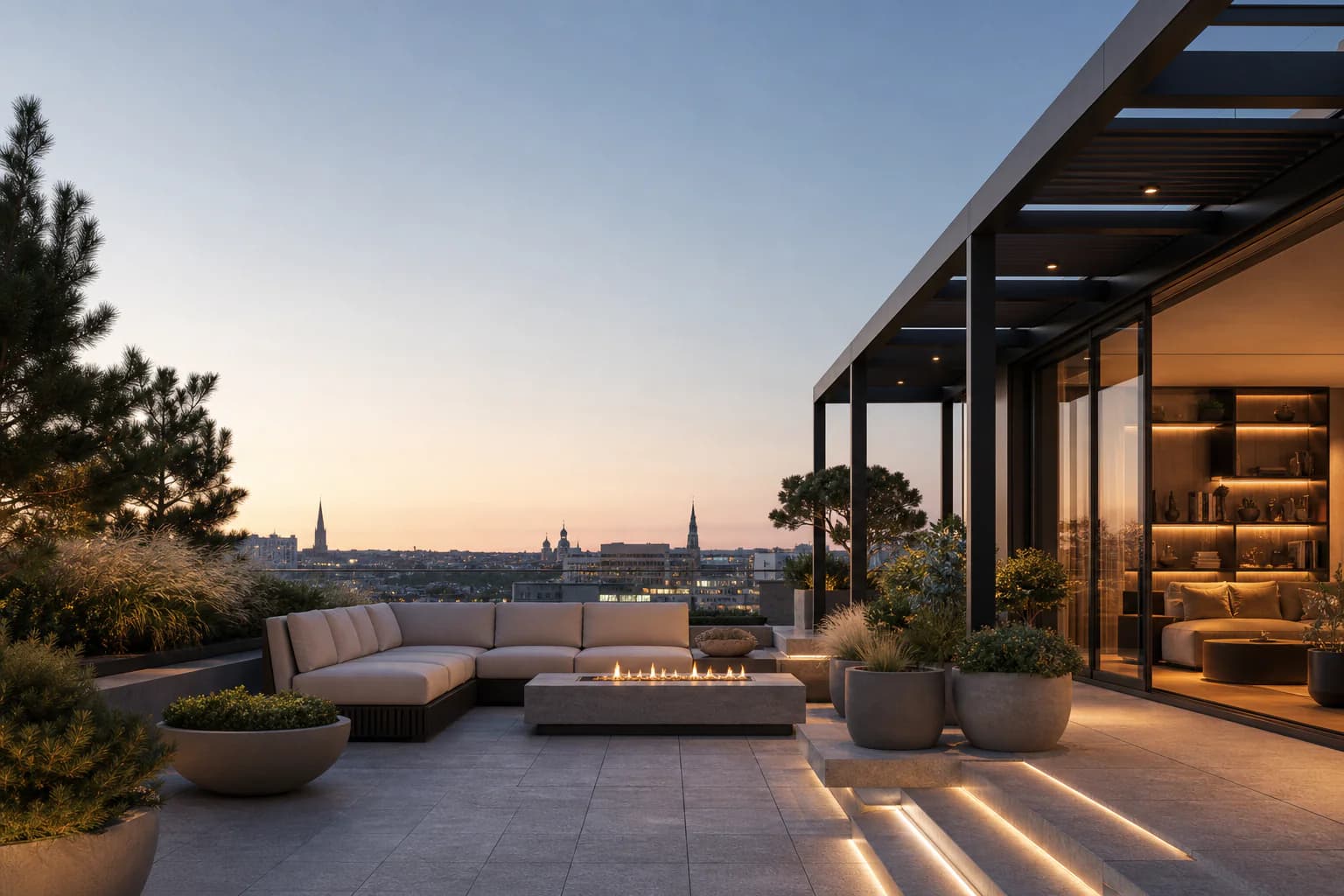
Modify, Relight, and Effects
Apply one focused operation to a finished Render with its original context.
Updated Aug 10, 2026 · 6 min read
Enter a search term.
An image operation applies one focused preset to a finished Render. Selecting a preset submits one new Enhance Render immediately in the same study.
The operation uses the source Render's image, model, supported native settings, and immutable Composition snapshot. It does not silently switch to the project's current settings. If the source model or settings are no longer available, CAD Scene uses the normal action fallback to an available selection.
The charge is the normal per-image rate for that resolved model and settings. There is no flat operation price. A failed operation refunds its charge through the normal Render job path.
Interactive example
Image operation previews. The surrounding article includes the same guidance in static text.
Sample previews show the operation on a neutral scene, not your render. They teach the intended treatment and do not predict an exact result.
Modify
Use Modify for a bounded framing, viewpoint, scene-content, sky, perspective, material, or realism change. Camera changes such as a higher viewpoint are inferred by the image model. They can rebuild parts of the scene and cannot guarantee exact geometry.
- Zoom in: Move closer to the subject while keeping the same view direction.
- Zoom out: Reveal more context around the scene without redesigning it.
- View from above: Rebuild the scene from a higher, downward-looking view.
- Add people: Add a few naturally scaled people without hiding the architecture.
- Add decorations: Add restrained decor that fits the existing design.
- Expand image: Extend the scene beyond every edge while keeping its aspect ratio.
- Cleanup: Remove visual defects and clutter without redesigning the scene.
- Add greenery: Add restrained, climate-appropriate planting in plausible locations.
- Refine materials: Improve texture, roughness, reflections, and material realism.
- Add vehicles: Add one or two context-appropriate vehicles in plausible positions.
- Remove people: Remove people and reconstruct the surfaces behind them.
- Improve sky: Use a natural sky that matches the scene’s existing light.
- Correct perspective: Straighten architectural verticals while retaining the original view.
- View at eye level: Rebuild the scene from a natural standing-height viewpoint.
- Make photoreal: Convert the image to a photographic render without redesigning it.
- Remove vehicles: Remove vehicles and reconstruct roads, paving, and landscape.
Modify preserves the source's visual direction by default. Make photoreal is the explicit exception: it converts the image to a photographic render while asking the model not to redesign it.
Relight
Use Relight when the design and composition should remain while illumination and related atmosphere change.
- Clear morning: Use cool early daylight with crisp shadows and clear atmosphere.
- Soft overcast: Use even diffuse daylight that reveals materials without harsh contrast.
- Bright midday: Use high neutral sun with short shadows and clean contrast.
- Golden hour: Use warm low-angle sun with longer, softer shadows.
- Blue hour: Balance cool ambient twilight with existing warm lights.
- Rainy day: Use diffuse cool daylight, light rain haze, and damp reflections.
- Misty dawn: Use pale dawn light with shallow mist and clear foreground detail.
- Storm clearing: Add a restrained cloud break with one plausible shaft of sun.
- Night illumination: Use existing windows and fixtures for a balanced night exposure.
- North light: Use soft cool daylight with gentle interior tonal falloff.
- Window sun: Cast directional sunlight through existing openings with aligned shadows.
- Warm practicals: Use evening light from existing warm lamps and fixtures.
- Sunset afterglow: Add soft residual sunset color after direct sun has passed.
- Moonlit night: Use cool natural moonlight with readable shadows and restrained contrast.
- Dramatic side light: Model the architecture with strong side light and retained detail.
- Backlit glow: Add controlled backlight and rim light around the existing silhouette.
- Skylight wash: Use broad top light from existing skylights or overhead openings.
- Gallery spotlights: Add focused pools from existing spotlights with clean falloff.
- Winter sun: Use low cool sunlight with long, crisp seasonal shadows.
- Desert sun: Use dry bright sun with strong form and restrained warm bounce.
Effects
Use Effects for a restrained physical, optical, weather, movement, or photographic treatment.
- Atmospheric mist: Add thin mist for depth while keeping the architecture crisp.
- Lens flare: Add a subtle flare aligned with the existing light direction.
- After rain: Add wet surfaces and restrained reflections after rain clears.
- Soft sunbeams: Add faint volumetric rays aligned with existing light and openings.
- Dappled shadows: Add soft leaf shadows without obscuring architectural details.
- Snow flurry: Add sparse fine snow with minimal accumulation and clear façades.
- Light trails: Add thin long-exposure vehicle trails along existing roads.
- Optical bloom: Add restrained glow around highlights while edges stay sharp.
- Shallow depth of field: Add gentle focus falloff while architecture remains dominant.
- Fine rain: Add light visible rainfall without flooding or a heavy storm.
- Dust motes: Add subtle illuminated particles in plausible interior light.
- Long-exposure clouds: Add soft directional cloud movement above stable architecture.
- Starburst lights: Add controlled diffraction stars around existing point lights.
- Foreground bokeh: Add restrained out-of-focus foreground highlights around the scene.
- Fine film grain: Add subtle photographic grain without reducing material clarity.
- Soft vignette: Add gentle edge darkening while keeping the building fully legible.
- Water caustics: Add subtle reflected patterns where existing water supports them.
- Cloud reflections: Add natural sky reflections on existing glazing only.
- Falling leaves: Add sparse seasonal leaves with plausible scale, depth, and motion.
- Wind movement: Add gentle motion to existing foliage, fabric, or light elements.
Existing scene conditions
Context-specific presets use what the scene already supports. They do not invent water, lights, roads, foliage, glazing, openings, or fabric only to make an effect visible. If a required condition is absent, the treatment may be subtle or have no useful effect.
History, replay, and recovery
Operation results keep the Enhance badge. Their Feed prompt starts with Category · Preset, followed by a short public summary. Public Help and Feed text never expose the longer provider instruction.
Render again and Create variations preserve valid operation identity and replay the preset while letting you choose supported model settings and, for variations, a count. They still create newly charged Render jobs.
If credits block an operation, verified checkout Continue restores the same source, category, and preset without submitting it. Select the preset again when ready. A missing source image, retired preset, invalid saved metadata, or unavailable project stops safely instead of turning into an ordinary Enhance. Correct the source or choose a current finished Render, then try again.